
If you need to config a Access Control Door Reader, here’s a general guide — the exact steps depend on your brand/system, but the core concepts are the same.
[mai mult...]Ventoy Linux bootable
Ventoy is an open-source tool that lets you create a bootable USB drive where you can store multiple ISO files and boot any of them — no need to reflash the drive each time.
[mai mult...]PowerShell error code “1”
PowerShell exited with code ‘1’ is a generic error meaning the script or command failed / encountered an error.
[mai mult...]How to check ports on CISCO switch for beginners
Here’s a comprehensive guide to checking and configuring ports on a managed switch.
[mai mult...]APC UPS – NAT mode
UPS NAT Mode refers to how a Network-attached UPS (Uninterruptible Power Supply) handles network address translation, but more commonly it refers to a setting found in UPS management software or network configurations — most likely you’re asking about one of these contexts.
[mai mult...]Kill sessions APC UPS’s
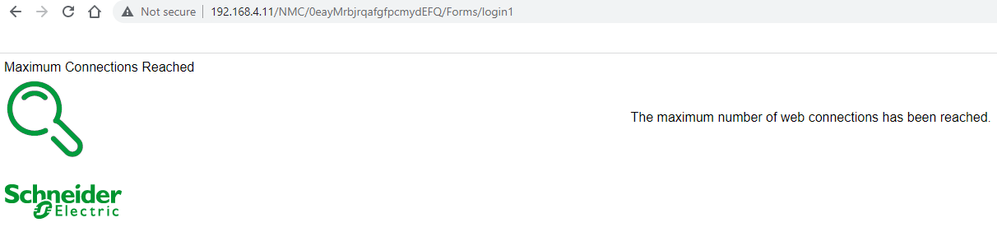
Microsoft error 7q6ch
Error 7Q6CH is a Microsoft activation error, typically seen in Windows or Microsoft 365 activation. It usually indicates a problem with license validation or product key activation.
Common Causes:
- License not found or expired — the product key or subscription can’t be validated
- Multiple activations exceeded — the key has been used on too many devices
- Volume license issue — KMS or MAK activation problem in an enterprise environment
- Account mismatch — signed in with the wrong Microsoft/work account
- Connectivity issue — activation servers couldn’t be reached
Configurare Access Point FAT mode
In FAT AP mode (also called Autonomous mode or Standalone mode), the AP operates independently without needing a wireless controller (no WLC/AC required). All configuration is stored locally on the AP itself.
FAT vs FIT Mode
| FAT Mode | FIT Mode | |
|---|---|---|
| Controller needed | ❌ No | ✅ Yes |
| Config stored | On the AP | On the controller |
| Management | Per-AP (local) | Centralized |
| Best for | Small/home networks | Enterprise deployments |
Indexing issues in Outlook on Windows 11
To fix indexing issues in Outlook on Windows 11 as of early 2026, follow these troubleshooting steps.
[mai mult...]
How to fix sinhala font issue in windows 11
To fix Sinhala font rendering and rendering issues in Windows 11, install the latest Unicode font (Iskoola Pota), install the Sinhala language pack, or remove conflicting Legacy/DL-series fonts.
[mai mult...]