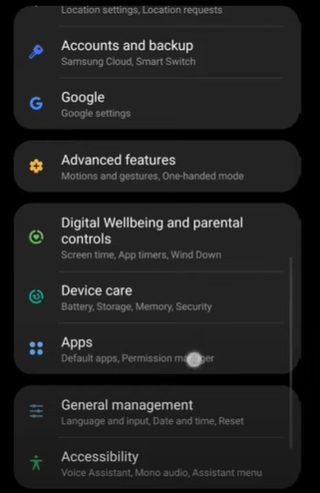
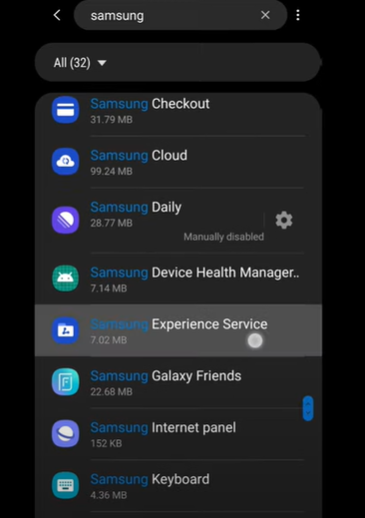
How to fix Samsung Experience Service keeps stopping Data 11/11/2021 Autor digulescu gabriel ionut Categorie Soluții -2 923 Configurare noua (How To) Situatie Solutie 1.Open Settings 2.Go to Apps 3.Search for Samsung Experience Service 4.Down-right, select Force Stop and click Force Stop. Tip solutiePermanent Voteaza Up Down (15 din 32 persoane apreciaza acest articol) ShareTweetShare Despre Autor digulescu gabriel ionut Solutii Asemanatoare How to resolve a Windows Update Install Error – 0x80070002 3 How to move Taskbar to top or side on Windows 11 3 Reparare eroare:”Trust Relationship Failed” fără scoatere din domeniu și fără restart (PowerShell) 1 You’ve been deleting files the wrong way in Windows 7 Arduino Soil Moisture Sensor 6 Instalare și rulare model AI local (Llama3) pe server Linux folosind Ollama 1 Leave A Comment? × Cancel Reply Save my name, email, and website in this browser for the next time I comment. × eight = twenty four

Leave A Comment?