Ati dat peste eroarea „Something Wrong When Loading the DC-WFF.DLL” în timpul pornirii Windows 10? Aceasta este o eroare comună întâlnită de utilizatorii care și-au actualizat sistemul Windows 7, 8 sau 8.1 la Windows 10. Mai mult, DC_WFF.dll face parte din TWCU (TP-LINK Wireless Configuration Utility) și, dacă este deteriorat sau lipsește, acesta începe să arate DC_WFF.dll lipsă sau nu a găsit o eroare. 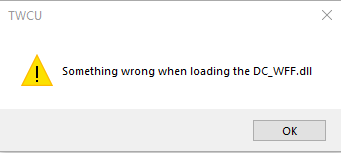
OneDrive For Business Error 0x80004005
Acest tutorial conține instrucțiuni pentru remedierea erorii 0x80004005 a OneDrive for Business atunci când încercați sincronizarea fișierelor: „Nu am putut sincroniza această bibliotecă. Nu am putut configura această bibliotecă deoarece există o problemă de configurare a serverului sau a listei.
Dacă acest lucru se întâmplă în continuare, vă rugăm să contactați administratorul dvs. Odată ce această problemă a fost rezolvată, puteți încerca din nou configurarea. Eroare nespecificată. Cod Error = 0x80004005; Sursă eroare = Groove “.
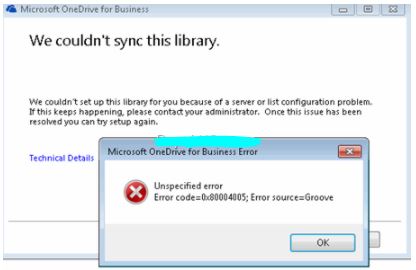
Cum se remediază eroarea 0x80004005 în OneDrive for Business.
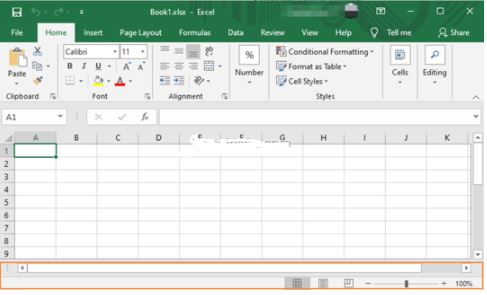
[mai mult...]Ce facem cand lipsesc filele Excel Sheet în partea de jos a unui registru de lucru
Acest articol oferă instrucțiuni detaliate pentru a rezolva problema „foilor lipsă” dintr-un registru de lucru Excel.
Contact Form 7 nu functioneaza
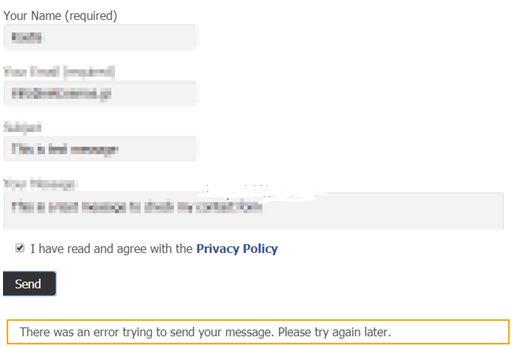
Contact Form 7 este unul dintre cele mai faimoase pluginuri WordPress gratuite, care vă ajută să creați, să gestionați și să personalizați formularul de contact de pe site-ul dvs. WordPress. Recent, am descoperit că pluginul „Contact Form 7” de pe site-ul meu (și în multe altele) a încetat să funcționeze cu eroare „A apărut o eroare la trimiterea mesajului dvs. Încercați din nou mai târziu”, care este înconjurat de un dreptunghi portocaliu, după trimiterea formularului.
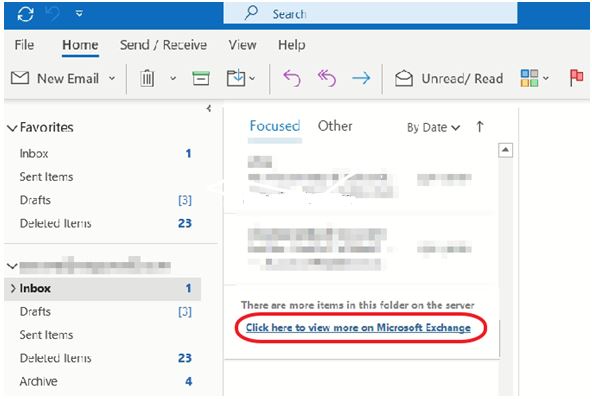
How to Remove the click here to view more on microsoft exchange option in Outlook
Dacă nu doriți de fiecare dată să faceți click pe hyperlinkul „Click here to view more on Exchange” în Outlook,
pentru a vedea toate e-mailurile stocate pe Exchange, continuați să citiți mai jos.
- Hyperlinkul „Click here to view more on Exchange” în Outlook, apare deoarece folderele de e-mail afișează numai elementele mai noi (e-mailuri). Acesta este un comportament implicit, deoarece atunci când utilizați Microsoft Outlook 2019, Outlook 2016, Outlook 2013 sau Outlook pentru Office 365 pentru a vă conecta la cutia poștală Exchange Server, Outlook afișează unul dintre e-mailurile din anul trecut.
Error! Check Activation in Adobe Digital Editions
If you receive the error “Check activation” in Adobe Digital Editions while attempting to activate an e-book, then continue reading below. The problem “Error! Check activation” can appear in all Adobe Digital Editions versions if you try to authorize or to erase the authorization of an e-book.
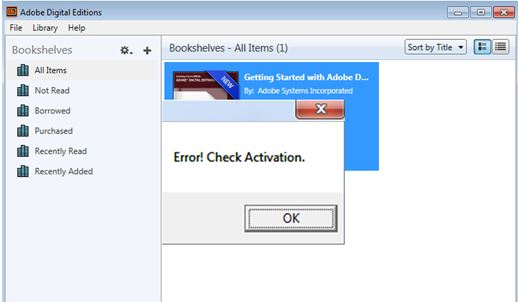
- Error! Check Activation
- Unable to Erase Authorization. Please try after some time.

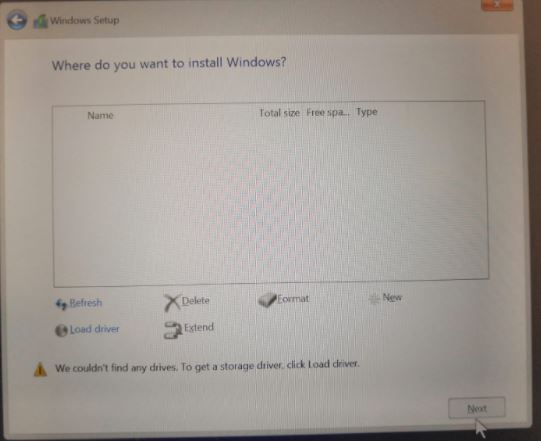
Ce faci cand hard-urile si SSD-urile nu sunt recunoscute dupa instalare windows-ului?
La laptop-urile noi de la HP,la instalarea Windows-ului din cauza procesoarelor noi,acestea nu mai recunosc hard-urile mai vechi sau SSD-urile pe care le au introduse.
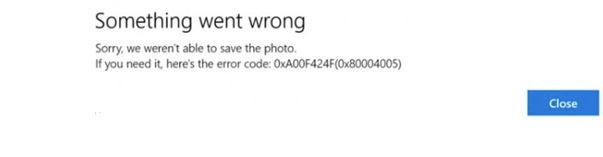
Camera App 0xA00F424F (0x8004005) error in Windows 10
Eroarea aplicației Cameră 0xA00F424F din Windows 10, în timp ce încerca să facă fotografii sau videoclipuri, înseamnă că aplicația Cameră nu poate salva fotografiile sau fișierele video în locația de stocare specificată de pe computer. Eroarea 0xA00F424F (0x8004005) poate apărea din mai multe motive, deci urmați metodele de mai jos pentru a o remedia.
Microsoft Office Installer encountered a problem because of Click to Run installer based Office programs
Acest tutorial conține instrucțiuni pentru rezolvarea erorii de configurare Office.
“We found a problem! We’re sorry, Microsoft Office installer encountered a problem because you have these Click-to-run installer based Office programs installed on you computer: Microsoft Office Professional”. Eroare din imagine apare de obicei atunci când încercați să instalați Visio, Project, Skype for Business sau OneDrive for Business, în timp ce aveți Microsoft Office 2019, 2016 sau 2013 Professional Plus sau Standard, deja instalat pe computerul dvs.

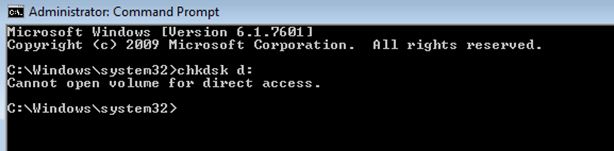
CHKDSK – Cannot open volume for direct access
Eroarea „Cannot open volume for direct access.” din comanda „chkdsk”, înseamnă de obicei că unitatea pe care doriți să o verificați pentru erori, este deteriorată și nu poate fi accesată. În acest caz, singura opțiune este să încercați să vă recuperați fișierele de pe unitatea deteriorată, urmând instrucțiunile de mai jos.