Soluții

OneDrive For Business Error 0x80004005

Acest tutorial conține instrucțiuni pentru remedierea erorii 0x80004005 a OneDrive for Business atunci când încercați sincronizarea fișierelor: „Nu am putut sincroniza această bibliotecă. Nu am putut configura această bibliotecă deoarece există o problemă de configurare a serverului sau a listei.

Dacă acest lucru se întâmplă în continuare, vă rugăm să contactați administratorul dvs. Odată ce această problemă a fost rezolvată, puteți încerca din nou configurarea. Eroare nespecificată. Cod Error = 0x80004005; Sursă eroare = Groove “.

Cum se remediază eroarea 0x80004005 în OneDrive for Business.

[mai mult...]

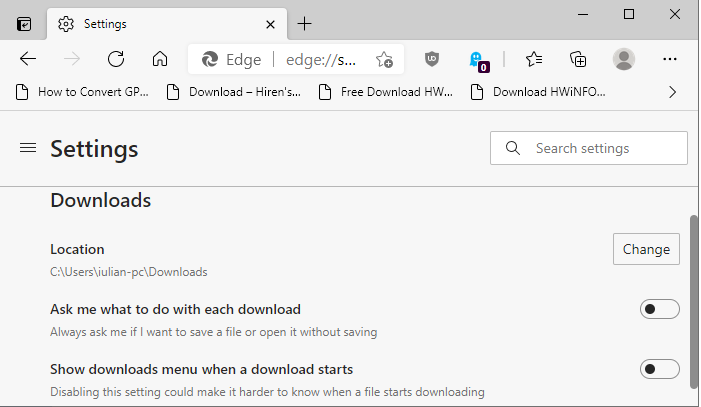
How to Export and Delete Saved Passwords in Microsoft Edge

The Microsoft Edge web browser can save and sync your usernames and passwords across all your devices using your Microsoft account. But if you’re moving away from Edge, it’s best to first export and delete all your saved passwords.

While Microsoft Edge’s built-in password management is convenient, it’s only limited to the browser. We recommend that you use a dedicated password management tool that offers cross-device sync support and can work across multiple platforms and browsers.

Moving to a new password management service is not that difficult. All you have to do is export a CSV file from Microsoft Edge and import it into the password management tool. Services like Bitwaren make it quite easy to import your data.

[mai mult...]