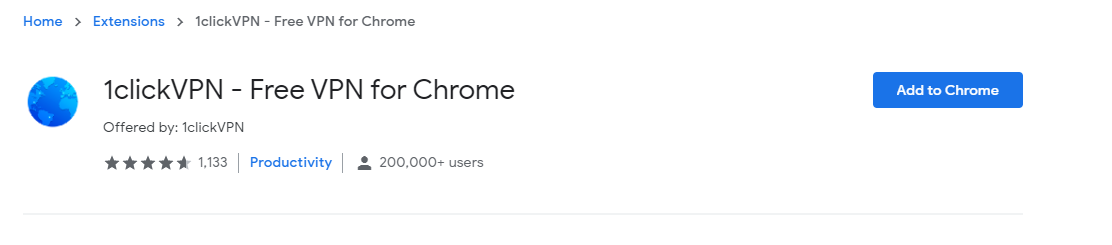
Cum setezi vpn direct din browser cu ajutorul extensiei 1ClickVPN Data 29/04/2020 Autor Costinel Cirstea Categorie Soluții -2 602 Configurare noua (How To) SituatiePentru a utiliza vpn in Chrome, putem folosi extensia 1ClickVPN . Care sunt pasii de urmat pentru a instala extensia? Solutie Pasi de urmat Deschidem o pagina de Google si scriem 1ClickVPN Selectati Add to Chrome Selectati Add Extension Tip solutiePermanent Voteaza Up Down (16 din 34 persoane apreciaza acest articol) ShareTweetShare Despre Autor Costinel Cirstea Solutii Asemanatoare How to sync your Android and Windows devices seamlessly 1 How to Install the Google Play Store on an Amazon Fire Tablet 2 How to disable the Drag Tray feature on Windows 11 using the Registry Editor 3 How to disable share Drag Tray at the top of screen on Windows 11 0 Cum raportezi emailurile de tip phishing în Outlook 0 Cum migrezi din OneDrive către SharePoint 2 Leave A Comment? × Cancel Reply Save my name, email, and website in this browser for the next time I comment. 9 − six =

Leave A Comment?