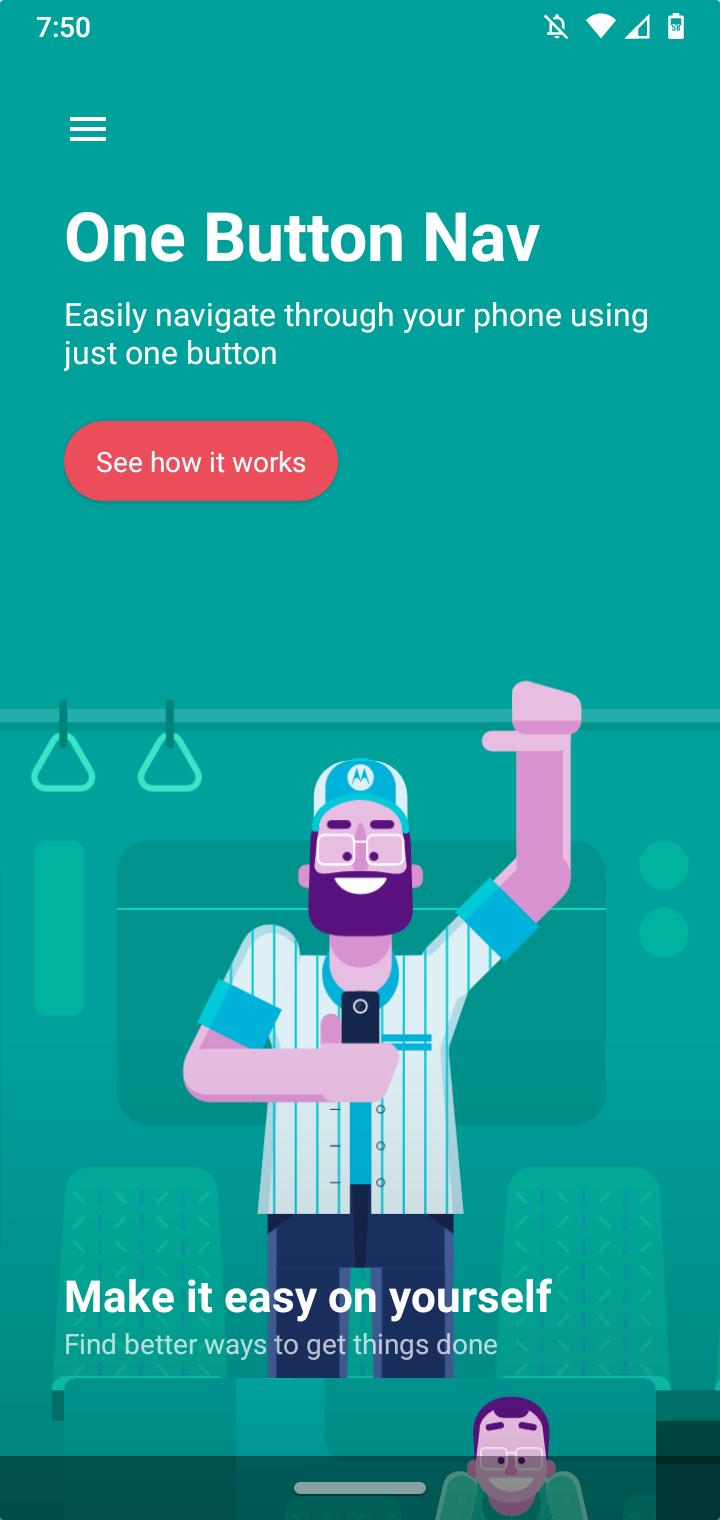
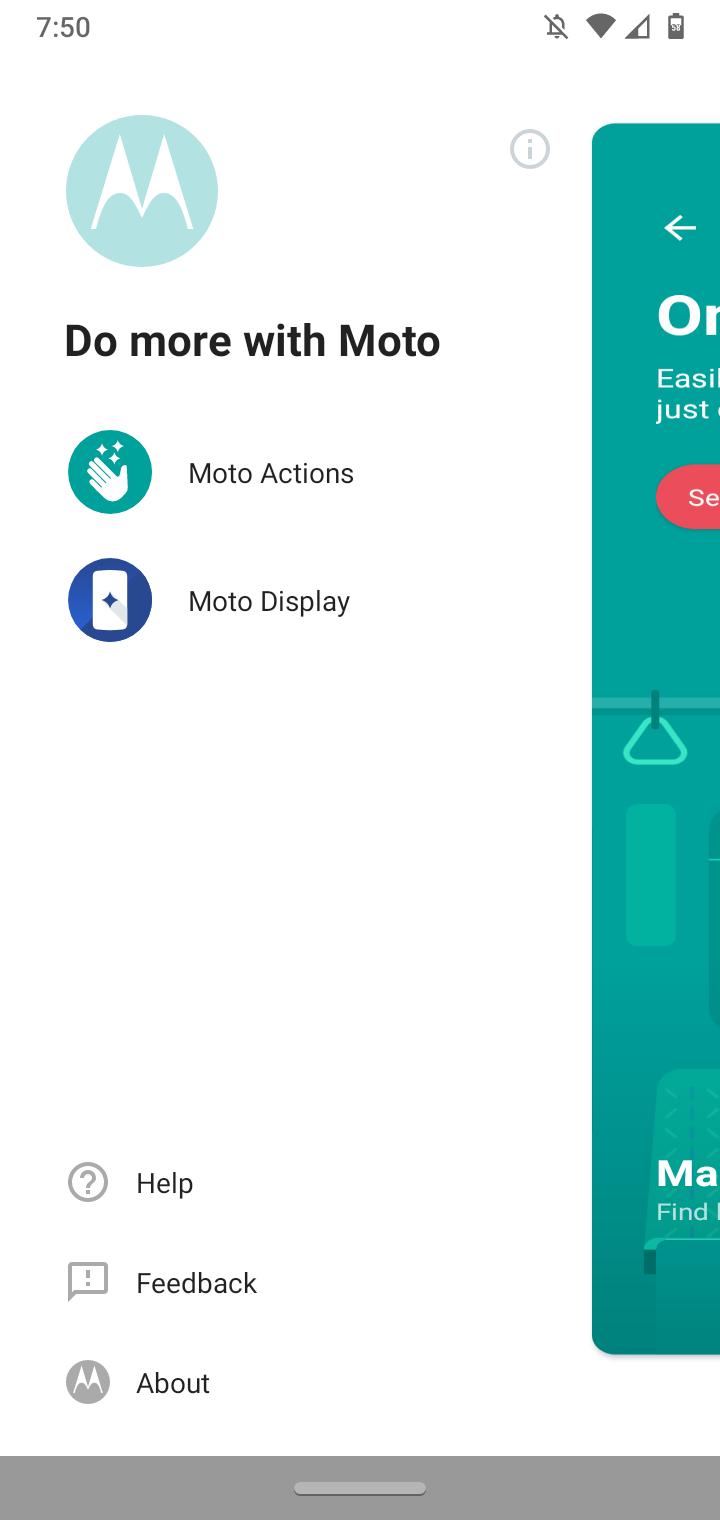
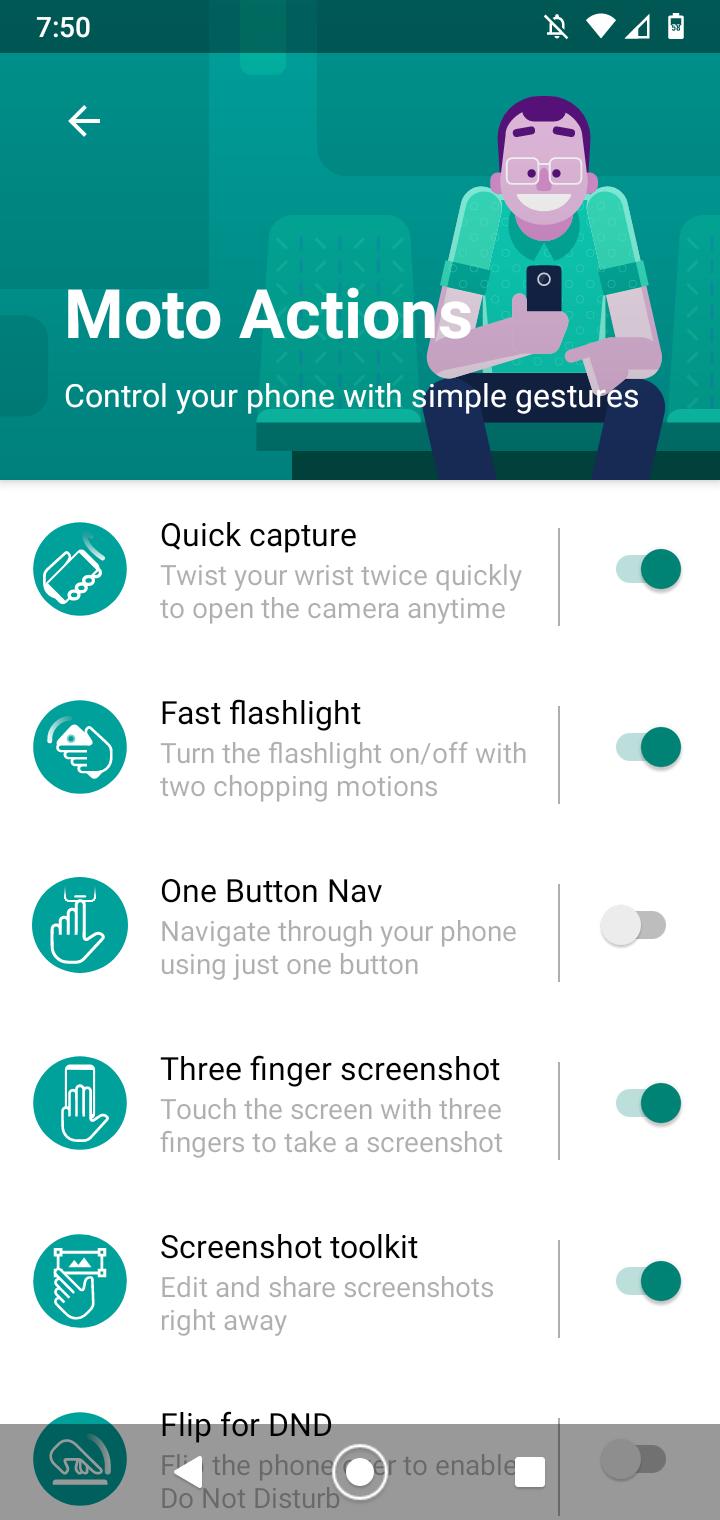
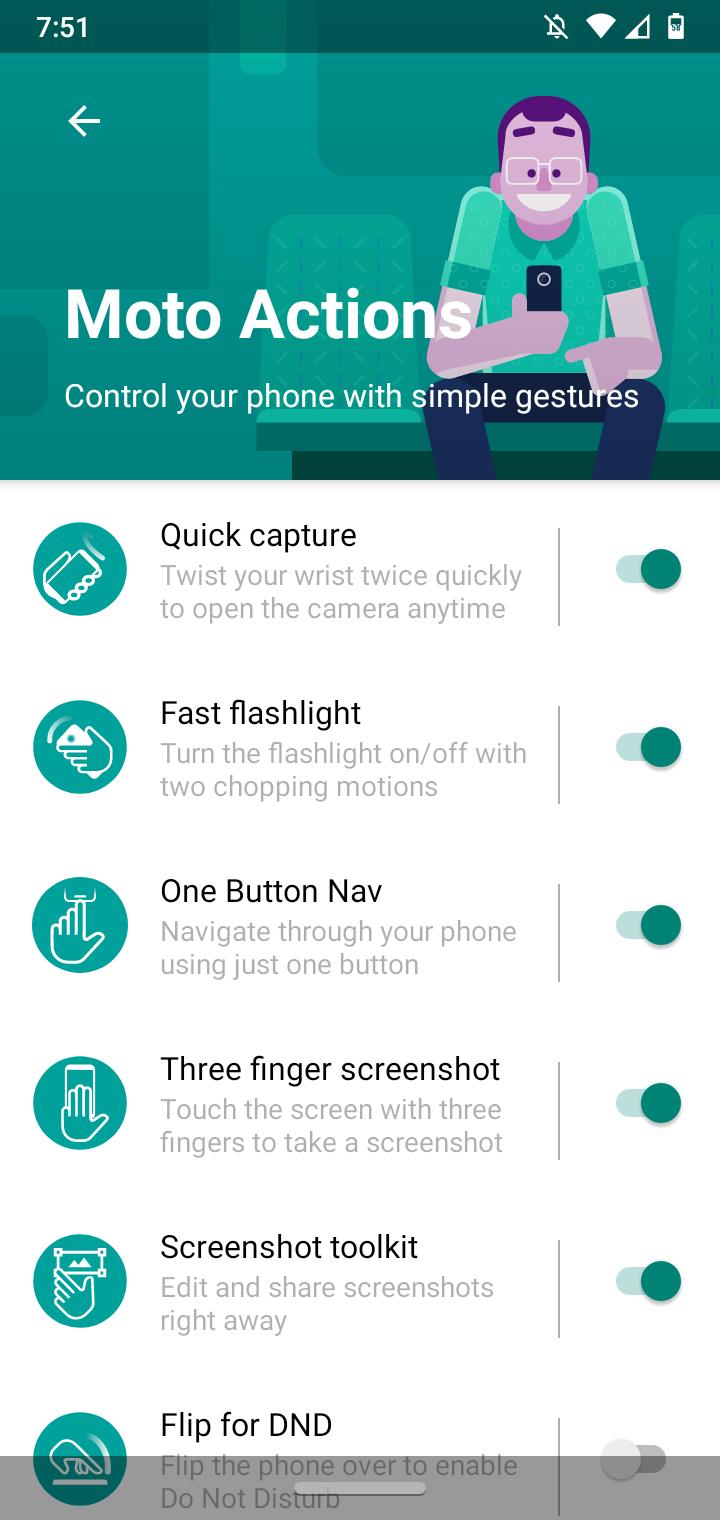
How to enable One Button Navigation using Moto Actions Data 16/08/2020 Autor digulescu gabriel ionut Categorie Soluții -3 595 Configurare noua (How To) Situatie Solutie 1.Open Moto application 2.Click on Menu 3.Select Moto Actions 4.Enable One Button Nav Tip solutiePermanent Voteaza Up Down (14 din 31 persoane apreciaza acest articol) ShareTweetShare Despre Autor digulescu gabriel ionut Solutii Asemanatoare How to run Microsoft Defender full virus scan on Windows 11 -8 Cum customizati raspunsurile oferite de AI-ul Leo in browser-ul Brave 3 How to combine multiple storage drives in Windows 0 How to fix a Tombstoned Domain Controller 1 NTLDR lipsește din Windows 10 -2 Combina nume+prenume in Excel -3 Leave A Comment? × Cancel Reply Save my name, email, and website in this browser for the next time I comment. 5 × = twenty five

Leave A Comment?