
Situatie
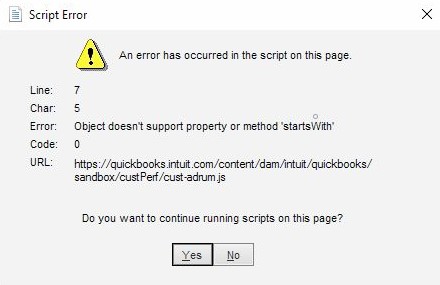
QuickBooks uses Internet Explorer to open and display most of its windows. To make sure it won’t happen again, Internet Explorer needs to be configured and set as the default browser.
Solutie
1. Type Internet Options in the Start menu and open it.
2. Click the Programs tab, and then the Make Default button.
3. In the opening window, click on Web browser and choose Internet Explorer.
4. Go back to Internet Options.
5. Select the Security tab.
6. Click Trusted Sites, and click on Sites.
7. In the Add this website to the zone field, enter *.intuit.com and click on Add.

8. Uncheck Require server verification.
9. Close the Trusted sites window, and uncheck Enable Protected Mode.
10. Close the browser.
Leave A Comment?