
Situatie
Solutie
1.Go to Start> Control Panel> Hardware and Sound> Sound> Manage Audio Devices
(alternatively right-click the speaker icon in the bottom right of the taskbar and select Playback)
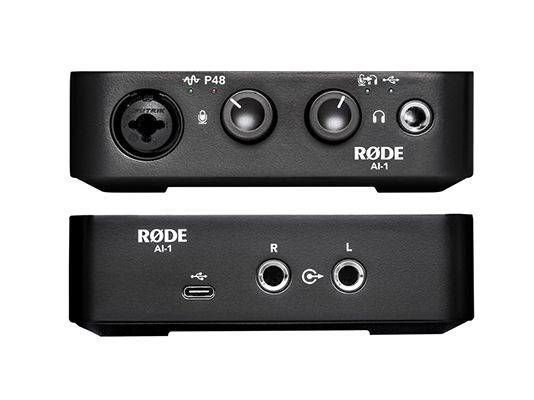
2. Confirm that ‘RODE AI-1’ is selected as the default device in both the Playback and Recording tabs.
The AI-1 is a class-compliant device and therefore does not need any drivers installed.
Leave A Comment?