
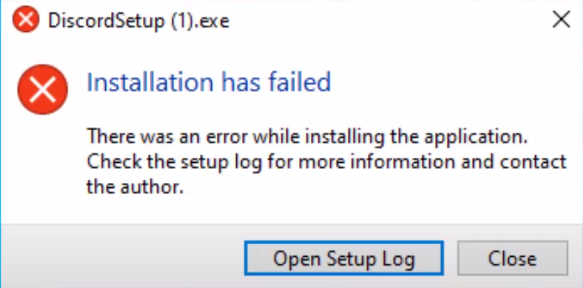
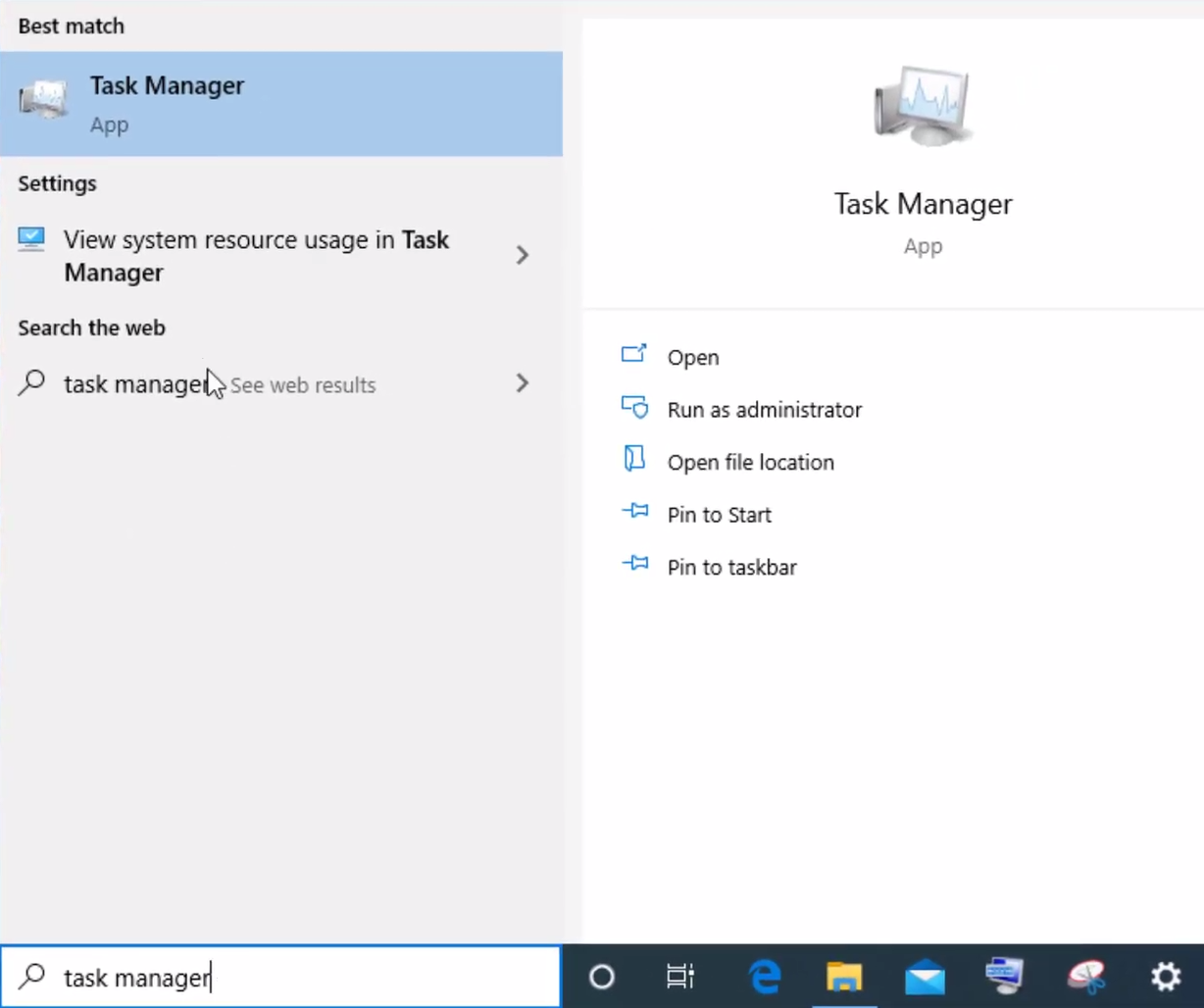
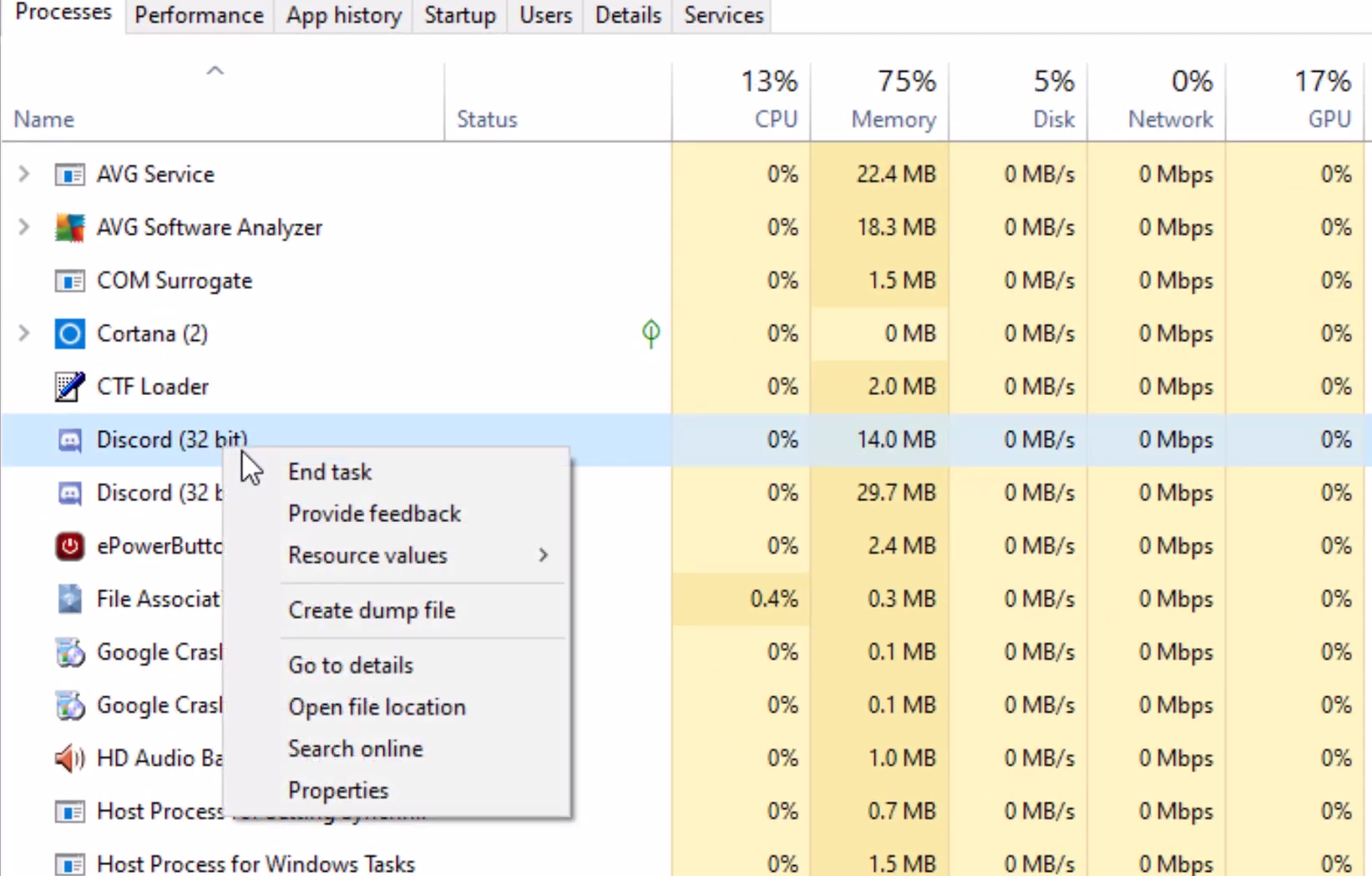
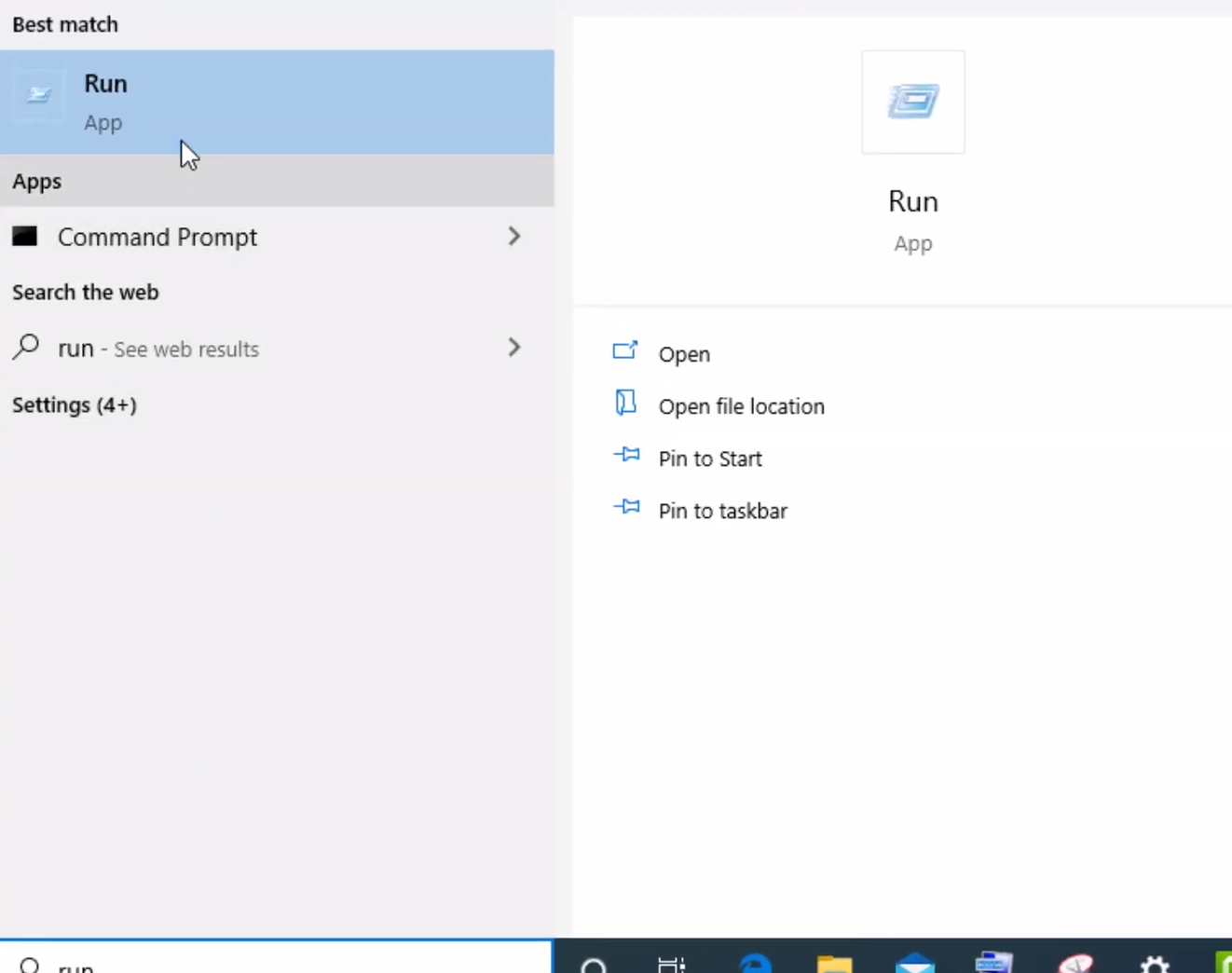
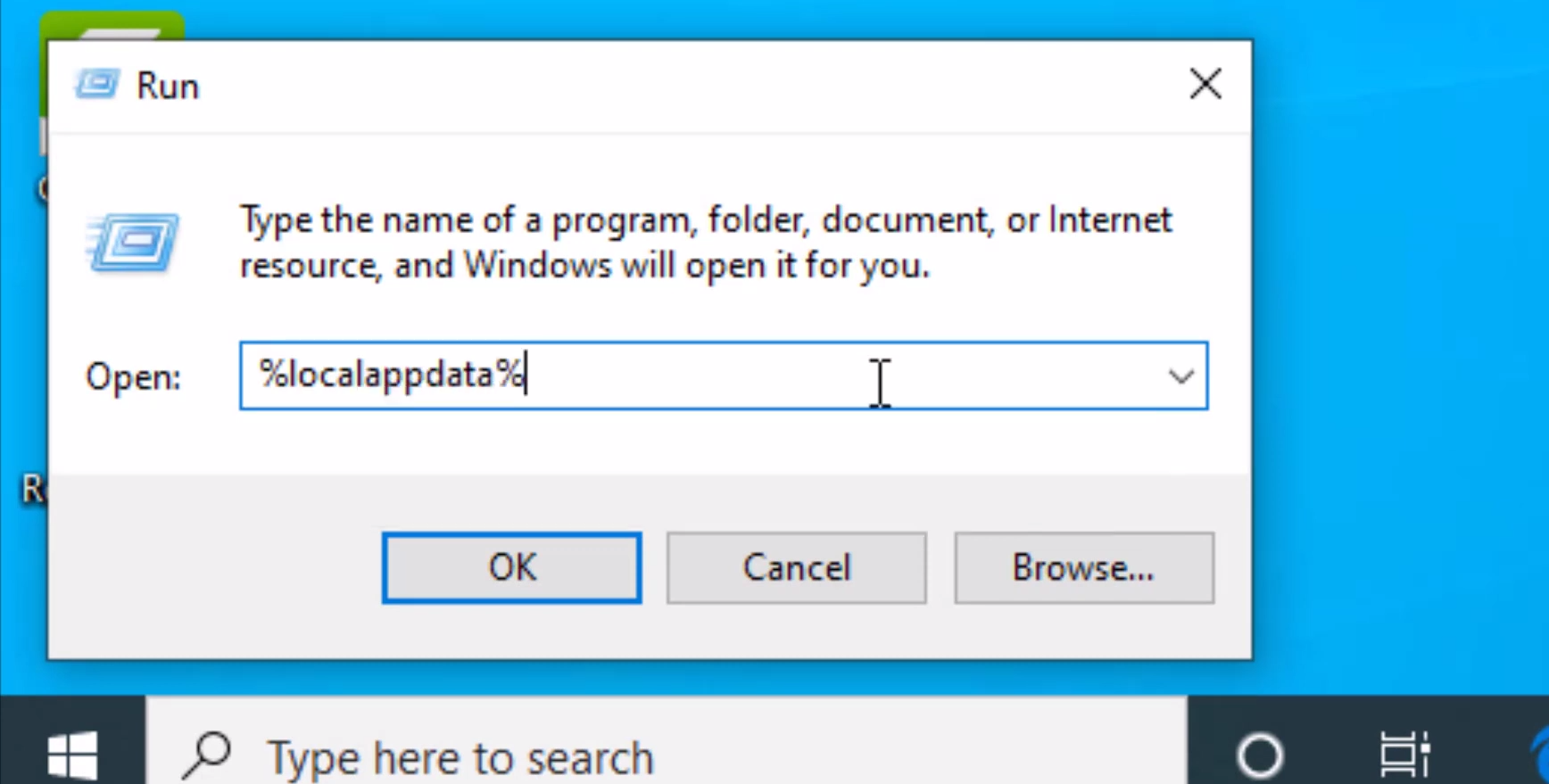
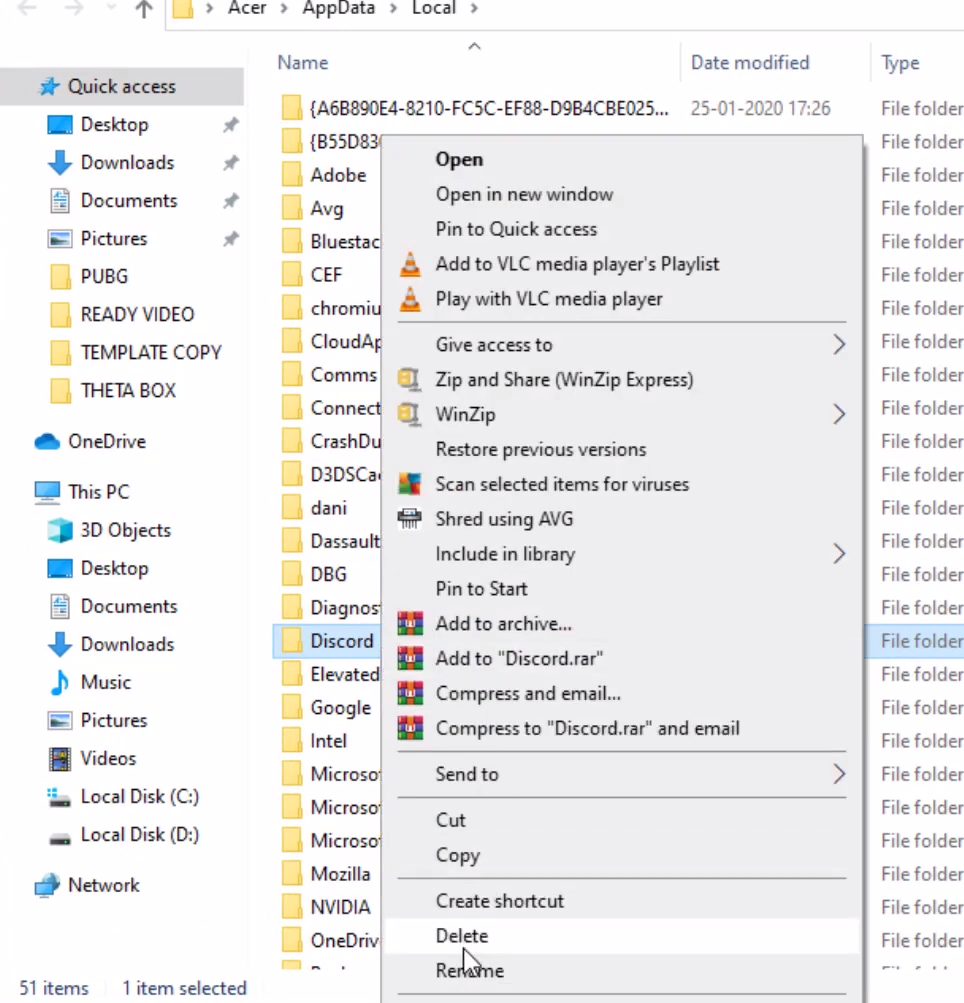
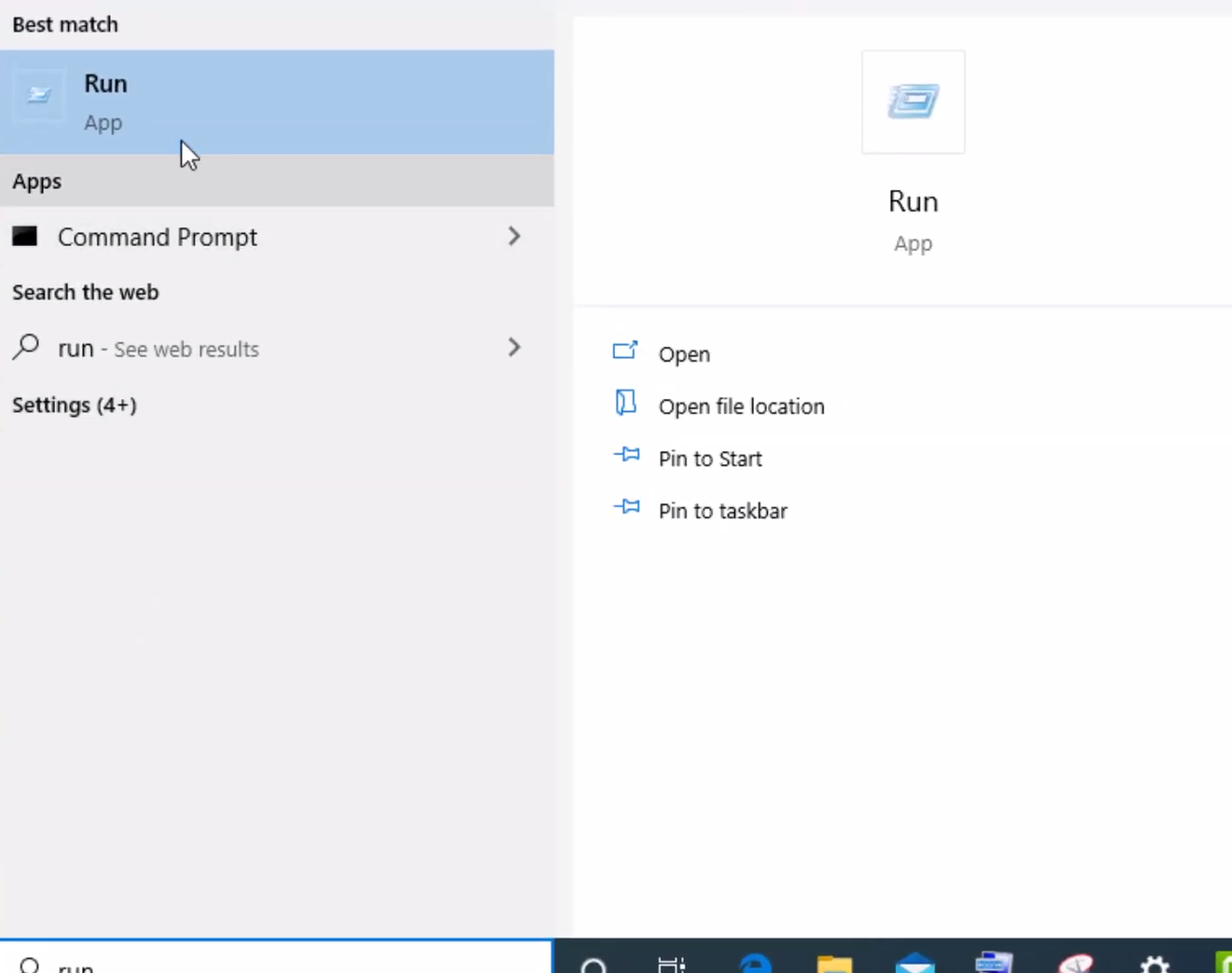
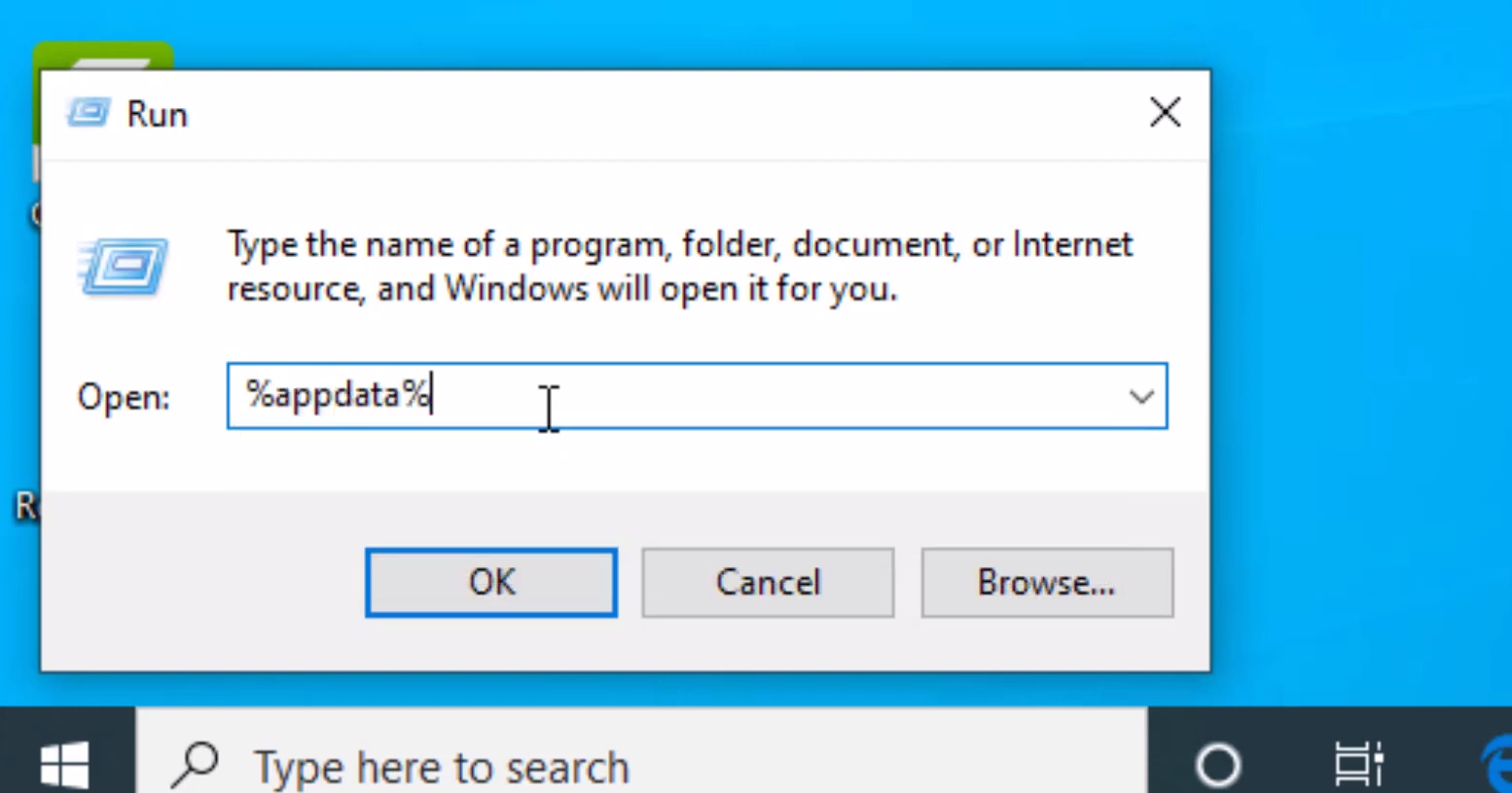
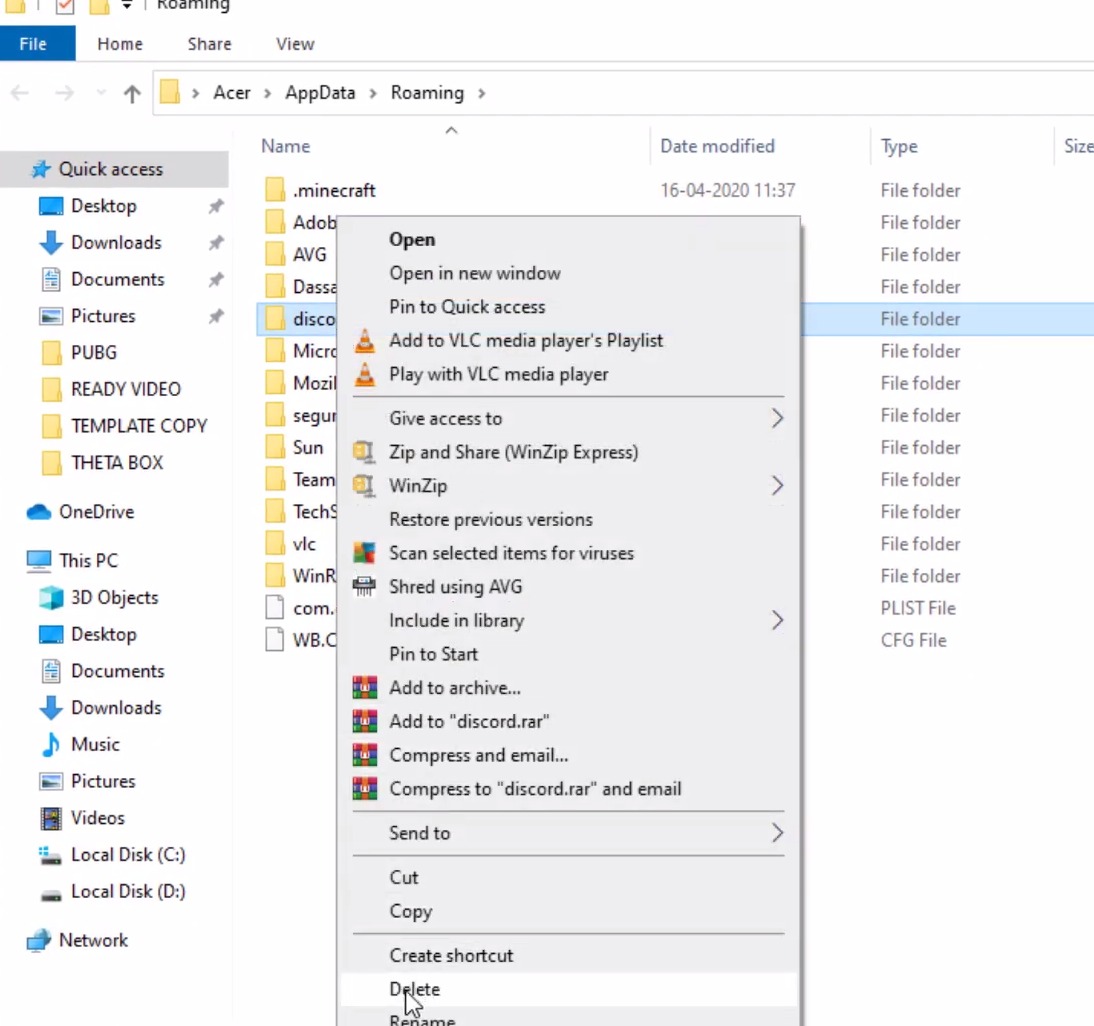
How To Fix “DiscordSetup.exe Installation Has Failed” Error Windows 10/8/7 Data 16/10/2020 Autor George Ciobanu Categorie Soluții -2 652 Rezolvare problema (Fix IT) SituatieWhat to do if “DiscordSetup.exe Installation Has Failed”: Solutie Pasi de urmat Open Task Manager. Right click on Discord and select “End task” Type “Run” in the Windows Search Box and open it. In the “Run” Search Box type %localappdata% and cick “OK” Right click on “Discord” folder and delete it. Type “Run” in the Windows Search Box and open it. In the “Run” Search Box type %appdata% and cick “OK” Right click on “Discord” folder and delete it. Download and reinstall Discord. Restart the computer to finish install. Tip solutiePermanent Voteaza Up Down (22 din 46 persoane apreciaza acest articol) ShareTweetShare Despre Autor George Ciobanu Solutii Asemanatoare How to disable Windows fast Start-up 1 Cum asiguram siguranta camerei web 2 Cum salvam ordinea pictogramelor de pe desktop 3 Cum reducem consumul memoriei Ram 4 Optimizarea performanței API-urilor și reducerea încărcării bazei de date prin Distributed Caching cu Redis 4 Audit de Cod și Securitate Automatizat în CI/CD folosind Local AI 0 Leave A Comment? × Cancel Reply Save my name, email, and website in this browser for the next time I comment. − four = zero

Leave A Comment?