
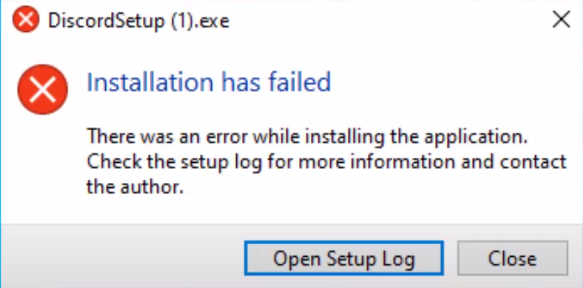
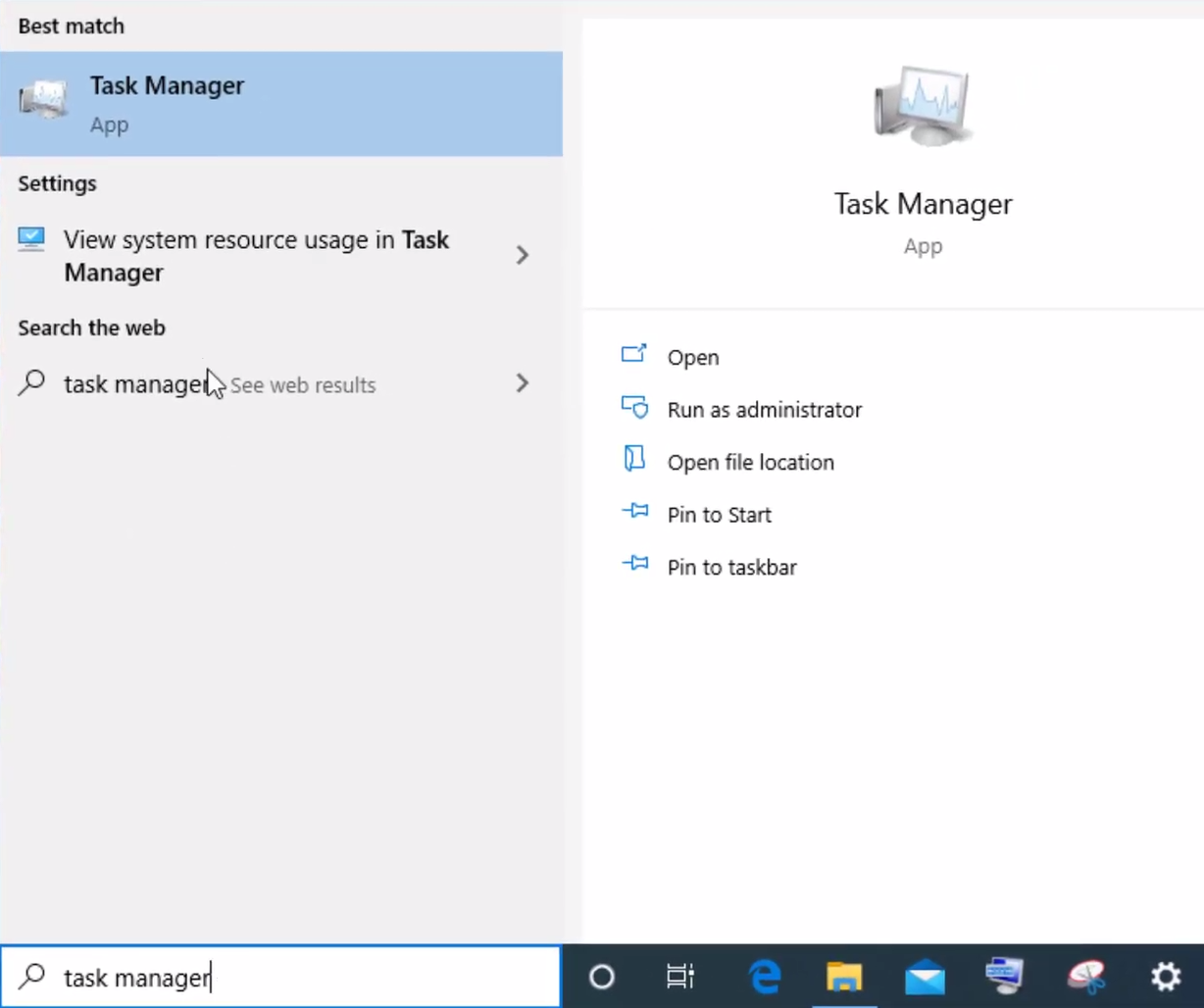
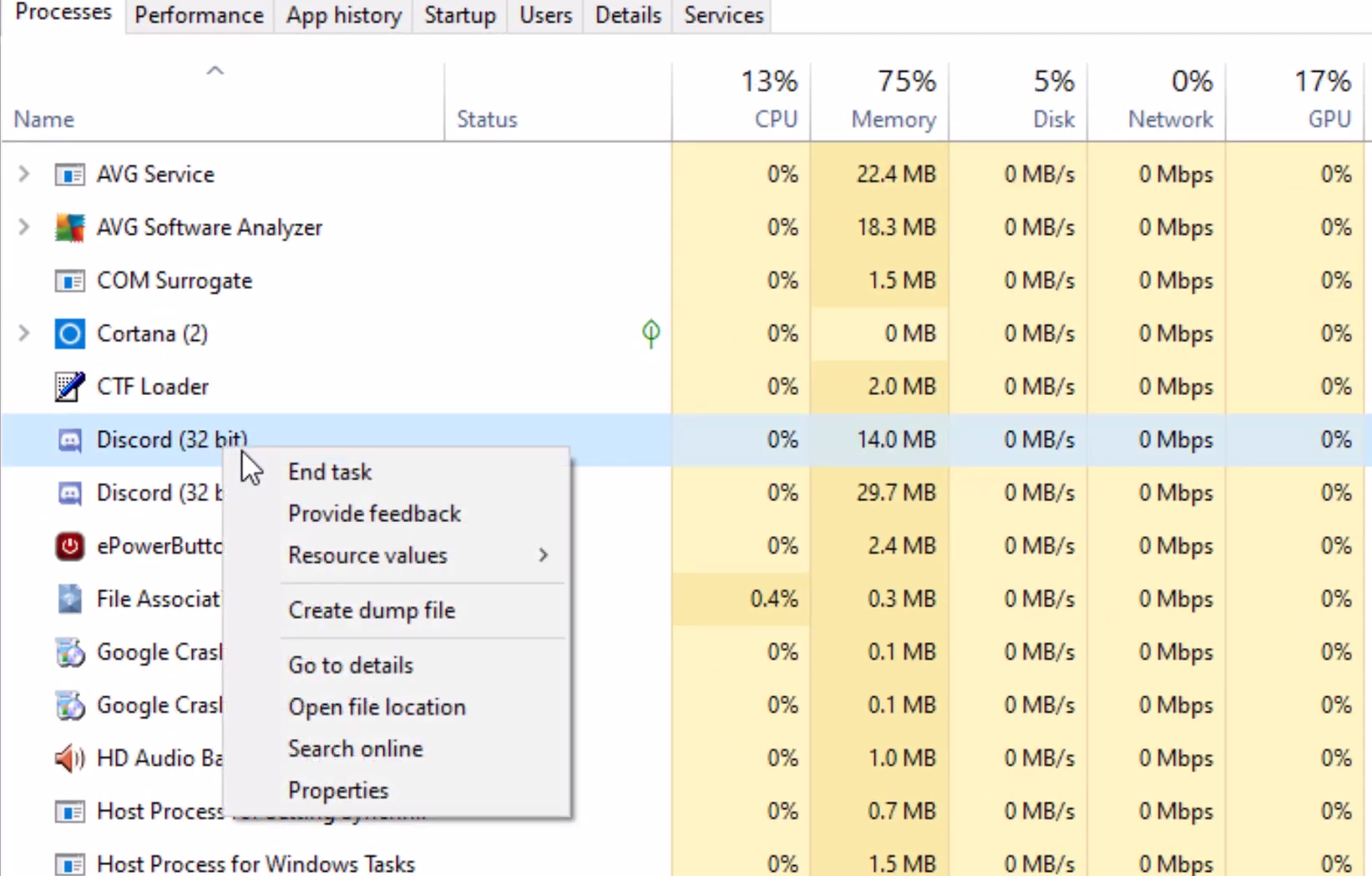
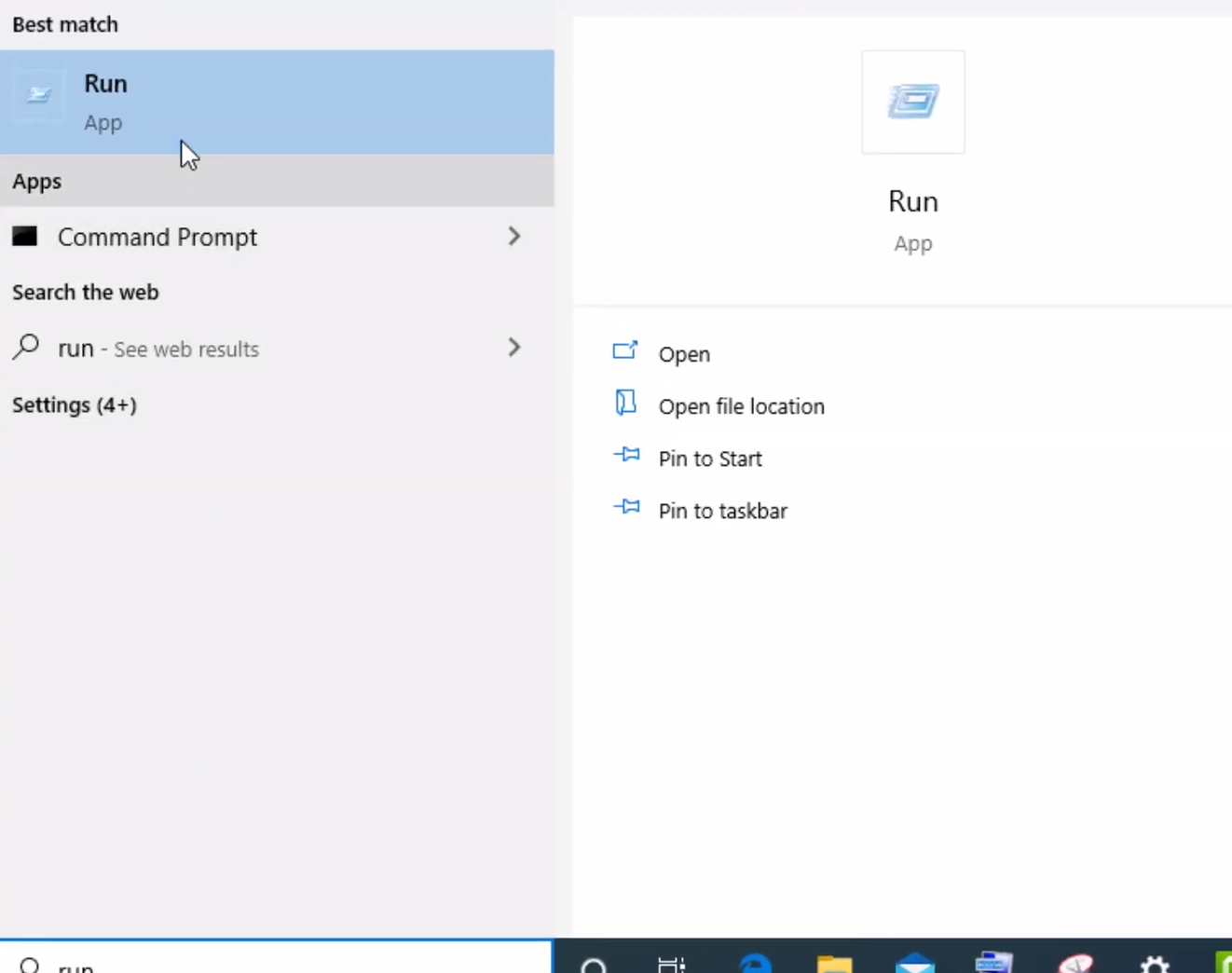
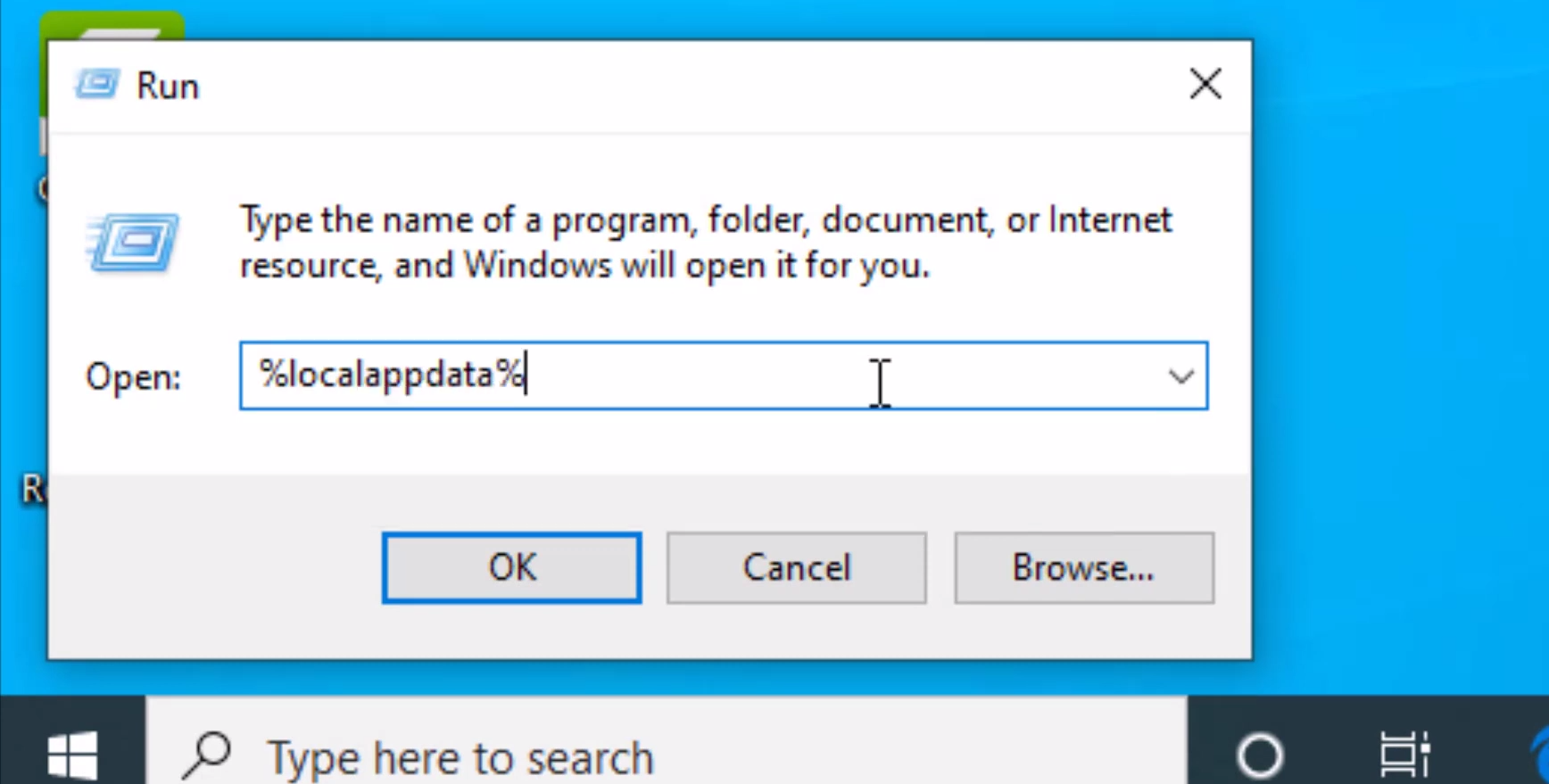
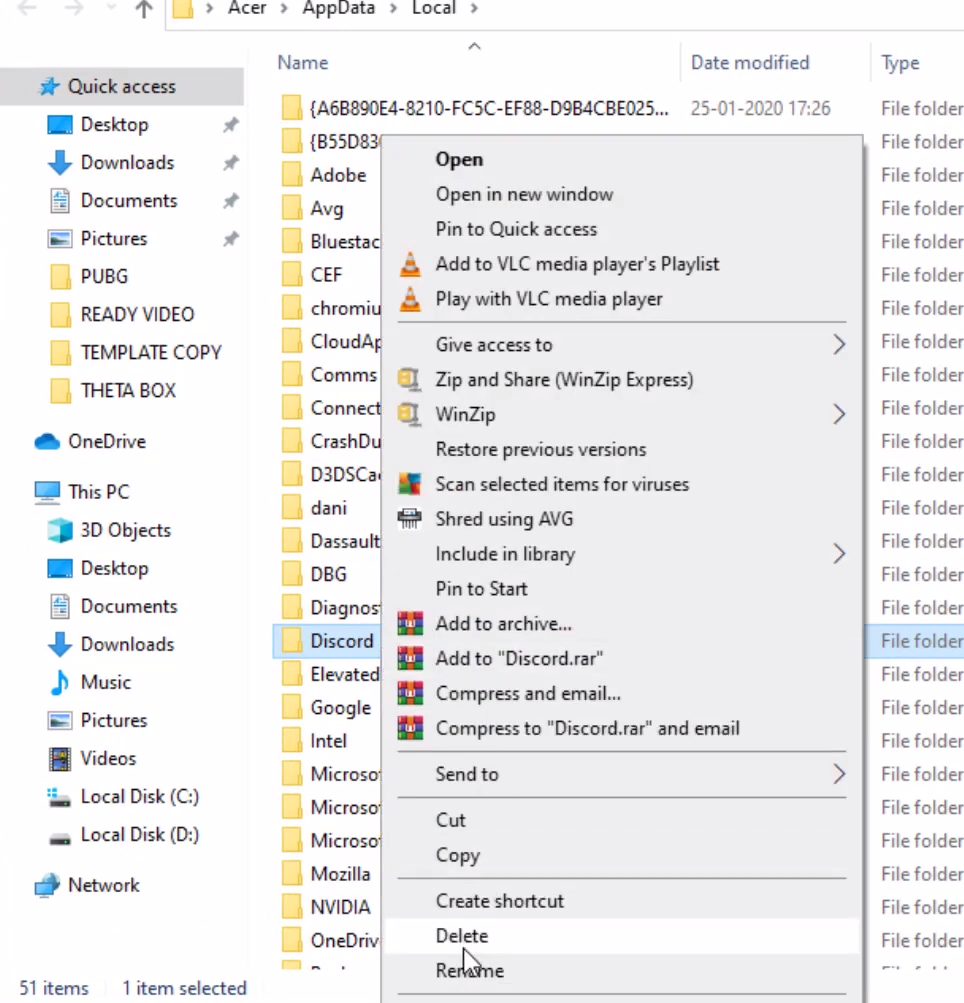
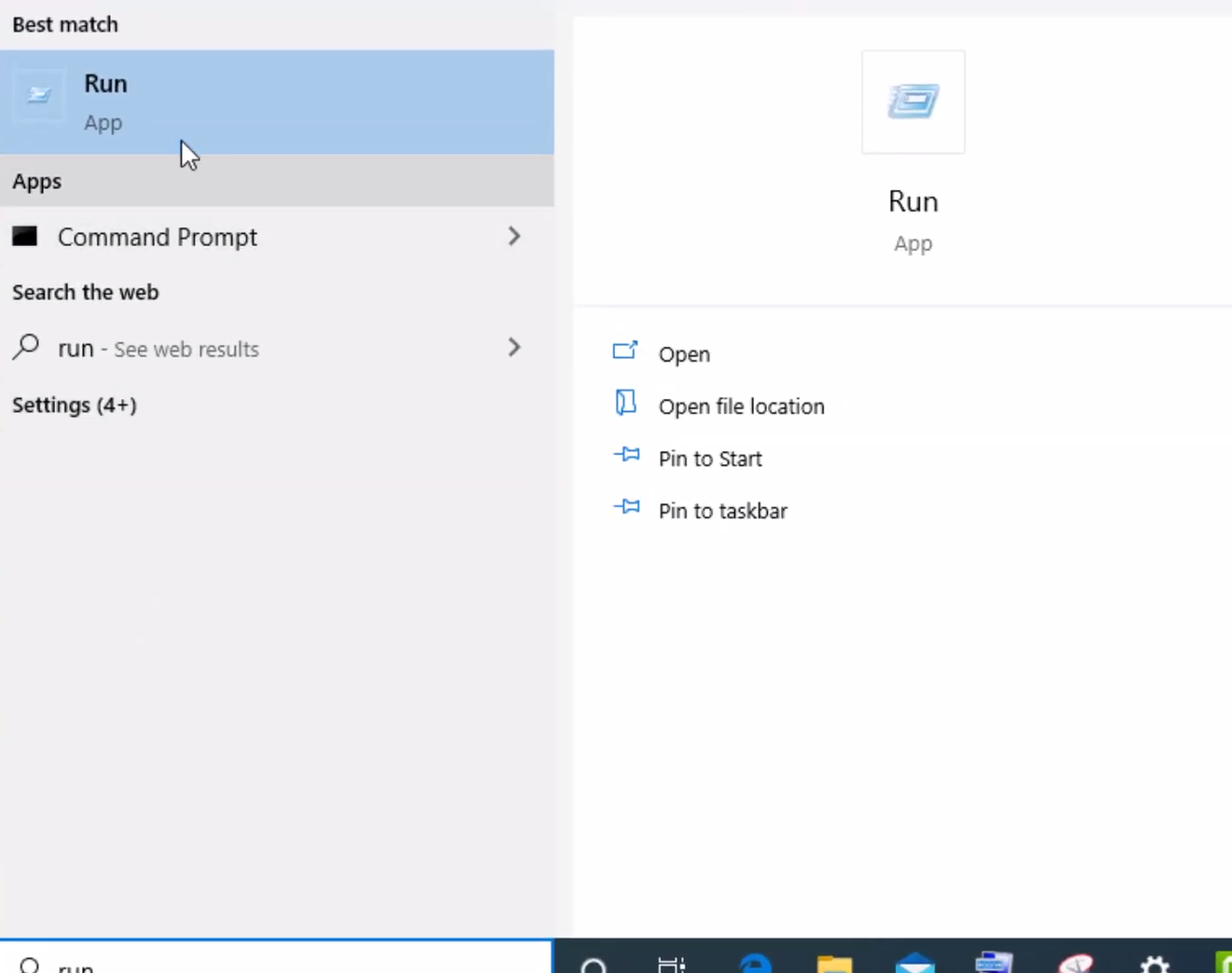
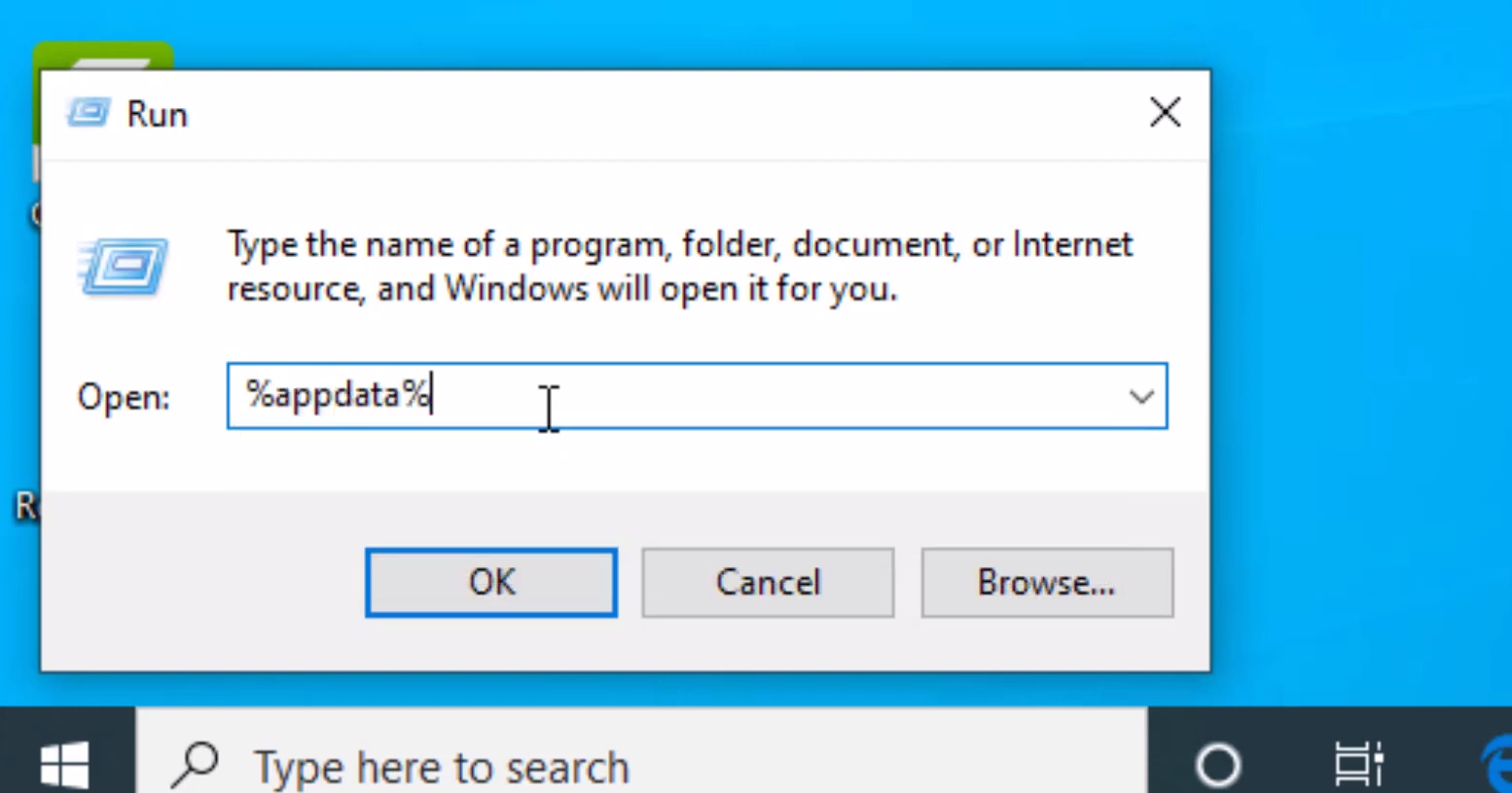
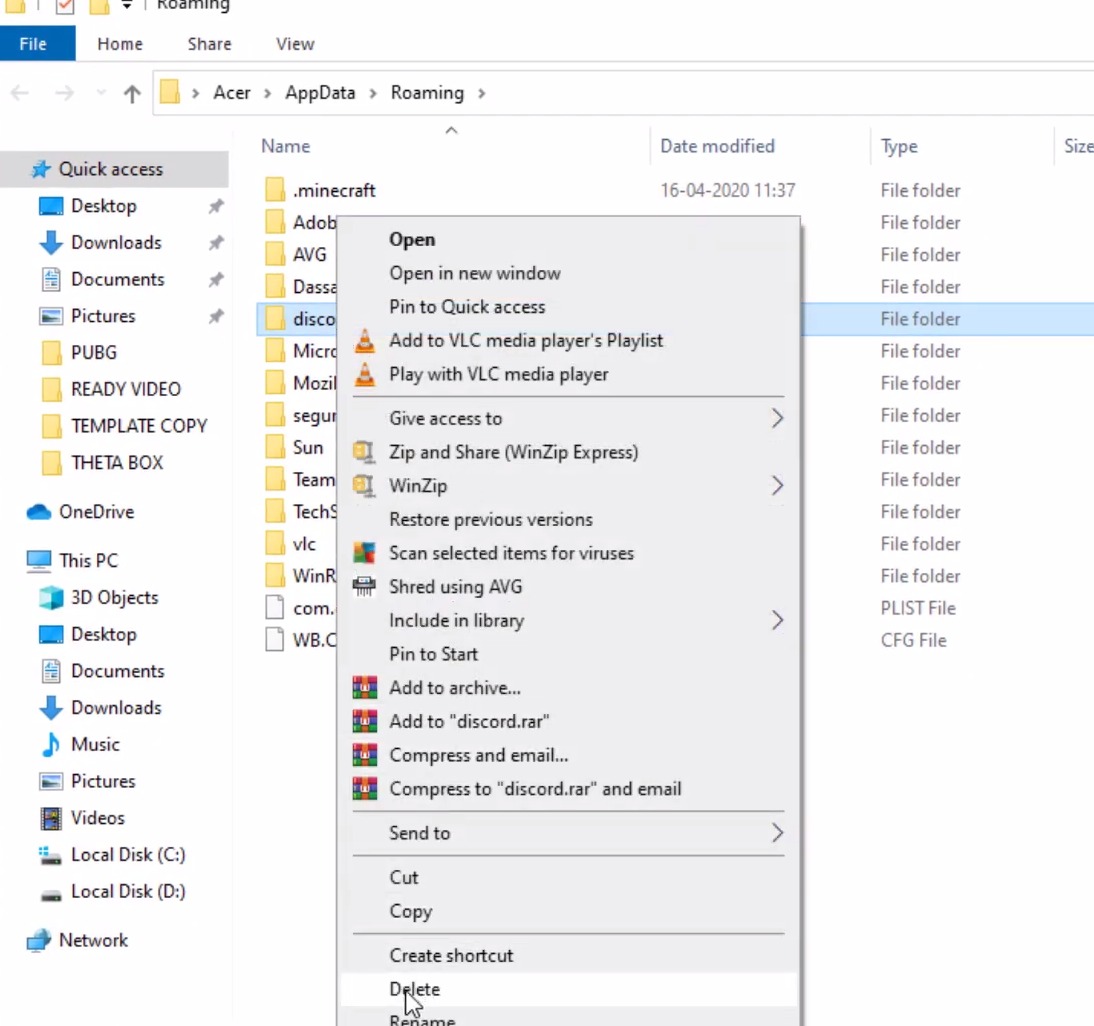
How To Fix “DiscordSetup.exe Installation Has Failed” Error Windows 10/8/7 Data 16/10/2020 Autor George Ciobanu Categorie Soluții -2 650 Rezolvare problema (Fix IT) SituatieWhat to do if “DiscordSetup.exe Installation Has Failed”: Solutie Pasi de urmat Open Task Manager. Right click on Discord and select “End task” Type “Run” in the Windows Search Box and open it. In the “Run” Search Box type %localappdata% and cick “OK” Right click on “Discord” folder and delete it. Type “Run” in the Windows Search Box and open it. In the “Run” Search Box type %appdata% and cick “OK” Right click on “Discord” folder and delete it. Download and reinstall Discord. Restart the computer to finish install. Tip solutiePermanent Voteaza Up Down (22 din 46 persoane apreciaza acest articol) ShareTweetShare Despre Autor George Ciobanu Solutii Asemanatoare 7 Windows 11 features that are silently violating your privacy 0 How to use the FIND function in Microsoft Excel 0 Windows file management doesn’t have to be manual 0 Remediere: Microsoft Intune nu funcționează sau nu se deschide 2 5 apps that transforms your Plex 1 3 plugins to power-up your Vim statusline 0 Leave A Comment? × Cancel Reply Save my name, email, and website in this browser for the next time I comment. four × four =

Leave A Comment?