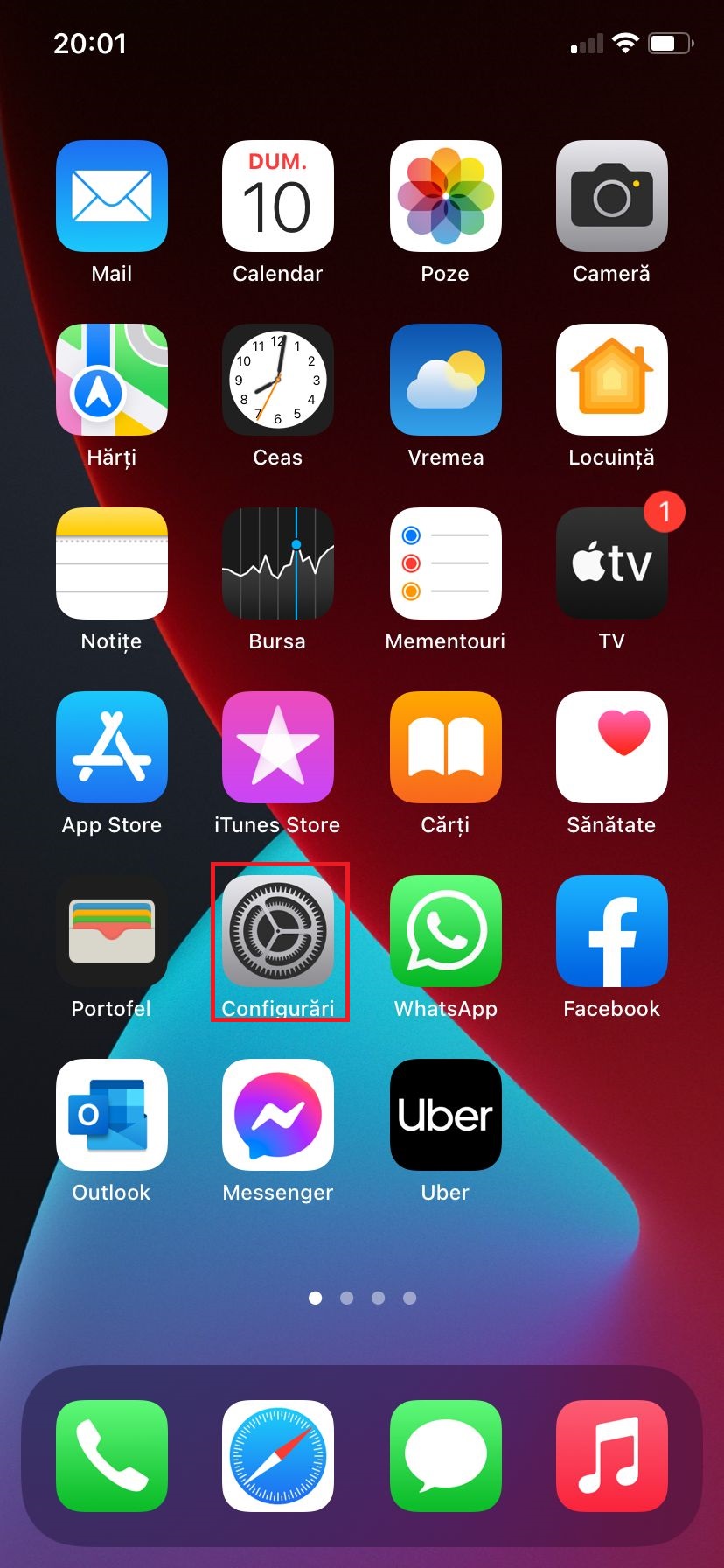
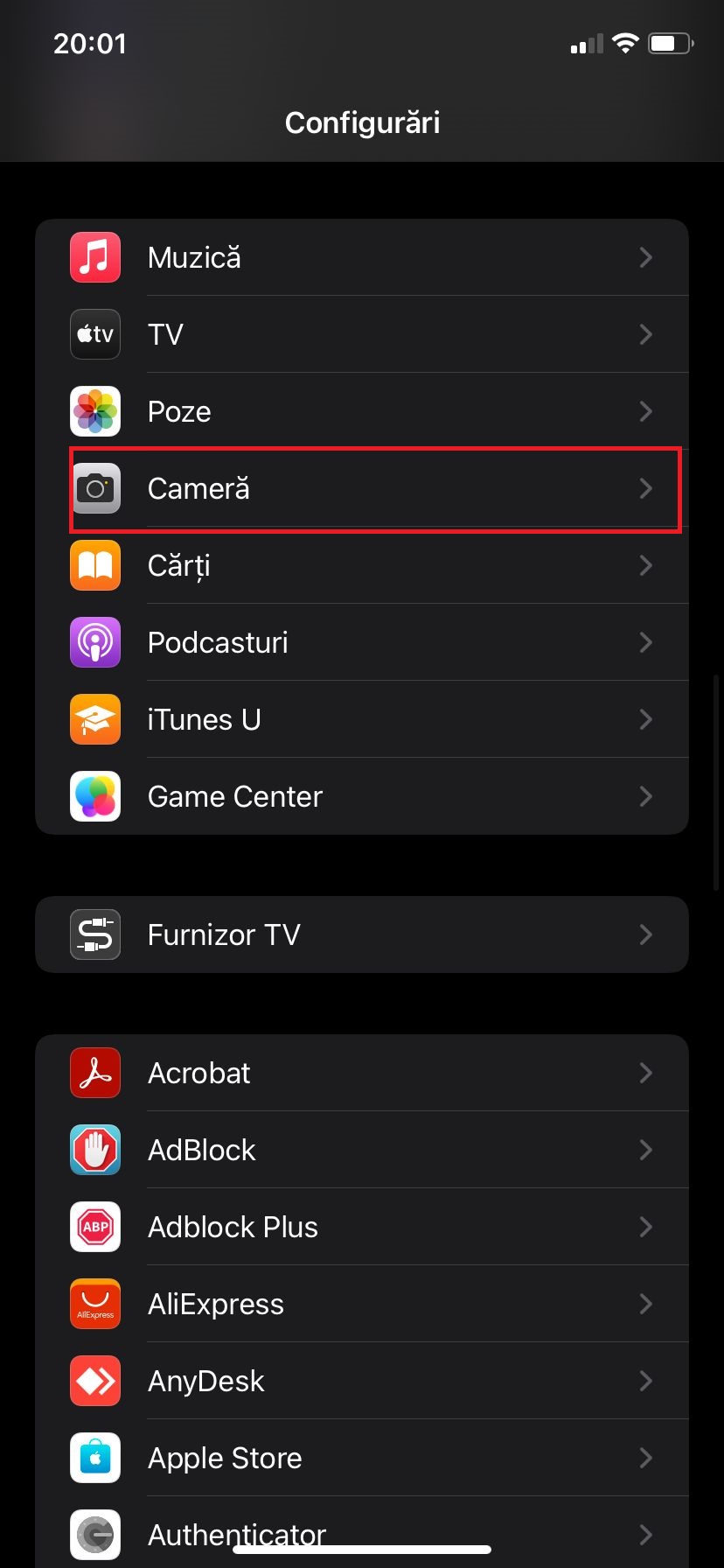
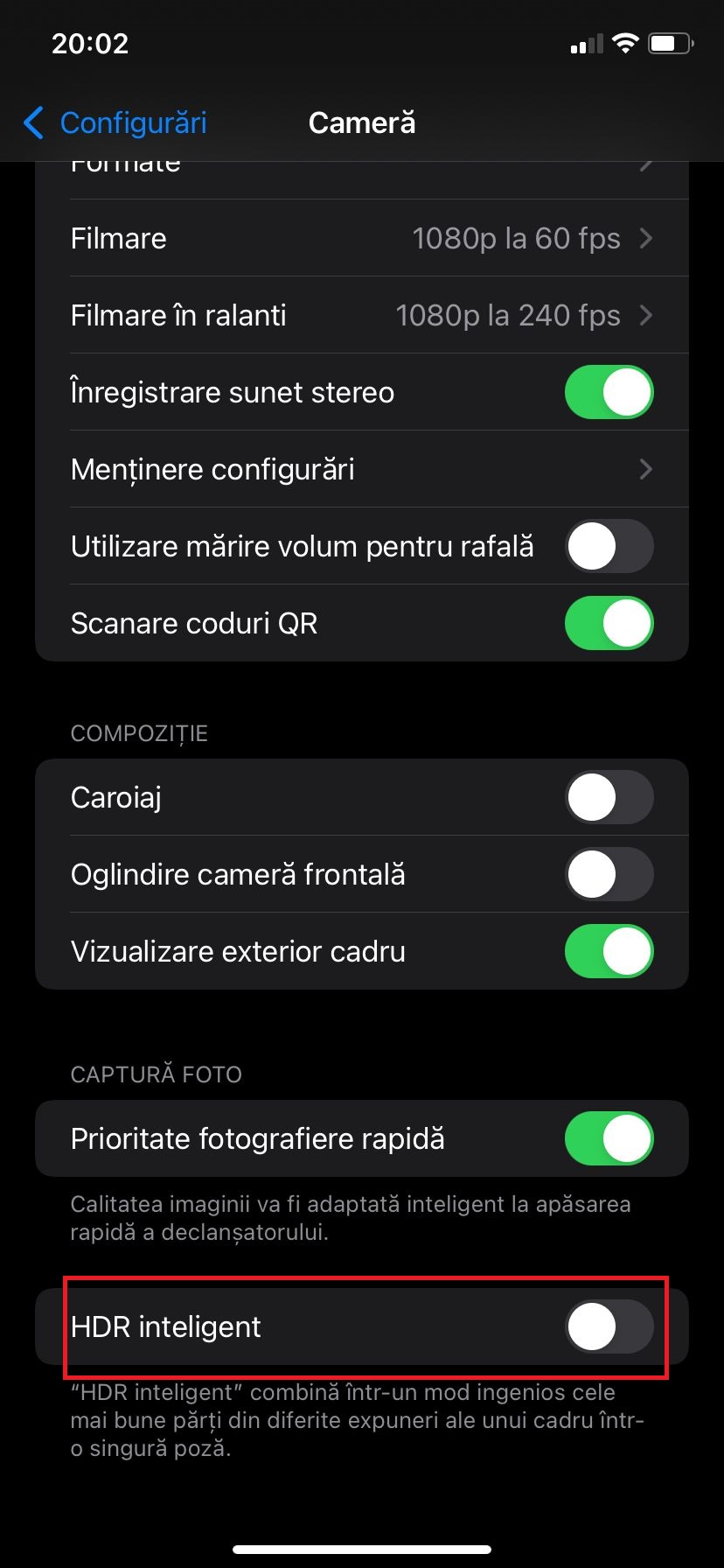
Activare HDR pe Iphone 11 iOS 15.0.1 Data 10/10/2021 Autor catalin nechita Categorie Mobile -3 453 Configurare noua (How To) Situatie Solutie 1.Accesăm Configurări; 2.Accesăm Cameră; 3.Apasăm rotița spre dreapta in contul opțiunii HDR inteligent. Tip solutiePermanent Plan de restaurare in caz de nefunctionareSe reiau pasii Voteaza Up Down (19 din 40 persoane apreciaza acest articol) ShareTweetShare Despre Autor catalin nechita Solutii Asemanatoare How to change the volume for each app separately on Android -1 Running out of phone storage? 3 Cum facem Hard Reset cu Odin -3 Cum dezactivezi haptic feedback (vibromotorul) pe iPhone 1 Cum setezi un ringtone custom pe Android 4 Cum faci ca butoanele de volum sa controleze mereu media pe OxygenOS 4 Leave A Comment? × Cancel Reply Save my name, email, and website in this browser for the next time I comment. four × = thirty six
Leave A Comment?
