
Situatie
Solutie
Using PsExec when a Windows PC will not cooperate
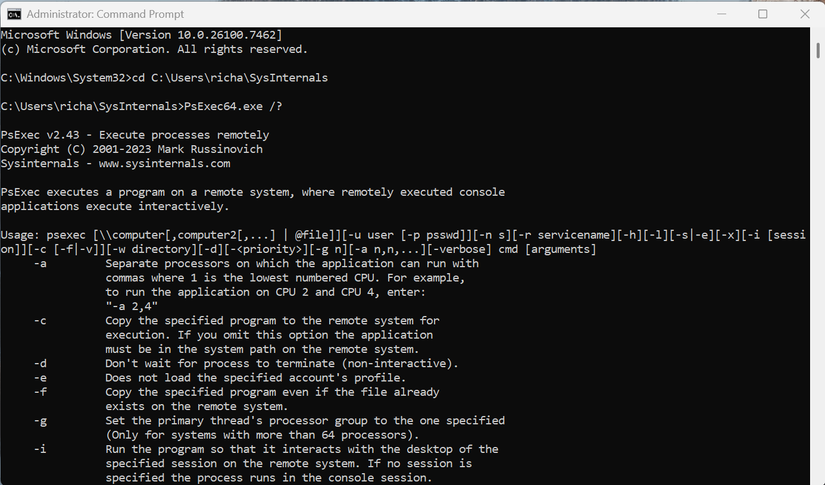
Windows has built-in options like PowerShell Remoting and Remote Desktop, but those depend on services that must be set up in advance. PsExec does not need any of that. If you have the right permissions and the PC is reachable on the network, you can get in and start fixing things. I have used it to help machines that would not load a normal desktop, clear out broken services, and run commands that Windows refused to execute locally. Most casual users have never heard of PsExec, but if you help others fix their PCs, it can be the difference between guessing at a problem and actually solving it.
Why I rely on TCPView to troubleshoot and fix Windows networking issues
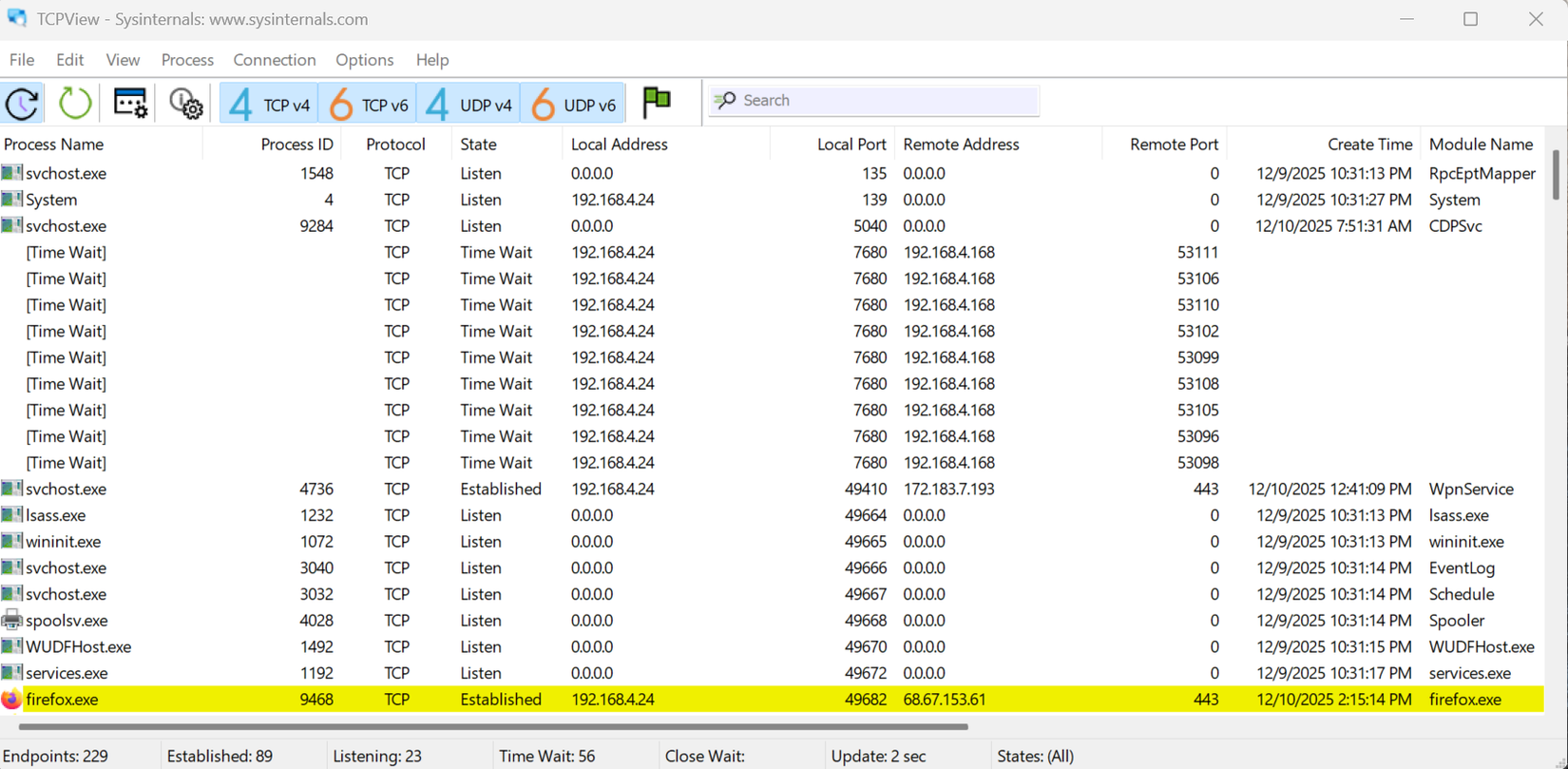
TCPView is one of those Sysinternals tools that looks simple at first glance but turns out to be incredibly useful once you understand what it shows you. It gives you a real-time view of every network connection on your PC, including which apps are talking to the internet, what ports they are using, and where those connections are going. When I am trying to figure out why an app is hanging, why something keeps phoning home, or whether a strange background process is doing something it should not, TCPView is one of the first things I open.
What RAMMap reveals about Windows memory that Task Manager misses
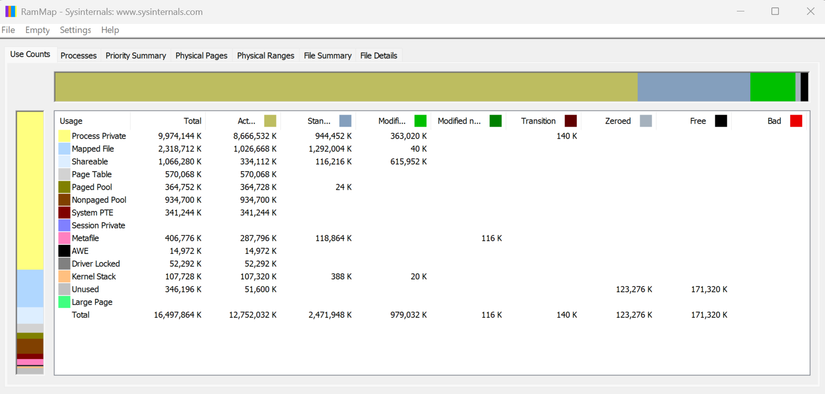
Windows has built-in tools like Resource Monitor and the performance tab in Task Manager, but they only scratch the surface. They show you what is happening right now, not what has been building up over time or which components are quietly consuming memory in the background. RAMMap gives me a full snapshot of memory usage and lets me compare it against what I expect from a healthy system. If a process is leaking RAM, if a driver is misbehaving, or if the standby list needs to be cleared, RAMMap makes it obvious.
Leave A Comment?