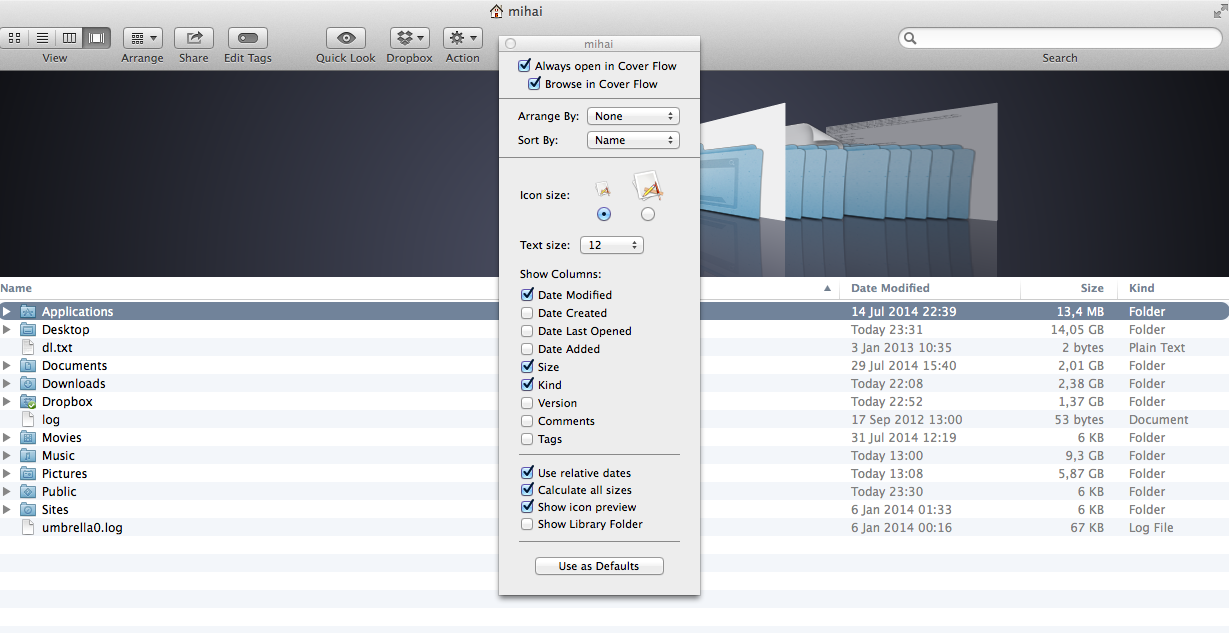
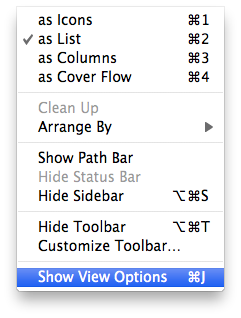
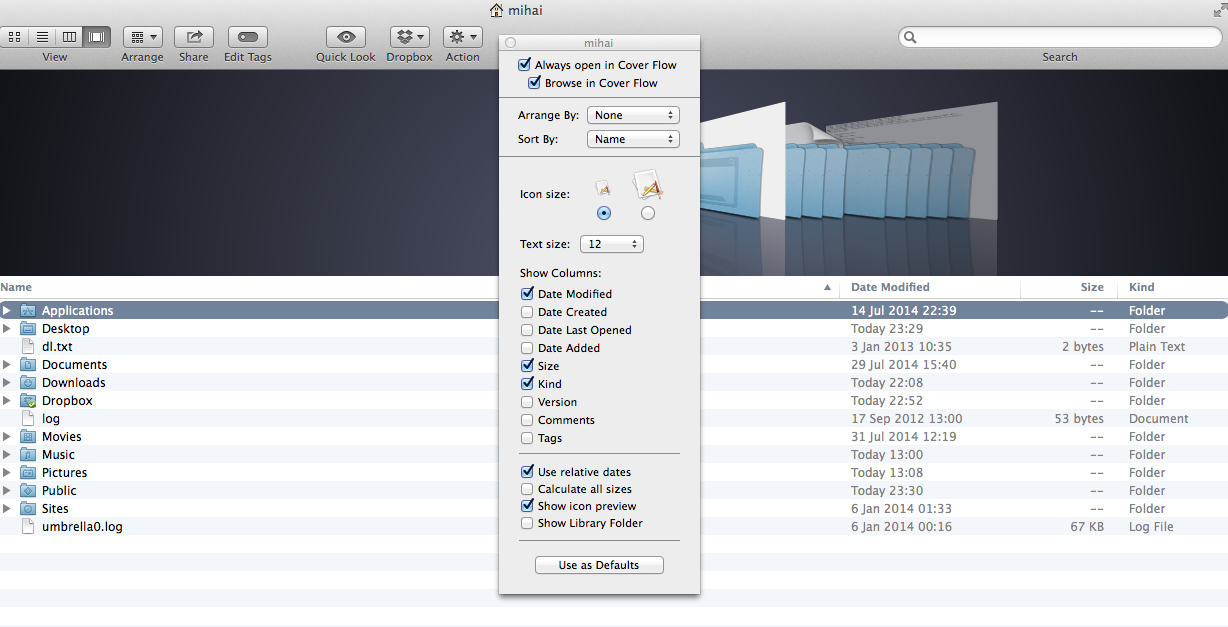
Verifica dimensiunea tutoror folderelor din OS X . Data 01/08/2014 Autor Mihai O Categorie OS - OS X, Stații de lucru -4 1735 Configurare noua (How To) SituatieMereu te-ai uitat in Finder si te-ai intrebat oare folder -ul “X” cat spatiu ocupa pe hdd-ul tau. Uite aici cum poti seta sa vezi mereu in Finder dimensiunile atat pentru fisiere cat si pentru foldere. Solutie Pasi de urmat Se merge in meniul “View” si se selecteaza “Show View Options “ Bifeaza “Calculate all size” Acum sistemul de operare iti arata si dimensiunile folderelor. Tip solutiePermanent Voteaza Up Down (40 din 83 persoane apreciaza acest articol) ShareTweetShare Despre Autor Mihai O Solutii Asemanatoare Change page zoom level in Google Chrome 3 Shortcut reload the current page in Google Chrome 0 Reset page zoom level in Google Chrome 0 Shortcut reload the current page in Google Chrome v2 0 How to show seconds in Taskbar clock on Windows 11 0 How to disable touchscreen on Windows 11 using the Registry Editor 0 Leave A Comment? × Cancel Reply Save my name, email, and website in this browser for the next time I comment. six × nine =
Leave A Comment?