
Situatie
In macOS 27 Golden Gate, Siri AI is a lot smarter than before, so it doesn’t always flail and attempt to hand your questions over to ChatGPT. However, if you still prefer OpenAI’s chatbot for certain queries, you can still ask for it explicitly.
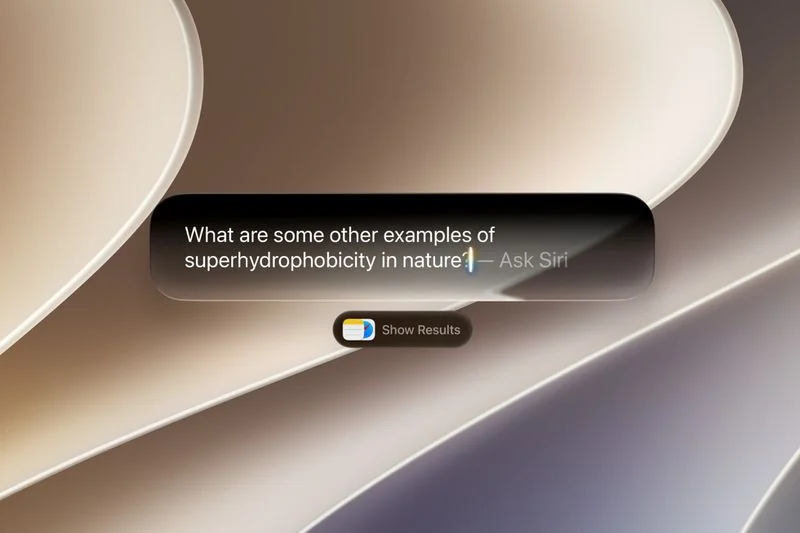
In macOS Tahoe, Siri would suggest passing a request to ChatGPT when it thought the chatbot could help. In macOS 27 though, ChatGPT only answers when you specifically ask it. There’s also no setting that makes ChatGPT your default assistant – as things stand, you need to choose it for each query.
Turn On the ChatGPT Extension
Solutie
Pasi de urmat
Open System Settings
Click Siri in the sidebar
Click ChatGPT under “Extension”
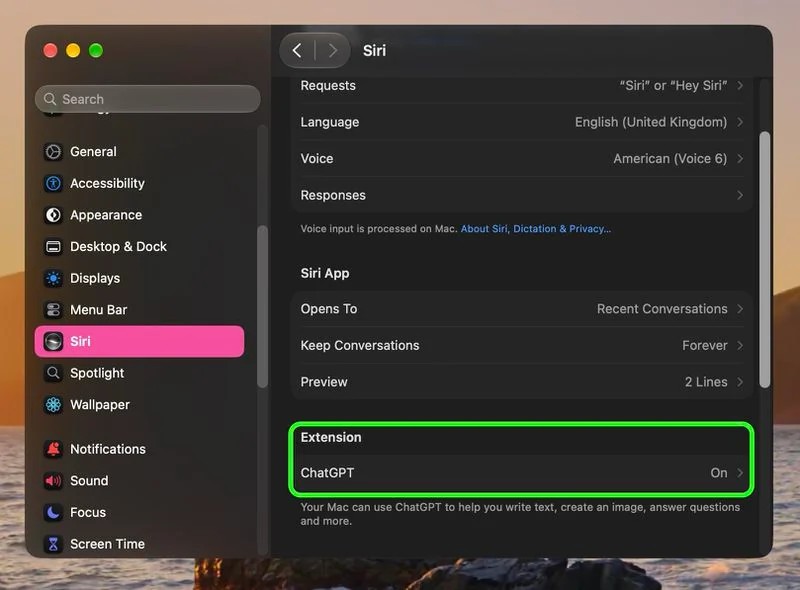
Turn on Use Extension
Choose whether to sign in with a ChatGPT account
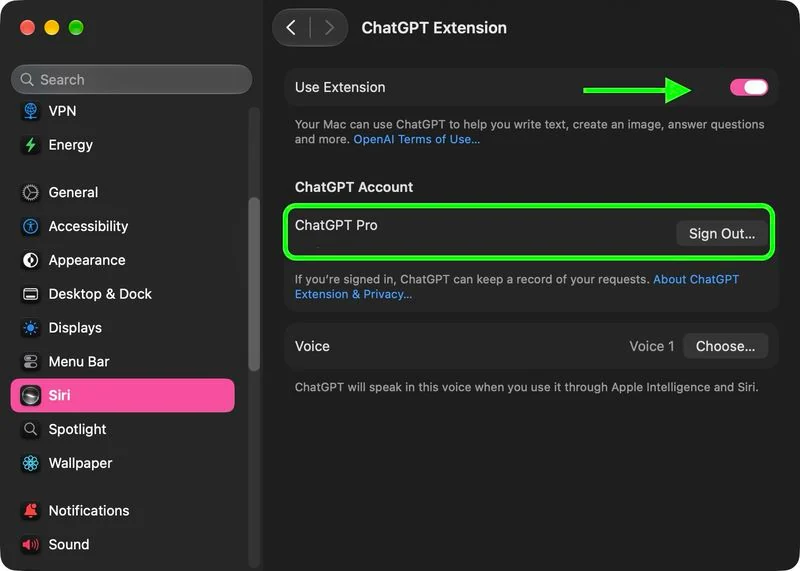
If you sign in, your requests are saved to your ChatGPT chat history (OpenAI’s privacy policies apply). If you skip sign-in, OpenAI receives nothing tied to your Apple Account and it can’t store your requests.
Leave A Comment?