
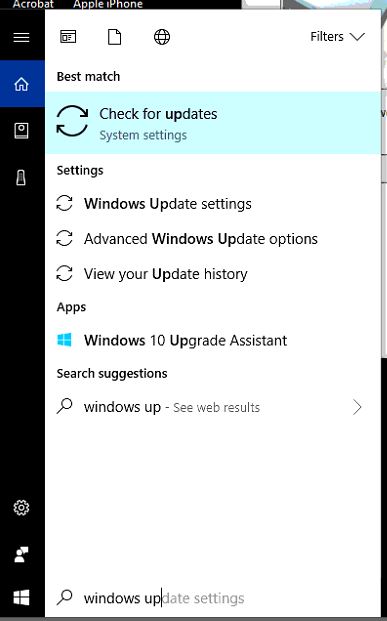
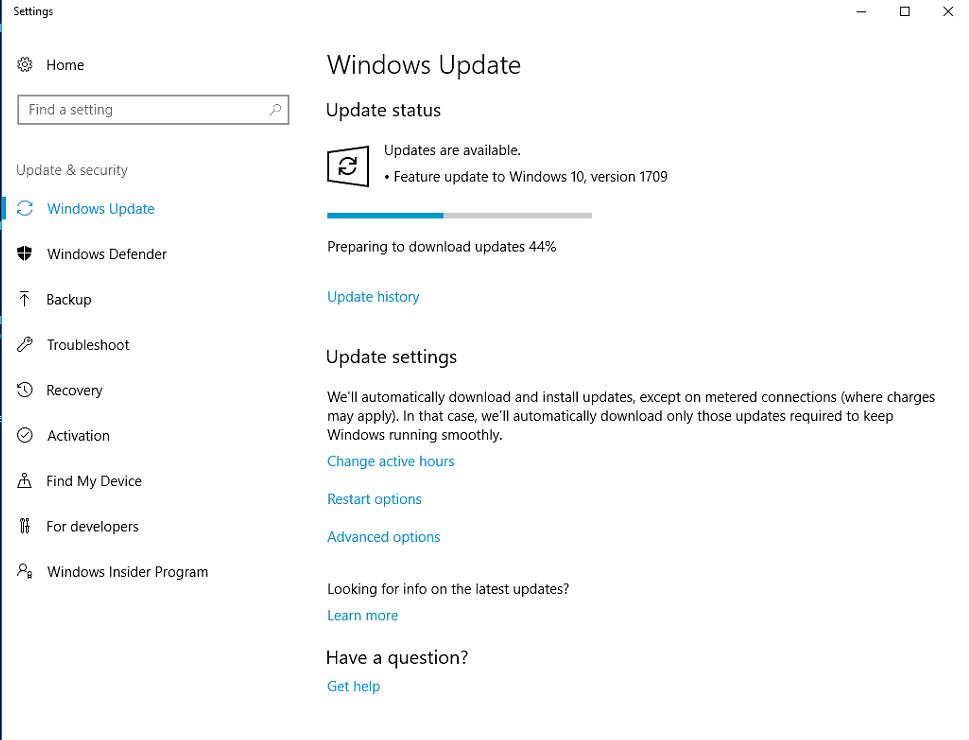
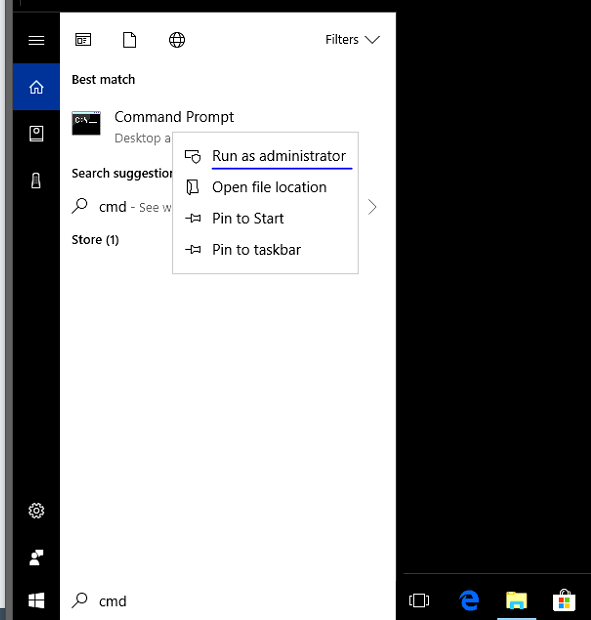
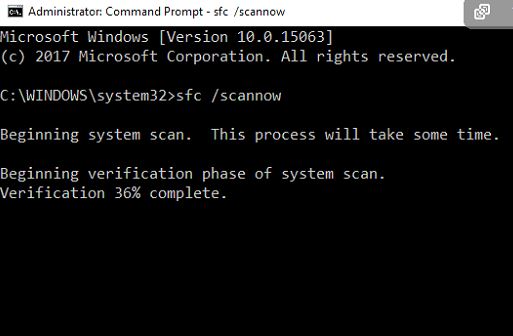
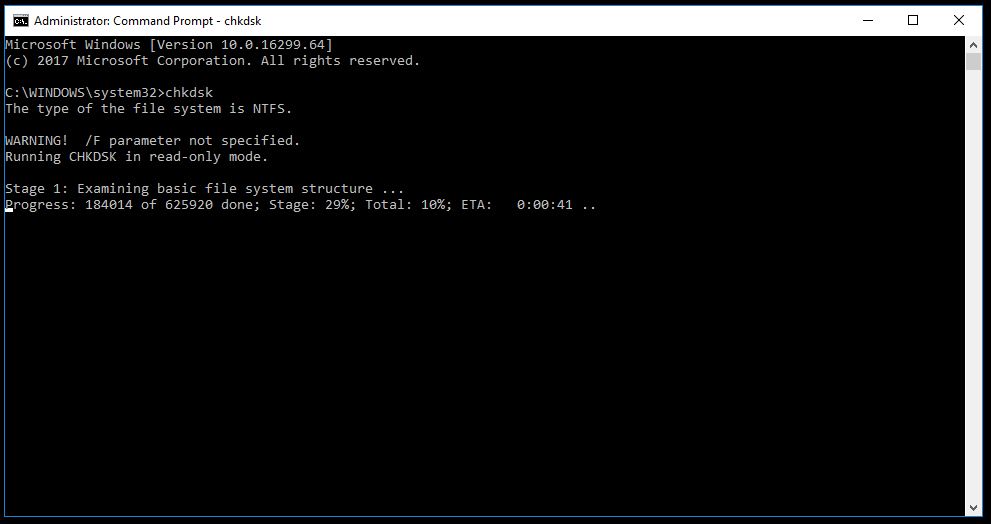
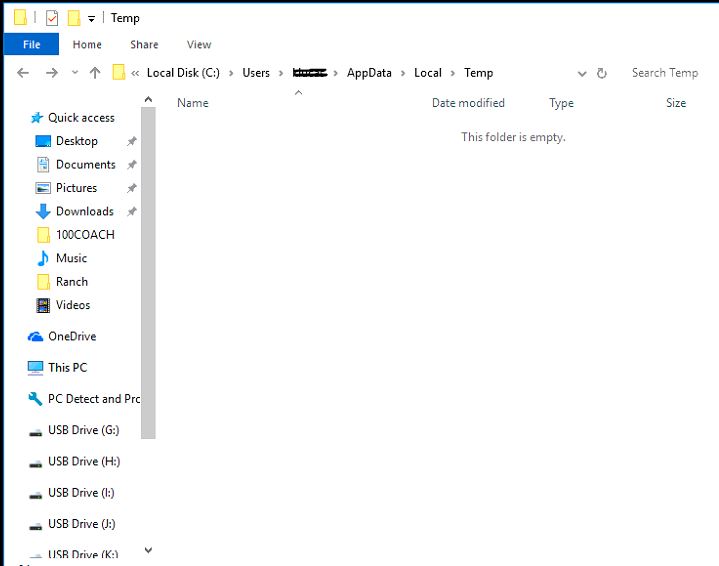
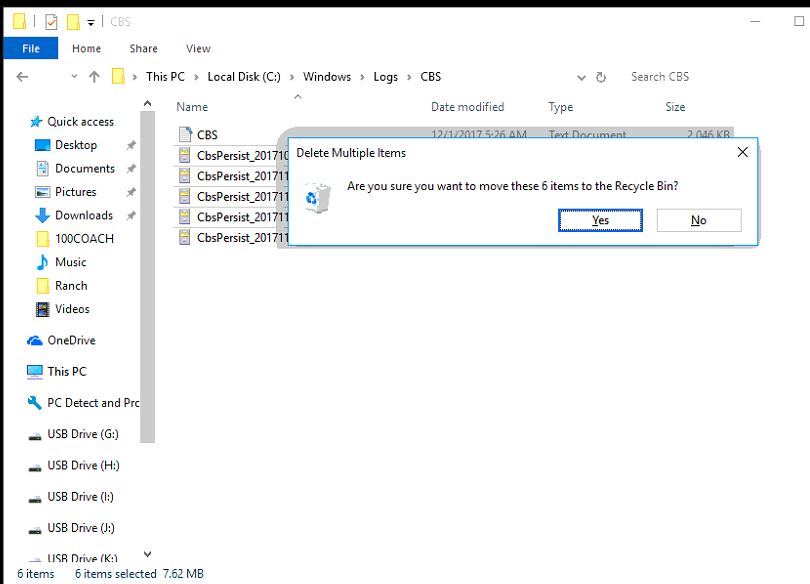
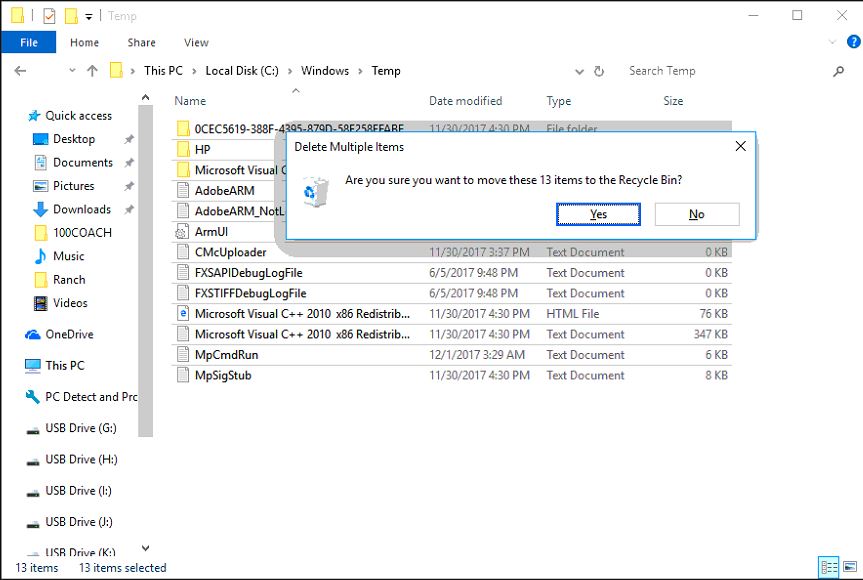
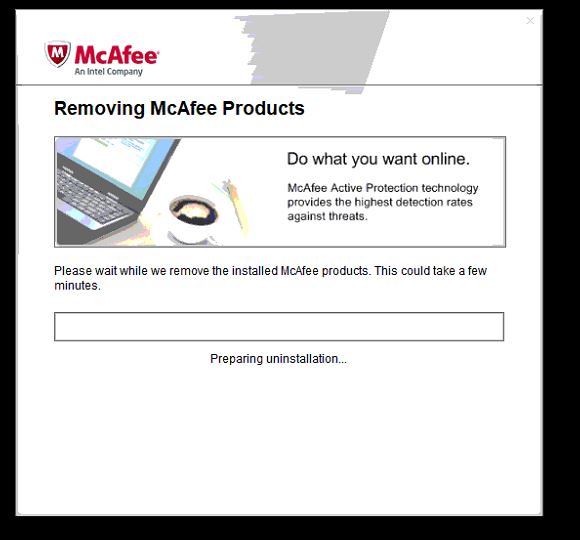
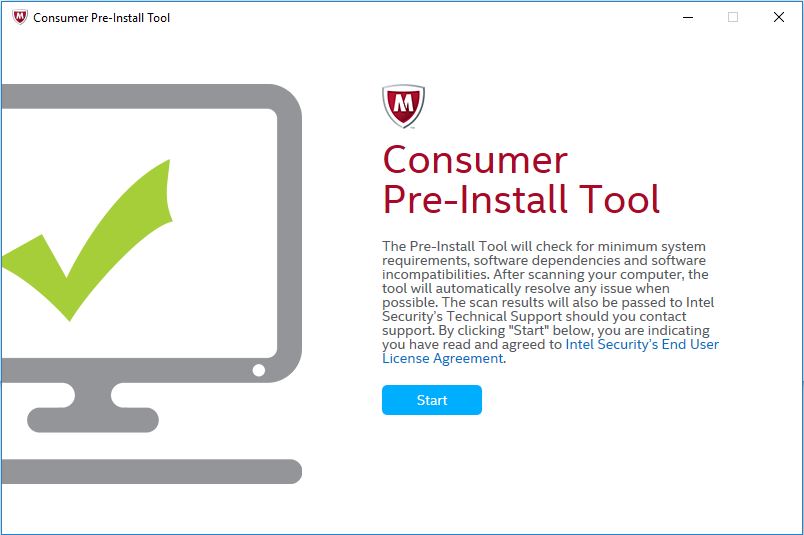
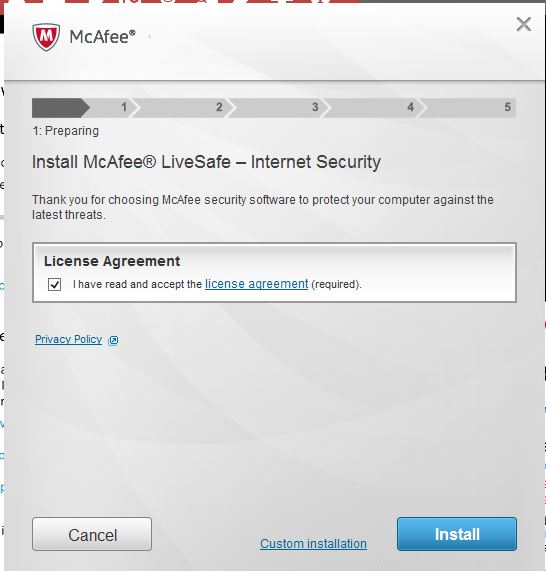
Procedura instalare McAfee (cand sunt probleme de instalare) Data 01/12/2017 Autor Tiberiu Gache Categorie Soluții -1 2038 Configurare noua (How To) SituatieMcAfee nu se instaleaza. 9001 Solutie Pasi de urmat Tastam in search (cortana) Windows updates si facem update la Windows. Tastam in search (cortana) CMD. Click dreapta pe CMD si “Run as administrator”. In CMD tastam sfc /scannow si apasam enter. Lasam sa se incarce pana la 100% Dupa ce s-a terminat sfc /scannow, tastam chkdsk si apasam enter. Intram in: C:Users(NUME USER)AppDataLocalTemp si stergem tot. Intram in: C:WindowsLogsCBS si stergem tot. Intram in: C:WindowsTemp si stergem tot. Rulam adwcleaner . Rulam MCPR Uninstaller. Rulam Pre-Install_Tool Rulam McAfee_LiveSafe_x64 Instalarea se va termina cu success. Tip solutiePermanent Etichetare: 9001askitaskit.roCMD tastam sfccortanacum instalez mcafeeEroare instalare McAfeeMcAfeeMcAfee 9001Pre-Install_Toolprobleme de instalareProcedura instalare McAfee Voteaza Up Down (49 din 99 persoane apreciaza acest articol) ShareTweetShare Despre Autor Tiberiu Gache Solutii Asemanatoare How to resolve a Windows Update Install Error – 0x80070002 3 How to move Taskbar to top or side on Windows 11 5 Reparare eroare:”Trust Relationship Failed” fără scoatere din domeniu și fără restart (PowerShell) 1 You’ve been deleting files the wrong way in Windows 7 Arduino Soil Moisture Sensor 5 Instalare și rulare model AI local (Llama3) pe server Linux folosind Ollama 4 Leave A Comment? × Cancel Reply Save my name, email, and website in this browser for the next time I comment. × one = seven
Leave A Comment?