
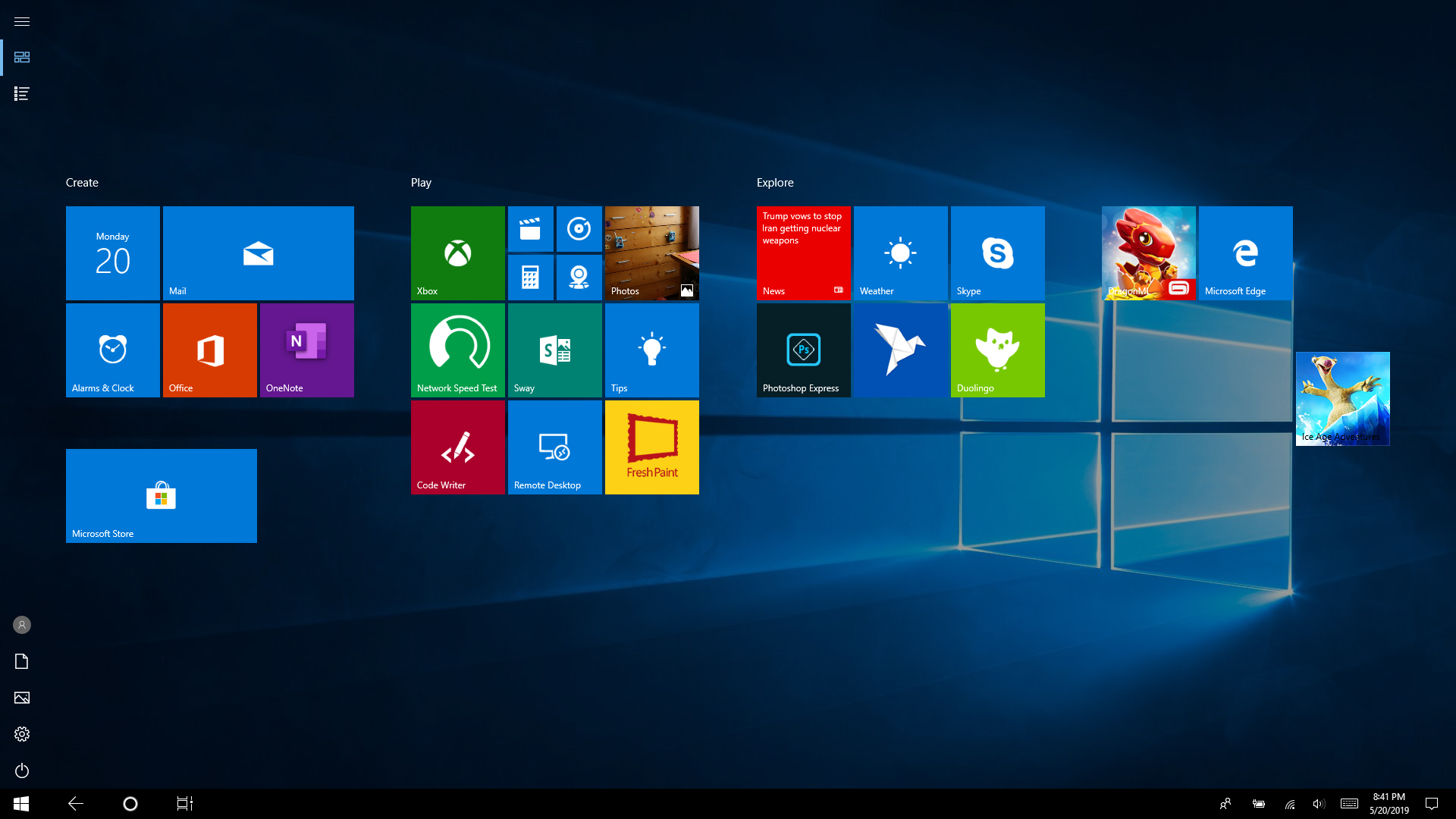
Cum se scoate title sheet de pe desktop in Windows 10 Data 22/05/2019 Autor Silviu Dr. Categorie OS - Windows, Personalizare sistem operare, Stații de lucru -12 1051 Configurare noua (How To) SituatieSe poate ca din greseala sa activezi sa-ti arate meniul de la Windows 10 in format de tableta. Pentru a reveni la forma initiala trebuie procedat in felul urmator: Solutie Pasi de urmat Se apasa pe Notifications din coltul dreata jos al ecranului. In meniul deschis se apasa pe Tablet mode. Acum a revenit la normal desktop-ul. Tip solutiePermanent Etichetare: desktoptablet modewindows 10 Voteaza Up Down (36 din 84 persoane apreciaza acest articol) ShareTweetShare Despre Autor Silviu Dr. Solutii Asemanatoare Cum urmărești doar o parte dintr-o fereastră cu PowerToys Crop And Lock -3 Windows 11 – previzualizarea fișierelor PDF nu funcționează în File Explorer 7 How to verify Windows 11 ISO file authenticity using PowerShell 6 Here are some other ways to use the power button on a Samsung Galaxy phone 4 Sistem de supraveghere video Dahua folosind PC în loc de NVR 9 Cum repari rapid o imagine corruptă de Windows când comanda sfc /scannow eșuează -6 Leave A Comment? × Cancel Reply Save my name, email, and website in this browser for the next time I comment. − 1 = eight
Leave A Comment?