Soluții

LG TV error code 105 | How To Fix?

What is LG TV error code 105?
The LG Smart TV error code 105 is a network or connectivity error. As it is an era of smart TVs so network connectivity is very much important because if your TV is not connected to good internet or if there is an unstable network connection available then, the purpose of being a smart TV will not be served.

So basically when your smart TV is not getting an internet connection or a good speed in it then, this error code occurs. Maybe, it is the default in your Wi-Fi because that is the most relevant cause of the said problem. In the next section, we will tell you about the causes of the occurrence of error code 105.

[mai mult...]
How to find “hidden” devices connected to your PC

Couple simple steps to find a device connected to your PC that might need a reinstall or take a second look at.

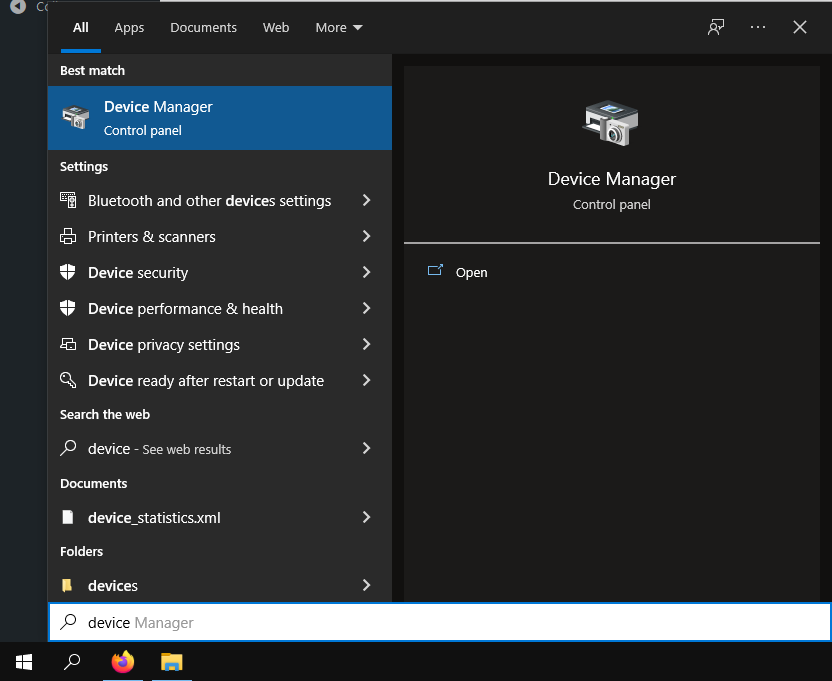
1.Click on the start button(bottom left) and type “Device Manager”

2.Click on the first recommended match.

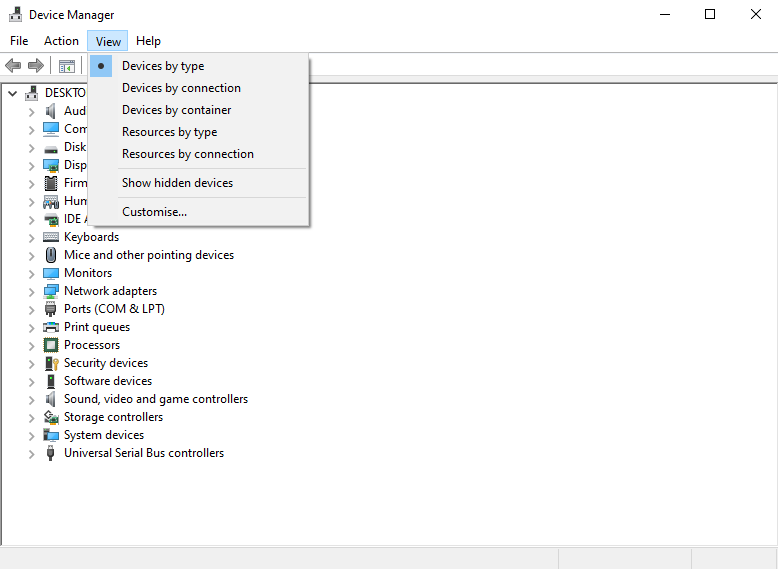
3.Go to the “View” pannel found the middle top side

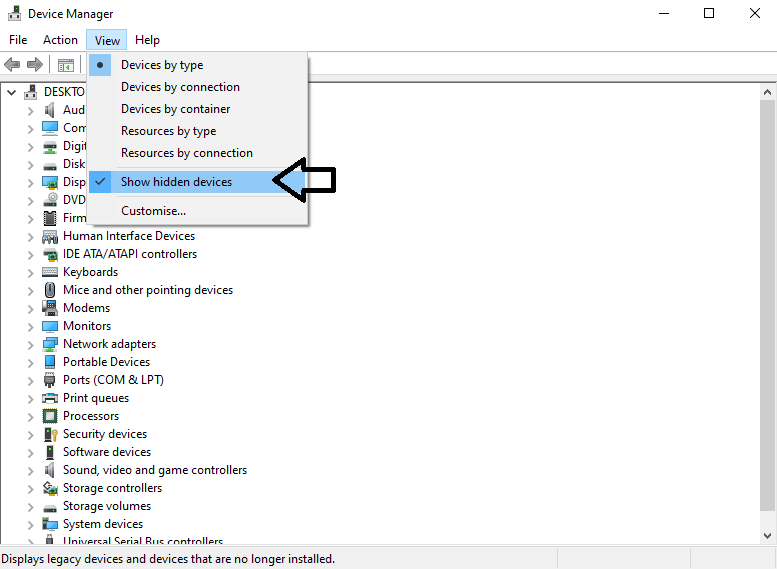
4.Tick the “Show hidden devices” button

Multiple devices might show like:a TV connected via HDMI, printer, smartphone and so on.

[mai mult...]

Cum se instaleaza Chatwoot Messaging Platform pe Debian 11

Chatwoot este o platforma de mesagerie gratuita, open-source si in timp real. Ofera un chat simplu si live pentru site-ul dvs. si il integreaza cu alte aplicatii. Va ajuta companiile sa ofere o asistenta buna pentru clientii lor prin intermediul canalelor de social media. Poate fi integrat cu usurinta cu aplicatii de social media, inclusiv Facebook, WhatsApp și Twitter. Este o solutie alternativa foarte buna la alte software comerciale precum Intercom, Zendesk, etc.

[mai mult...]

How to Fix Black screen after sleep in Windows 10

Many users reported black screen without a cursor on their PC and that can be a big problem on any version of Windows. This can be caused by your power settings, so be sure to adjust them.

In some instances, the black screen appears after login, so you’re unable to do anything. This might be related to your drivers, so updating them should be your priority. Few users even reported black screen after BIOS and this can be caused by a hardware problem or a bad firmware, so you’ll need to inspect it for any issues.

[mai mult...]