OneDrive doesn’t open
If OneDrive system tray icon doesn’t work or it shows grayed out you will have to reinstall it but in this situation a normal reinstall doesn’t work, you will have to follow the steps below:
[mai mult...]
Soluții pentru problemele tale IT

If OneDrive system tray icon doesn’t work or it shows grayed out you will have to reinstall it but in this situation a normal reinstall doesn’t work, you will have to follow the steps below:
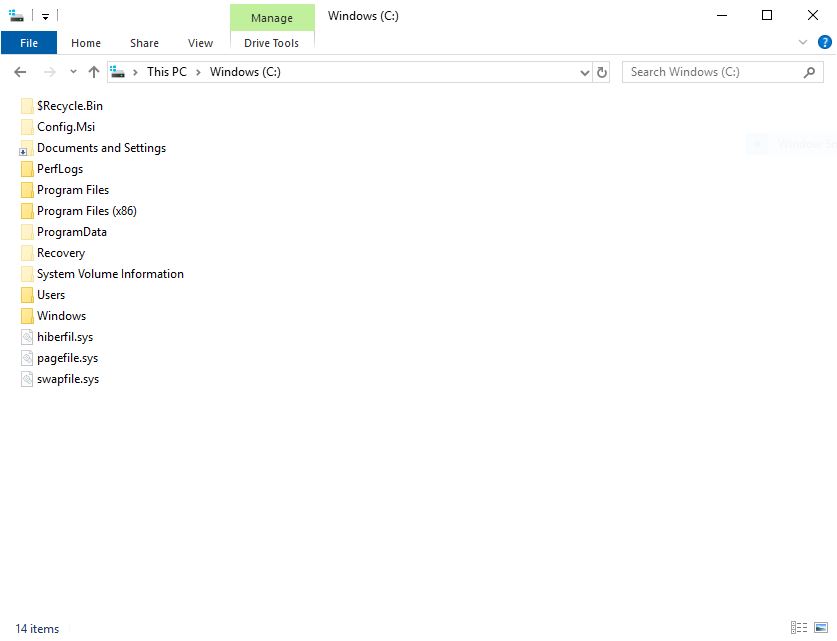
[mai mult...]Spre deosebire de pagefile, acest fisier swapfile este un nou fisier de memorie virtuala introdus pentru prima data in Windows 8 pentru noile stiluri de aplicatii Microsoft, Modern Apps în Windows 8 sau Universal Apps în Windows 10.
Dupa cum stim cu totii, una dintre cele mai importante caracteristici ale aplicatiilor moderne consta in faptul ca acestea pot fi suspendate atunci cand sistemul ruleaza cu memorie redusa. In acest caz, Windows 8/10 poate scrie eficient intregul set de lucru al unei aplicatii suspendate pe disc pentru a obtine memorie suplimentara, mai exact, scrie datele în acest fisier.
Creati un joc Hartie-Piatra-Foarfece la care participa 2 persoane. (Nota: folositi-va de functia “input()” pentru a cere date de la jucatori; in momentul cand cineva castiga, printati un mesaj de felicitare.
[mai mult...]A relatively new feature in the Outlook.com is Joyful Animations. The feature adds animation to words conveying expressions like greetings, compliments, and felicitations in your email. Although good, not all of us may like it. So, if you prefer to eliminate these unnecessary joyful animations, Outlook Web App offers an easy way to turn them off.
Disable Joyful Animations in Outlook.com
Joyful Animations show up when you receive a mail in the reading pane of the Outlook Web App. If these emails contain any word expressing surprise or strong emotion (like Congratulations, Happy Birthday, etc.) and you move the mouse cursor over them a shower or a light rain of glitter is displayed.
If you have no liking towards these Joyful animations, you can disable it as follows:
Kindly note that Joyful Animations are visible only in the modern version of the Outlook Web App
[mai mult...]This article shows how you can connect to Office 365 / Exchange Online using PowerShell.
[mai mult...]