Soluții

Cum folosești paru în distribuțiile bazate pe Arch Linux

Arch Linux și distribuțiile derivate (precum EndeavourOS, Manjaro sau ArcoLinux) oferă utilizatorilor un control total asupra sistemului. Totuși, gestionarea pachetelor din AUR (Arch User Repository) poate fi anevoioasă fără un helper bun. Aici intervine paru, un AUR helper modern, rapid și intuitiv scris în Rust.

Ce este paru?

paru este un AUR helper dezvoltat ca o alternativă modernă la yay. Este compatibil cu pacman, folosește o interfață similară, dar vine cu funcții suplimentare, cum ar fi:

  • Suport pentru culori și UI prietenoasă

  • Prompturi interactive pentru alegerea pachetelor

  • Căutări fuzzy

  • Completări automate în shell.

[mai mult...]

Cum optimizezi Arch Linux cu sched-ext

Arch Linux este cunoscut pentru flexibilitatea și controlul total pe care îl oferă utilizatorilor. Dacă ești în căutarea unui mod avansat de a îmbunătăți performanța sistemului tău, mai ales pe sisteme moderne cu procesoare multicore, noul framework de scheduling extensibil din Linux — sched_ext — ar putea fi ceea ce cauți.

sched-ext este un framework recent introdus în kernelul Linux care permite rularea de scheduleri personalizați în user space. Spre deosebire de clasicele CFS (Completely Fair Scheduler) sau BFS (Brain Fuck Scheduler), sched-ext permite dezvoltatorilor și pasionaților să testeze și să folosească noi algoritmi de scheduling fără a recompila kernelul de fiecare dată.

Acest framework este perfect pentru tweaking avansat, oferind control granular asupra prioritizării sarcinilor, latenței și consumului de resurse.

[mai mult...]

5 Things to consider before picking your first linux distro

The Linux desktop environments (DEs) determine how the OS looks and feels and how you interact with it. The DE includes windows, icons, panels, menus, and any GUI you interact with when using the OS. Naturally, choosing the wrong DE will lead to a poor overall experience.

Not all Linux distros come with a DE preinstalled. Arch Linux and Debian lack both a DE and a GUI. You’ll need to set them up yourself. That’s why beginners should avoid these distros. Want to get to know some of the popular Linux DEs? Starting off, we have GNOME. It’s very popular but a huge departure from the conventional desktop experience seen on Windows or macOS. GNOME is super minimalistic with a heavy focus on virtual desktops for app management.

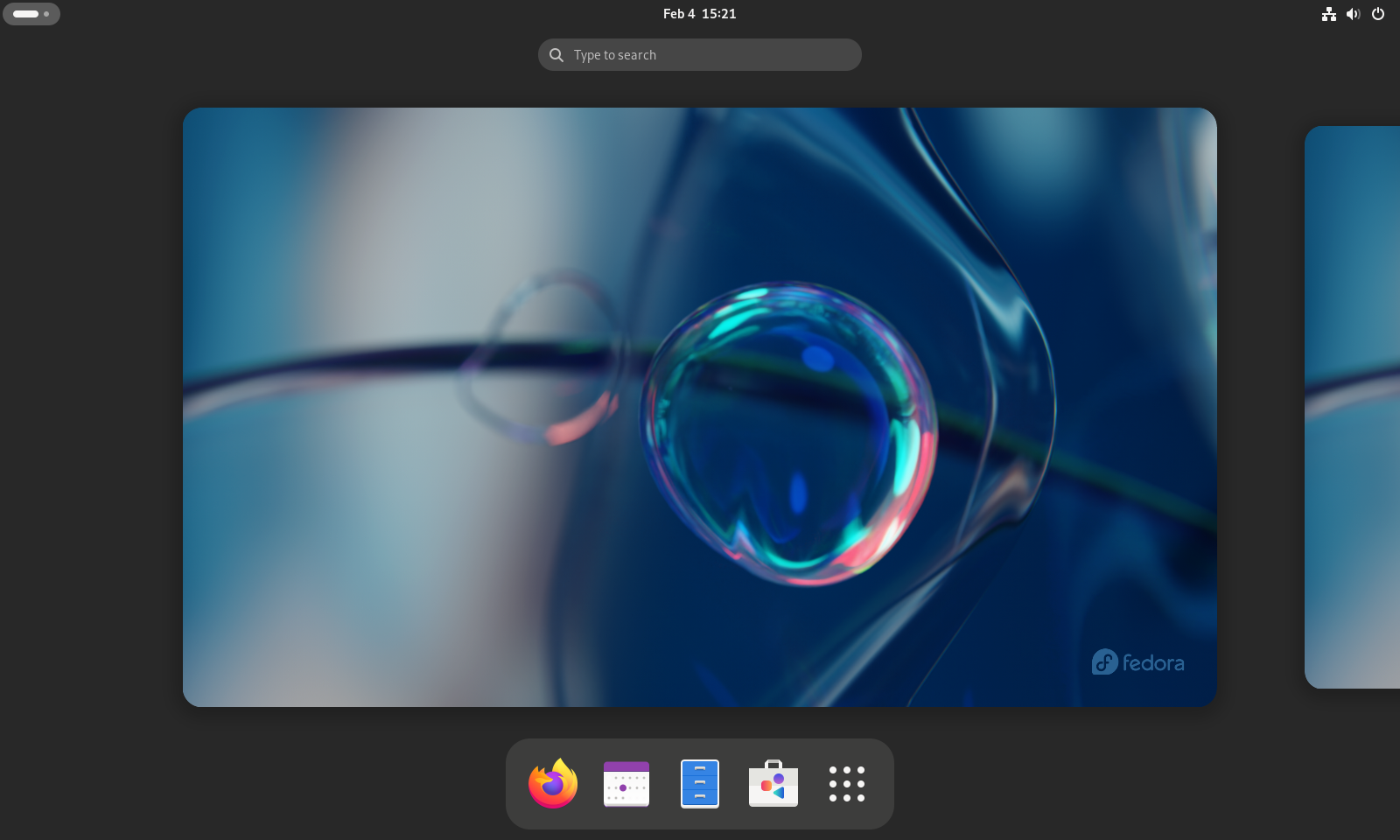
You can try Fedora for the vanilla GNOME experience.

Fedora Linux Activies Overview showing a the desktop switcher and dock.

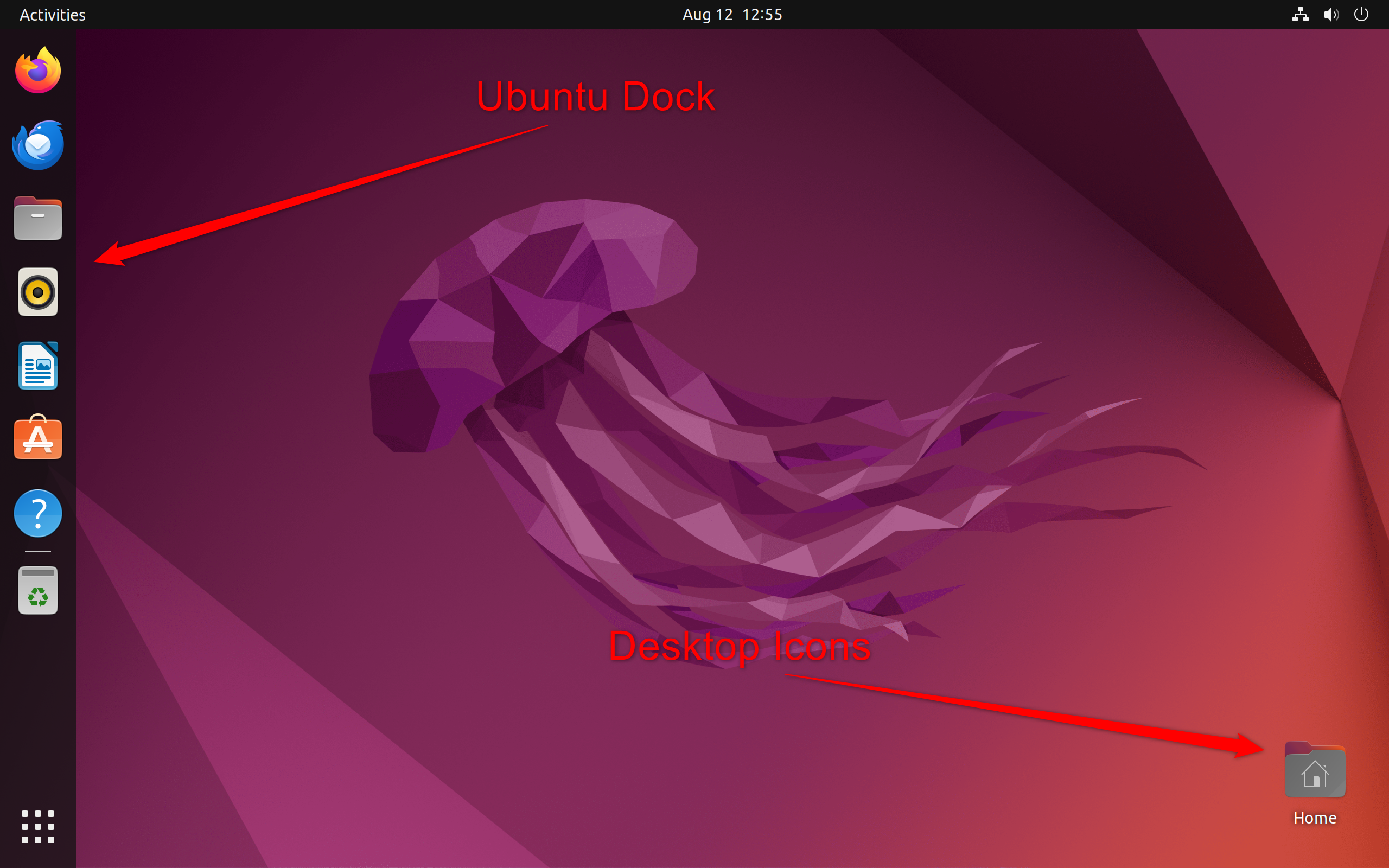
Alternatively, you can use Ubuntu, where you get a customized GNOME experience supporting a dock and desktop icons to make it more user-friendly.

The Ubuntu Desktop With Dock and Icons

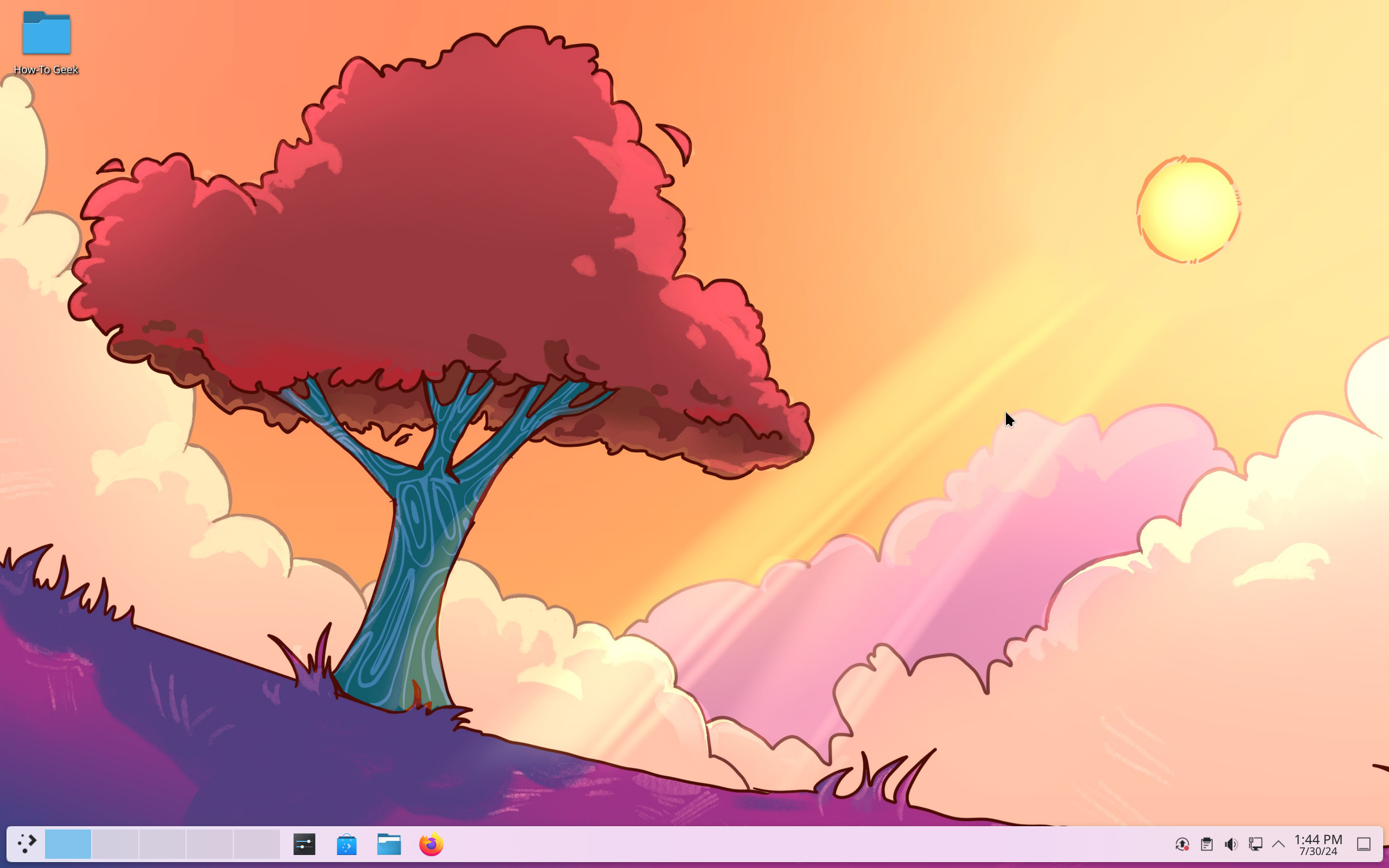
However, if you want something more familiar yet powerful, go with KDE Plasma. It’s highly customizable with tons of advanced settings and options.

KDE Neon Overview

By default, it looks like Windows. However, you can tweak it to resemble macOS—which is what Garuda Linux does.

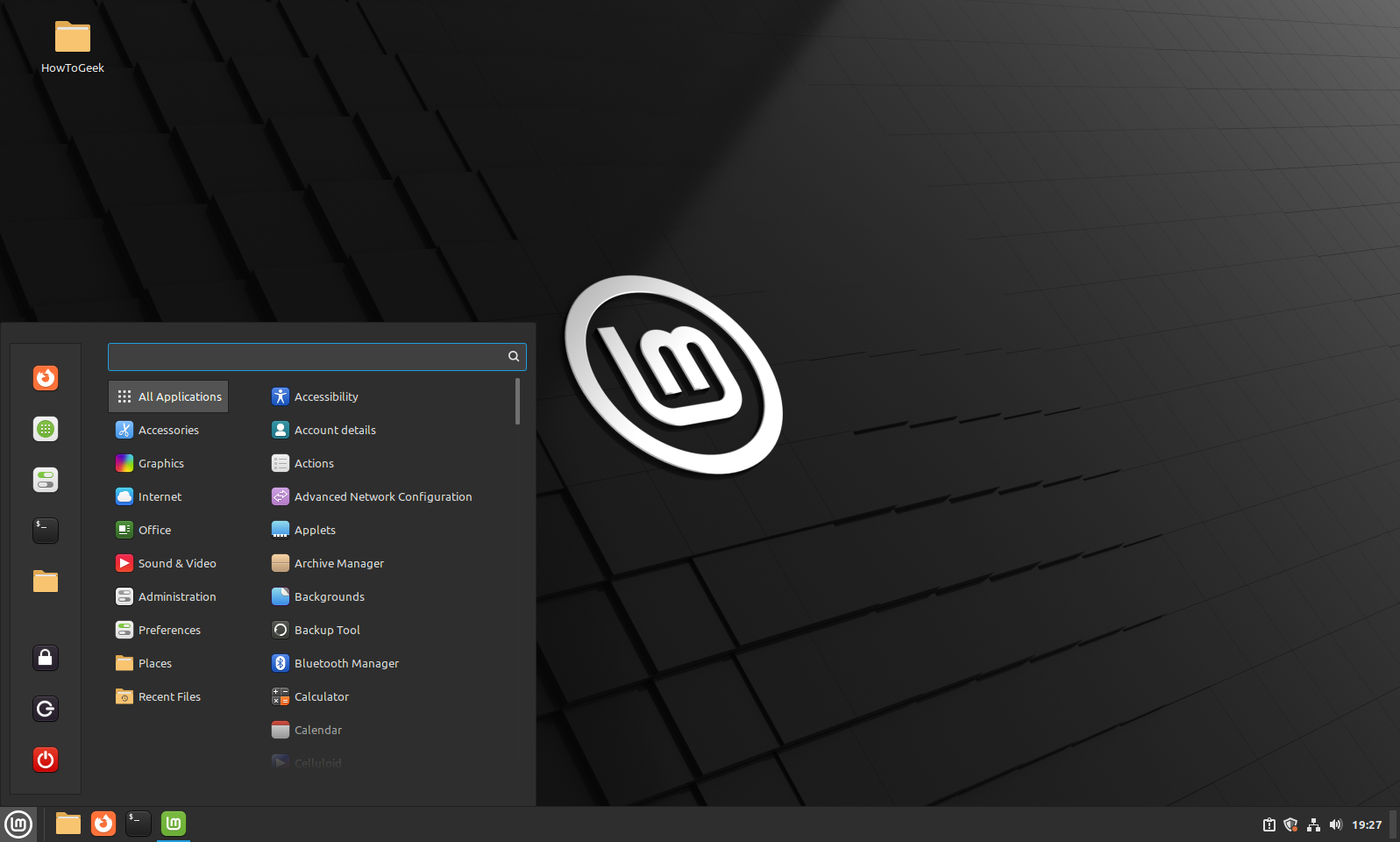
That said, having so many options can be overwhelming—especially for those looking for a simpler OS. Cinnamon can be a great option here with its traditional Windows 7-ish layout and favorable balance between features and usability. It has a gentle learning curve to ensure you focus on using the OS instead of learning the OS. Linux Mint is the definitive way to experience Cinnamon.

Linux Mint Desktop Overview.

Now, there are dozens of other DEs, but I recommend starting with either GNOME, KDE Plasma, or Cinnamon. One of these will likely meet your needs. As you get comfortable, you can explore other DEs.

[mai mult...]

How to create shortcuts to frequently accessed Files on Google Drive for Android

Creating Google Drive shortcuts not only increases efficiency but also saves you time and streamlines your workflow. Instead of navigating through multiple layers of folders, a shortcut takes you directly to the file or folder you need.

As a writer, I regularly manage most of my project files in Google Drive. I often find myself repeatedly opening the same file or folder, and creating a shortcut is a quick and painless way to get back to it.

Furthermore, you can share shortcuts with colleagues or friends to enhance teamwork. Also, if you have a file in a shared team folder but want easy access from your personal folder, you can create a shortcut instead of duplicating the file. This way, you avoid cluttering your Drive with copies, and any updates made to the file are reflected everywhere.

[mai mult...]

Tips to improve your Search Experience on Windows

  • Use categories to filter search results by typing the category followed by a colon and search query for more precise results.
  • Utilize web search for specific information: search for time, weather, definitions, statistics, or currency conversions.
  • Enable cloud search for comprehensive results by turning on cloud search to include results from Bing, OneDrive, Outlook, and SharePoint.

Sometimes, it can be hard to quickly find the information you need using Search on Windows 11. But with a few tips and tricks, you can make it a breeze.

[mai mult...]