
Situatie
Solutie
To back up certain files and folders, you can make a batch file that automatically copies items from one source and pastes those items at another path.
@echo off
echo Backing up files...
xcopy "SourcePath" "DestinationPath" /e /i /h /y
echo Backup completed.
pause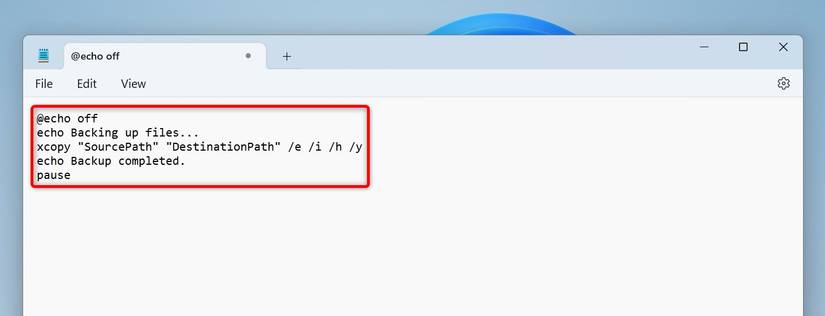
In this script, replace “SourcePath” with the path where you want to copy items from. Replace “DestinationPath” with the path where you want to save the files.
Here, the “/e” parameter ensures the empty folders are copied as well. The “/i” parameter creates the destination folder if it doesn’t already exist. The “/h” parameter copies hidden files. The “/y” parameter overwrites files without prompts.
Leave A Comment?