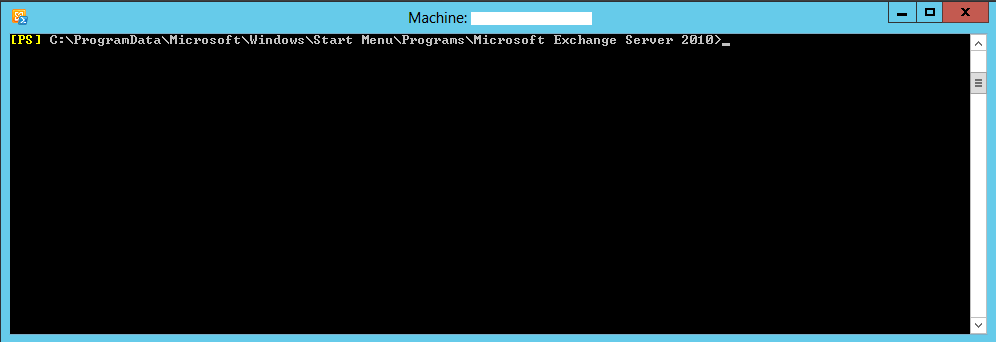
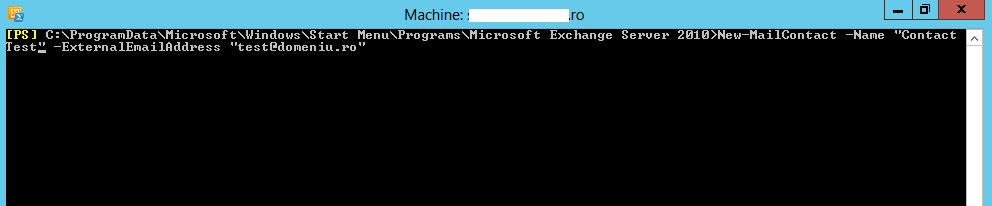
Creare contact in Exchange 2010 folosind PowerShell Data 09/03/2016 Autor Radu P Categorie Exchange, Servicii de e-mail -5 1275 Configurare noua (How To) SituatieSe doreste crearea unui contact in Exchange 2010 folosind PowerShell Solutie Pasi de urmat Se deschide Exchange PowerShell Se ruleaza comanda: New-MailContact -Name "Nume Contact" -ExternalEmailAddress "contact@domeniu.ro" Tip solutiePermanent Voteaza Up Down (17 din 39 persoane apreciaza acest articol) ShareTweetShare Despre Autor Radu P Solutii Asemanatoare Cum se setează mesajul Out Of Office Message in Outlook pentru un alt utilizator -2 Cheile de acces Microsoft Entra de pe Windows acceptă acum autentificarea rezistentă la phishing 2 Cum se exportă politicile de acces condiționat din Cloud în format CSV cu PowerShell 3 Microsoft a lansat versiunea Windows Server 2025 Security Baseline(v2506) -8 Cum rezolvăm alerta “SMTP Address Has No Mailbox Associated” 7 Cum se poate modifica dimensiunea atasamentului unui mail in platforma linux PostFix/ISPConfig 7 Leave A Comment? × Cancel Reply Save my name, email, and website in this browser for the next time I comment. × seven = fifty six
Leave A Comment?
