
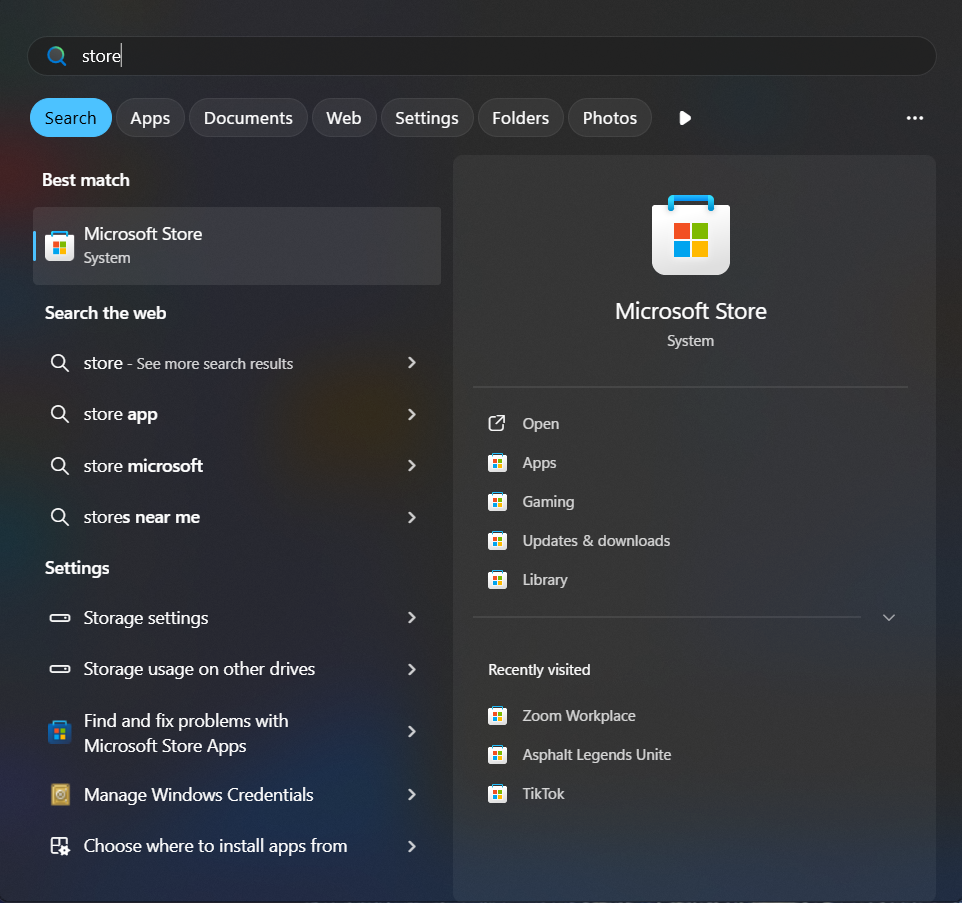
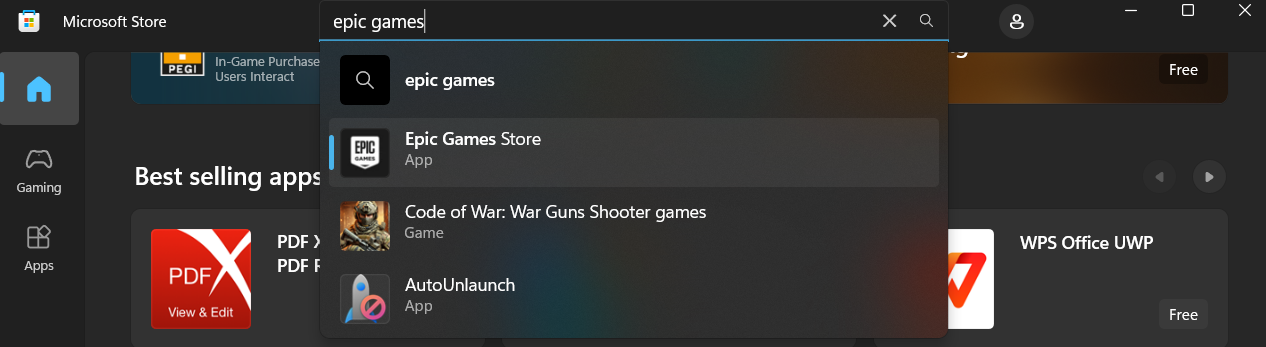
Cum instalăm Epic Games Store pe Windows 10/11 Data 20/07/2025 Autor Florin Olariu Categorie Soluții 8 250 Configurare noua (How To) SituatieDorim să instalăm aplicația Epic Games Store direct pe laptop/PC pentru acces mai rapid. Solutie Navigăm în microsoft store din bara de jos sau de pe lupă, unde scriem store și va apărea microsoft store. Căutăm din bara de “search” aplicația Epic Games Store și dăm click ca în imagine pe “Epic Games Store” Apoi apăsăm “Get”, iar aplicația va începe să se instaleze. După instalare o vom putea deschide din bara de start. Tip solutiePermanent Voteaza Up Down (15 din 22 persoane apreciaza acest articol) ShareTweetShare Despre Autor Florin Olariu Solutii Asemanatoare Your Android phone’s battery has a limited lifespan -1 5 Samsung settings you should change on every new Galaxy -1 Your Android Status Bar is cluttered with Icons? -3 How to export your installed Apps and reinstall them on another PC with winget -1 How to set up SSH Key Authentication and disable Password Login on Linux 0 How to find which program is using a Port in Windows and stop it 0 Leave A Comment? × Cancel Reply Save my name, email, and website in this browser for the next time I comment. four + = 8
Leave A Comment?