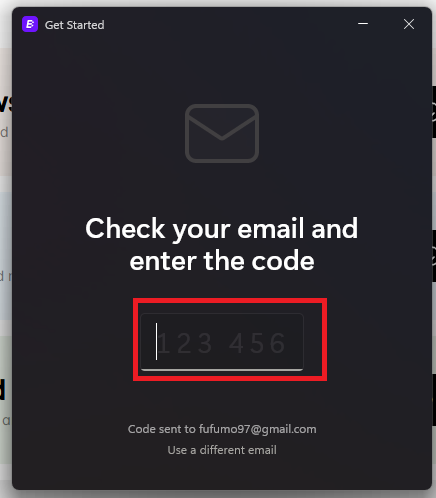
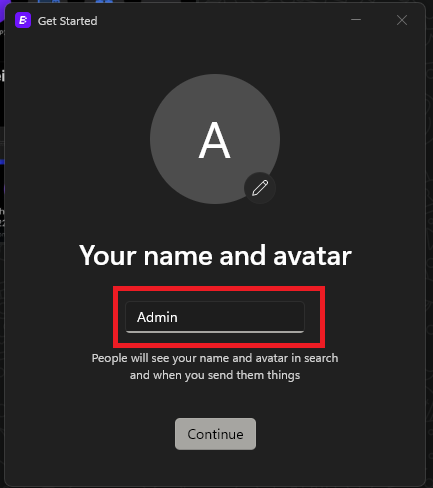
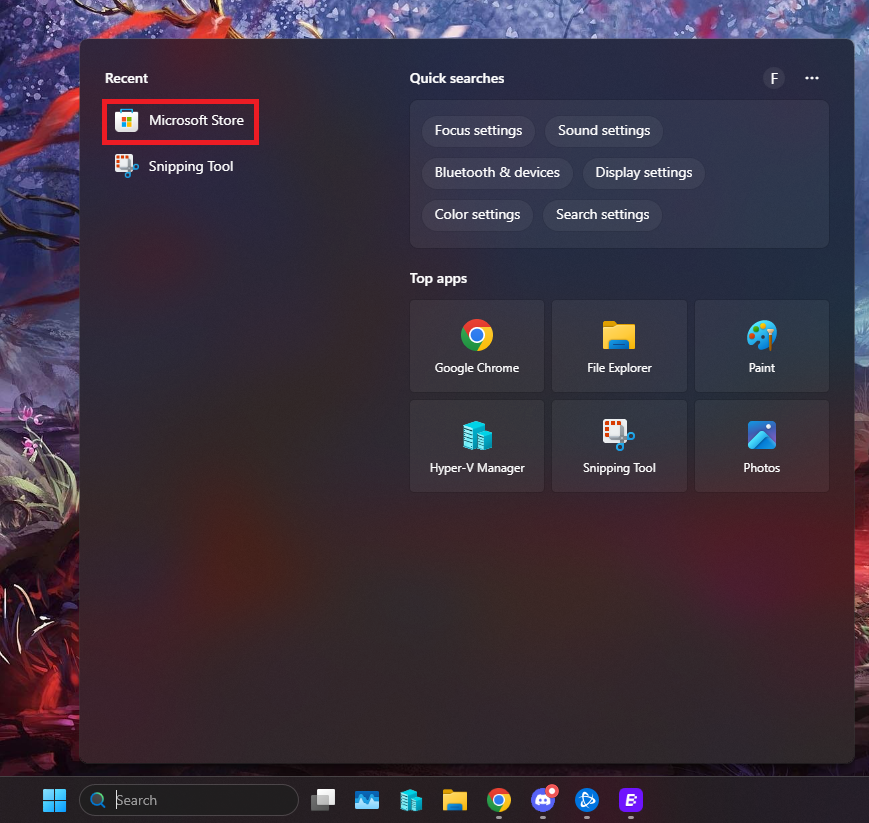
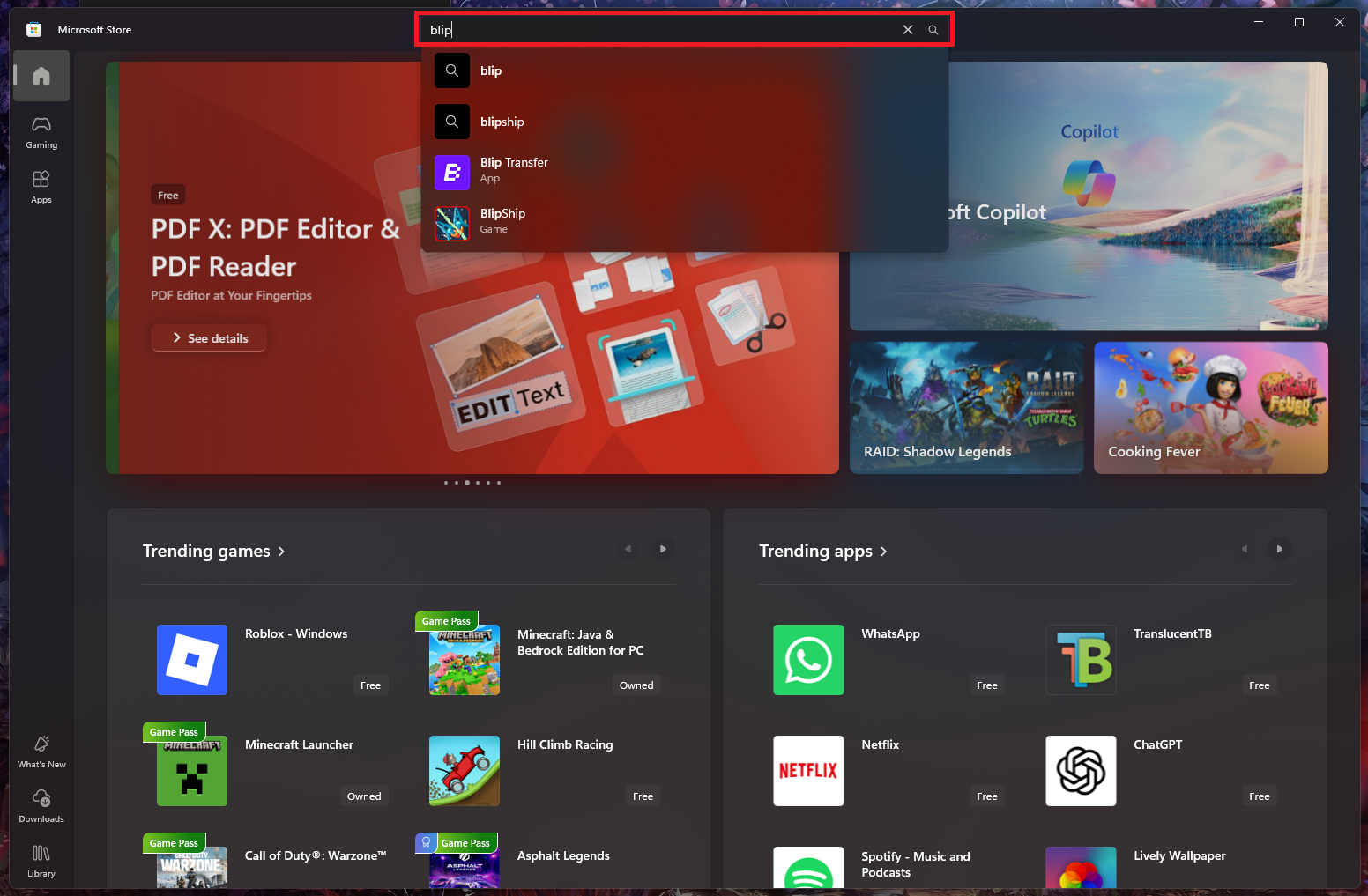
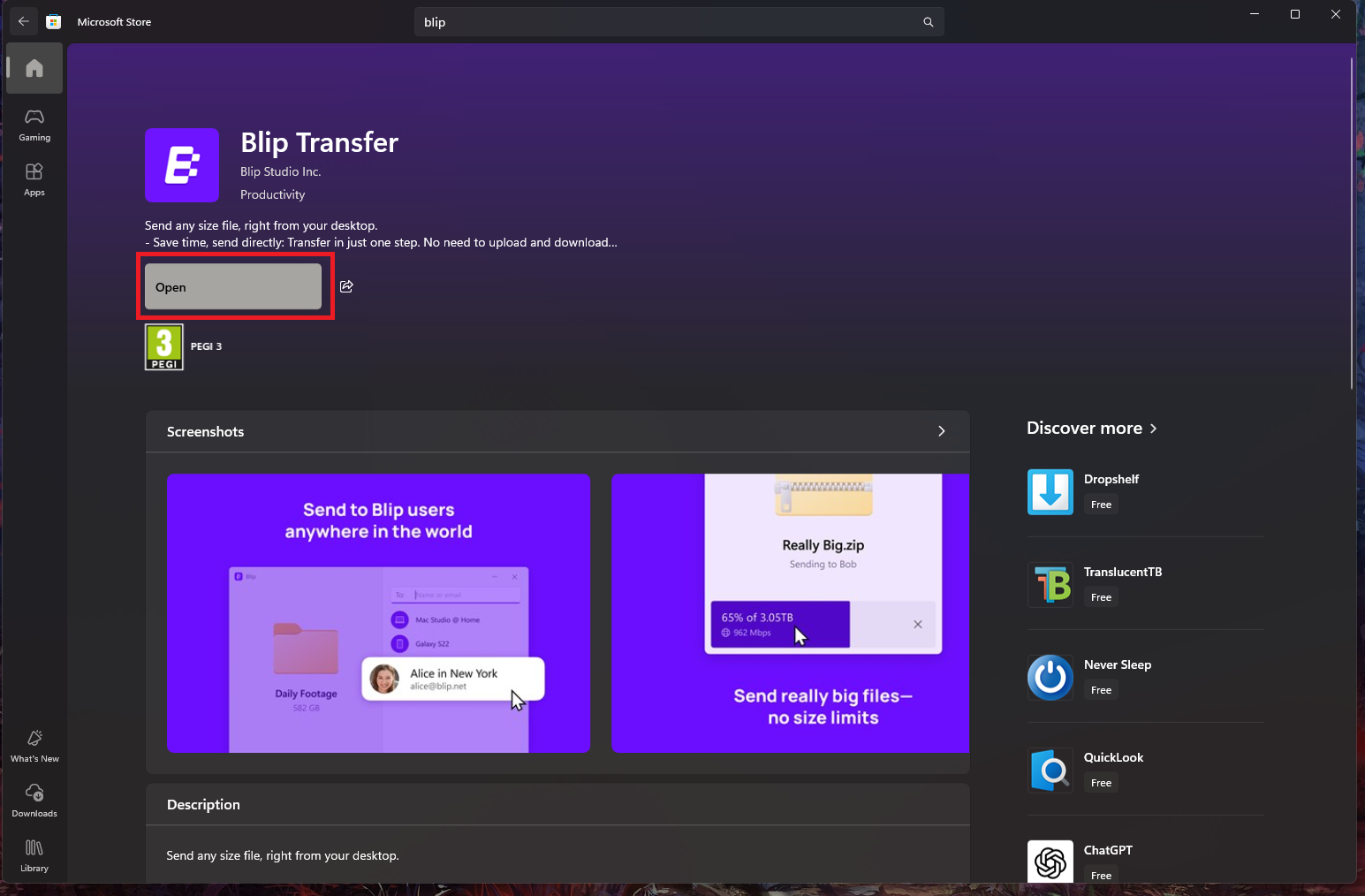
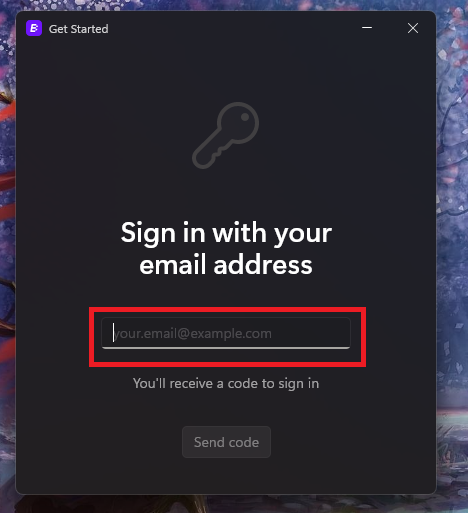
Cum instalati aplicatia “Blip” pentru transferuri de fisiere Data 30/09/2025 Autor preda silviu Categorie Soluții 2 207 Configurare noua (How To) Situatie Solutie Pasi de urmat Prima data deschideti “Microsoft Store” In store cautati aplicatia “Blip” in bara de cautare si selectati-o Aici click pe Install/Open Aici, prima data introduceti adresa de email, dupa care introduceti codul de verificare primit pe email si ultima data alegeti un nume. Tip solutiePermanent Voteaza Up Down (11 din 20 persoane apreciaza acest articol) ShareTweetShare Despre Autor preda silviu Solutii Asemanatoare Email security în SMB 1 Your Android phone’s battery has a limited lifespan -1 5 Samsung settings you should change on every new Galaxy -2 Your Android Status Bar is cluttered with Icons? -3 How to export your installed Apps and reinstall them on another PC with winget 1 How to set up SSH Key Authentication and disable Password Login on Linux 0 Leave A Comment? × Cancel Reply Save my name, email, and website in this browser for the next time I comment. 8 − 3 =
Leave A Comment?