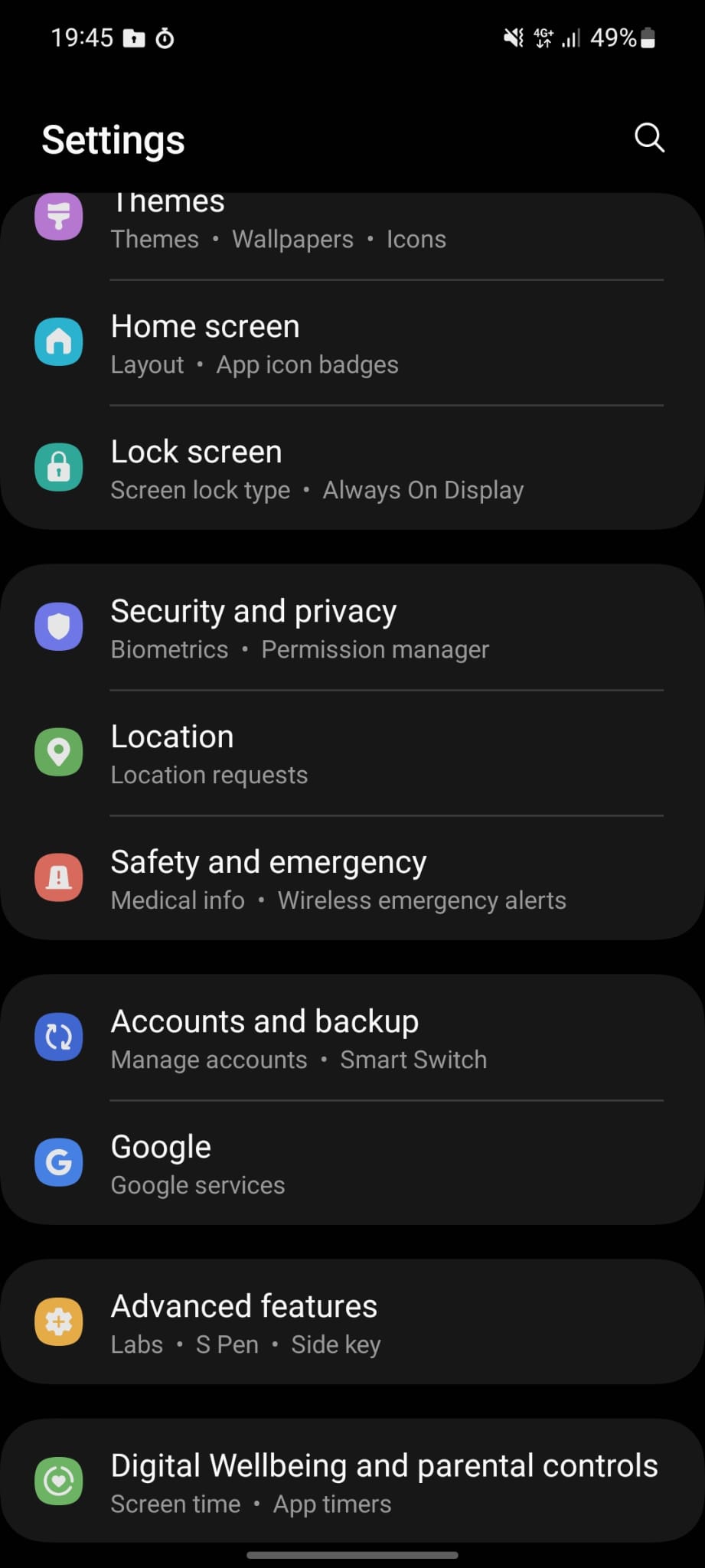
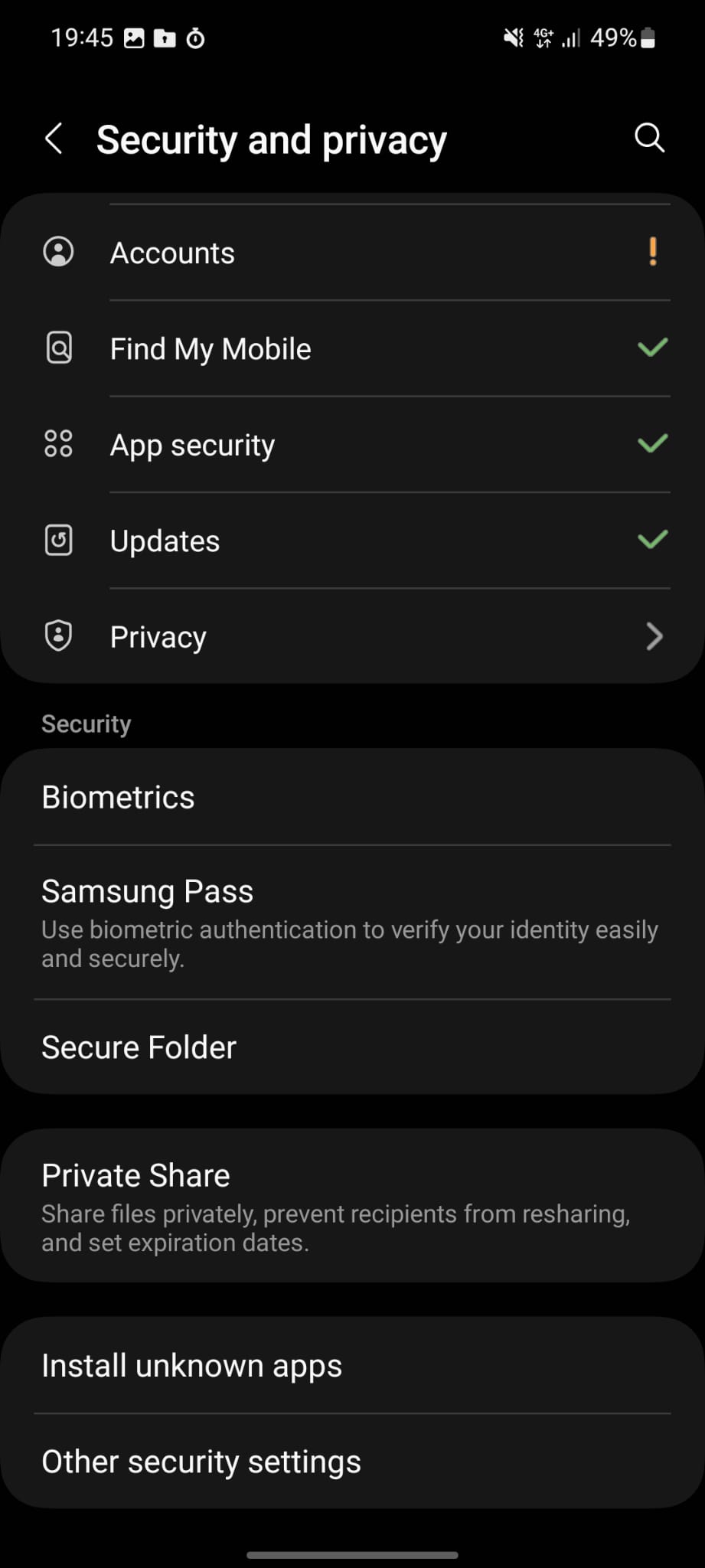
How to create Secure Folder on Android? Data 11/05/2023 Autor Dorin Mihai Categorie Mobile 0 409 Configurare noua (How To) Situatie Solutie Pasi de urmat 1. Open Settings 2. Scroll down and select Secure Folder 3. Wait until Secure Folder is created 4. Select again Secure Folder and see the details. Tip solutiePermanent Voteaza Up Down (18 din 36 persoane apreciaza acest articol) ShareTweetShare Despre Autor Dorin Mihai Solutii Asemanatoare Why the Pixel 10 Series stands out in 2026 1 7 Practical ways to repurpose your old Android Phone 4 Wipe cache partition – Samsung Galaxy Watch 3 Prelungirea duratei de viata a bateriei prin reducerea temperaturilor 3 Utilizarea in regim “permanent” a functionalitatii Night Shift / schimbare temperatura de culoare 2 Introducere rapida a textului folosind camera telefonului Samsung 5 Leave A Comment? × Cancel Reply Save my name, email, and website in this browser for the next time I comment. + four = 8

Leave A Comment?