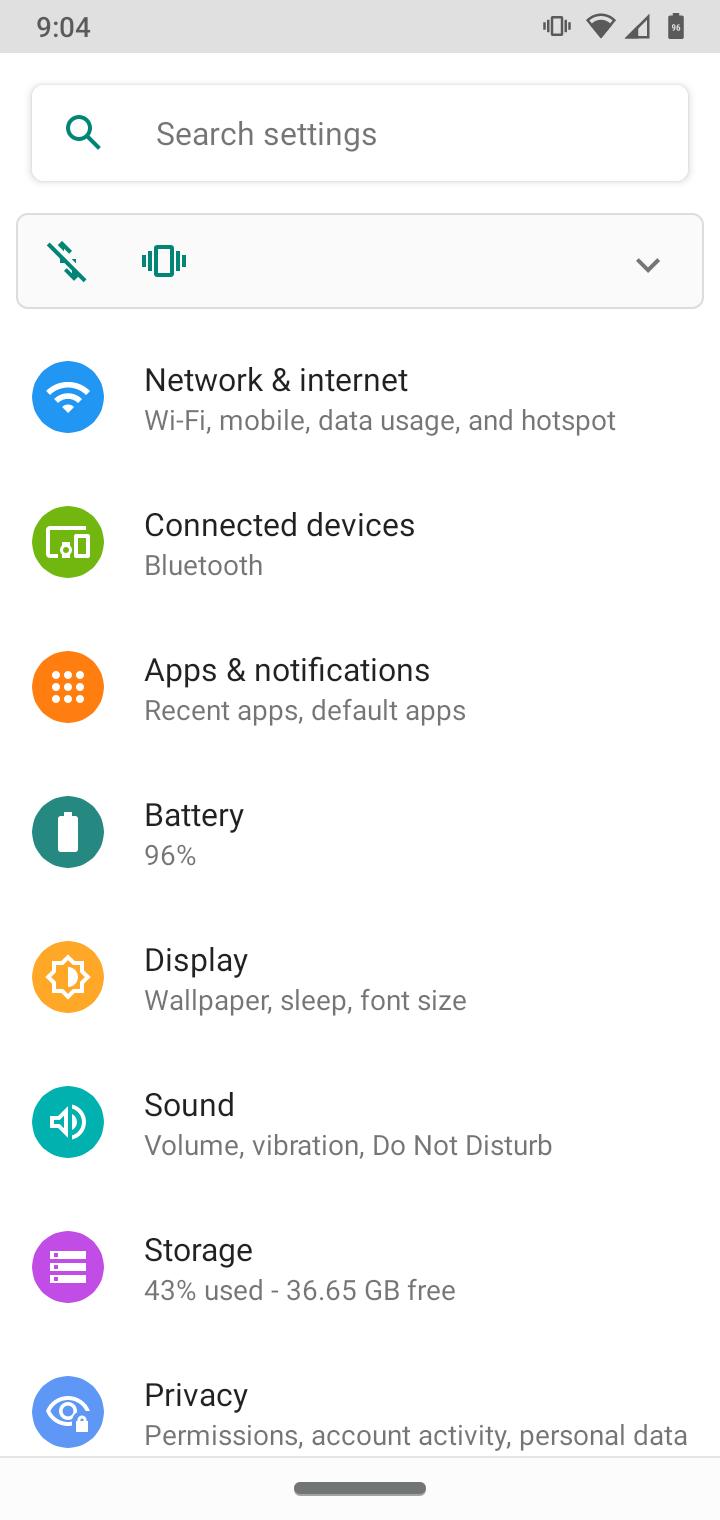
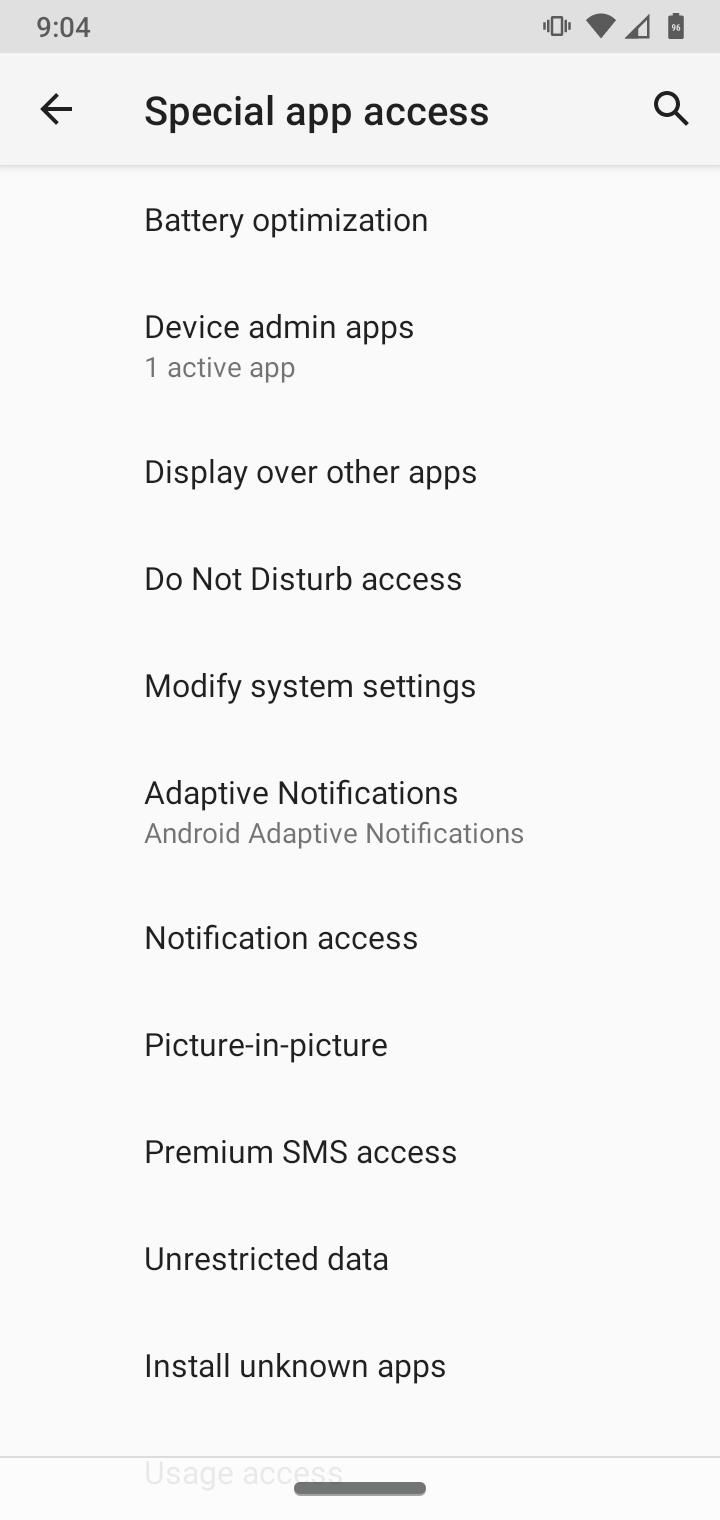
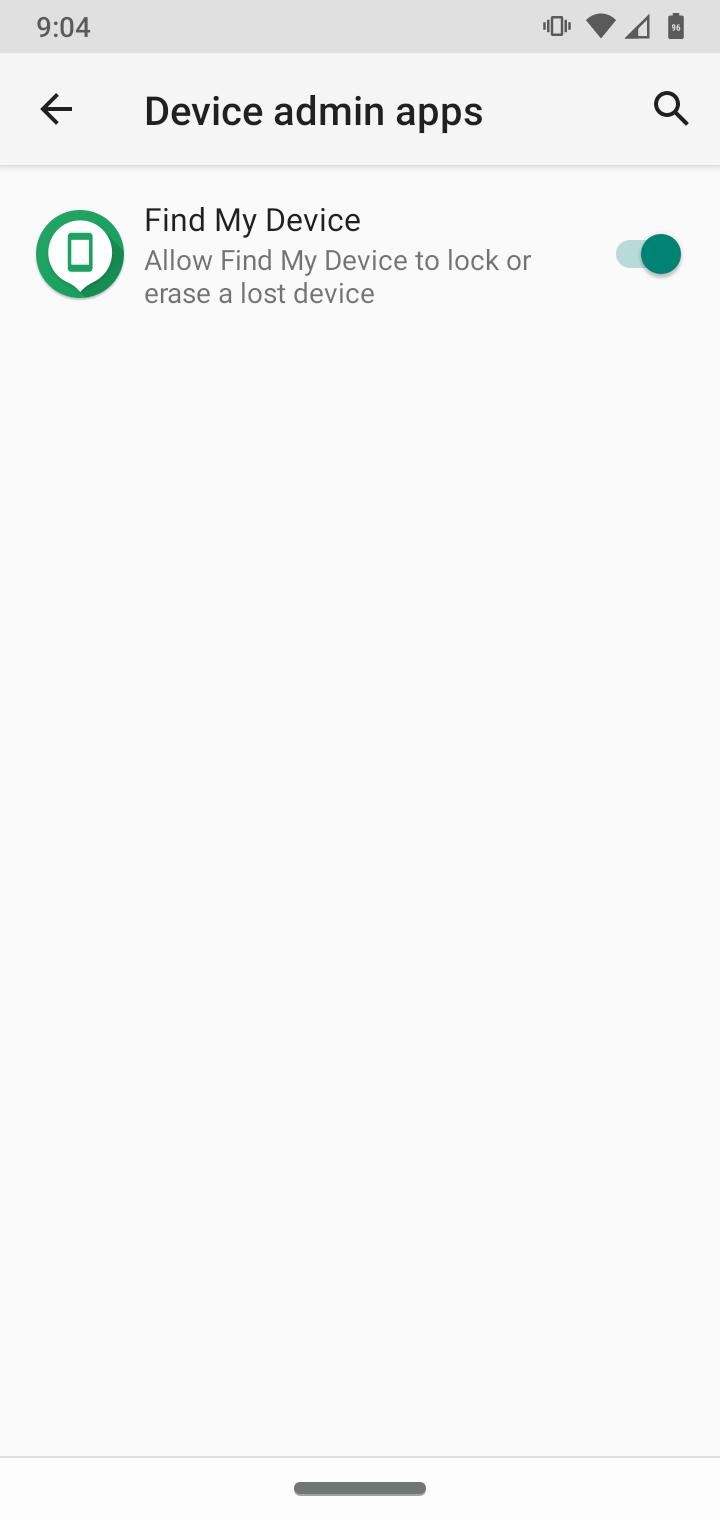
How to enable Find My Device Motorola G7 Data 29/10/2020 Autor digulescu gabriel ionut Categorie Soluții -3 448 Configurare noua (How To) Situatie Solutie 1.Open Settings 2.Go to Apps&Notifications 3.Select Advanced 4.Select Special Apps Access 5.Select Device Admin Apps 6.Enable Find My Devices Tip solutiePermanent Voteaza Up Down (13 din 29 persoane apreciaza acest articol) ShareTweetShare Despre Autor digulescu gabriel ionut Solutii Asemanatoare Cum descarcati codurile de backup pentru aplicatia Steam 2 Stop your iPhone suppressing background audio in Videos 0 How to install and configure Gentoo Linux -1 How to create a Windows to go with Rufus to run Windows 11 from USB 2 Sincronizarea Inventarului prin Webhooks și API 5 Optimizarea bazelor de date pentru „Flash Sales” -1 Leave A Comment? × Cancel Reply Save my name, email, and website in this browser for the next time I comment. 5 − five =
Leave A Comment?
