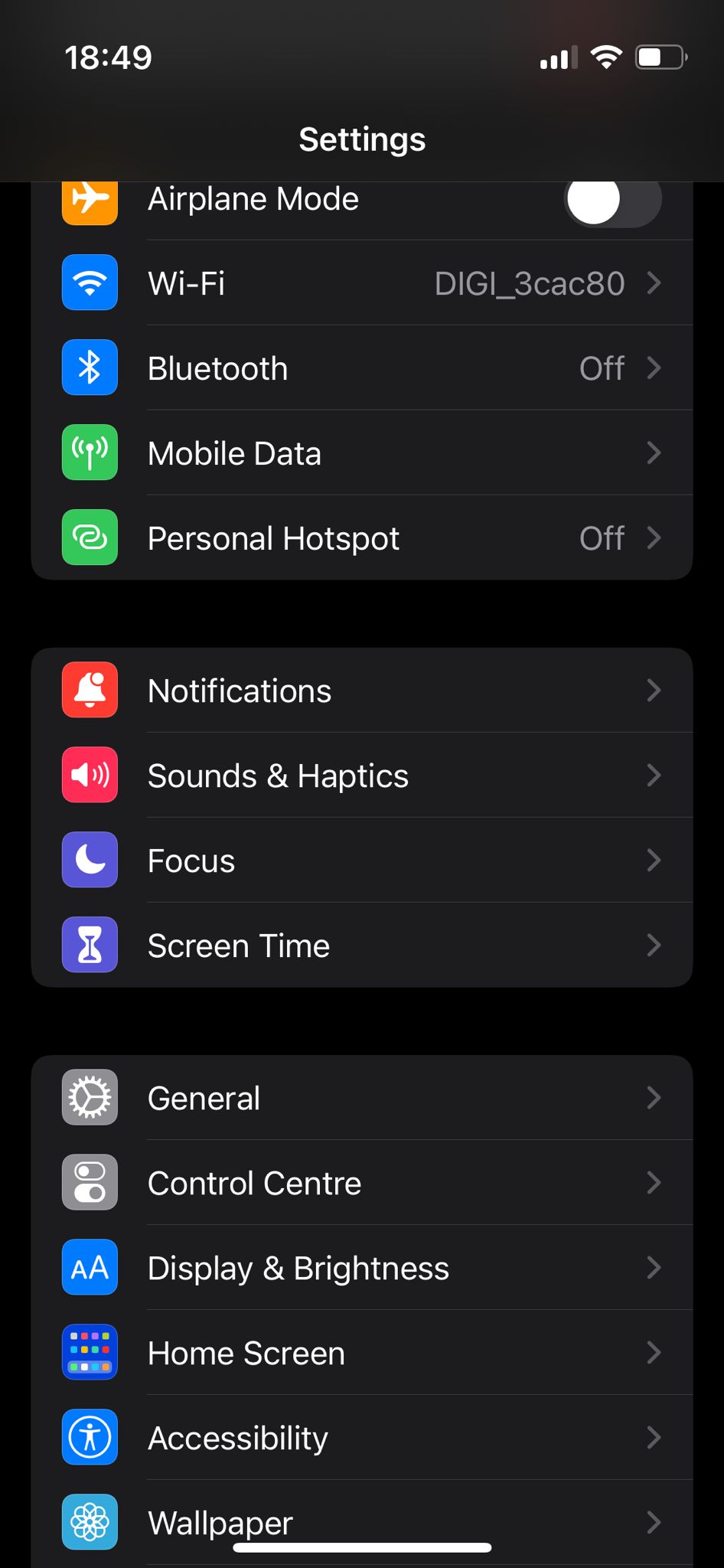
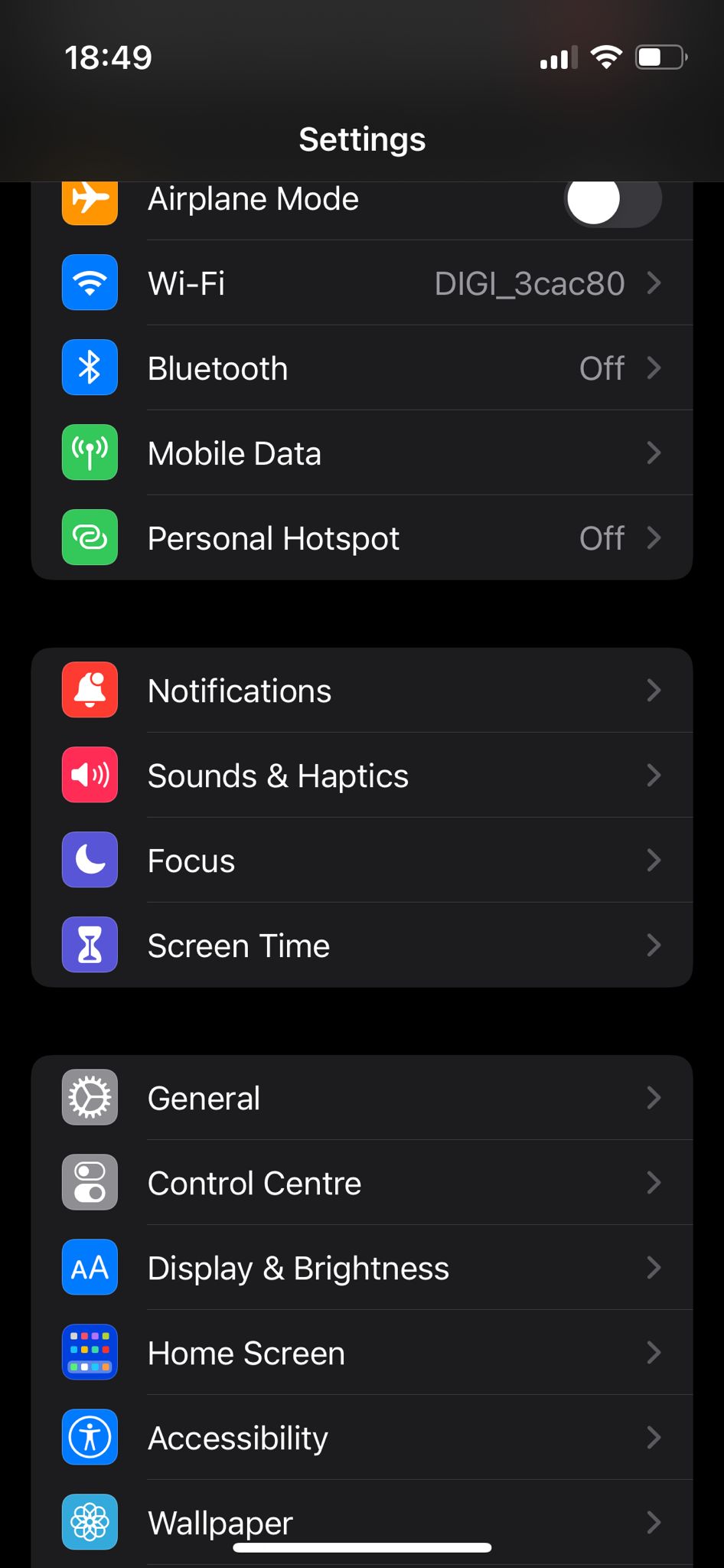
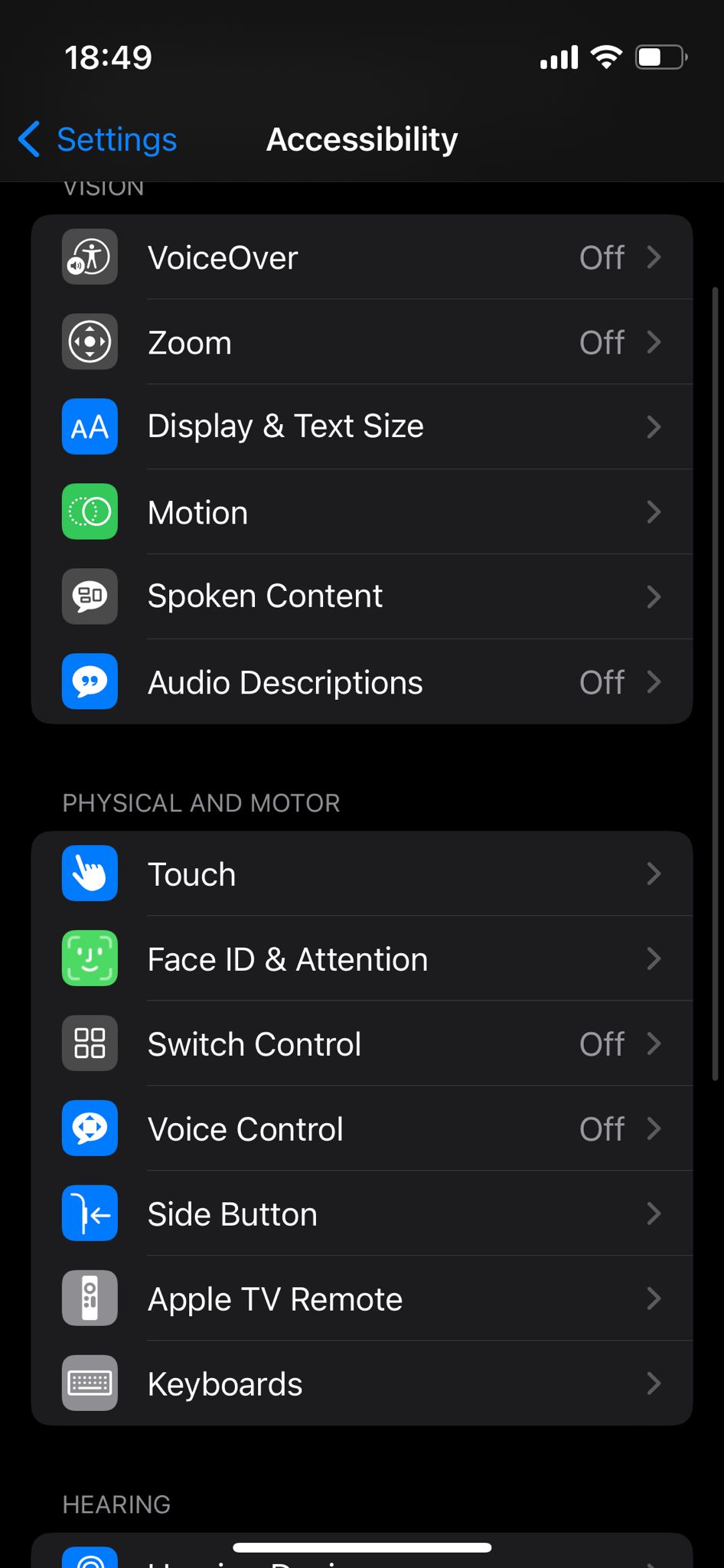
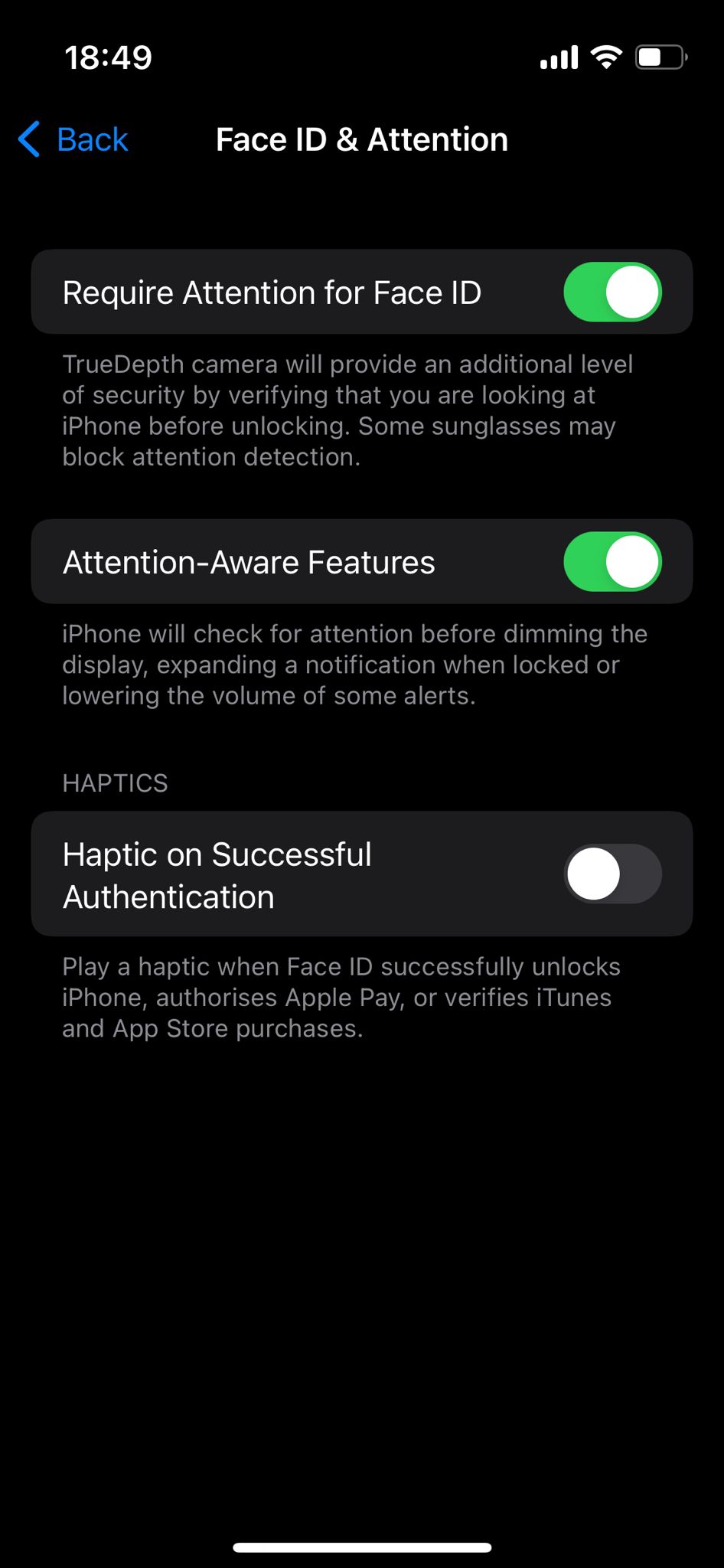
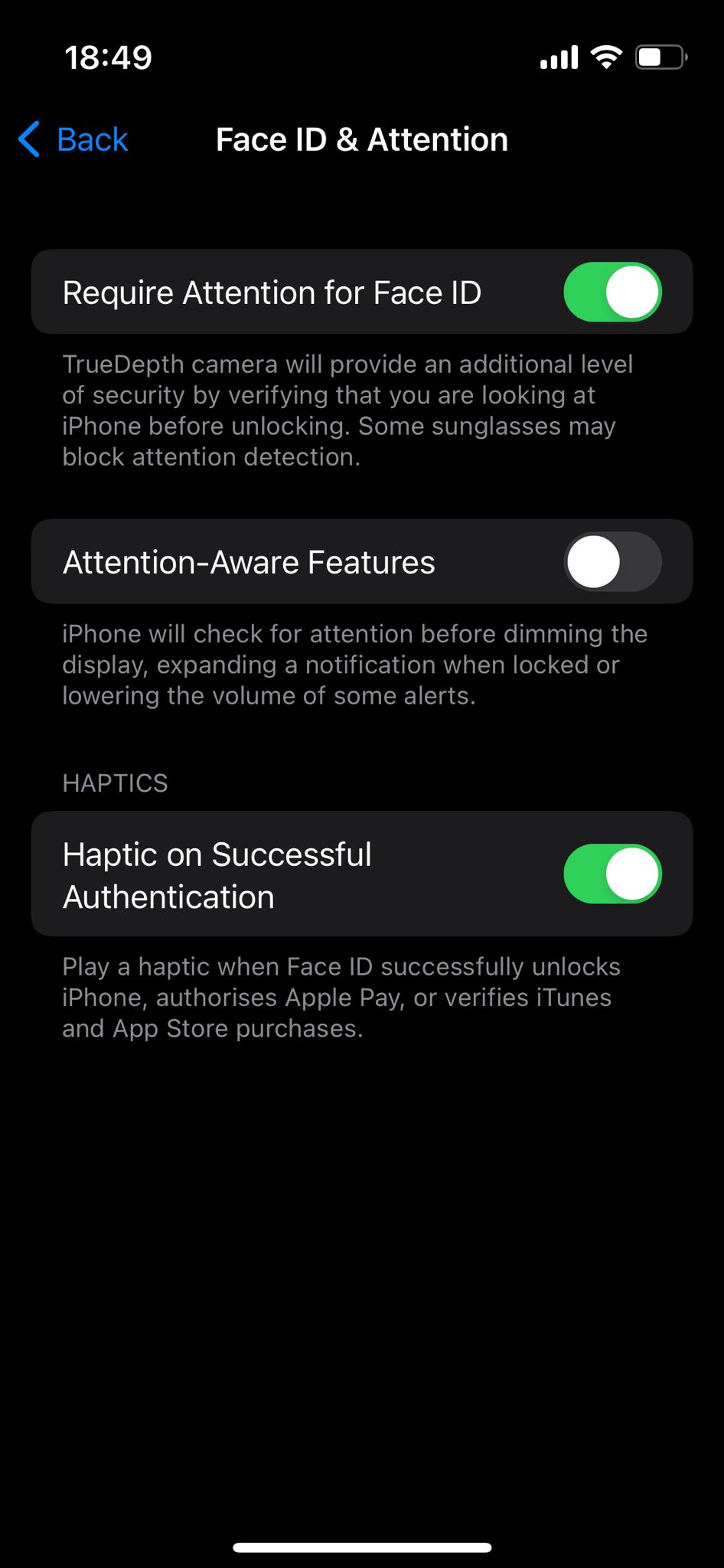
How to turn On Haptic on Successful Authentication Data 12/08/2022 Autor Dorin Mihai Categorie Mobile 4 658 Configurare noua (How To) Situatie Solutie Pasi de urmat Open Setings Select Accessibility Select Face ID & Attention Turn On Haptic on Successful Authentication. Tip solutiePermanent Voteaza Up Down (24 din 44 persoane apreciaza acest articol) ShareTweetShare Despre Autor Dorin Mihai Solutii Asemanatoare Cum testezi o aplicatie de React Native cu Expo 0 Interrupted file playback with Repeat All on Android TV media player – external storage 1 Unable to recharge mobile terminals that have a swappable power connector 5 Cum stergem istoricul Siri pe iOS 26.4 5 Partajarea fisierelor intre Samsung Galaxy si iPhone folosind Quick Share si AirDrop 3 Remediere probleme acces statie de lucru in domeniu 0 Leave A Comment? × Cancel Reply Save my name, email, and website in this browser for the next time I comment. + seven = 9

Leave A Comment?