
Situatie
Solutie
If you often launch certain apps one after another, you can create a batch file that automatically launches all those apps for you. You can specify the apps to be launched in the commands.
@echo off
echo Launching apps...
start explorer
start chrome
start "" AppPath
echo All apps launched.
pause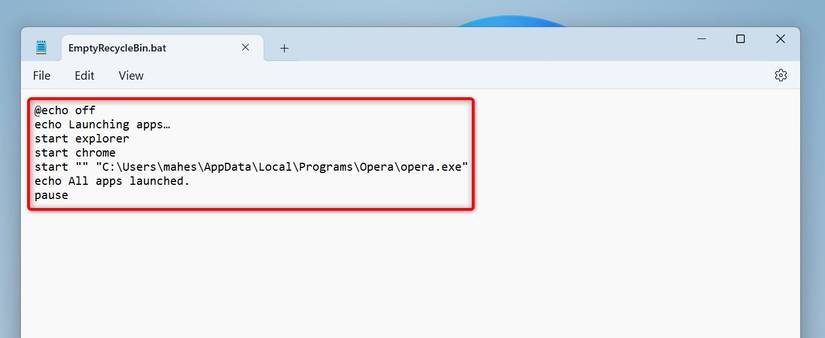
As you can notice, the above script launches File Explorer and Google Chrome using their system names. To launch another app, replace “AppPath” with the full path to the executable file of the app you want to launch. Make sure to enclose the path in double quotes.
Leave A Comment?