
Situatie
Solutie
Paste Special as HTML
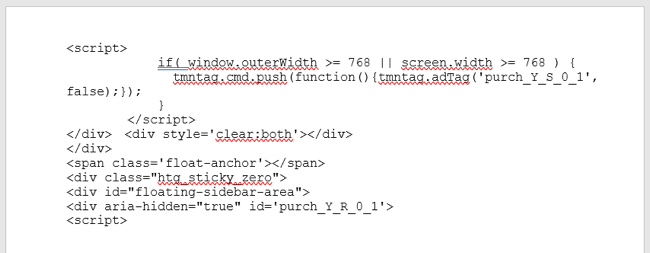
One of the quickest ways to add code to your document is with the Paste Special option for HTML. This inserts the code you’ve copied without the other formatting of your document. And, this option allows your reader to copy the code or command straight from your document.
Select the code or command from your application and copy it using the toolbar, the context menu, or the keyboard shortcut Ctrl+C on Windows or Command+C on Mac.
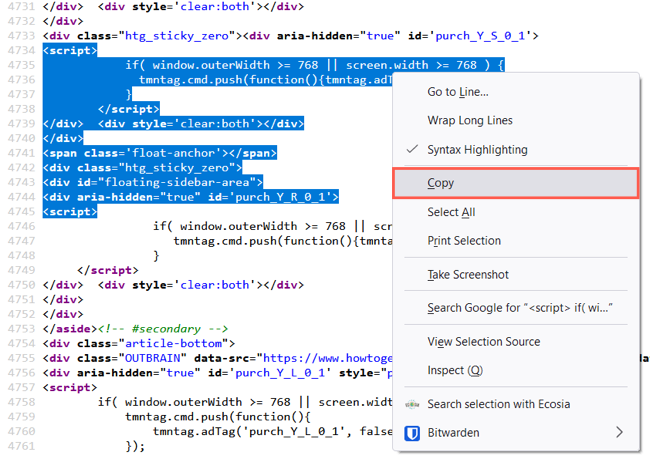
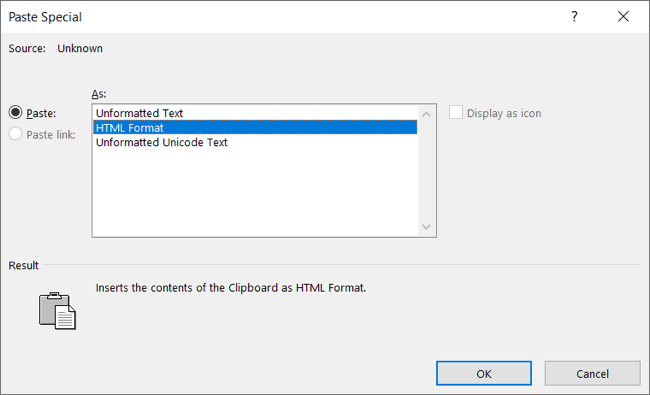
Place your cursor in your Word document where you want to paste it. Then go to the Home tab, click the Paste drop-down arrow, and choose Paste Special. Select “HTML Format” and click “OK”.
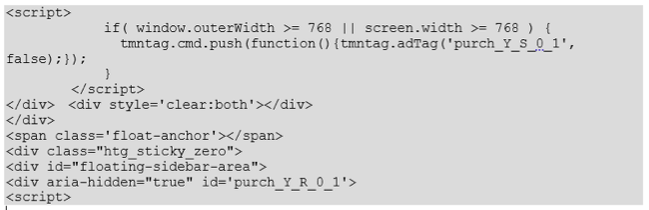
When the code appears in your document, you can format the font or the snippet if you like.
Leave A Comment?