Situatie
Solutie
Pasi de urmat
How you can start with Xcode for C++ :
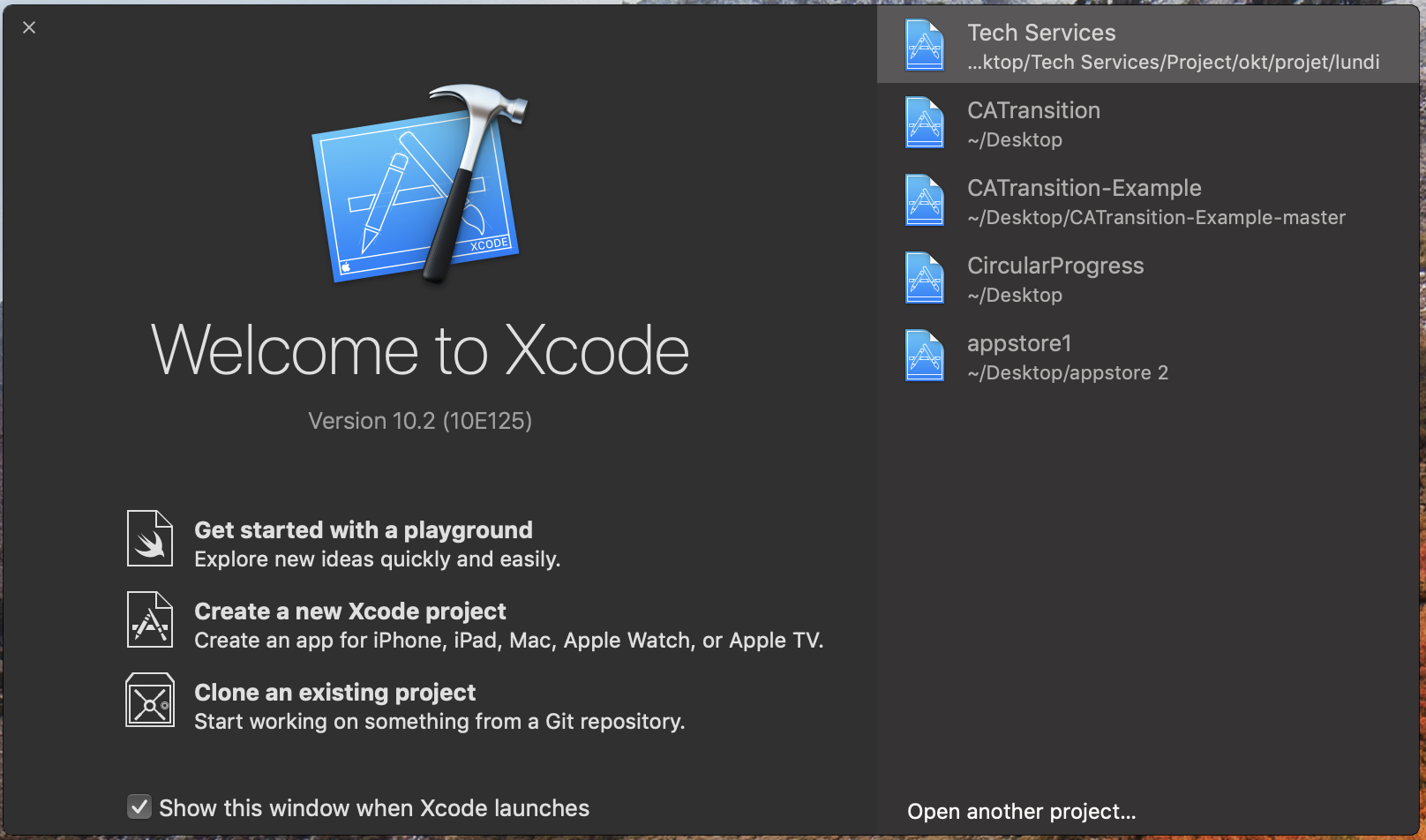
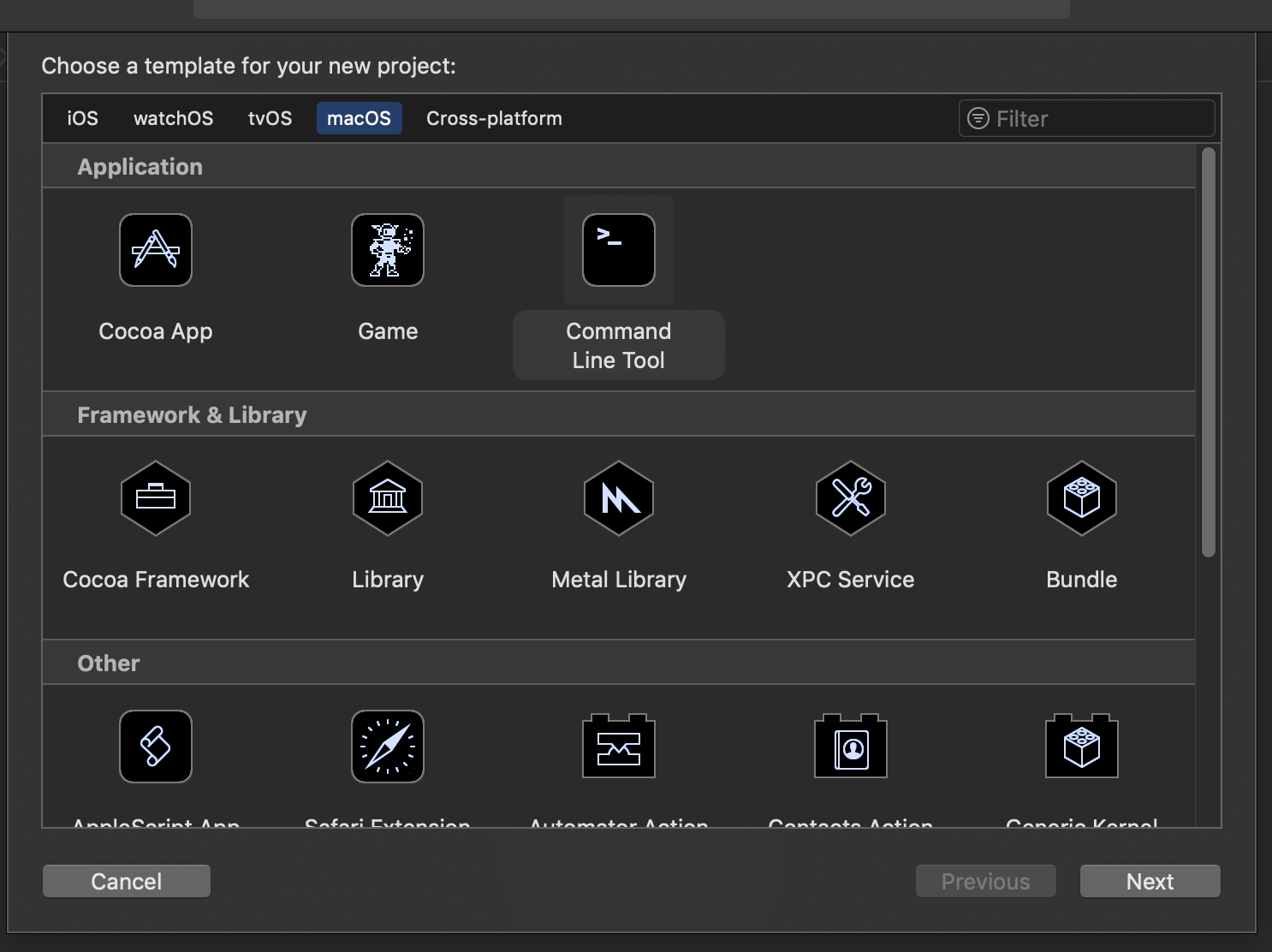
Xcode > Create a new Xcode project > macOS > Command Line Tool > Next.
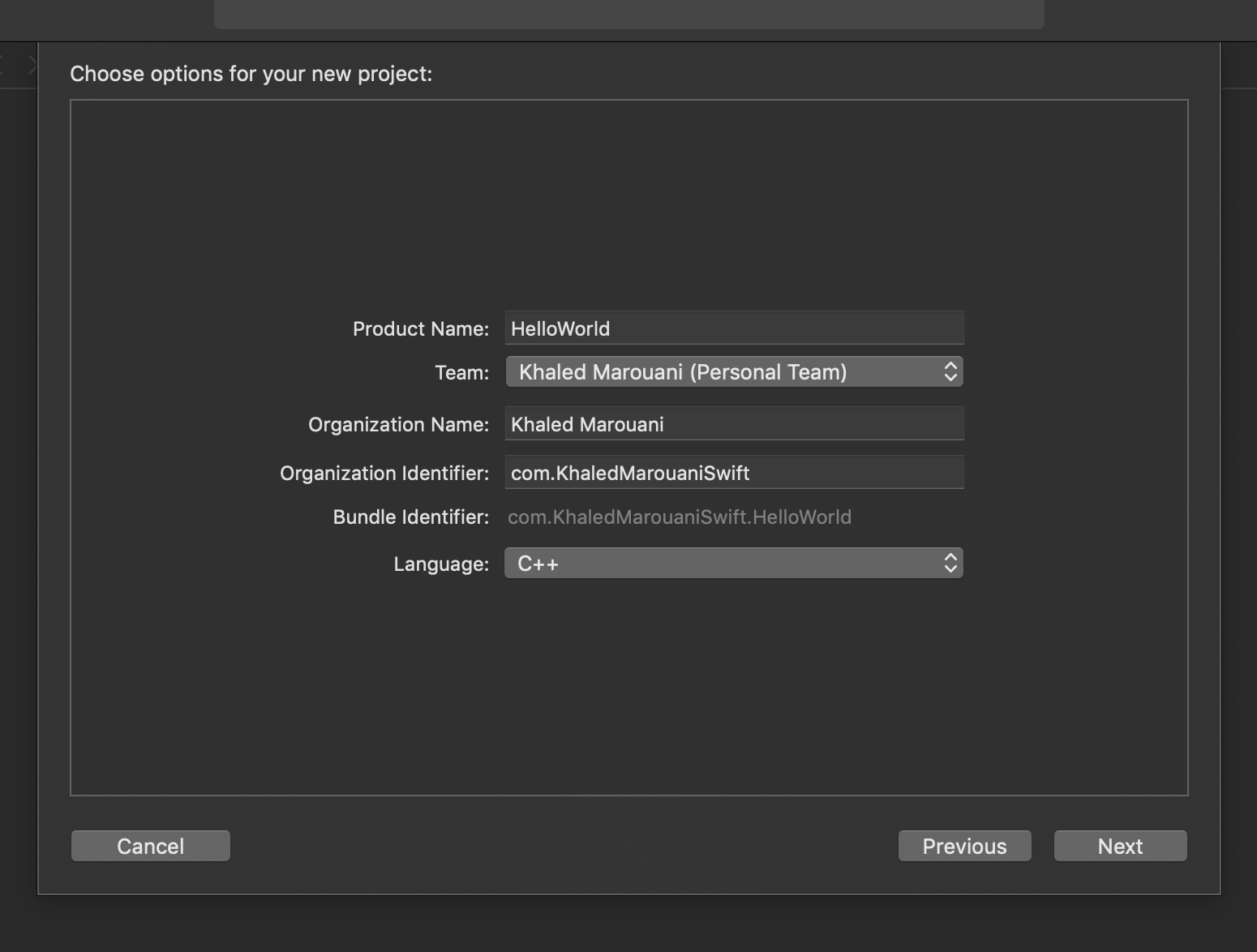
Product Name: HelloWorld > Language : C++ > Next
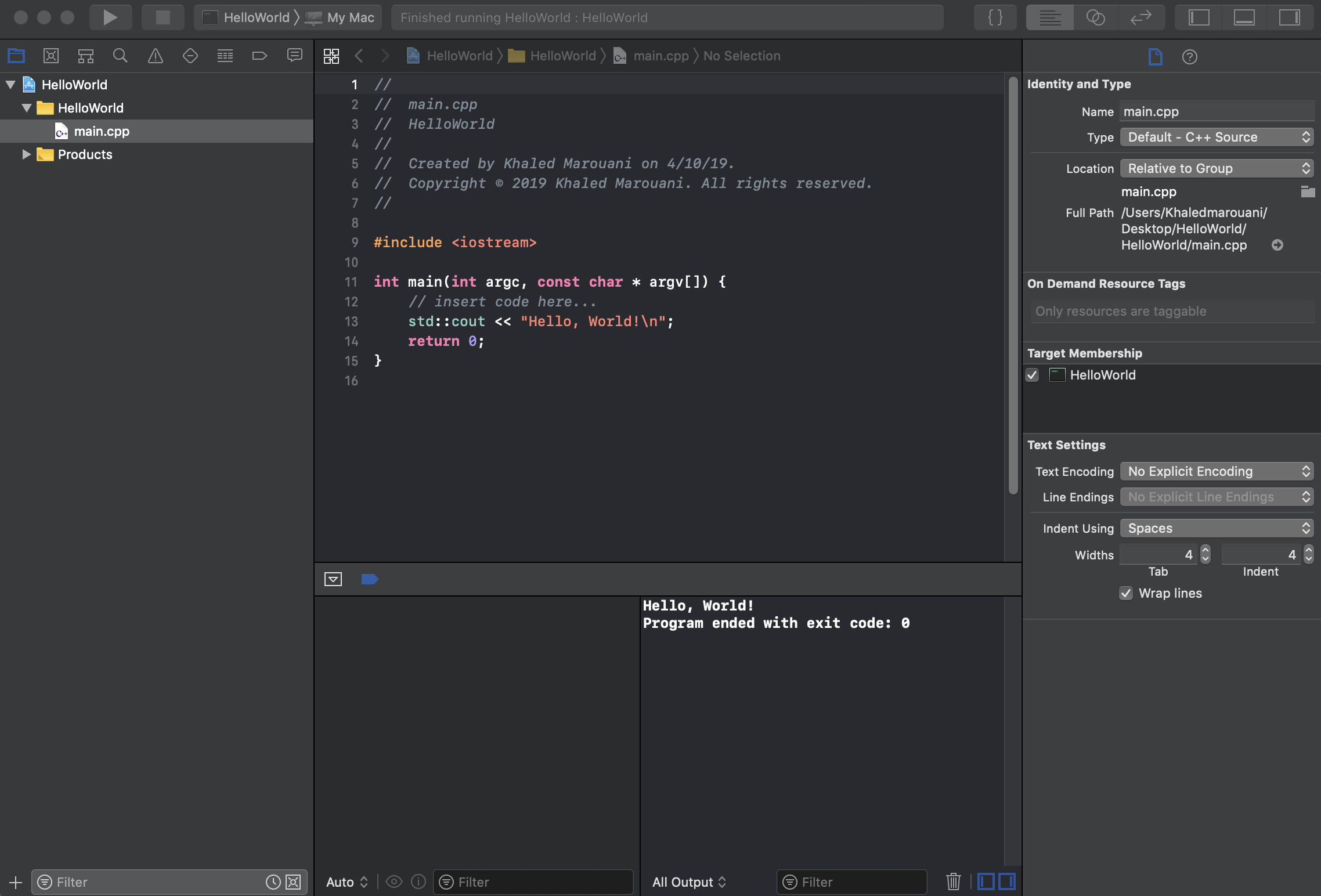
You can run the program: main.cpp

Soluții pentru problemele tale IT
How you can start with Xcode for C++ :
Xcode > Create a new Xcode project > macOS > Command Line Tool > Next.
Product Name: HelloWorld > Language : C++ > Next
You can run the program: main.cpp
Leave A Comment?