
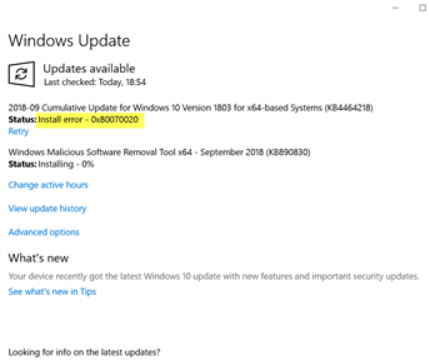
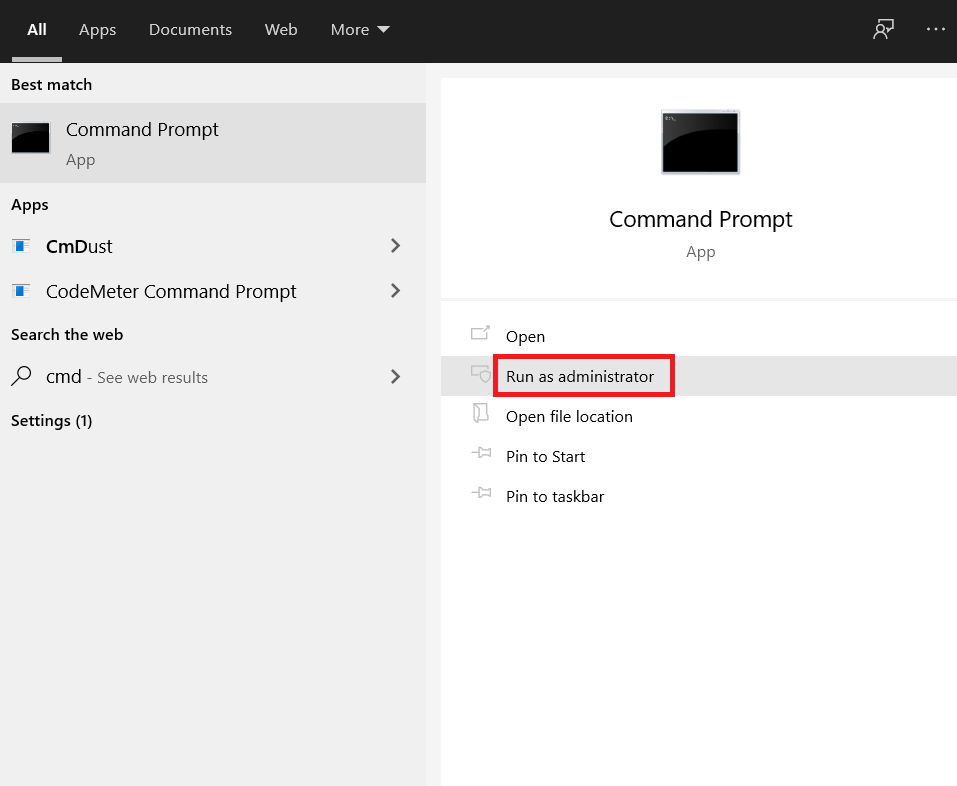
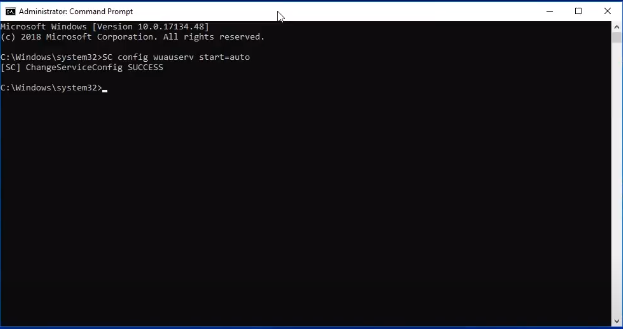
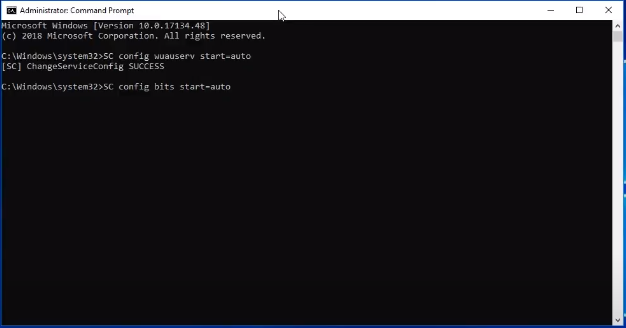
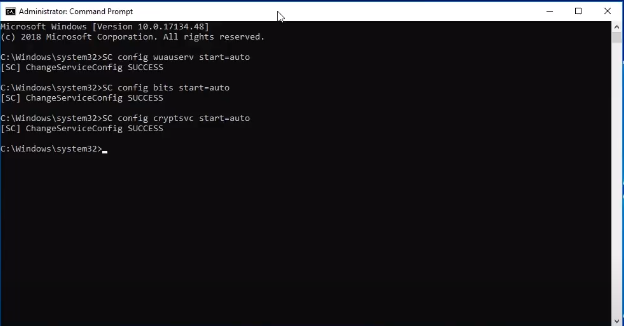
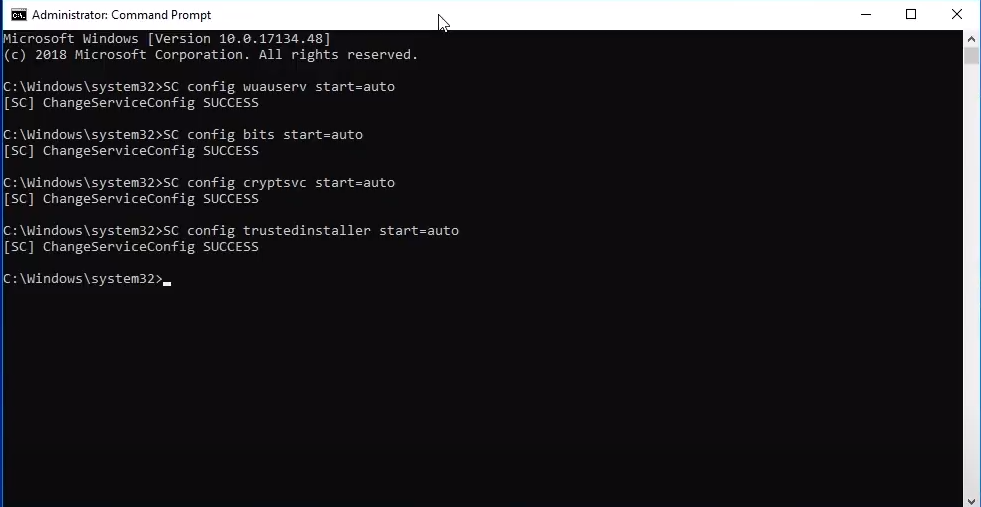
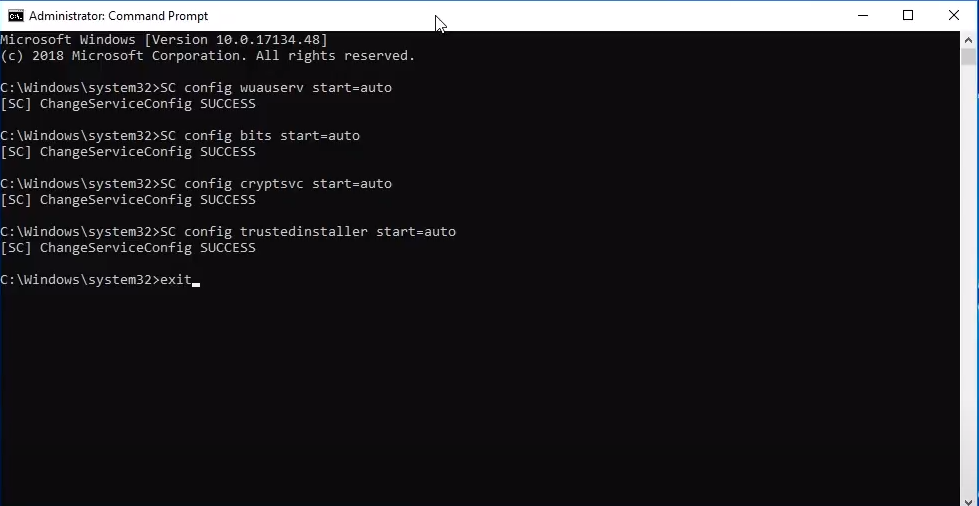
How to fix Windows Update Error 0x80070020 for Windows 7/8/10 Data 17/08/2020 Autor George Ciobanu Categorie Soluții -4 846 Rezolvare problema (Fix IT) SituatieWhat to do if Windows Update shows error 0x80070020. Simptome Solutie Pasi de urmat Steps to follow: Open Command Prompt and Run as Adminstrator: Write “SC config wuauserv start-auto” and press enter. Write “SC config bits start=auto” and press enter. Write “SC config cryptsvc start=auto” and press enter. Write “SC config trustedinstaller start=auto” and press enter. Write “exit” and press enter. Restart your computer! Tip solutiePermanent Voteaza Up Down (27 din 58 persoane apreciaza acest articol) ShareTweetShare Despre Autor George Ciobanu Solutii Asemanatoare Windows 11’s predictive text is the hidden typing tool 6 How to quickly fix CSV files in Excel using Power Query -1 Auto-Excluding Folders from Time Machine via Terminal 2 Personal Digital Vault with an Encrypted .dmg File — no extra encryption Apps 1 Custom Keyboard ahortcuts for any Menu Command -1 Create a RAM Disk in Terminal — Instant Scratch Disk for Photo/Video Editing 2 Leave A Comment? × Cancel Reply Save my name, email, and website in this browser for the next time I comment. eight × one =
Leave A Comment?