
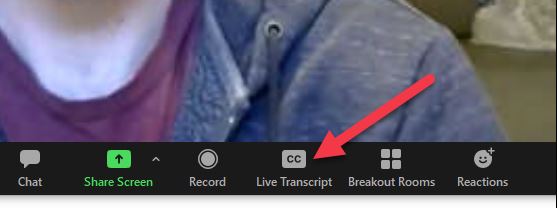
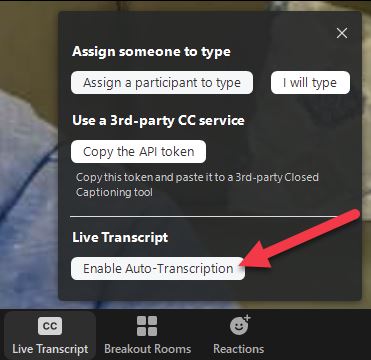
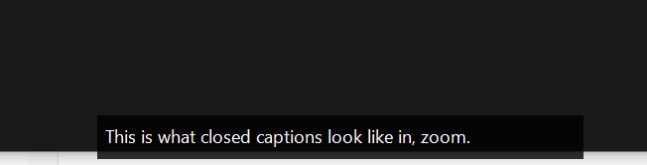
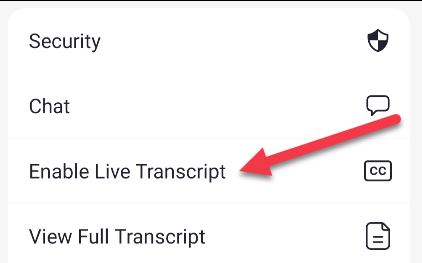
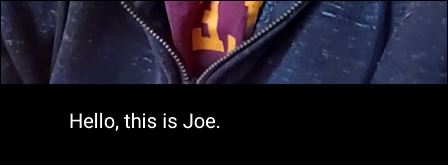
How to Use Live Captions in Zoom Meetings Data 05/05/2021 Autor Ionel Georgian Preda Categorie Soluții -2 588 Configurare noua (How To) Situatie Solutie Pasi de urmat On the desktop client, click the “Live Transcript” button in the toolbar. A menu will open with a few choices. For live captions, select “Enable Auto-Transcription.” The transcribed text will appear in a translucent black box at the bottom of the Zoom window. Next, select “Enable Live Transcript” from the menu. The transcribed text will appear underneath the video. Keep in mind that this is AI-powered, so the accuracy isn’t going to be spot-on. Tip solutieWorkaround Etichetare: live captionszoomzoom meetings Voteaza Up Down (27 din 57 persoane apreciaza acest articol) ShareTweetShare Despre Autor Ionel Georgian Preda Solutii Asemanatoare Monitorizarea automată a certificatelor SSL în Windows Server 1 PikaOS install guide 0 How to install and configure MX Linux 2 How to move Ollama Models to different location 2 How to install Ollama on Windows 1 Server fara spatiu in /var 1 Leave A Comment? × Cancel Reply Save my name, email, and website in this browser for the next time I comment. + nine = eleven
Leave A Comment?