
Situatie
A skill is a reusable workflow for an AI agent. Its main SKILL.md file explains when the skill should be used and what the agent should do. A skill may also contain scripts, templates, and other reference materials. The agent may select a skill automatically when a task matches its description, or you can invoke it directly.
Solutie
Numerous platforms host skills, so searching for and downloading them is usually straightforward. This section uses https://www.skills.sh/ as an example. The platform provides a skill called find-skills that makes searching more convenient, and its official installation method is to run a specific prompt.
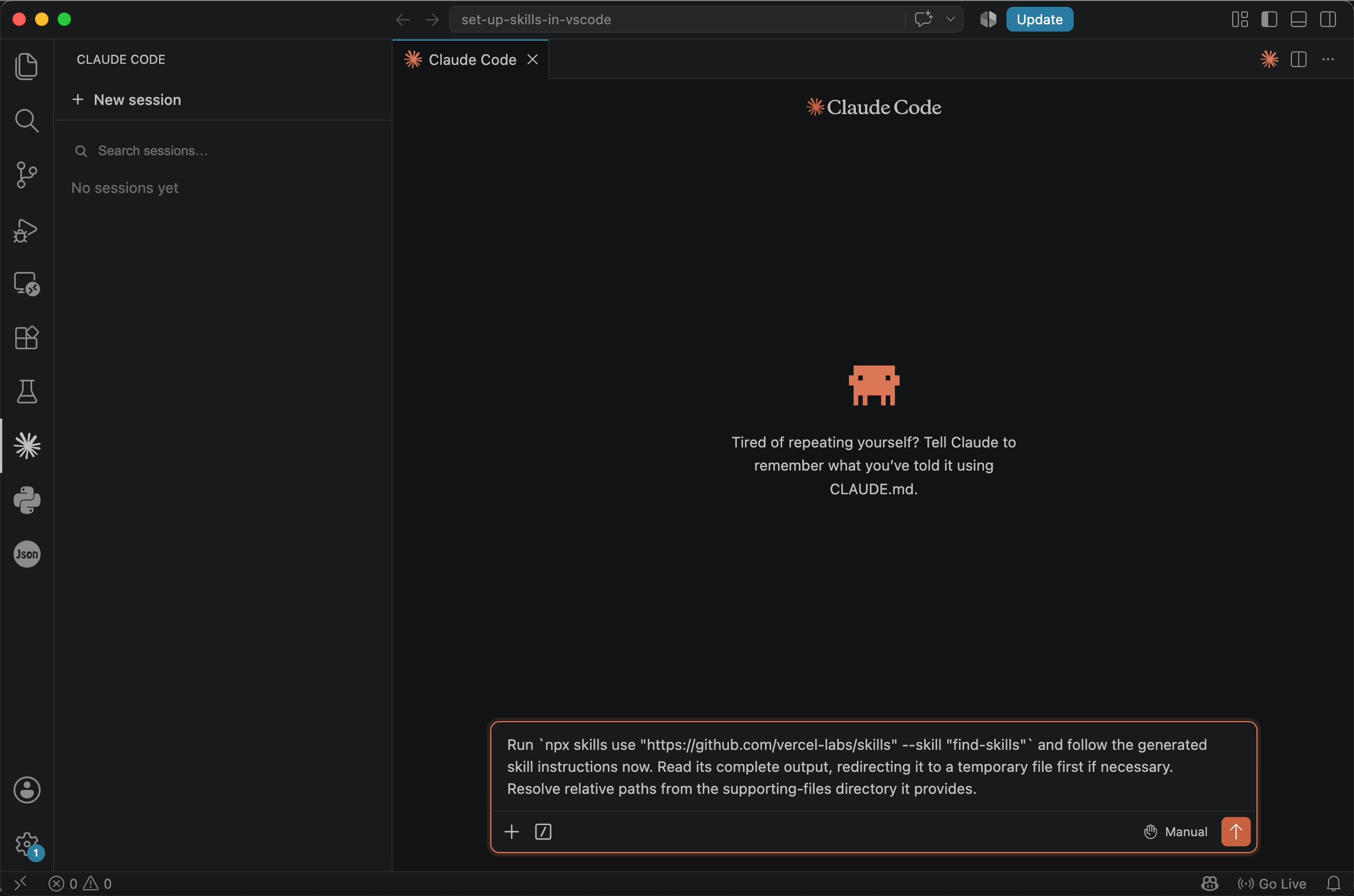
Copy the prompt below into the chat box to install find-skills.
Run `npx skills add https://github.com/vercel-labs/skills -g --skill find-skills` and follow the generated skill instructions now. Read its complete output, redirecting it to a temporary file first if necessary. Resolve relative paths from the supporting-files directory it provides.
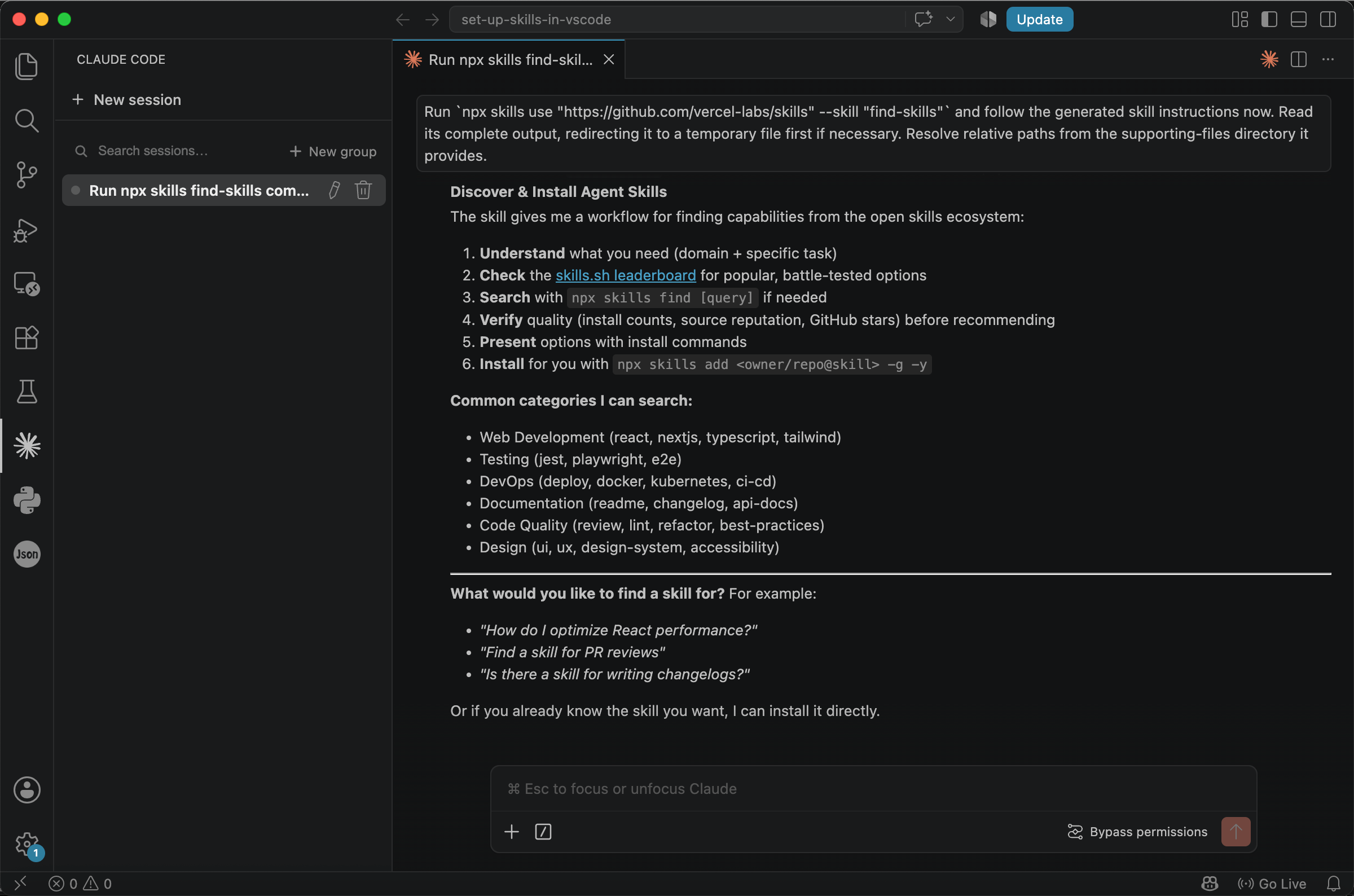
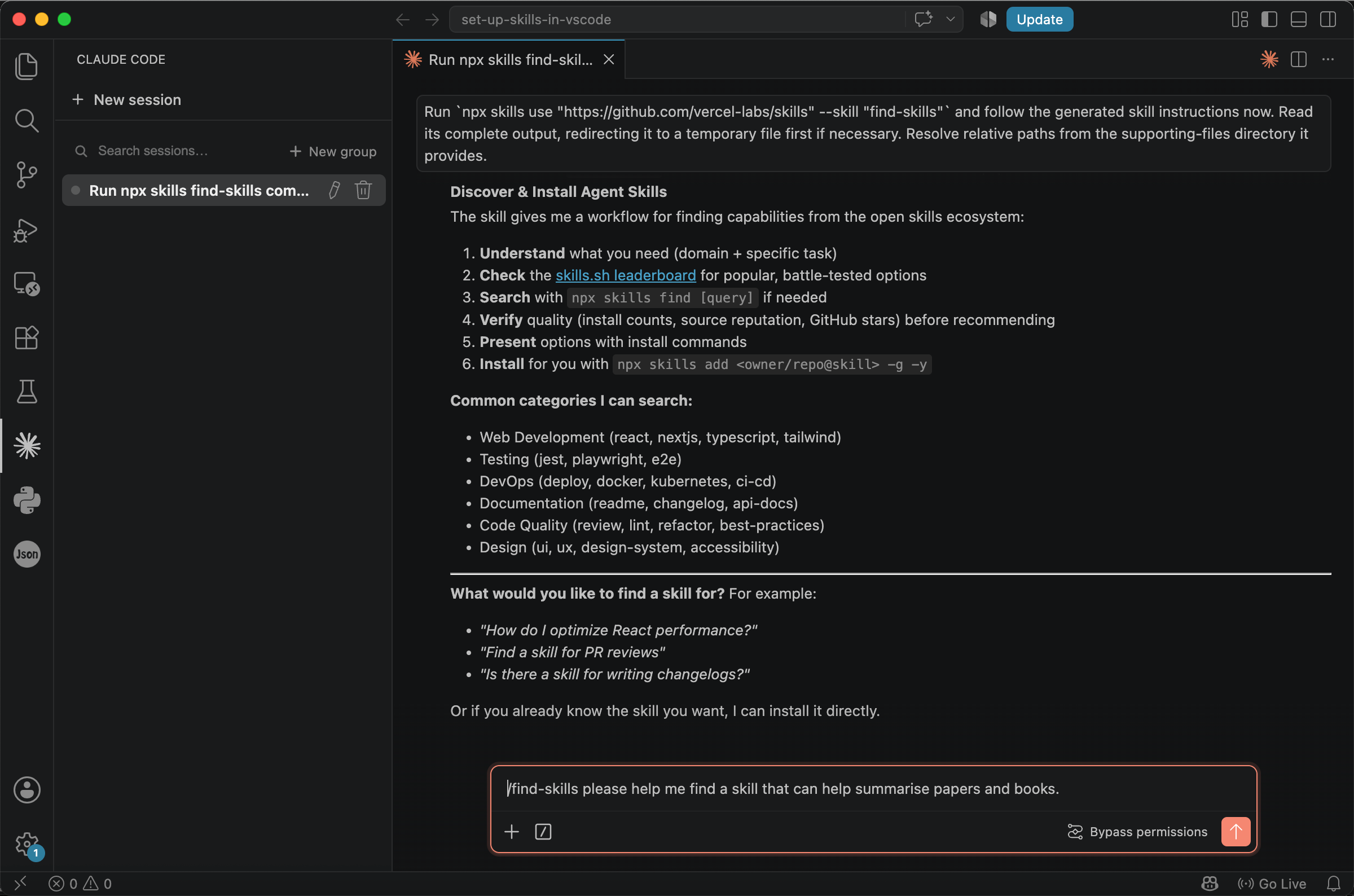
Once installed, you can search for skills through the agent. Ordinary wording still works, but commands such as /find-skills are recommended because they are clearer, faster, and more cost-effective: the model can read the specified skill directly. For example:
/find-skills please help me find a skill that can help summarise papers and books.
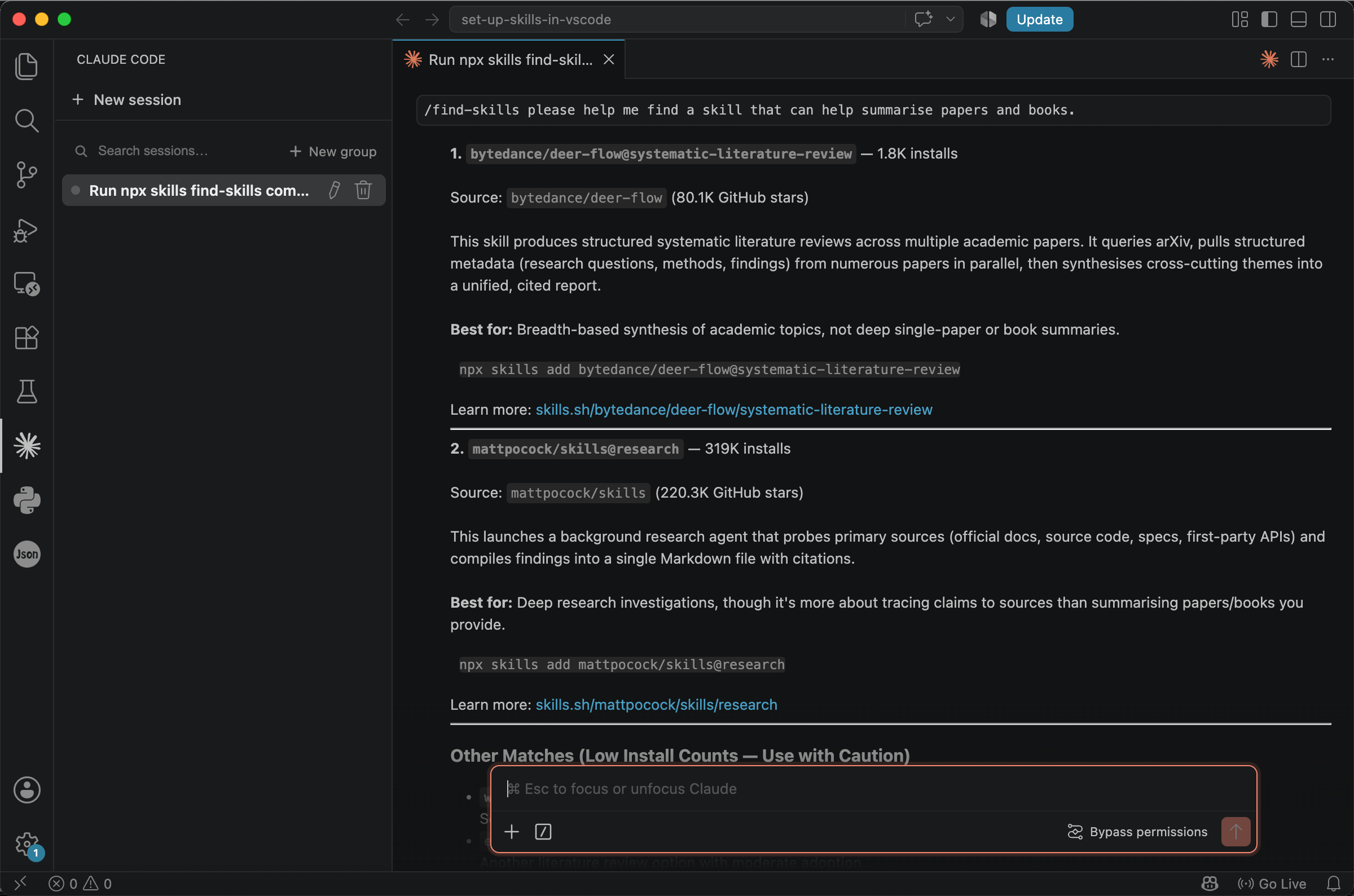
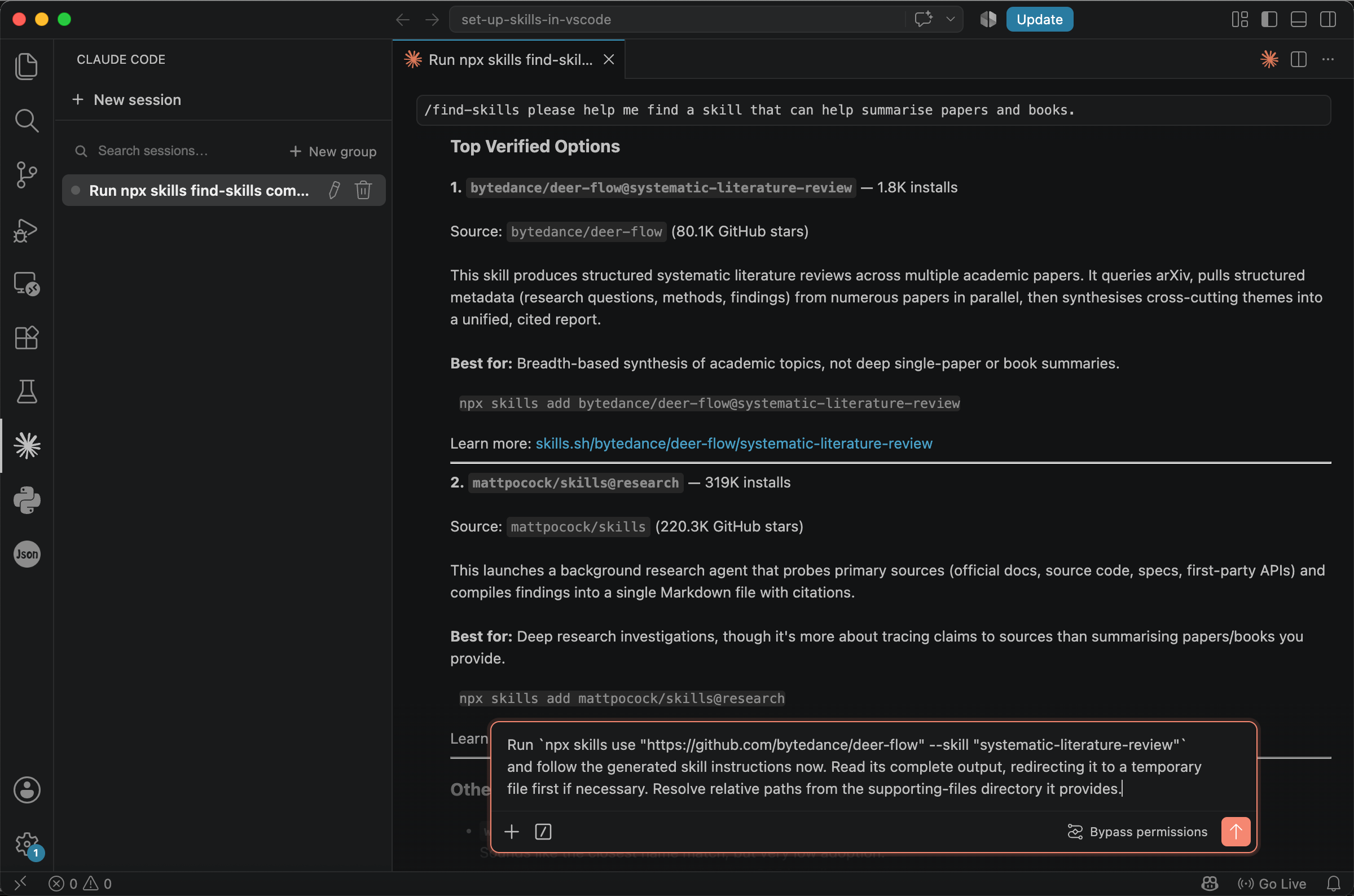
The agent uses the skill and returns a large number of matching results. With so many options, it is not always obvious which one to choose. Useful criteria include installation counts, star ratings, and the description.
Consider the two skills shown below. Both are hosted on GitHub, and the repositories associated with them have attracted substantial attention. The find-skills results also show that the skills have been installed many times.
Star and installation counts can help narrow a long list of options, but they are indicators of popularity rather than guarantees of quality or safety. Before choosing a skill, check whether its description matches your task, review its SKILL.md file, and examine any scripts or permissions it relies on.
Next, examine the description. You can click the link to learn more about the skill. Read the article that begins with SKILL.md; this is the file mentioned earlier, and it is what enhances your prompts.
The first skill is used to search for and read articles, as well as to write a literature review. The second establishes a primary question and traces claims back to their sources.
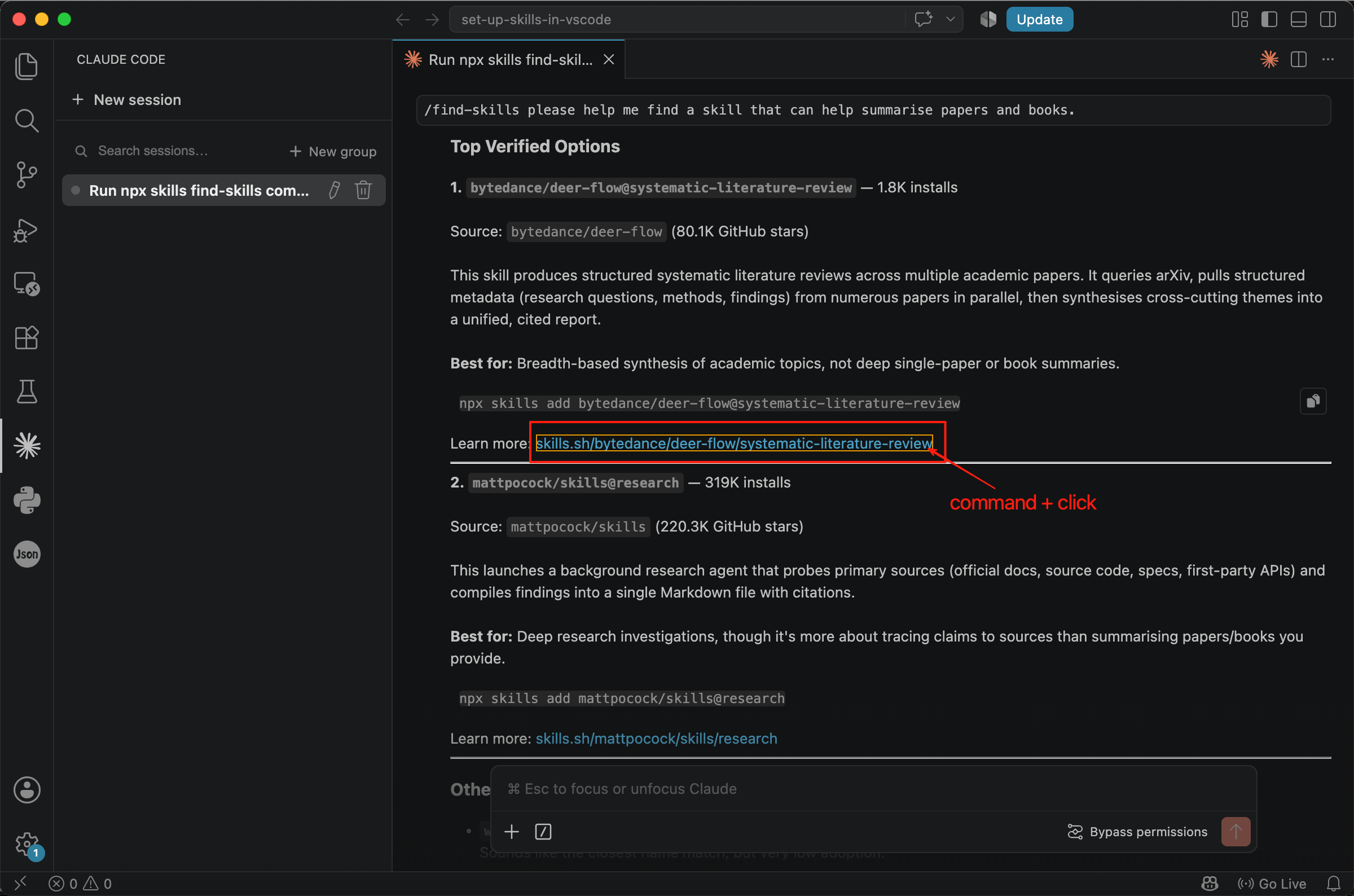
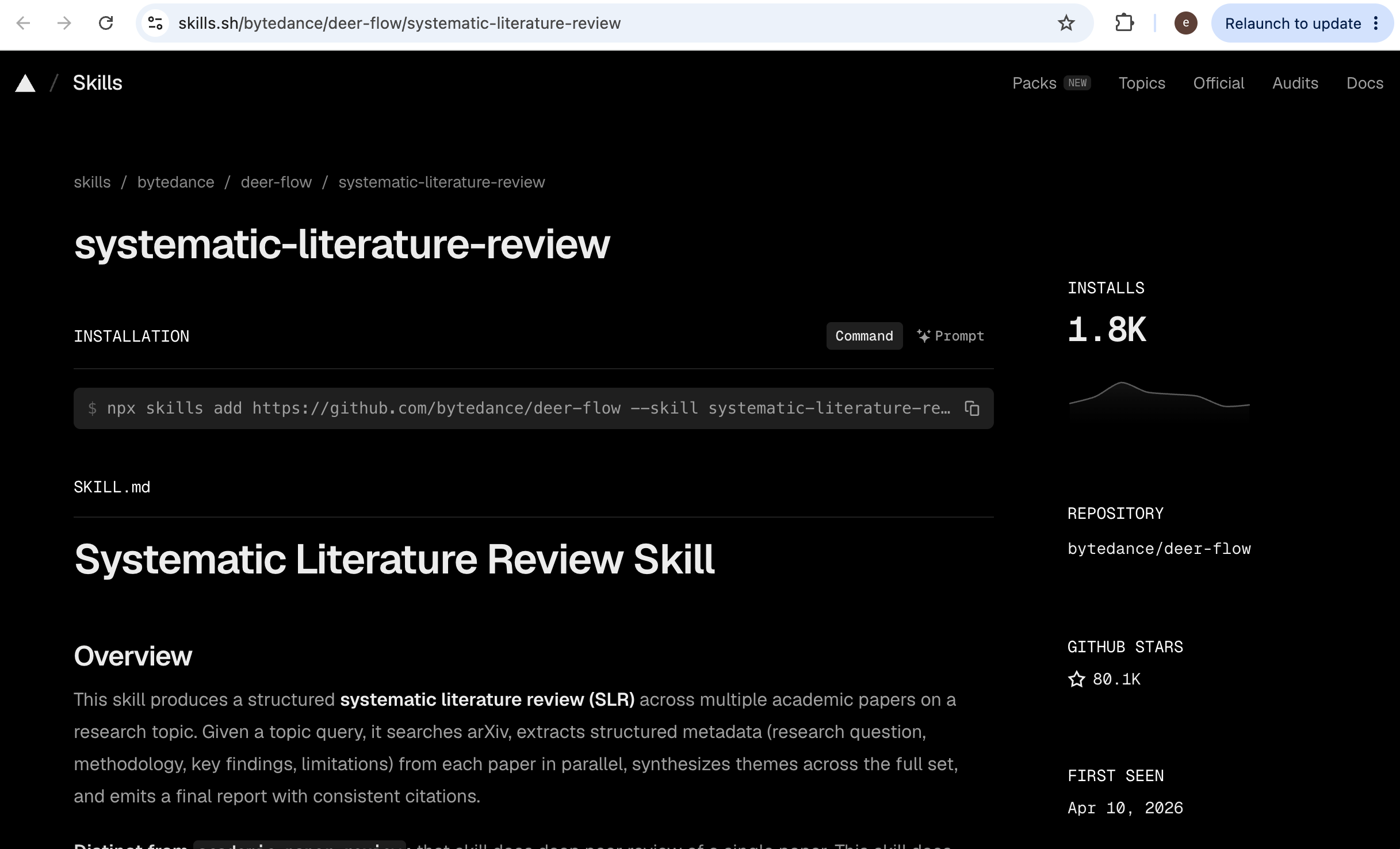
After comparing them, we choose the first one, systematic-literature-review, as our example. The skill can both conduct systematic literature reviews using online sources and summarise papers that you provide.
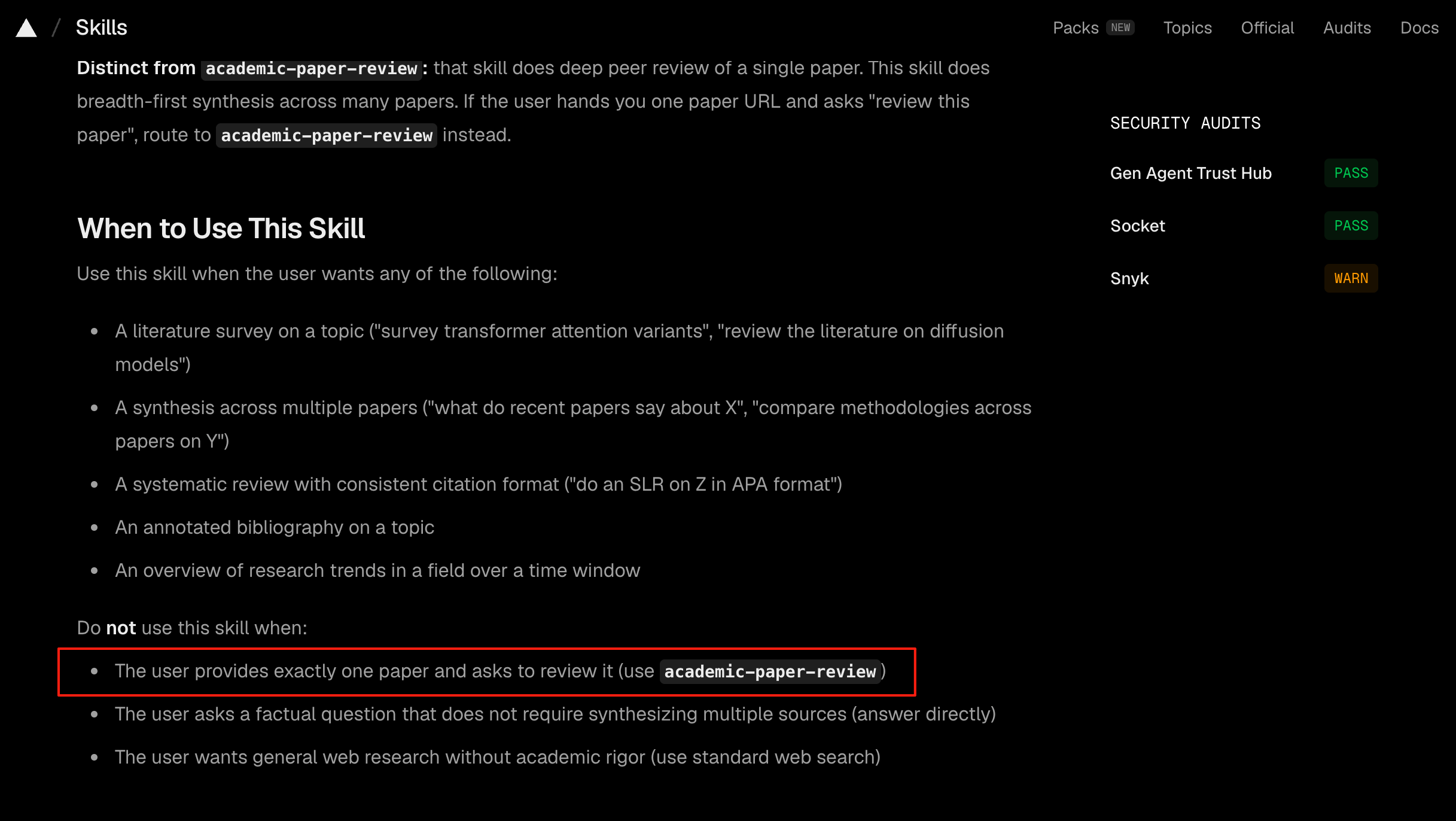
On the published page, click Prompt, copy the command, and paste it into the chat box to install the skill.
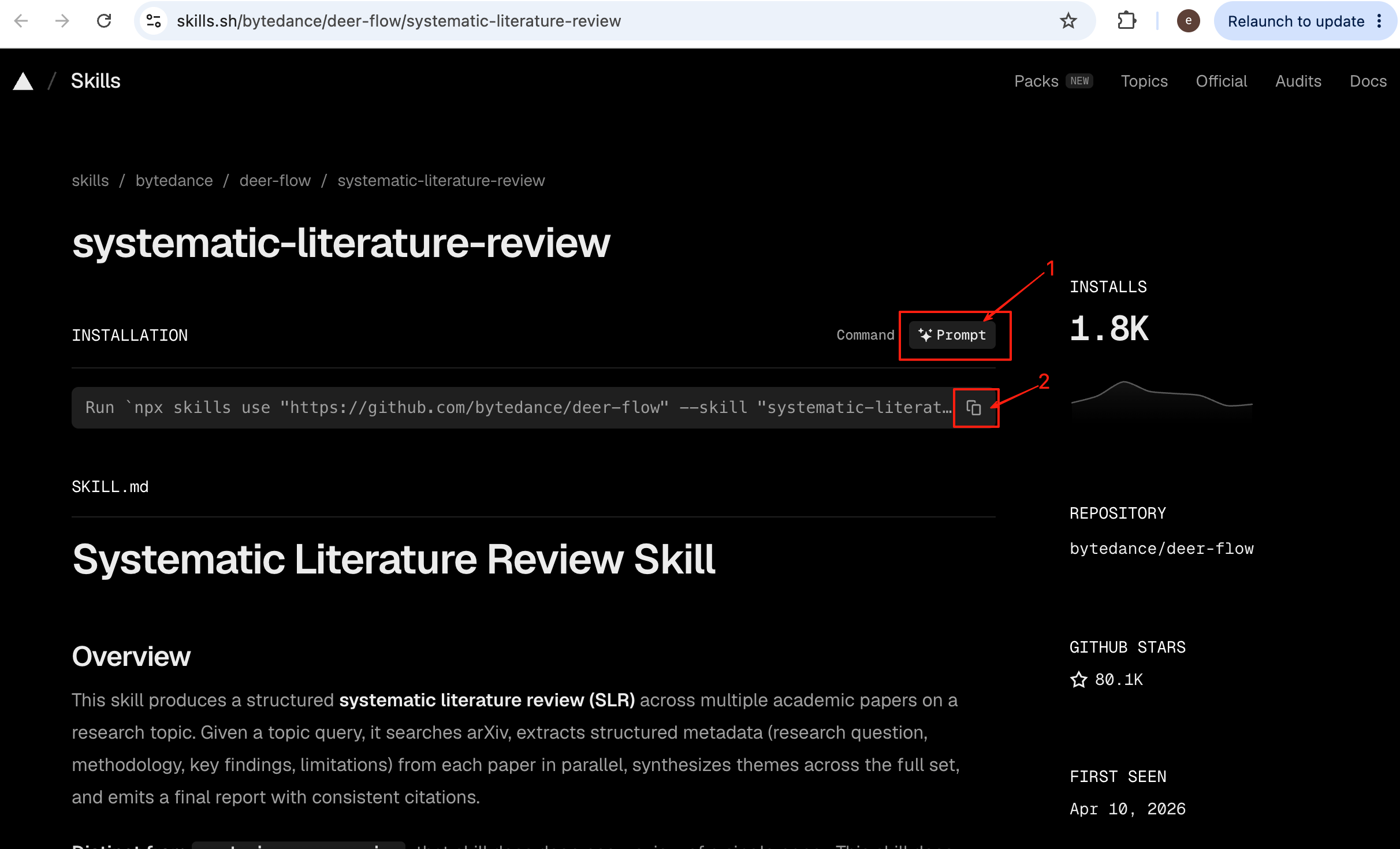
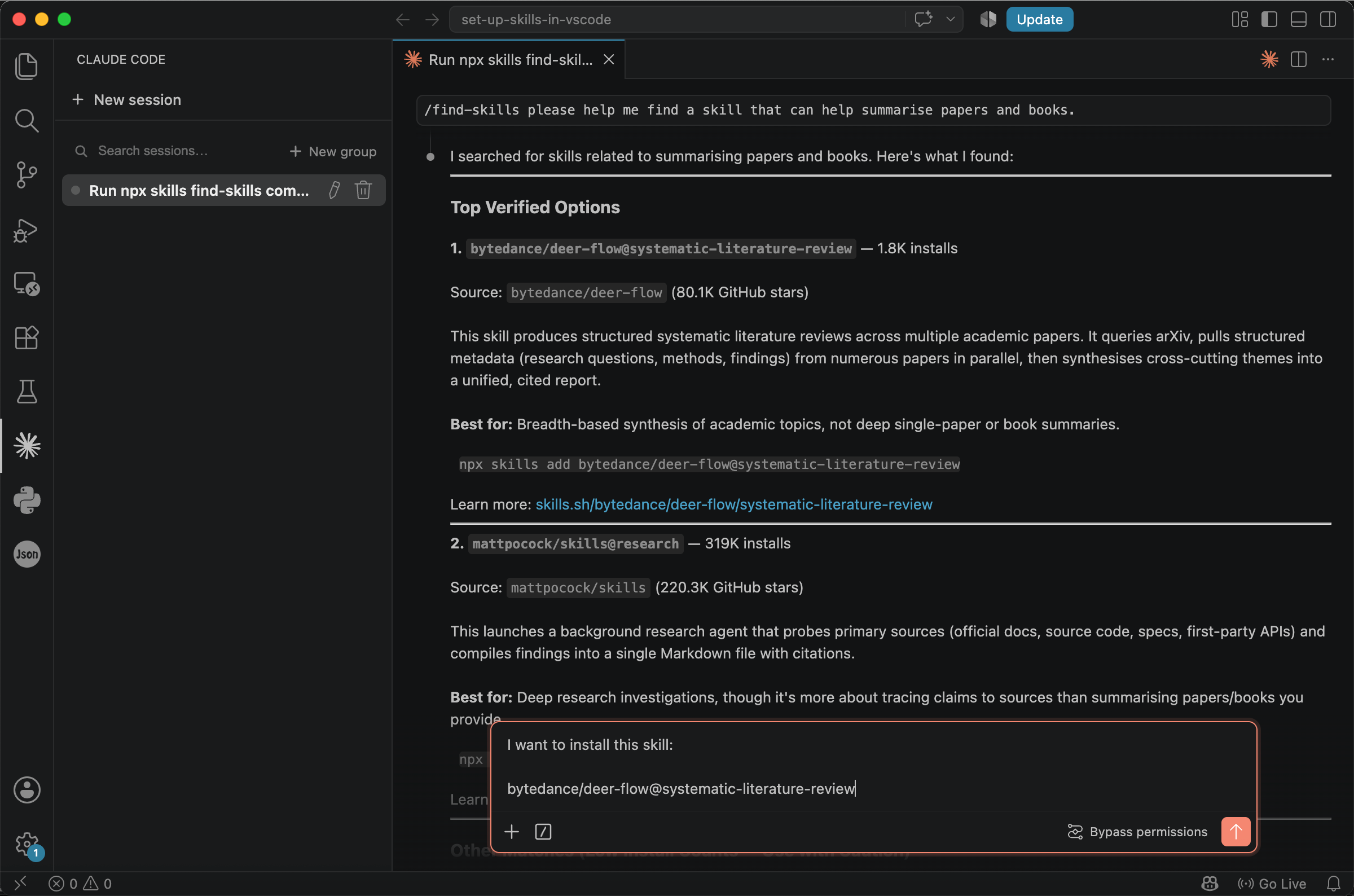
If that feels cumbersome, you can also copy the skill’s name or other identifying information and simply tell AI, ‘I want to install this skill.’
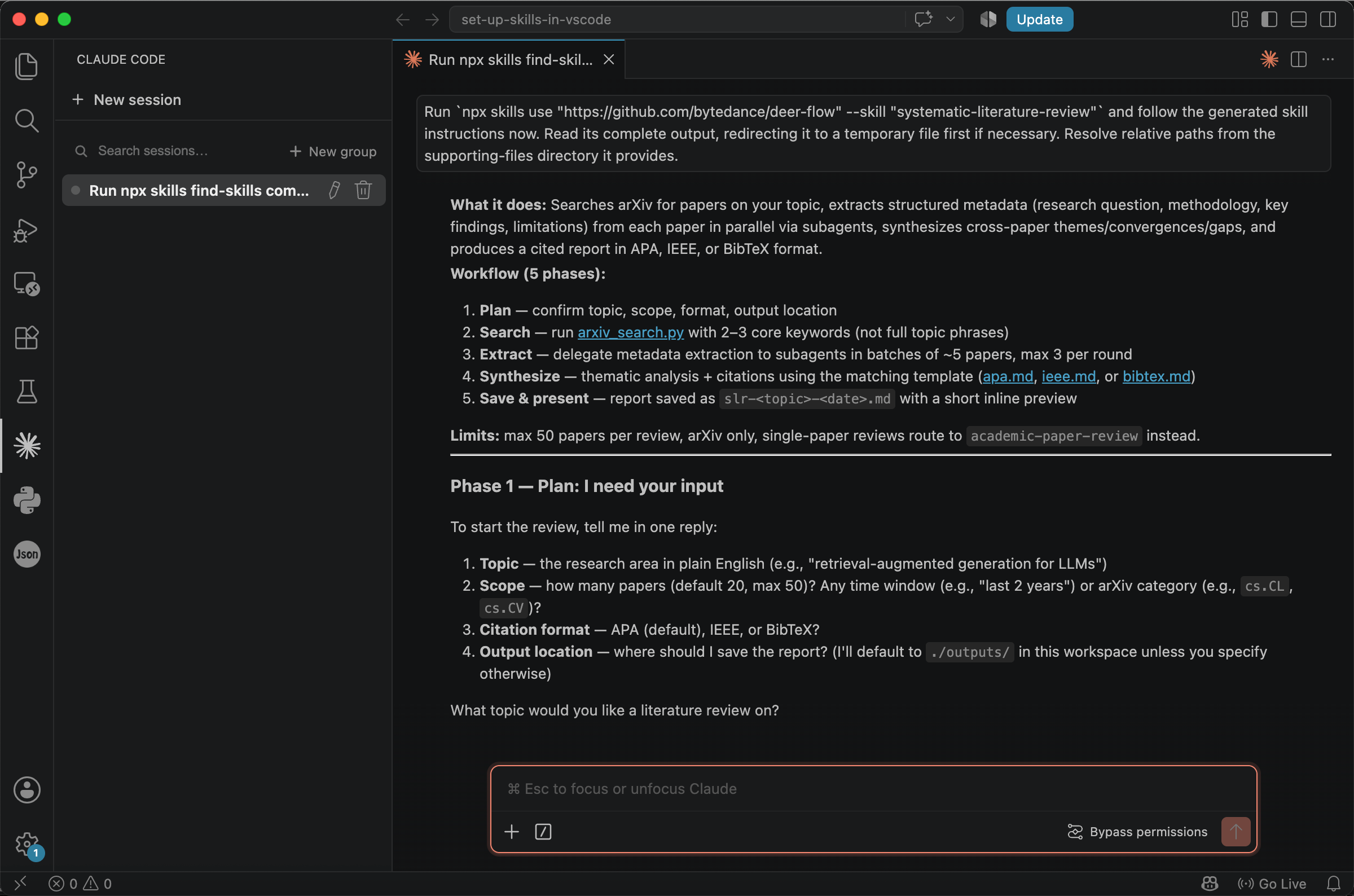
Sometimes others may share a direct link to a skill, such as https://github.com/bytedance/deer-flow/blob/main/skills/public/systematic-literature-review/SKILL.md, or merely give an ambiguous reference such as ‘bytedance’s systematic-literature-review skill’. You may not know where it resides or how to install it.
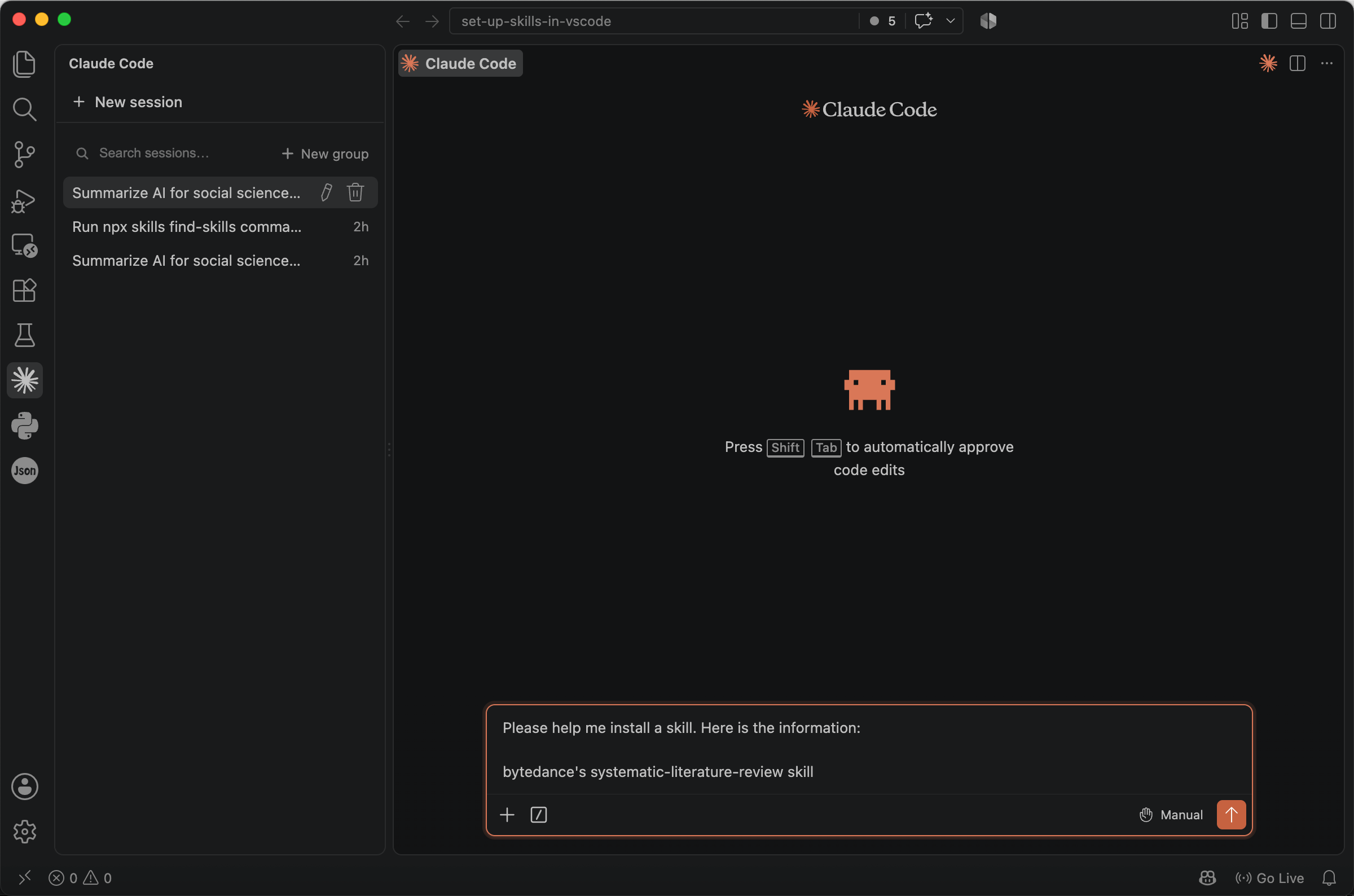
Thanks to the agent’s search capabilities, you only need to provide as much information as possible and let AI handle the installation. For example:
Please help me install a skill. Here is the information:

bytedance's systematic-literature-review skill
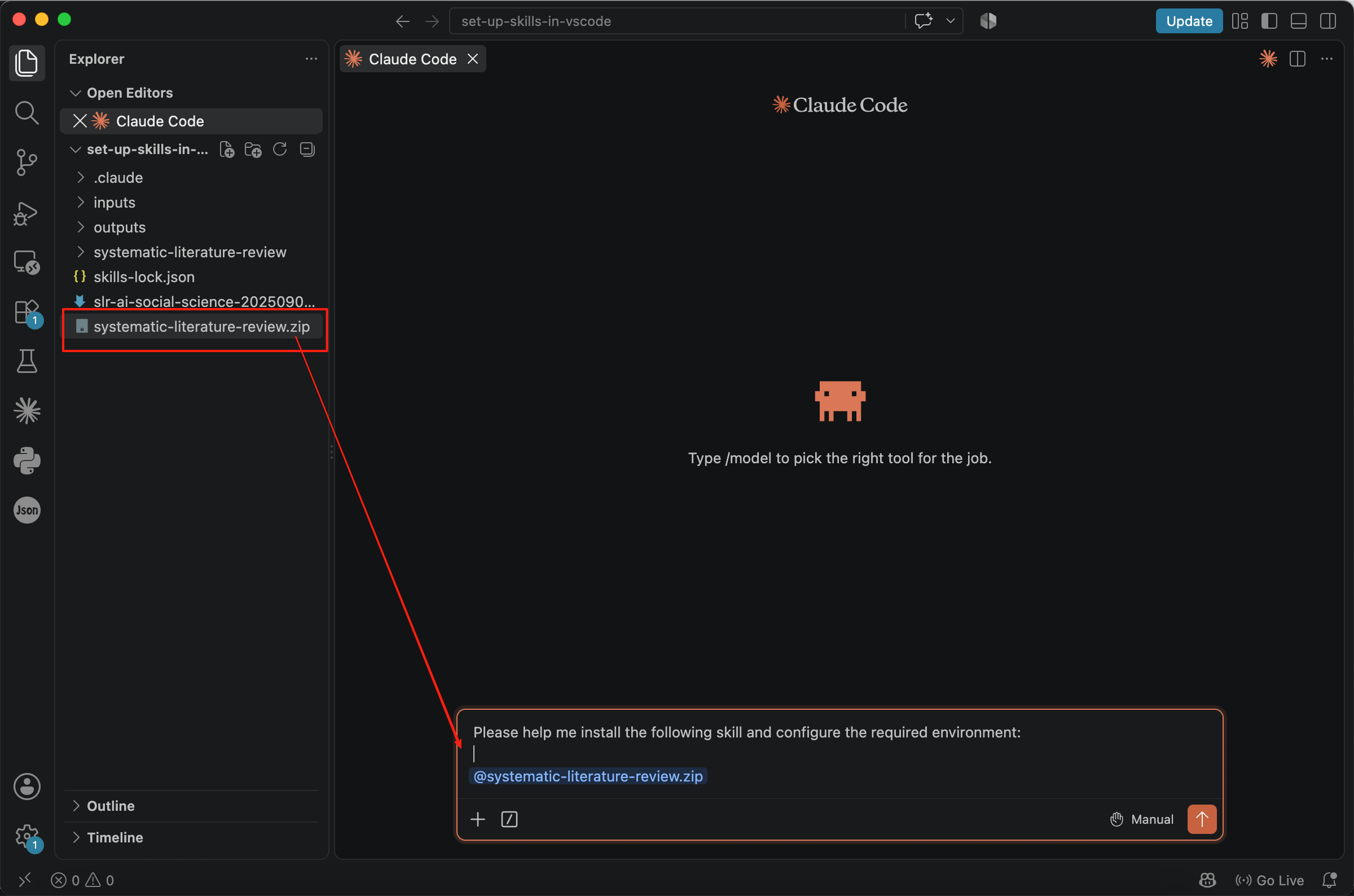
Sometimes you will receive a skill package from someone else. For example, the files may end with extensions such as .zip, .rar, or .7z. We also recommend using the agent to install the skill so that the required environment is configured correctly. For example:
Please help me install the following skill and configure the required environment: @systematic-literature-review.zip
Please help me make a literature review for the topic of
"Social Science: Reclaiming Research Sovereignty in the Age of Artificial Intelligence."
After skills are activated, however, the effective prompt may be augmented with one or more skill definitions before the original user input, allowing agents to determine which skill to use:
User's computer has the following skills available:

name: systematic-literature-review

description: Use this skill when the user wants a systematic literature review, survey, ...

name: xxx

description: xxxxx

...

User's input:

Please help me make a literature review for the topic of
"Social Science: Reclaiming Research Sovereignty in the Age of Artificial Intelligence."
If several installed skills cover similar tasks, AI may be unclear about which one should run. Expanding the skill set can also increase the prompt context, making it more expensive and leaving AI with less capacity to process other information. In conclusion, installing too many overlapping skills is not cost-effective.
We therefore recommend project-level installation for skills related to a particular body of work. This means that AI can only see the skill within the relevant workspace. If you open another folder, skills installed in the original folder cannot be seen. Only skills that are genuinely useful across unrelated projects should be installed globally.
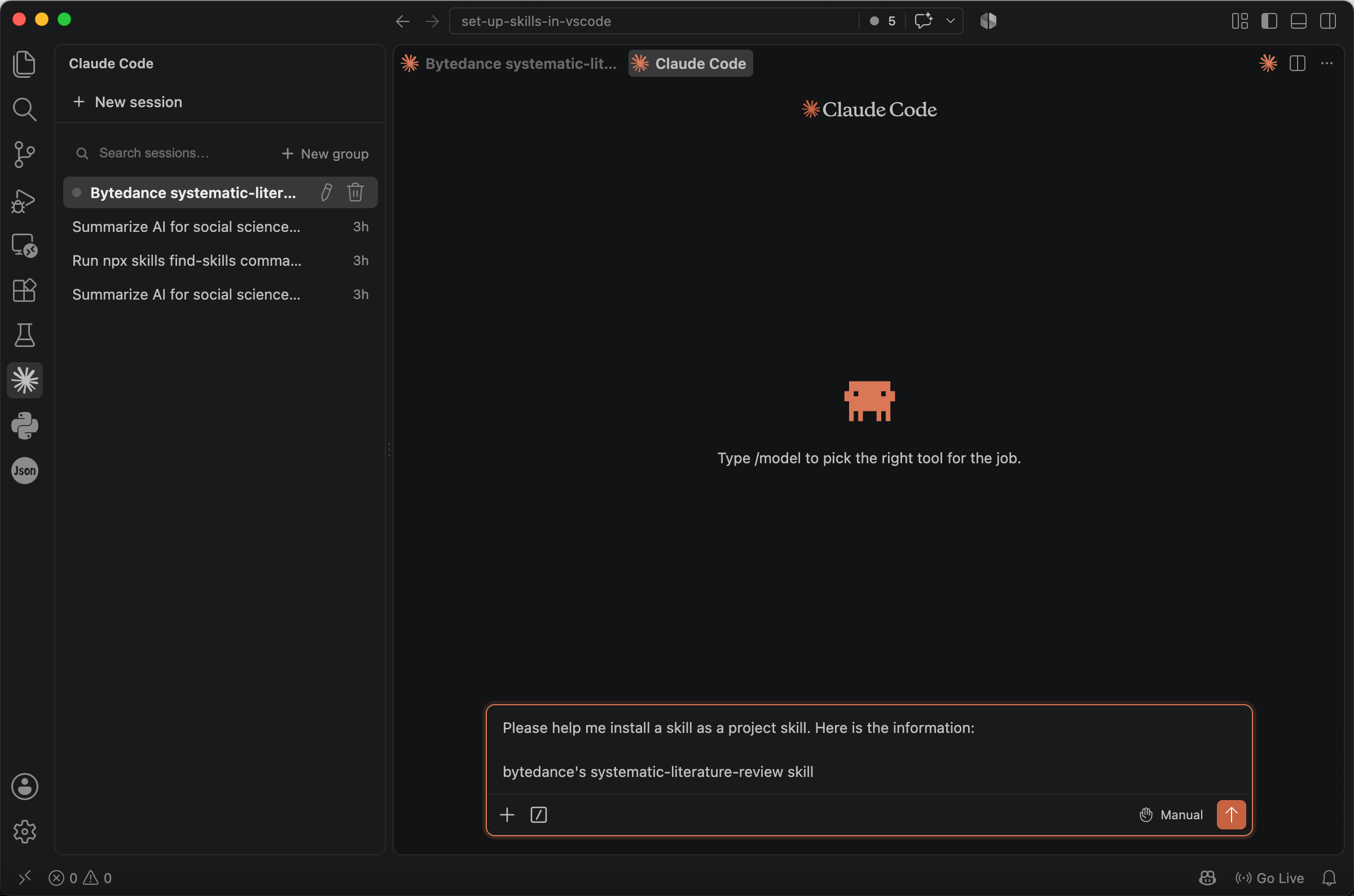
It is easy to ask an agent to install a skill, but you should state the intended scope explicitly.
Please help me install a skill **as a project skill**. Here is the information:

bytedance's systematic-literature-review skill
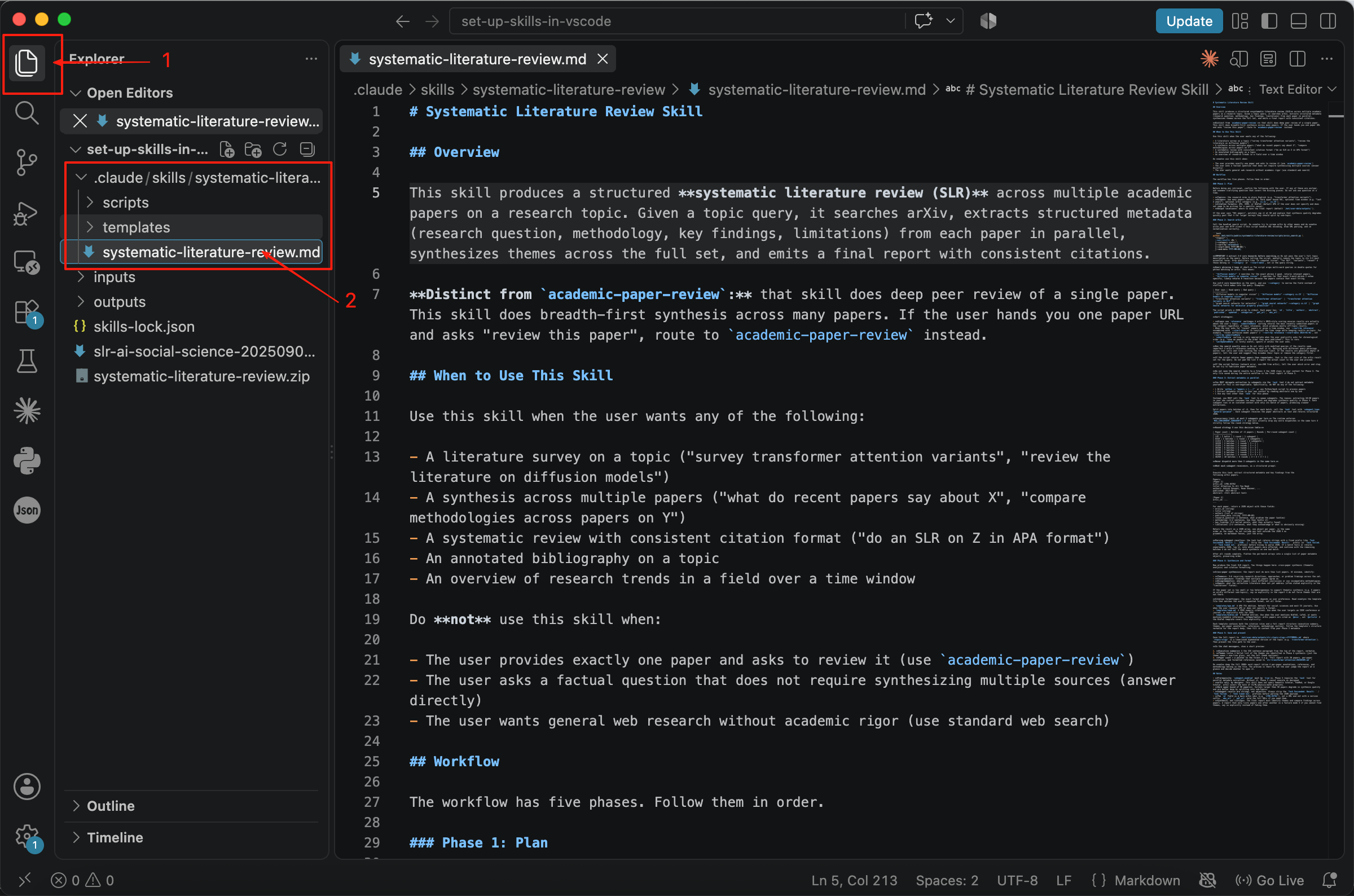
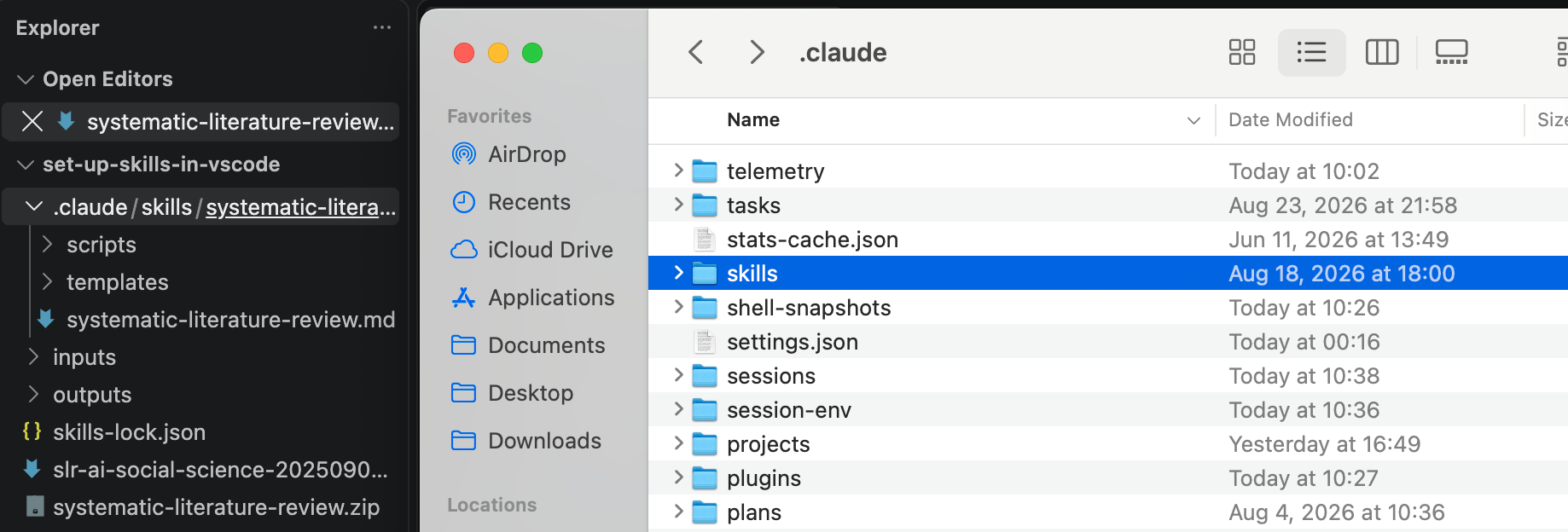
After installation, we can find this skill in the Explorer. Its path is .claude/skills/systematic-literature-review. Agents can recognise skills in folders of this type, although some may use .agent/skills/ instead, and can load them automatically.
After learning the location of the project skill, you may wonder where global skills are stored. Open Finder and click Go -> Home.
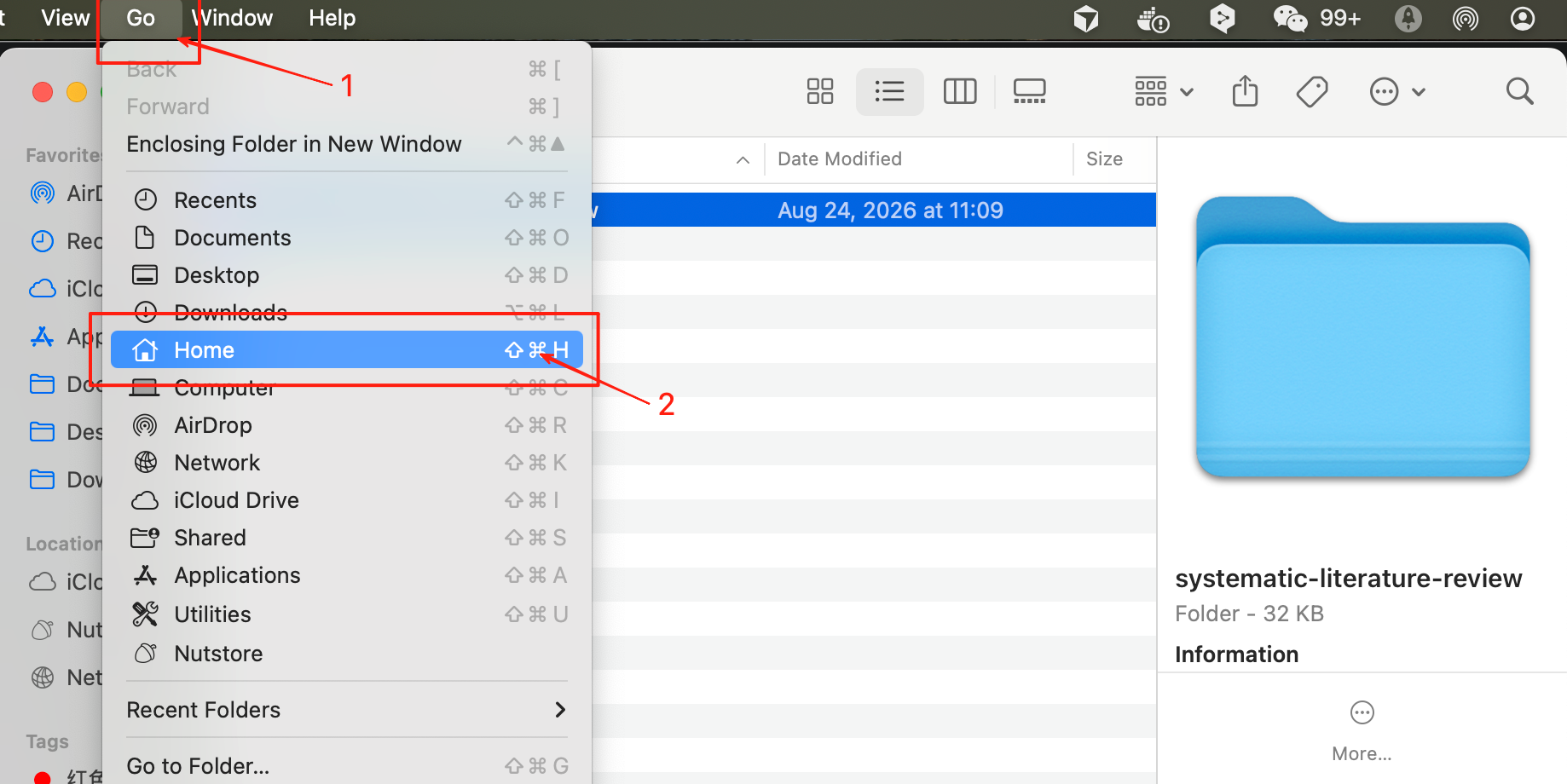
If you’re using Windows, C:\Users\[your user name] is your home directory. If you cannot see any folder names beginning with ., you can use Command + Shift + . to make hidden files visible.
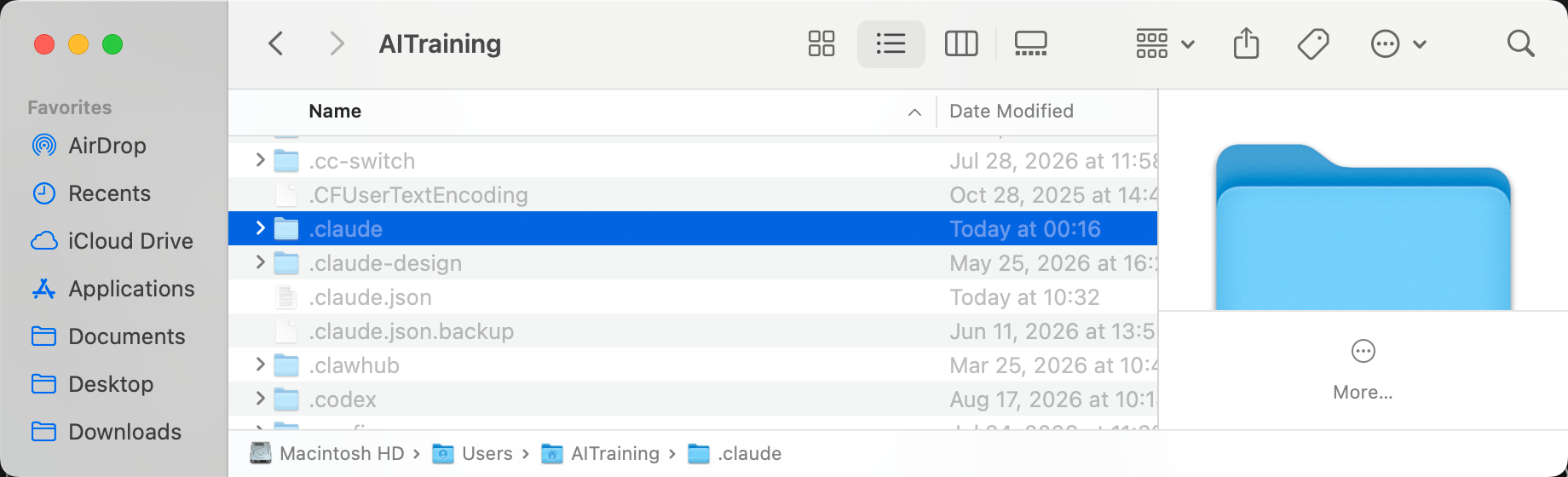
Compare the contents of .claude in the Home directory and the project directory. Although .claude contains more files, the structures are similar. The key point to remember is that skills installed in the Home directory can be seen everywhere, whereas project skills can only be seen in the current folder.
Leave A Comment?