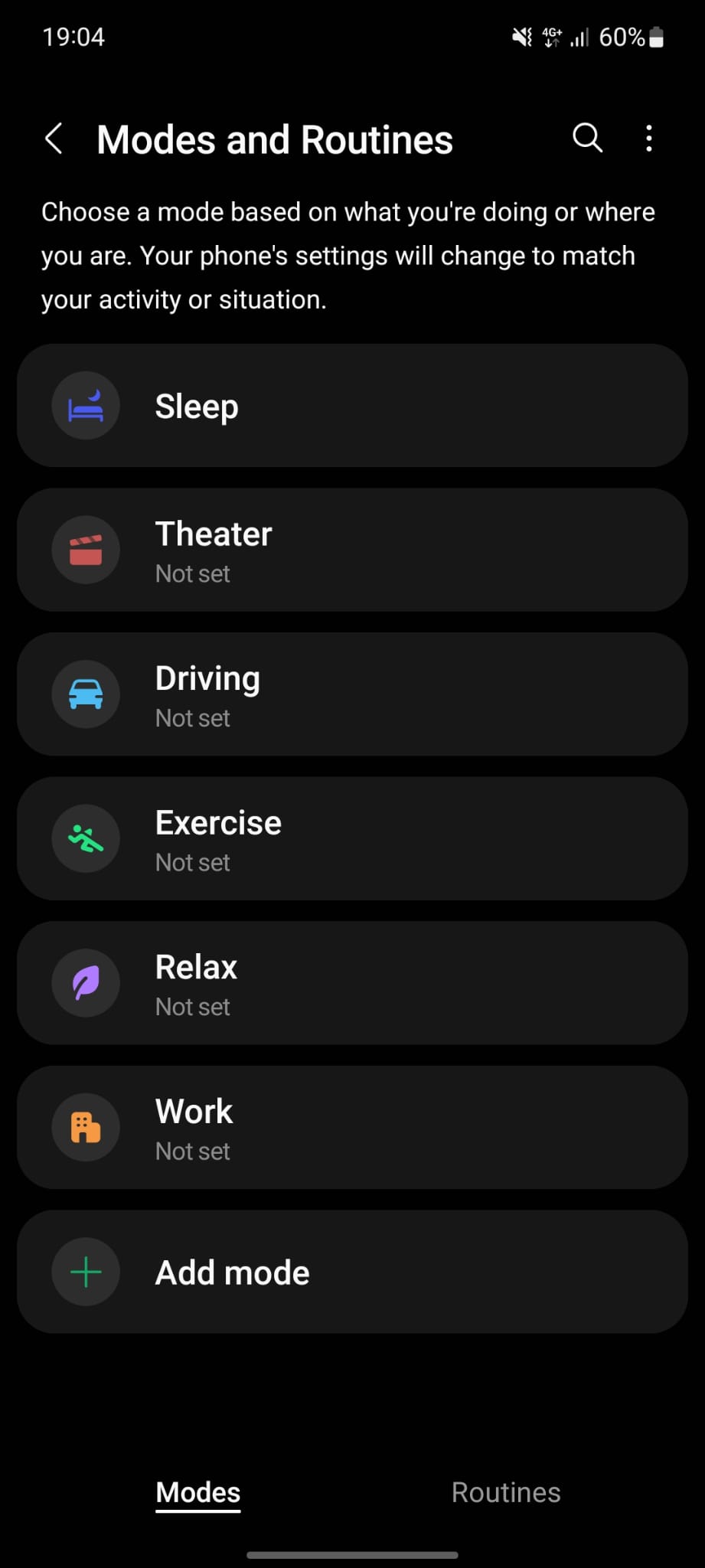
How to setup Sleep in Modes and Routines Android? Data 08/05/2023 Autor Dorin Mihai Categorie Mobile 1 547 Configurare noua (How To) Situatie Solutie Pasi de urmat 1. Open Settings 2. Select Modes and Routines 3. Select Sleep 4. Select Start 5. Set your usual sleep and wake-up times and continue 6. Select Done after configuring the Next Steps. Tip solutiePermanent Voteaza Up Down (27 din 53 persoane apreciaza acest articol) ShareTweetShare Despre Autor Dorin Mihai Solutii Asemanatoare Running out of phone storage? 3 Cum facem Hard Reset cu Odin -3 Cum dezactivezi haptic feedback (vibromotorul) pe iPhone 2 Cum setezi un ringtone custom pe Android 1 Cum faci ca butoanele de volum sa controleze mereu media pe OxygenOS 6 Cum setezi un shortcut pentru sugestii de text pe un telefon Samsung 4 Leave A Comment? × Cancel Reply Save my name, email, and website in this browser for the next time I comment. seven × = 14

Leave A Comment?