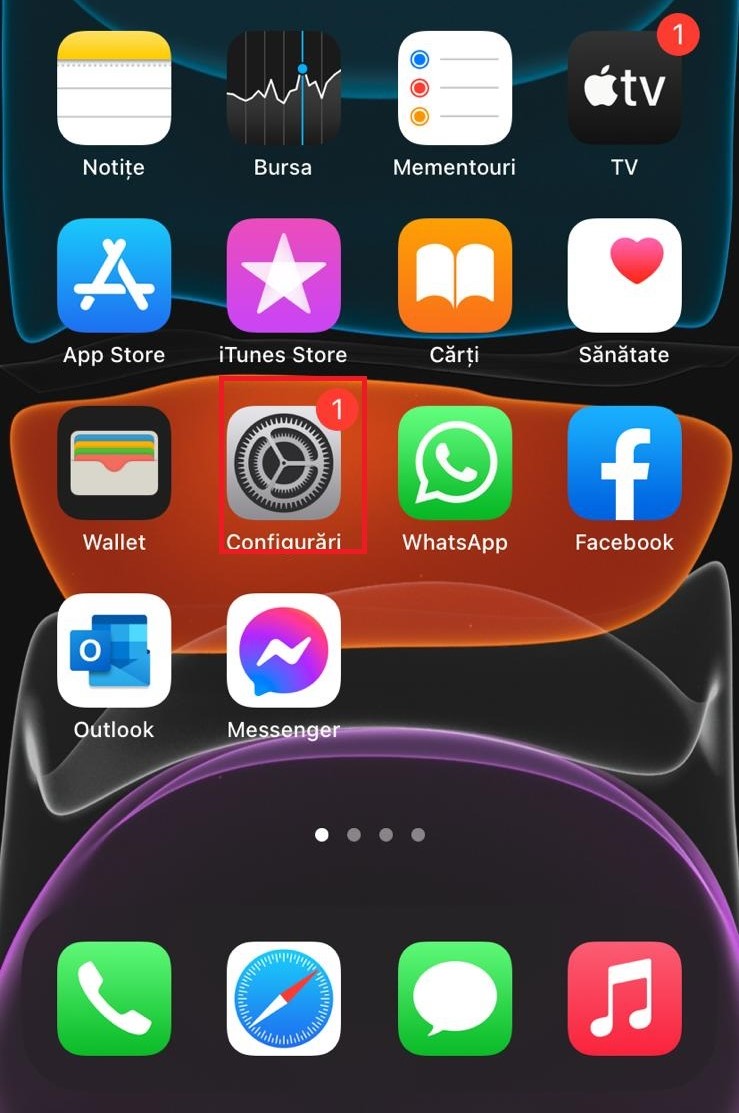
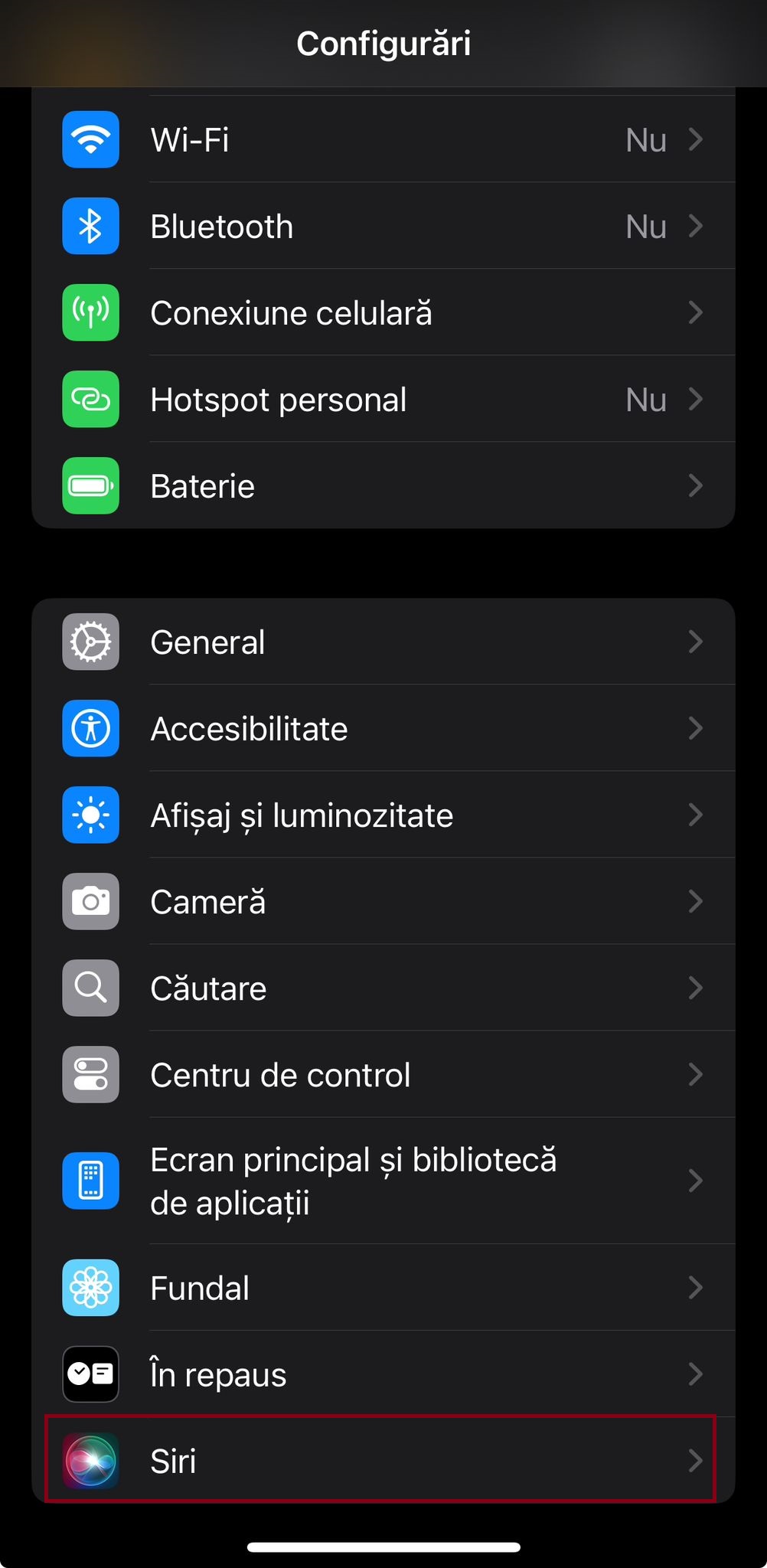
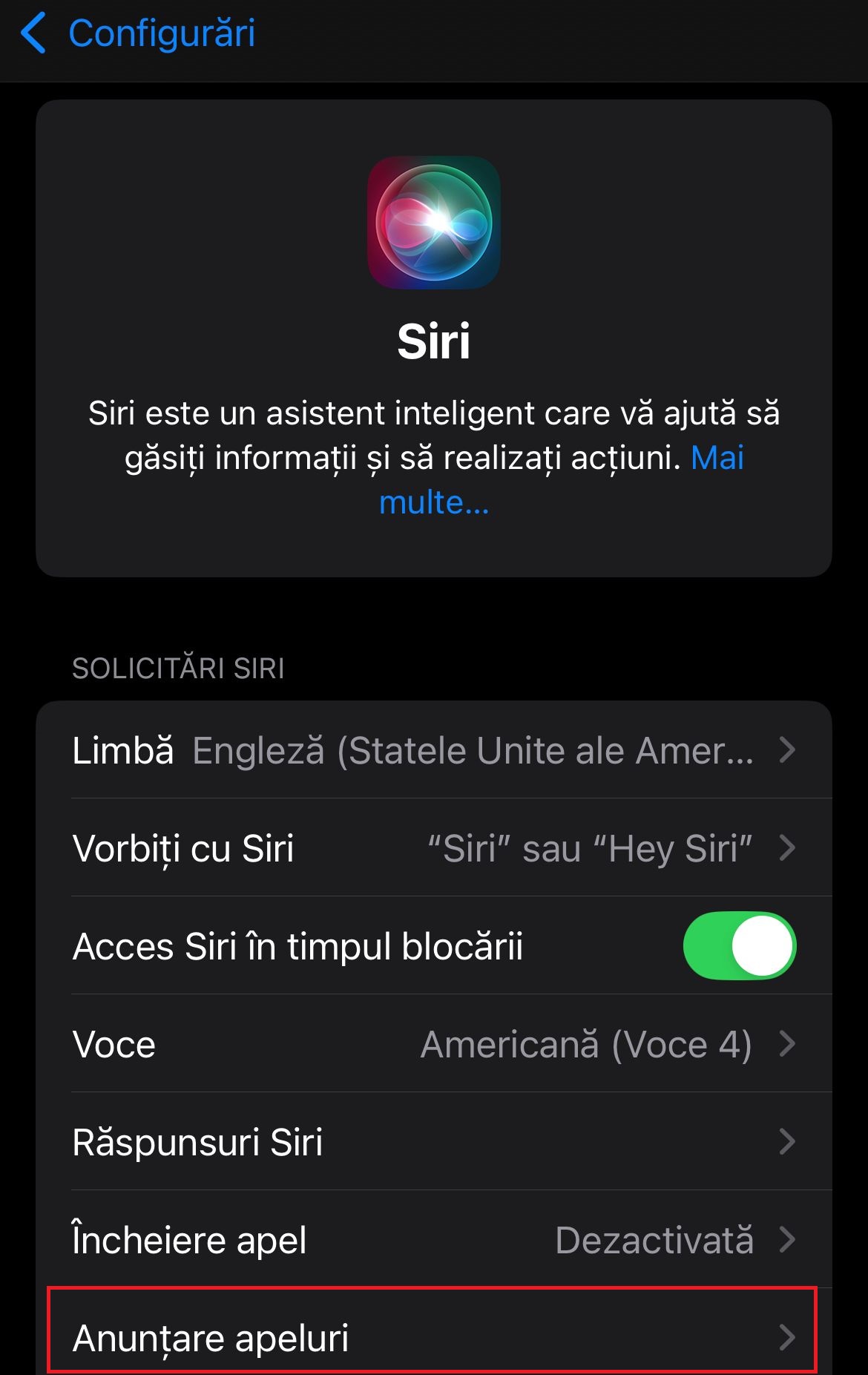
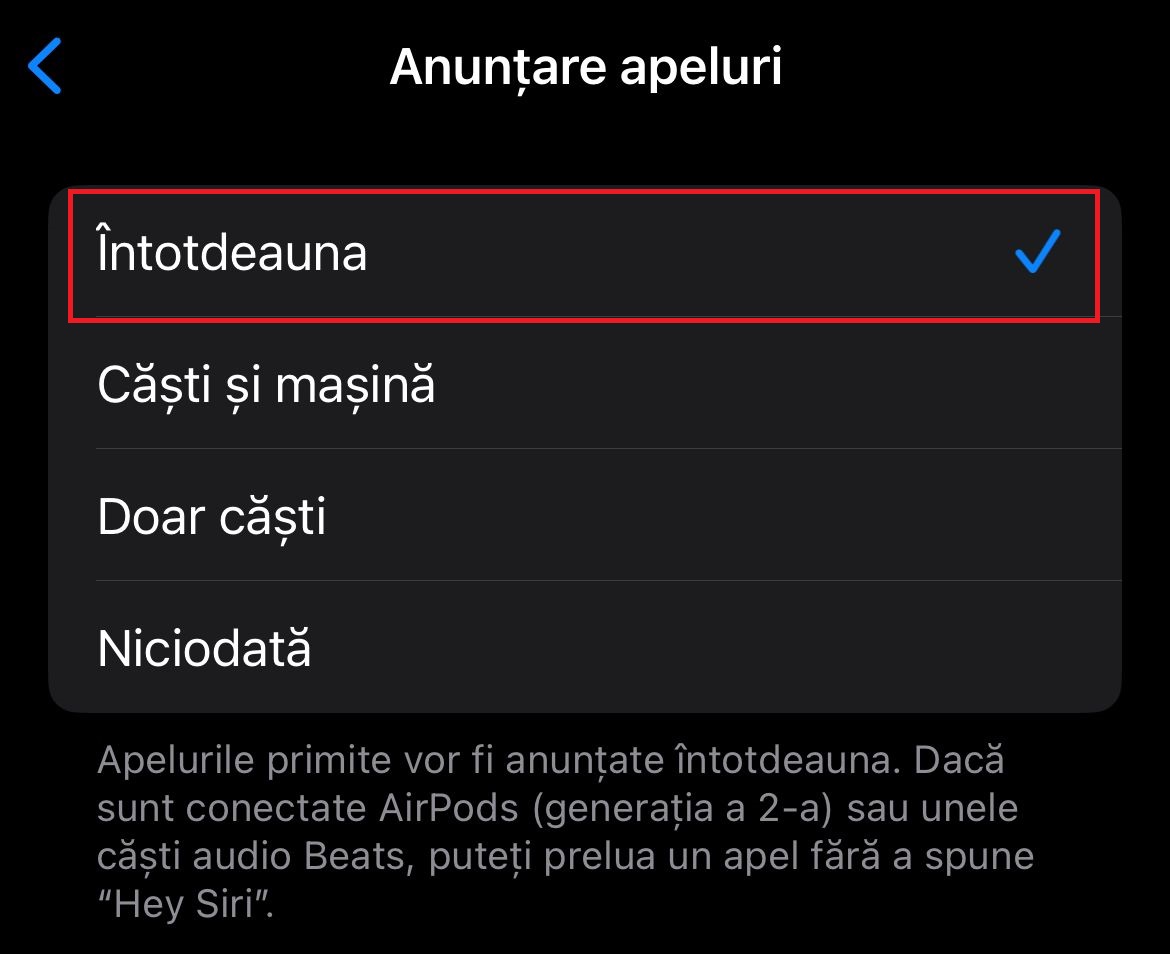
Anuntare apeluri cu Siri pe iOS 18 Data 11/03/2024 Autor catalin nechita Categorie Mobile 2 196 Configurare noua (How To) Situatie Solutie 1.Accesam Configurari 2.Accesam Siri 3.Accesam Anuntare apeluri 4.Setam optiunea Intotdeauna. Tip solutiePermanent Plan de restaurare in caz de nefunctionareSe reiau pasii Voteaza Up Down (15 din 28 persoane apreciaza acest articol) ShareTweetShare Despre Autor catalin nechita Solutii Asemanatoare Here are some other ways to use the power button on a Samsung Galaxy phone 0 Sistem de supraveghere video Dahua folosind PC în loc de NVR 0 Instalarea sistemului de operare (Android) pe un Samsung Galaxy A34 5G SM-A346B 1 Your Android phone’s battery has a limited lifespan 1 Cum activam optiunea RTT software pe iOS 27 2 Utilizare tableta Samsung Galaxy Tab ca monitor extern 3 Leave A Comment? × Cancel Reply Save my name, email, and website in this browser for the next time I comment. − one = 1
Leave A Comment?
