
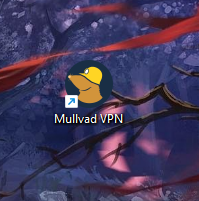
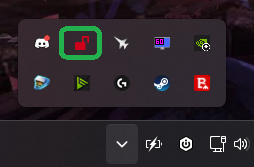
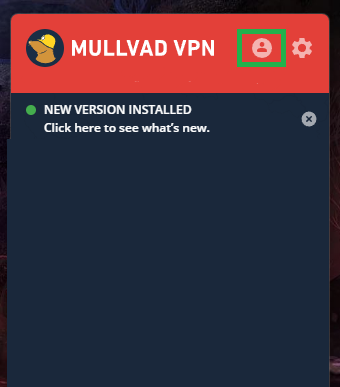
Cum introduceti un cod/voucher in aplicatia Mullad VPN Data 31/07/2025 Autor preda silviu Categorie Soluții -4 305 Configurare noua (How To) Situatie Solutie Pasi de urmat Prima data deschideti aplicatia Mullad VPN Dupa care mergeti in coltul din dreapta jos, deschideti lista ascunsa a iconitelor si click pe iconita aplicatiei. Click pe iconita de Profil Aici faceti click pe butonul “Redeem voucher” Iar aici puteti introduce codul promotional/voucher. Tip solutiePermanent Voteaza Up Down (4 din 12 persoane apreciaza acest articol) ShareTweetShare Despre Autor preda silviu Solutii Asemanatoare How to sync your Android phone’s files to a PC for free 2 Use these 7 Linux commands to keep your system tidy and fast 2 How to mass delete emails in Gmail 5 How to bring back classic context menu on Windows 11 2 Cum identifici exact ce aplicație sau proces ascuns oprește calculatorul să intre în modul Sleep 1 Fișierele nu sunt afișate pe hard disk extern în Windows 11 2 Leave A Comment? × Cancel Reply Save my name, email, and website in this browser for the next time I comment. four + = thirteen
Leave A Comment?