
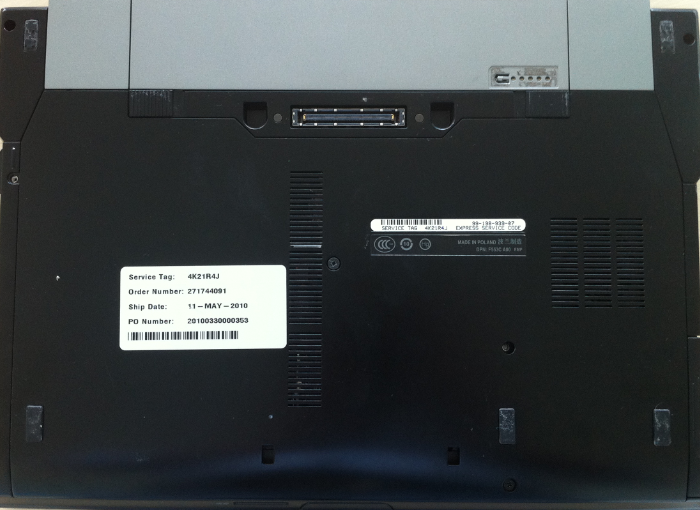
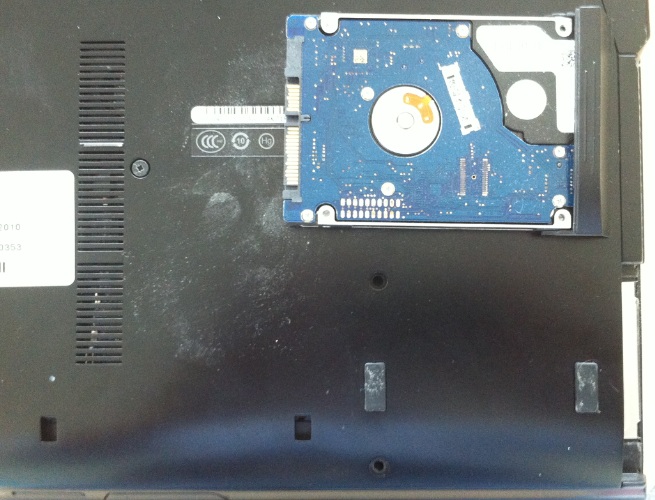
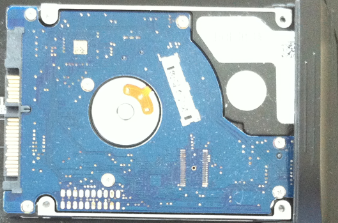
Înlocuire HDD laptop Dell Latitude E6400 Data 15/07/2015 Autor Valentin Bozanchi Categorie Actualizare / Schimbare componente, Hardware, Stații de lucru 1 1280 Configurare noua (How To) SituatieSe înlocuiește HDD echipamentului defect cu unul similar / SSD sau cu unu HDD de capacitate mai mare. Solutie Pasi de urmat Se desfac suruburile incercuite din imaginea de mai jos –> tragem lateral de capacul carcasei care protejeaza HDD –> si inlocuim HDD stricat cu un alt HDD Tip solutiePermanent Voteaza Up Down (27 din 53 persoane apreciaza acest articol) ShareTweetShare Despre Autor Valentin Bozanchi Solutii Asemanatoare Bring your Windows Desktop to life with Wallpaper Engine 6 How to move Taskbar to top or side on Windows 11 5 Arduino Soil Moisture Sensor 3 Review Attack Shark X3Pro mouse 3 Review Attack Shark x85 keyboard 4 Arduino Fingerprint Sensor 2 Leave A Comment? × Cancel Reply Save my name, email, and website in this browser for the next time I comment. 7 − 3 =
Leave A Comment?