
Situatie
Solutie
A small AI model writing VBA and Office Scripts on your own PC
At its most basic, this setup has a quantized open-weight model (something in the 9–15B parameter range) running in LM Studio.
Model candidates include Qwen3.5 (9B), Gemma 4 (12B), or Ministral 3 (14B). I’m going to use Qwen3.5-9B because I have it downloaded already and it often “overthinks,” which should help prevent it from forgetting important constraints I specify. When quantized, these models all run comfortably on 8–16 GB of RAM or VRAM. VRAM will be faster, but it isn’t strictly necessary—models in these sizes often run acceptably on a CPU.
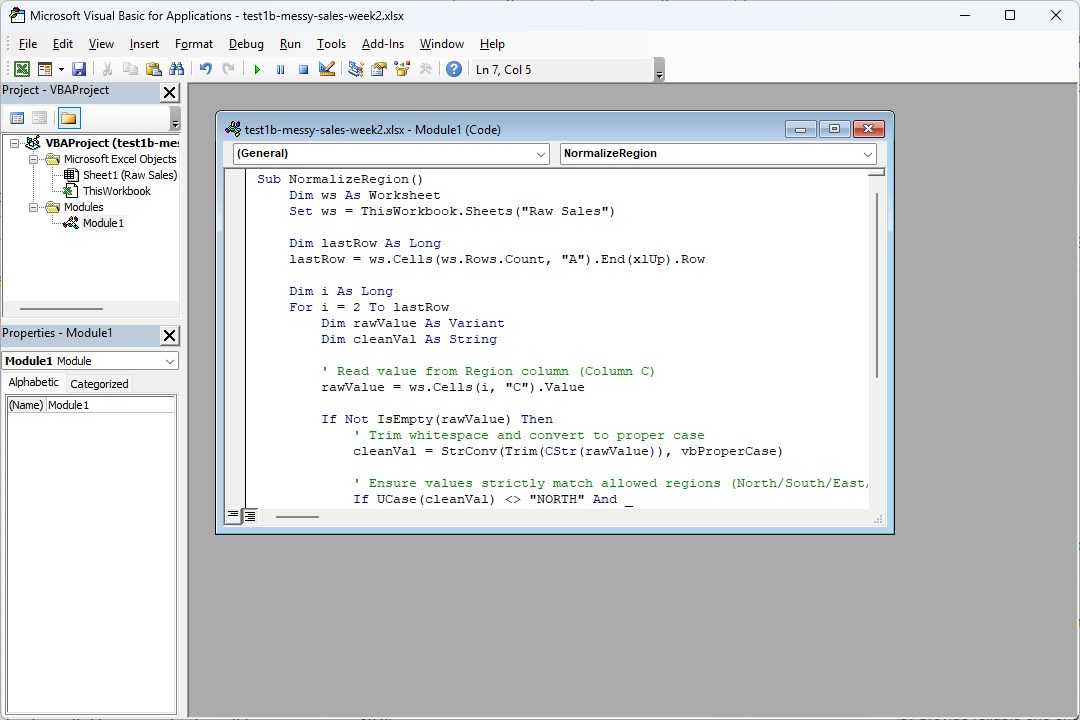
Once they’re up and running, the process will be simple. I’ll describe what I want in plain language, the model will output the macro code, and I’ll paste it into Excel. For the moment, this isn’t a plugin or autonomous agent that directly connects to the spreadsheet.
If extensive testing proves that it is reliable most of the time, I’ll give it direct access.
Local beats cloud when you have a specific job
Privacy, cost-effectiveness, and availability matter when you need it daily
Spreadsheets can contain everything from payroll information to client lists to medical information—the sort of thing you don’t carelessly paste into a cloud-based service with data retention you can’t fully control. By switching to a local model, you can eliminate that risk entirely. As long as the PC you’re using is secure, your data will be secure too.
There is also the question of cost. Local AI models only incur very small costs once you own a PC that can run one. On the other hand, subscription fees and API costs can and do change significantly. If it produces a good result the first time, you’re fine; if you need to toggle on Fable 5.1 (or even Sonnet 5) and iterate 20 times, a local model is going to cost significantly less to run than the tokens you’d burn through.
A 9B model can actually handle Excel pretty well
Small coding models can write exceptional code now
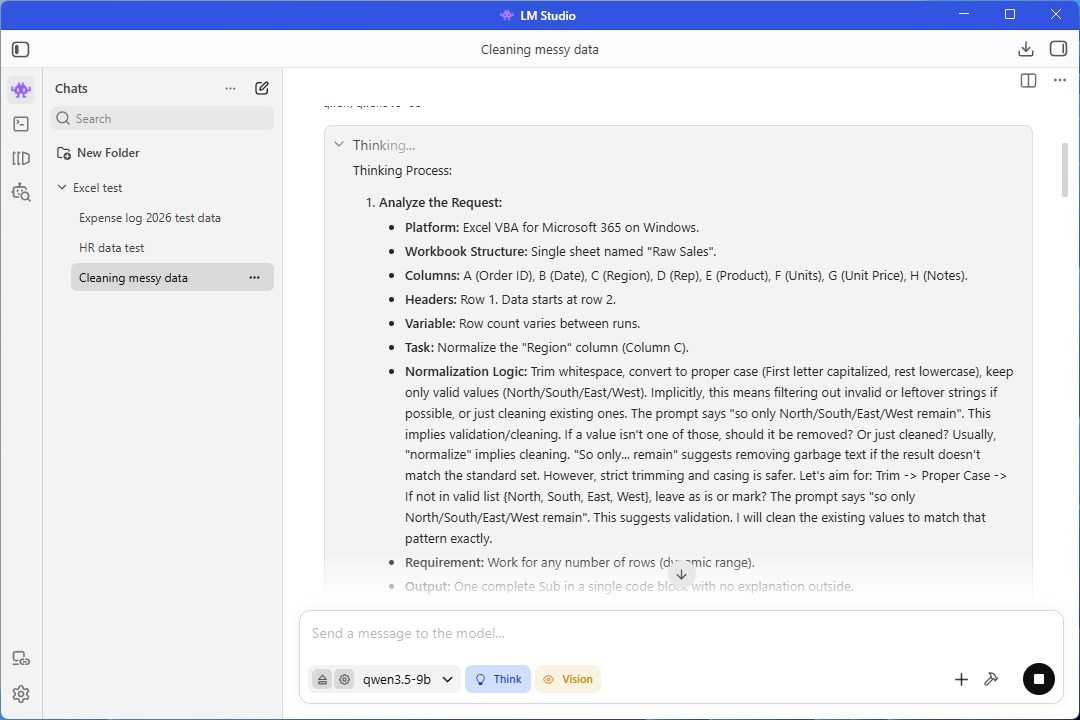
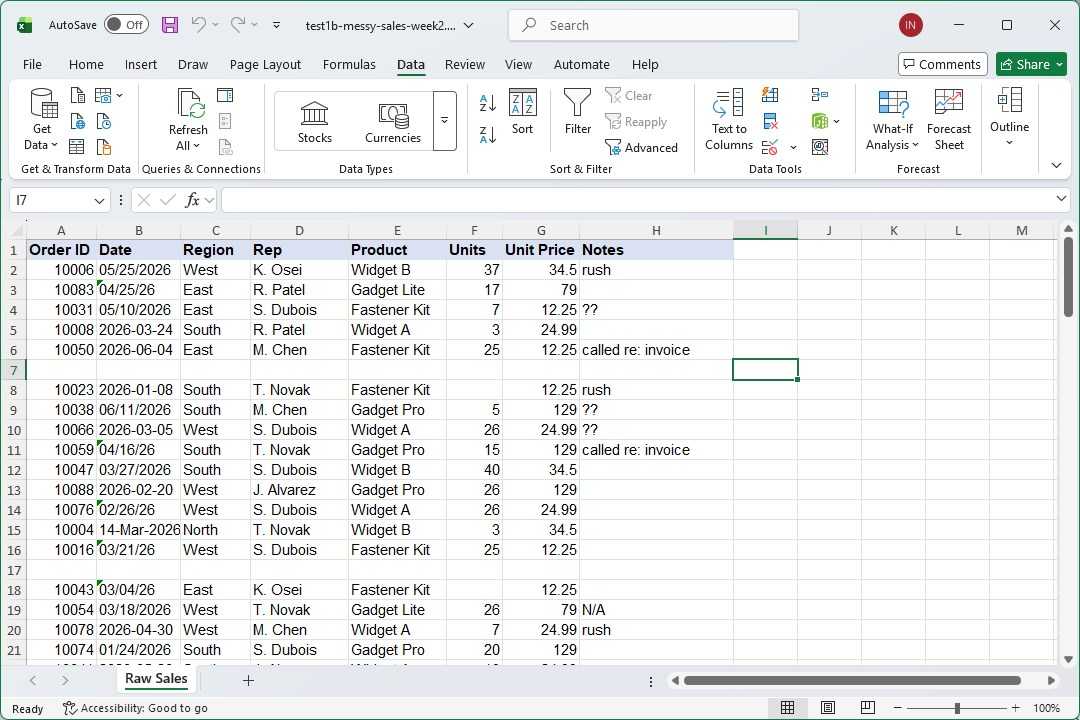
Modern models in the 8B-14B parameter range are actually very good at coding; I use them with Python all the time. VBA and Office Scripts are probably underrepresented in the training data compared to Python, but that shouldn’t be a deal-breaker. So, I put it to the test.
I used Qwen’s recommended settings:
- Temperature: 0.6
- top_p: 0.95
- top_K: 20
- min_p: 0
- Thinking mode: On
I also upped the context to around 20K; thinking consumes a lot of tokens, and my first test actually used up the entire 8K context window before it produced a working script. Each 8K of context adds about 1GB to the memory requirements.
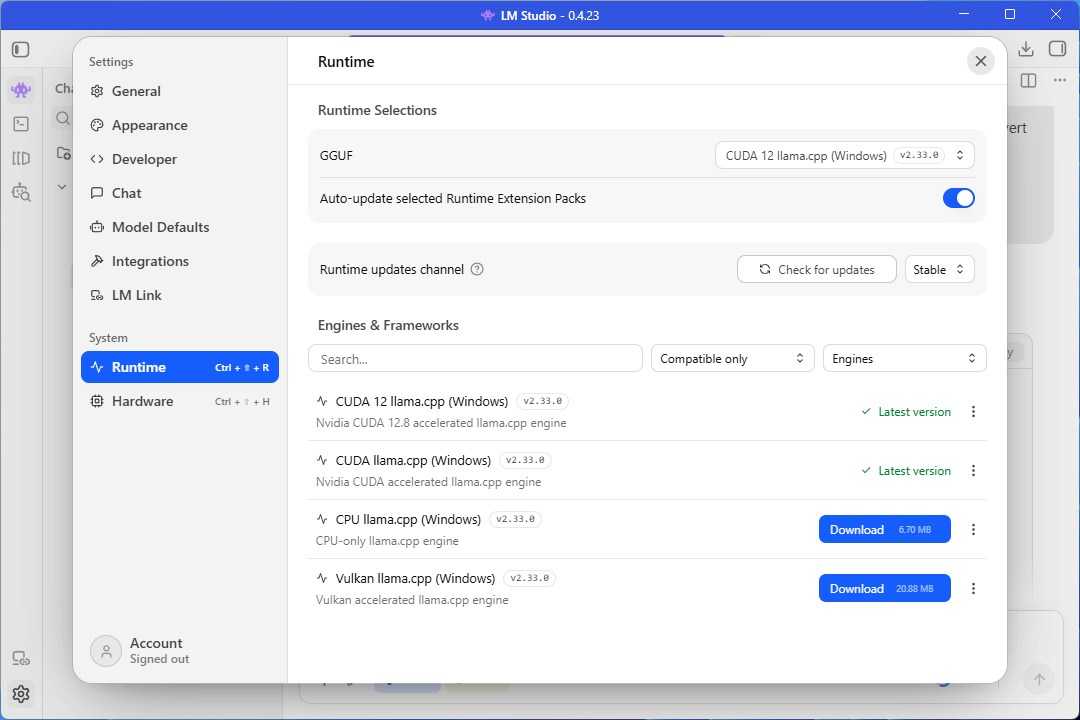
The particulars about how you do that vary depending on what program you use to interact with Qwen. I used LM Studio.
Fixing up messy data
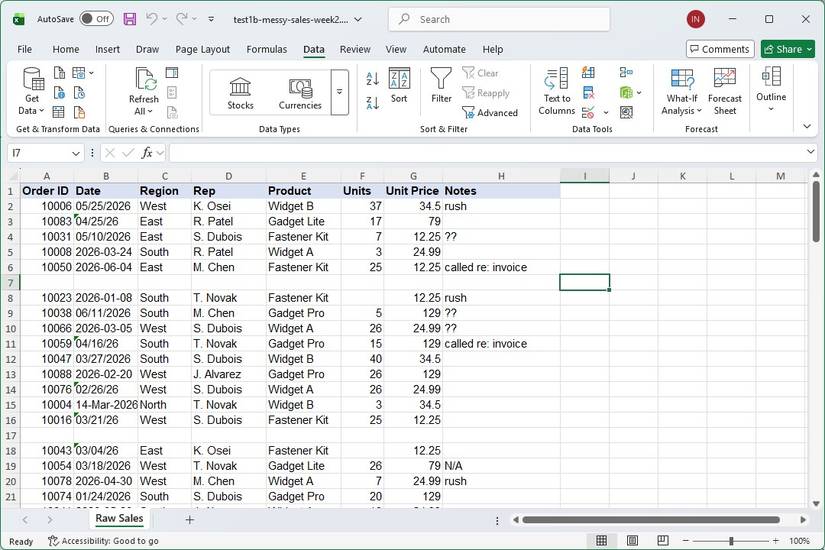
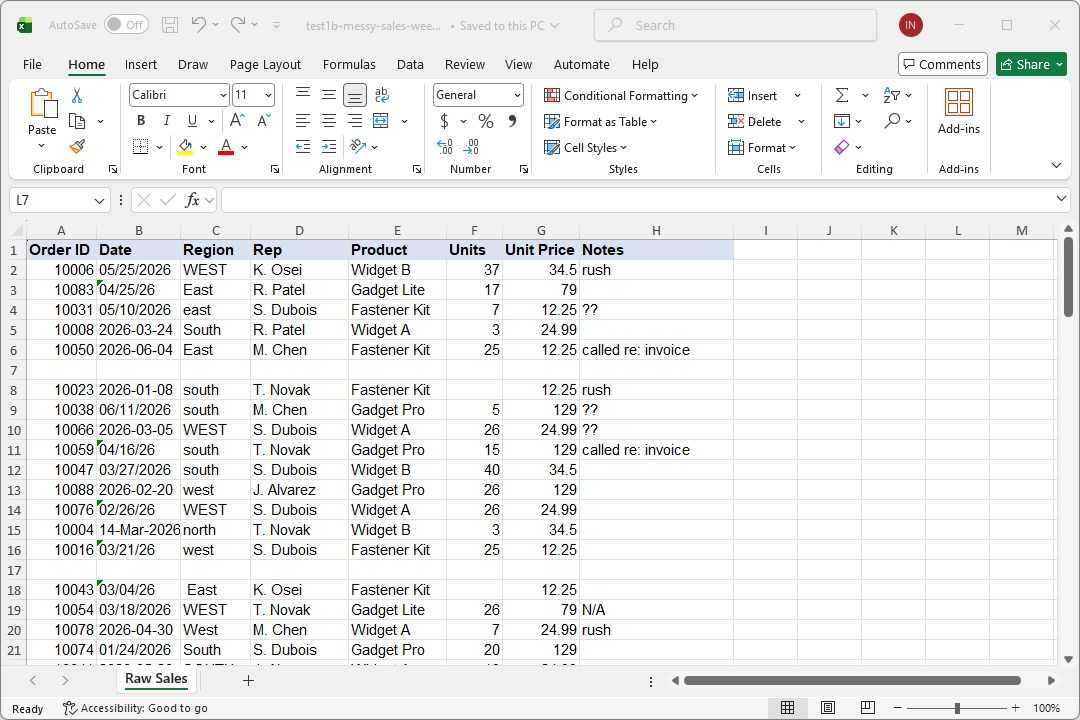
The thing I wanted to try was fixing up some messy data, which is common. My sample sheet has sales information that was divided by region, but there were issues with unwanted white spaces and varied capitalization conventions, so I had Qwen write a quick VBA script for that. It worked perfectly.
There is another issue! The table also has a mess of blank rows scattered through it, so I asked for a VBA script to address that problem too.
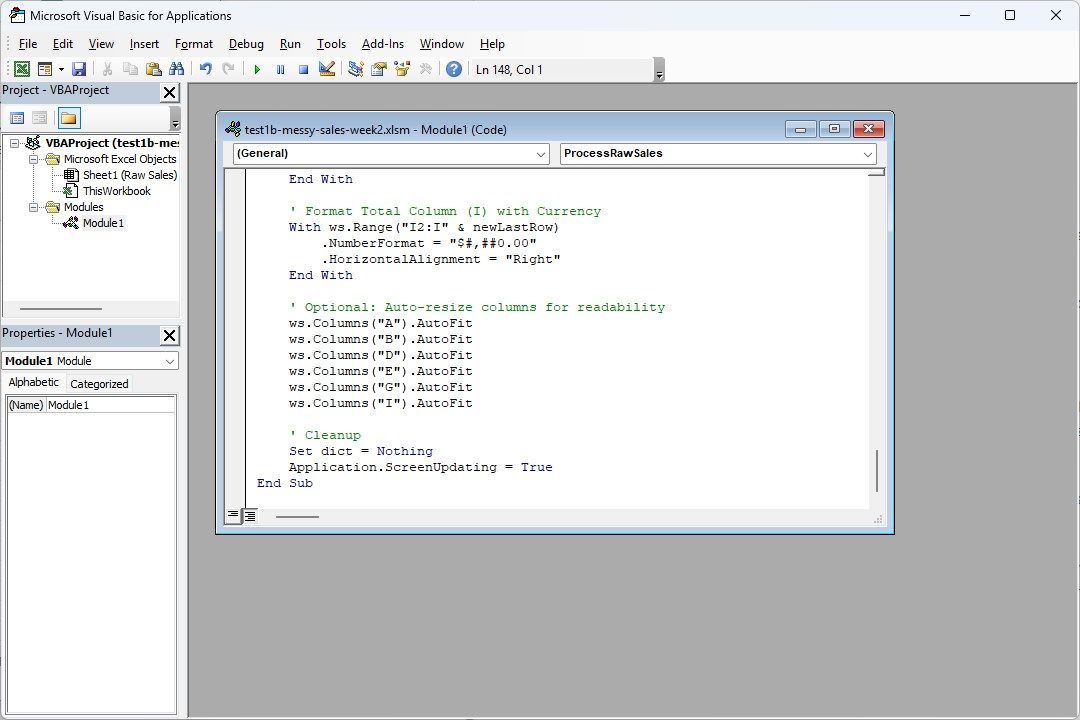
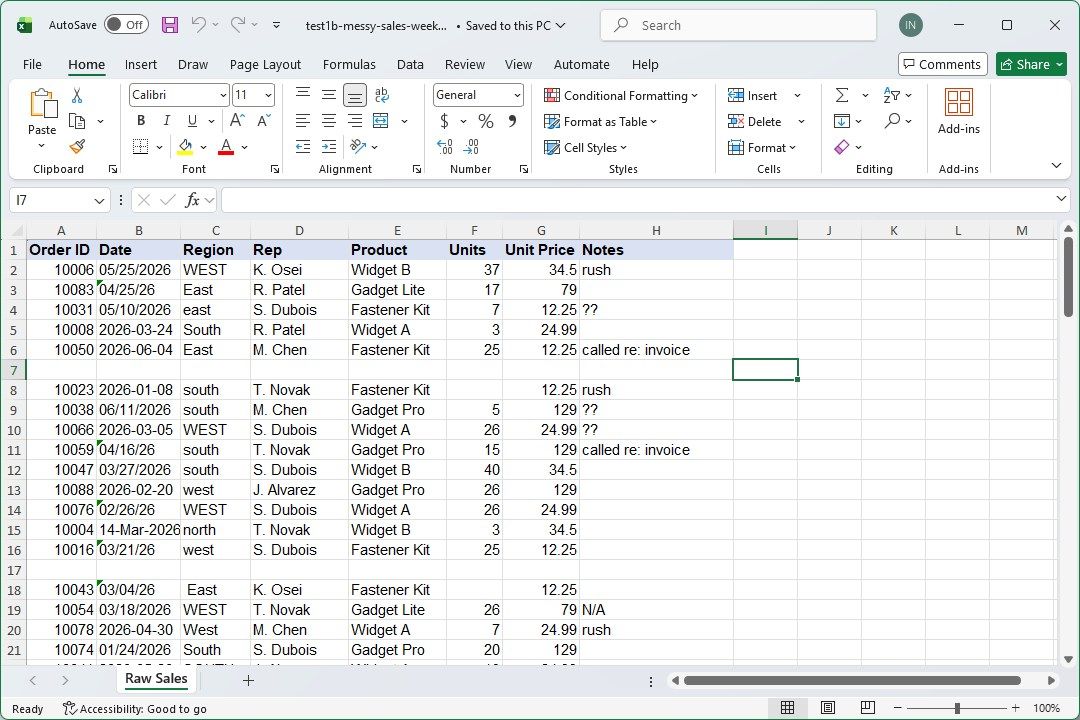
My first prompt was too vague. I told it to delete empty rows, but it didn’t understand that the blank rows were scattered between valid results. So, I adjusted my prompt to include that information and ran it again. That time, it worked as it should.
So it can handle a bunch of simple automations quite well. But can it handle one big one? I decided to see if I could get it to fix everything wrong with my spreadsheet in one fell swoop:
- Deduplication
- Fix and convert mixed date formats
- Remove scattered blank rows
- Fix mixed region convention
- Add a Total column
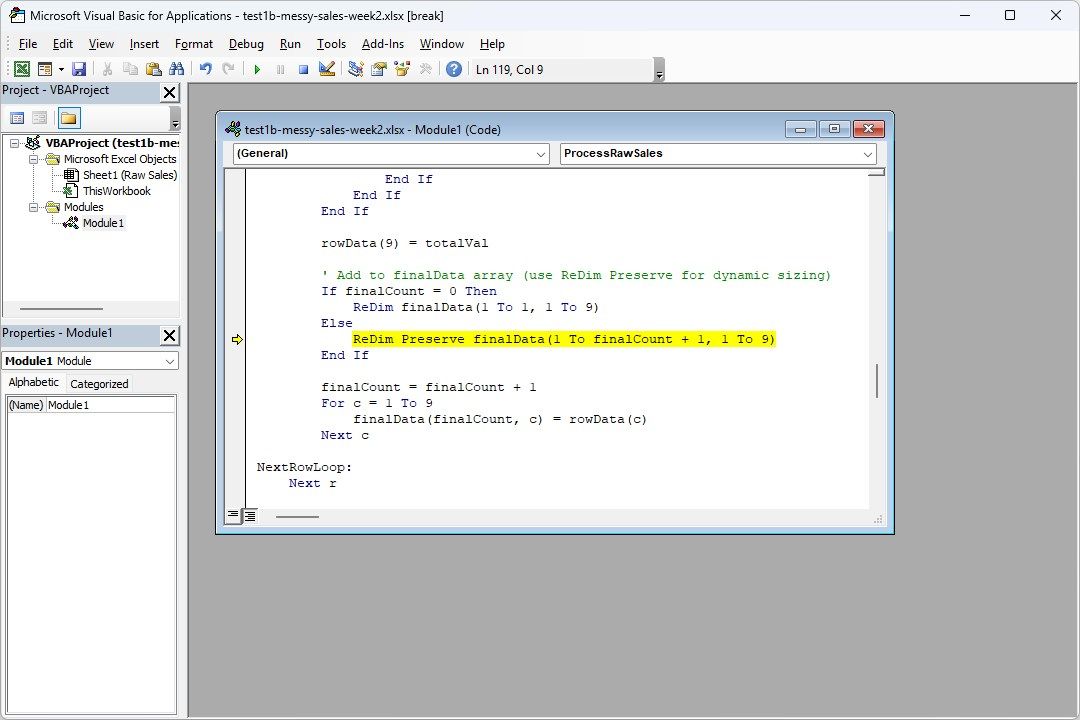
My instinct was that success or failure will be determined by how clear the prompt is and whether it can interpret it correctly. It created code that threw an error a few times, but it was ultimately able to fix it when I provided it with the debug information. However, I’d recommend creating scripts that do these things in steps. It sometimes gets stuck in a loop when the task is too big, it eats through the entire available context and then stops.
Leave A Comment?