
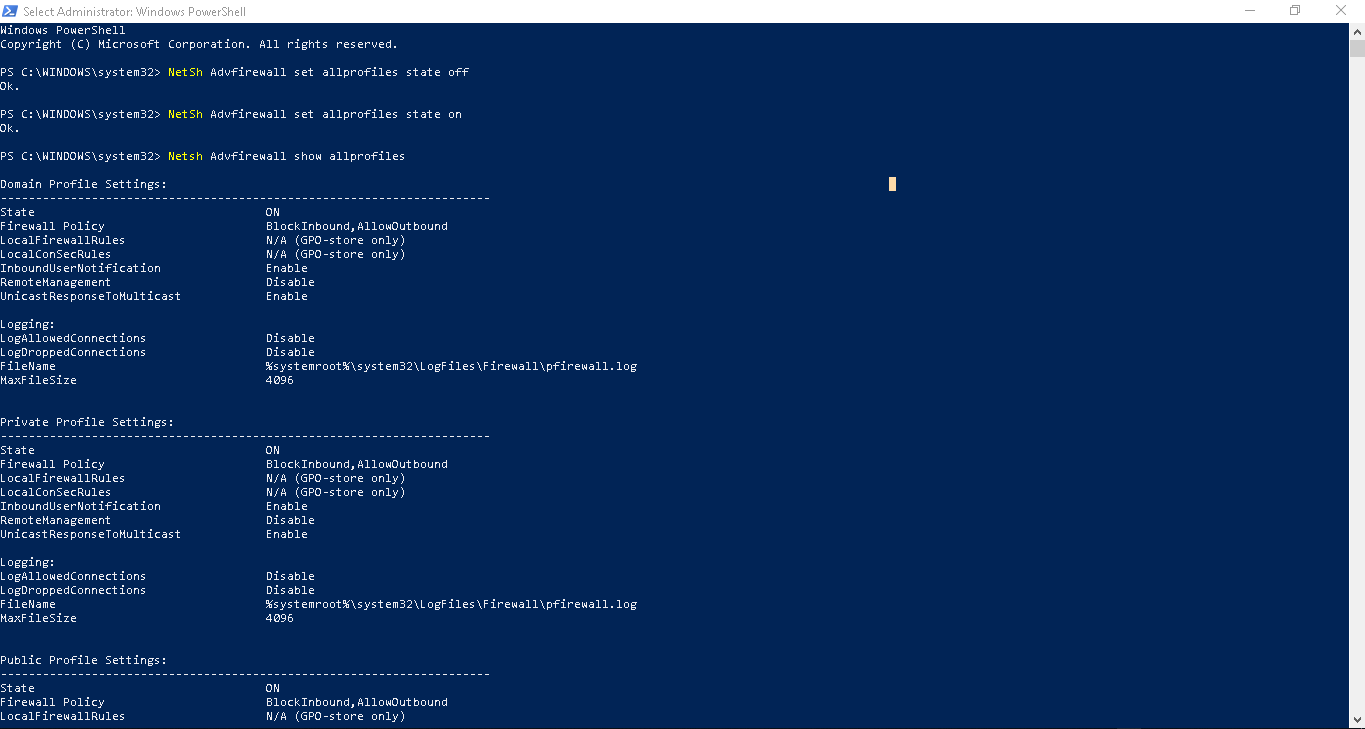
How to turn ON/OFF Windows Firewall using CMD or PowerShell Data 04/03/2019 Autor silviu babescu Categorie Soluții 1 716 Configurare noua (How To) SituatieWindows firewall is enabled by default with Windows Vista, 7, 8 , 10. This is how you can disable it using CMD Solutie Pasi de urmat To disable it: NetSh Advfirewall set allprofiles state off to enable it: NetSh Advfirewall set allprofiles state on To check the status of Windows Firewall: Netsh Advfirewall show allprofiles Tip solutiePermanent Voteaza Up Down (26 din 51 persoane apreciaza acest articol) ShareTweetShare Despre Autor silviu babescu Solutii Asemanatoare iOS 26: Switch back to the classic Phone App layout 5 How to enable Windows Recall 2 Arduino pulse rate monitor 1 Cum schimbati tipul de encryption din 128-bit in 40-or 56-bit pentru “File sharing connections” 2 Tailscale: The Easiest way to access your Homelab from Anywhere 2 Ai uitat parola de la Wi-Fi? O poti recupera in Command Prompt 0 Leave A Comment? × Cancel Reply Save my name, email, and website in this browser for the next time I comment. two × six =

Leave A Comment?