
Networking

Switch 25 Solutii

Wireless 88 Solutii

Router/Firewall 119 Solutii

Cisco Router 33 Solutii

Fortigate 19 Solutii

Automatizarea configurațiilor Cisco cu Ansible – administrare rapidă, consistentă și fără erori manuale

Ansible este o platformă open-source de automatizare care permite administrarea infrastructurilor IT prin intermediul unor fișiere text denumite playbook-uri. Acestea descriu într-un mod simplu și repetabil operațiunile care trebuie executate asupra echipamentelor gestionate.

Printre avantajele utilizării Ansible se numără:

  • eliminarea configurărilor repetitive
  • reducerea erorilor generate de intervențiile manuale
  • implementarea rapidă a modificărilor la nivelul întregii infrastructuri
  • posibilitatea documentării și versionării configurațiilor
  • scalabilitate ridicată pentru medii enterprise.
[mai mult...]

Ce inseamna IP static vs. IP dinamic si cand ai nevoie de fiecare?

Probabil ai auzit de adresa IP, cea care functioneaza ca o adresa postala pentru dispozitivul tau atunci cand esti pe net. Fara ea, routerul tau nu ar sti unde sa trimita datele (adica daca pachetul ala de date cu clipul de pe YouTube trebuie sa ajunga pe laptopul tau sau pe ecranul televizorului din sufragerie). Dar stiai ca adresa asta se poate schimba singura fara sa iti dai seama? Aici apare marea diferenta dintre un IP dinamic si unul static, o chestie care iti poate da batai de cap daca vrei sa faci ceva mai mult decat sa navighezi pe Facebook.

[mai mult...]

What a Mesh Wi-Fi Setup can do

  1. Provide Whole-Home Coverage

Mesh systems eliminate dead zones by spreading multiple nodes around your home.
Each node communicates with the others, creating a continuous Wi-Fi blanket across large spaces or multi-floor houses.

Example:

  • Router node connected to the modem in the living room
  • Additional nodes in the hallway and upstairs
  • Devices automatically connect to the strongest signal
  1. Seamless Roaming Between Nodes

Your phone, laptop, or smart TV can move from one room to another without dropping the connection.

For example:

  • You start a video call in the living room.
  • Walk upstairs.
  • Your device automatically switches to the closest node without interrupting the call.

This is much smoother than traditional extenders.

  1. Smart Traffic Management

Most mesh systems automatically:

  • Select the best path for data
  • Balance network load
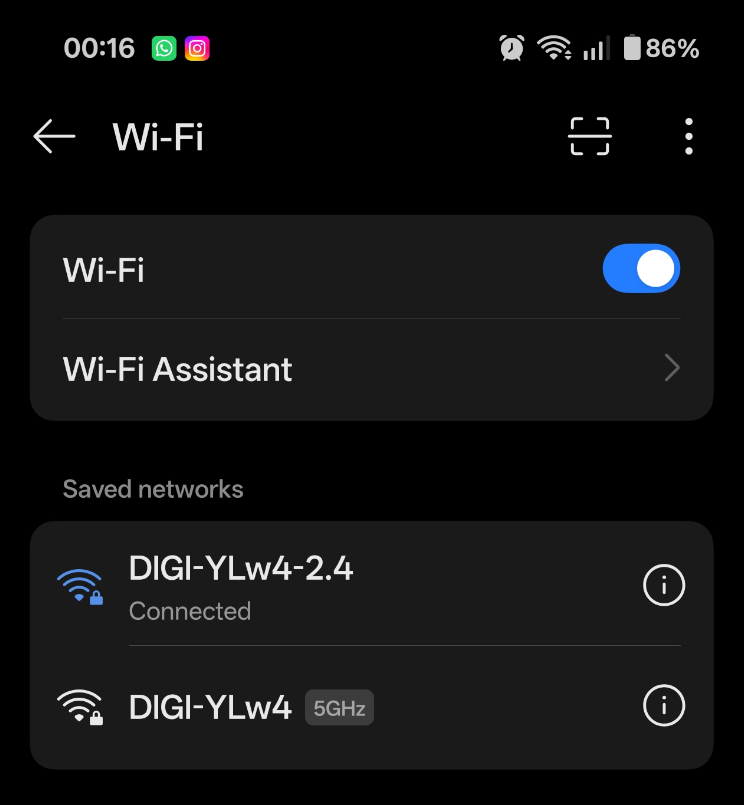
  • Switch devices between bands (2.4 GHz / 5 GHz / sometimes 6 GHz)

Systems like Google Nest Wifi Pro use Wi-Fi 6E to add the 6 GHz band for faster speeds and less congestion.

  1. Easy Network Control via Mobile Apps

Mesh networks are usually managed through smartphone apps.

Common features:

  • Device monitoring
  • Guest networks
  • Parental controls
  • Internet pause schedules
  • Security alerts

For example, the Amazon Eero Pro 6 app allows you to see every device connected to your network.

  1. Expandability

If you need more coverage later, simply add another node.

Example:

  • Start with a 2-node system for a small house
  • Add a third node when moving to a larger home

Benefits of Using Mesh Wi-Fi

  1. No Dead Zones

Traditional routers struggle with:

  • thick walls
  • multiple floors
  • large houses

Mesh systems extend Wi-Fi into basements, garages, and outdoor areas.

  1. Better Performance Than Extenders

Classic Wi-Fi extenders:

  • create separate networks
  • often cut speeds in half

Mesh systems:

  • keep one network name (SSID)
  • maintain more consistent speeds
  1. Simple Setup

Most mesh kits are designed for beginners.

Typical setup:

  1. Plug main node into modem
  2. Open mobile app
  3. Scan QR code
  4. Place additional nodes

Setup usually takes 10–15 minutes.

  1. Stronger Support for Smart Homes

If you have many smart devices like:

  • smart lights
  • cameras
  • thermostats
  • smart speakers

Mesh networks handle dozens or even hundreds of devices better than traditional routers.

  1. Improved Network Stability

Because nodes communicate with each other, the system can reroute traffic automatically if one node becomes slow or overloaded.

Downsides to Consider

  1. Higher Cost

Mesh systems are more expensive than standard routers.

Typical prices:

  • Entry mesh kits: ~$150–$250
  • High-end systems: $400+
  1. Overkill for Small Apartments

If you live in a small apartment, a single high-quality router may perform just as well.

  1. Placement Matters

Nodes still need good placement:

  • not too far apart
  • not behind thick concrete walls

When Mesh Wi-Fi Makes the Most Sense

A mesh system is ideal if you have:

A house larger than 120–150 m²
Multiple floors
Many smart home devices
Wi-Fi dead spots
A large family with many connected devices

Simple Summary

Mesh Wi-Fi systems create a single, intelligent wireless network using multiple nodes, giving you:

  • better coverage
  • smoother roaming
  • stronger stability
  • easier control
  • scalable expansion

They are one of the best solutions for modern homes with many devices.

[mai mult...]