
Soluții

How to Zoom In and Zoom Out on Mac
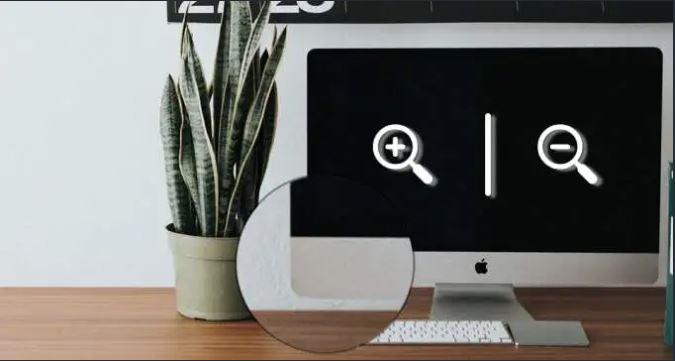
Do you sometimes struggle to read texts or make sense of images on your laptop’s display? Learning to use magnification tools can make your life easier. Magnifiers let you zoom in and zoom out on your computer’s screen. You’ll find these tools useful if your computer’s screen is super small or if you have an eye defect or condition that makes it difficult to read tiny texts. We’ll show you how to enable and use these tools to zoom in on your Mac.

[mai mult...]

How to Fix “File System Error -2147163893” on Windows 11 and 10?

The problem usually appears when customers try to download or update an application from the Microsoft Store. Similarly, several users reported encountering the -2147163893 problem when attempting to restore or reinstall the Microsoft Store.

The notice itself doesn’t reveal much about the issue, as it merely gives the file’s path and the error code. The following is a list of possible causes:

  • Corrupted or failing storage sectors: According to some user complaints, the problem was caused by either a failing drive or corrupted storage sectors that prevented Microsoft Store from installing particular programs or games in their situation.
  • Corrupted Xbox app: If you’re only having problems downloading games from the Microsoft Store, it’s likely that you’re dealing with corrupt Xbox software. This is frequently observed after upgrading to Windows 11.
  • Corrupt Microsoft Store app: There’s a possibility that your Microsoft Store installation became corrupt or damaged. This can happen during a system update, or because of other factors on your PC.
  • System File Corruption: You can expect this problem to arise in more severe conditions when your operating system is coping with some form of system file corruption that is affecting some Microsoft Store component requirements.
[mai mult...]

How to Lock Column Width and Row Height in Microsoft Excel

Do you have an Excel sheet where you want the columns and rows at fixed sizes? You can lock the column width and row height for your entire spreadsheet in a few steps to prevent accidental resizing.

Maybe you have data that you want to display in a specific way. For instance, you might expand a cell to accommodate a large font or an image. Because it’s so easy to resize columns and rows by dragging them, you or a collaborator might do it unintentionally. Rather than spending time constantly getting those columns or rows back to the sizes you want, just lock them.

[mai mult...]