How to Turn Your Old Mac into a Chromebook
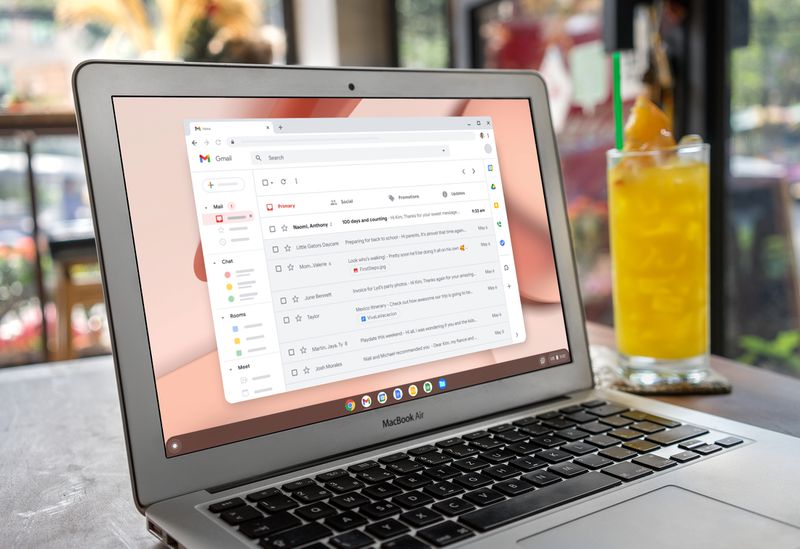
If you have an aging Mac lying around that struggles to run the latest macOS and has stopped receiving security updates from Apple, it’s possible to give it a secure second life by installing software that essentially turns it into a Chromebook.
That’s because Google has released an early access version of Chrome OS Flex, which offers a way to replace the operating system on older PCs and Macs so that they can tap into a way of computing that is almost entirely managed in the cloud. Installing the cloud-first OS means using your Mac will stay secure with regular updates, it should boot fast, it and won’t slow down over time.
Chrome OS Flex is the result of Google’s 2020 purchase of Neverware, a company that offered an app called CloudReady that allows users to convert old PCs into Chrome OS machines.
Chrome OS Flex has the same look and feel as Chrome OS, which is shipped with every Chromebook, as it’s built on the same code base and includes Google Assistant, the Chrome browser, and Nearby Sharing. However, it’s worth noting that there’s currently no Google Play Store, and Google has outlined some other, mainly system-level limitations of OS Flex that distinguish it from Chrome OS on native Google devices.
What You’ll Need:
- Mac released after 2010 with 16GB of free storage.
- Chrome browser installed on your Mac
- USB drive with 8GB or more of storage space.