
Soluții

FIX: Your location has recently been accessed

  • Windows uses Location Services to better customize its range of ads and pop-ups based on your region.
  • The Location Services tool can sometimes show false-positive alert messages, and this article will be covering several steps that you need to take when that happens.
  • This article is part of our dedicated hub for fixing Location Errors on Windows 10, so check it out since you may need it again.
  • Visit our dedicated Windows Services section for more interesting articles that you may like.

The Windows 10 systems, like any other Windows OS, are usually used with a permanent network connection enabled. In this way, you can have access to Windows Store from where you can download and install various apps and you can also stay in touch with everything that’s new.

Anyway, since you are using an Internet connection, you might be prompted with the following message or alert:

Your Location has Recently Been Accessed.

What does this mean? Should you worry about something? Well, first of all, you should know that you have no reason for getting worried. This is a normal message that is often displayed on Windows 10 platforms and is caused by the apps that are installed on your device.

So, basically after installing a tool like the weather gadget or any other app that is accessing your location through a network connection, you might periodically get the Your location has recently been accessed alert.

Now, even though you shouldn’t worry about the same, the message might become quite annoying at some point. So, you will want to remove the same or resolve this issue. In that matter, you can anytime check the guidelines below which will easily take you through the troubleshooting process.

[mai mult...]
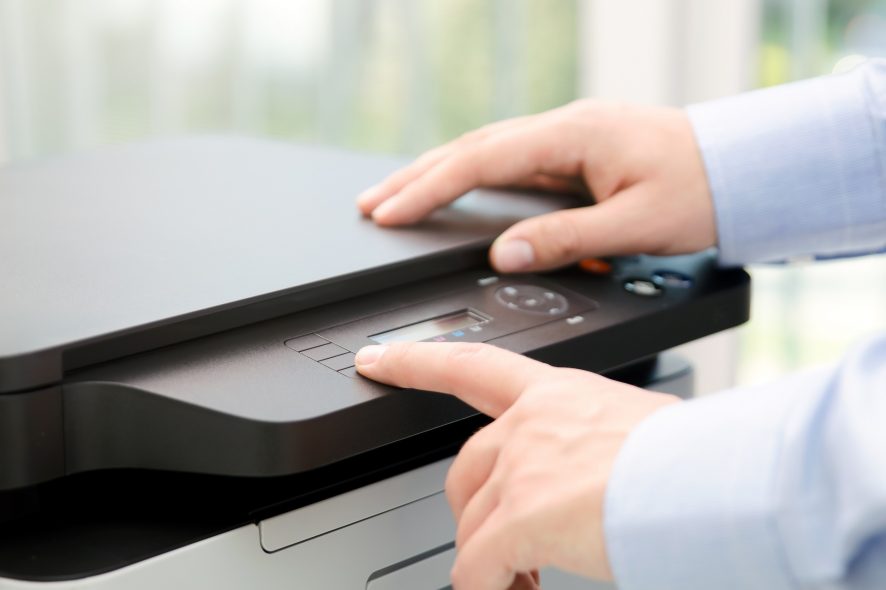
Printer is slow to start printing on Windows 10 [HP]

  • Sometimes, your printer takes a long time to print in Windows 10 and that can also be triggered by network or cable problems.
  • Printing time can be improved by updating or reinstalling the drivers, as shown below.
  • If you’re using a wireless printer, you can try to assign it a new IP address.
  • Tweak the Print Spooler service and clear all the printing jobs from the device.
[mai mult...]

Cum se schimbă parola pe un router Cisco Linksys

Linksys (acum parte a Cisco Systems) este un producător de echipamente de rețea. Atunci când un router Linksys este configurat cu o parolă, toate calculatoarele trebuie să știe acea parolă pentru a se conecta la rețea. Multe site-uri utilizează acest mecanism din cauza potențialului său de a păstra dispozitive neautorizate la nivelul cel mai de bază al rețelei.

Este o bună practică de securitate pentru a schimba parolele în mod regulat sau ori de câte ori s-ar fi putut compromite. Puteți schimba parola pe routerul Linksys la orice doriți.

[mai mult...]

How to Hide Apps on Android

From a safety and security viewpoint, you should always use a screen lock along with some form of biometric authentication on your Android device to prevent anyone else from accessing it. However, there can be situations where you want to double down on security and hide an installed app from prying eyes.

Some Android phones allow you to natively hide installed apps. In case the feature is not present in your phone, you can use a third-party launcher like Nova or Microsoft Launcher.

[mai mult...]

How to enable 2FA on Discord

One of the best ways to ensure the security of your Discord account is to turn on 2FA. When enabled, you’ll need to add an extra numerical code generated by a phone app or dongle every time you log in.

Before diving in, let’s take a quick moment to clear up the differences between two-factor authentication and two-step authentication. They’re similar, but not identical.

Two-factor authentication is when you protect an account with two different types of authorization methods. A factor can be one of the following:

  • Something you know: This includes a piece of information, like a password or security question.
  • Something you have: For example, your smartphone or another physical device.
  • Something you are: A factor unique to your body, such as your fingerprint or iris.

True two-factor authentication means you must unlock two checks from different factors before you can log in. If your account is protected by two locks of the same factor, this is called two-step authentication.

[mai mult...]