

Soluții
How to install and use Stellarium astronomy software
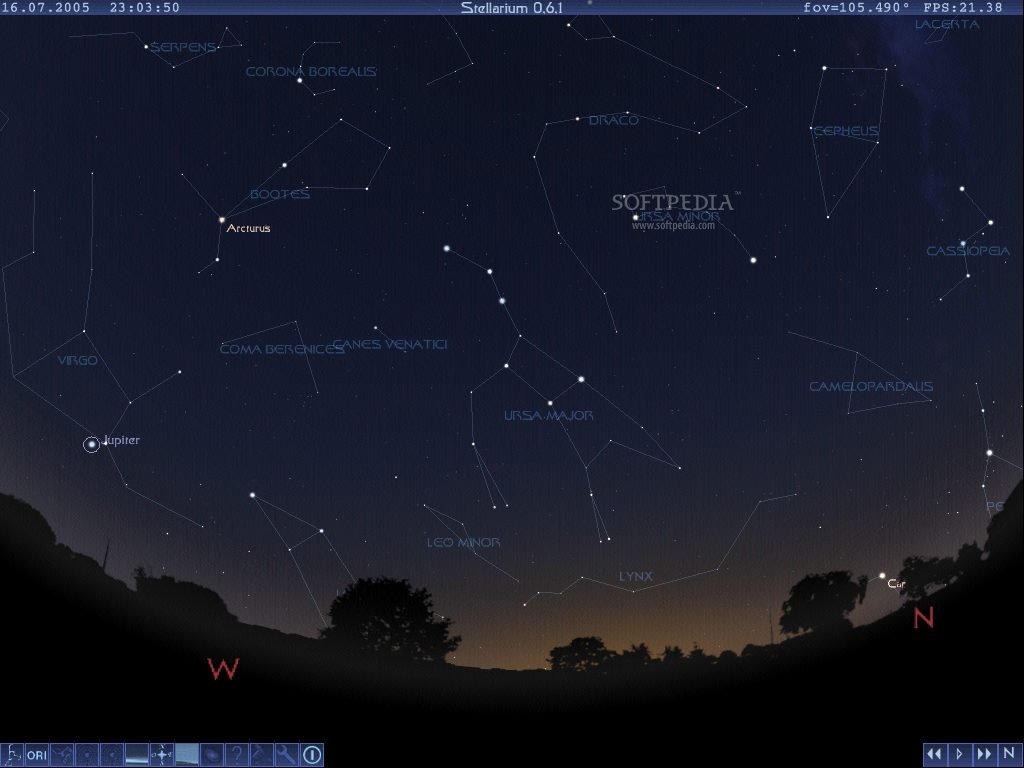
There are few pieces of software that have made such a contribution to amateur astronomy as the free planetarium program Stellarium. Available from stellarium.org for Windows, Mac OS X, and Linux systems, it is popular with beginners and advanced stargazers alike.
Not only can Stellarium do everything you’d want from a planetarium program – simulate the night sky and the positions of planets and other celestial bodies at a given date and time – it’s also packed with other features that are useful for experienced observers and astrophotographers.
Here we’ll look at the basics of the program with an introduction to how to use the software, before examining Stellarium’s plug-ins and other useful tools. We suggest you fire up the program while you read this so you can experiment as we go. To download, visit stellarium.org.
[mai mult...]How to Connect ASIAIR to Your SkyWatcher Mount
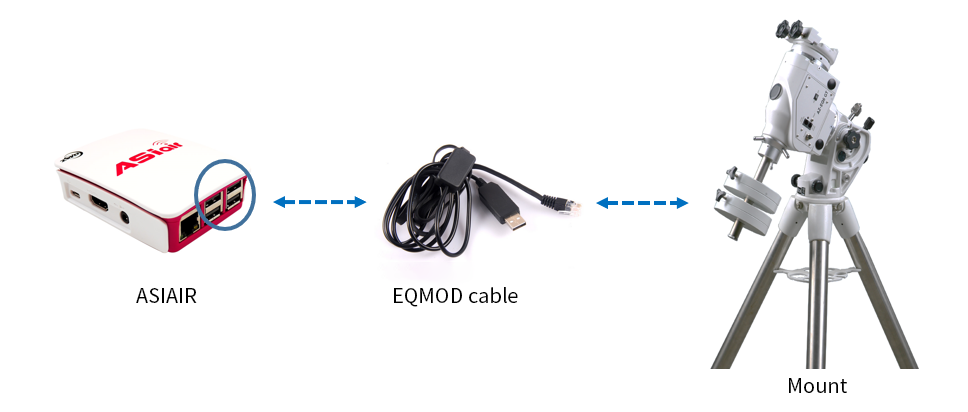
Since its release in 2018, the ASIAIR has been very well received. One of the things people enjoy the most is the GOTO accuracy. As long as your equatorial mount is one of the many that is supported then you to will have simple and accurate GOTO. As one of the most popular mount brands in the world, SkyWatcher mount is widely used with ASIAIR. But how to connect these 2 devices?
[mai mult...]How to Speed Up Mac?
Nobody wants a slow-running Mac. No matter if you’re using an older Mac or a brand new one, it can get slow due to a variety of reasons. Most of the time, such problem builds up with time and fixing a slow OS X computer hardly ever depends on a single method. Therefore, we have prepared a set of fixes for you that will improve your computer’s performance altogether and surely speed up Mac.
[mai mult...]How to Update Ubuntu Linux in desktop UI mode

Ubuntu OS and most of its derivatives offer two methods for updating: a command-line interface tool (called APT) for those who don’t mind using the terminal, and an app called Software Updater for those who prefer a comfortable desktop experience. Software Updater in fact uses APT in the background, managing it for you so you don’t have to remember any commands.
[mai mult...]How to Set Windows Media Player as the Default on Windows 10
Windows Media Player may feel like an aging application, but it’s still present in Windows 10. If you prefer to use the classic WMP for music and videos, it can be set as your default media player.
[mai mult...]