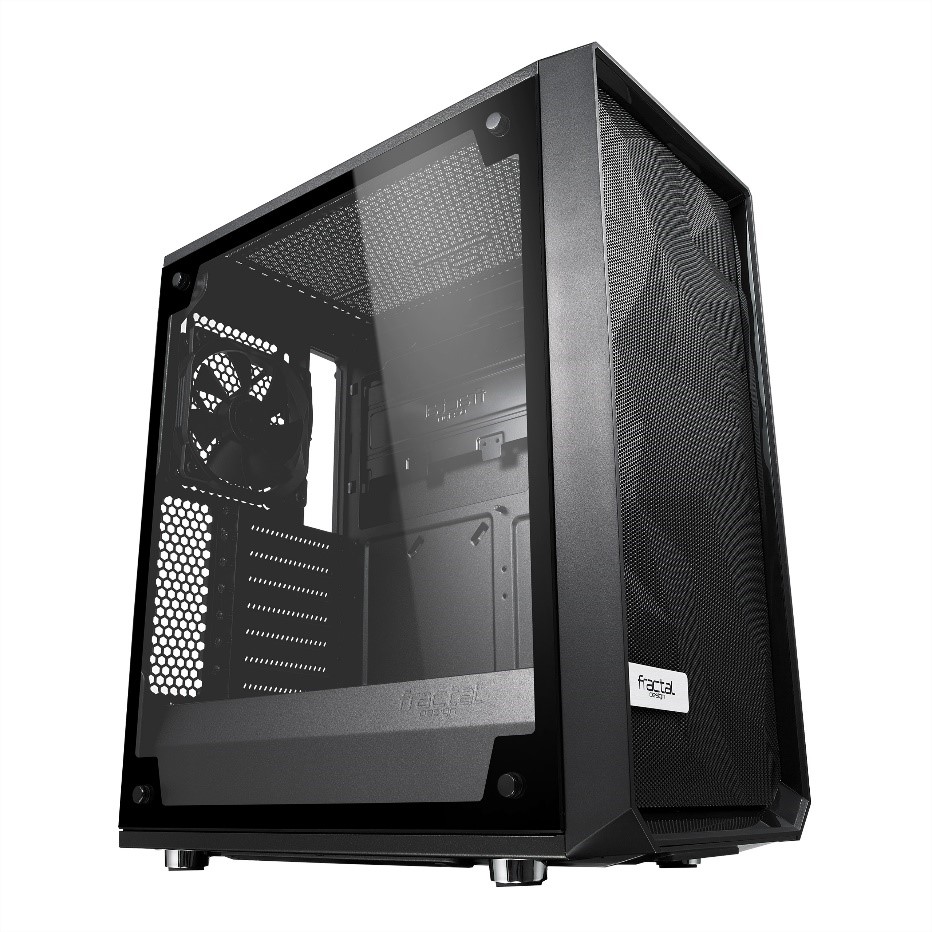
REVIEW: Fractal Design Meshify C TG
Un aspect ATX deschis cu utilizare inteligentă a spațiului creează un traseu de flux de aer nerestricționat de la prizele frontale de plasă direct prin componentele cheie până la evacuare, asigurându-vă că temperatura nu va fi niciodată o problemă. Meshify C TG are o amprentă remarcabil de compactă, cu suportul componentelor high-end ale unui turn mai mare și cu șapte suporturi de ventilator și capacitate de răcire lichidă cu mai multe radiatoare, are capacitatea de răcire potrivită. Când performanța este prioritate maximă și compromisul nu este o opțiune, Meshify te acoperă cu stil.