

iOS 26: Use Live Translation in Messages
In iOS 26, seamless multilingual conversations in Messages are just a few taps away, thanks to Apple’s new Live Translation feature. When chatting with friends or colleagues who speak different languages, you can now see instant translations without breaking the flow of your conversation.
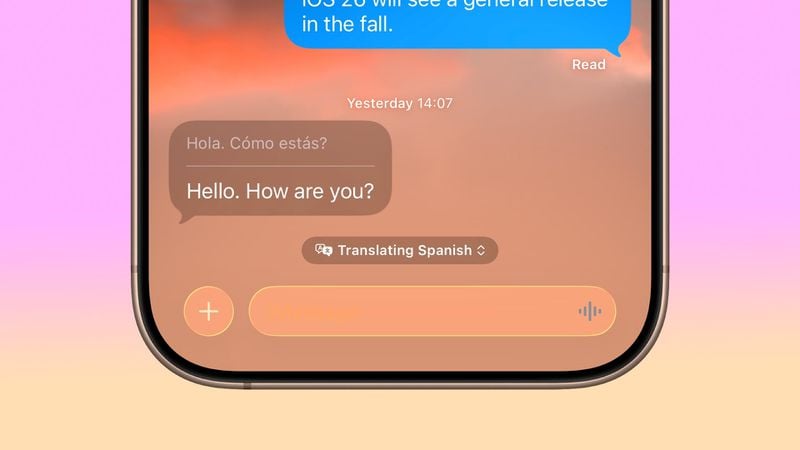
Live Translation is an Apple Intelligence feature, so you’ll need an iPhone 15 Pro, iPhone 16, iPhone Air, or iPhone 17 model to use it.
Tranlsation works with nine languages including Chinese (Mandarin, Simplified), French, German, Italian, English, Japanese, Korean, Portuguese (Brazil), and Spanish (Spain). Your messages appear in both languages on your device, while recipients see everything in their preferred language, provided they are using a device running iOS 26, iPadOS 26, or macOS Tahoe.
To enable automatic translation for a conversation:
[mai mult...]