
Situatie
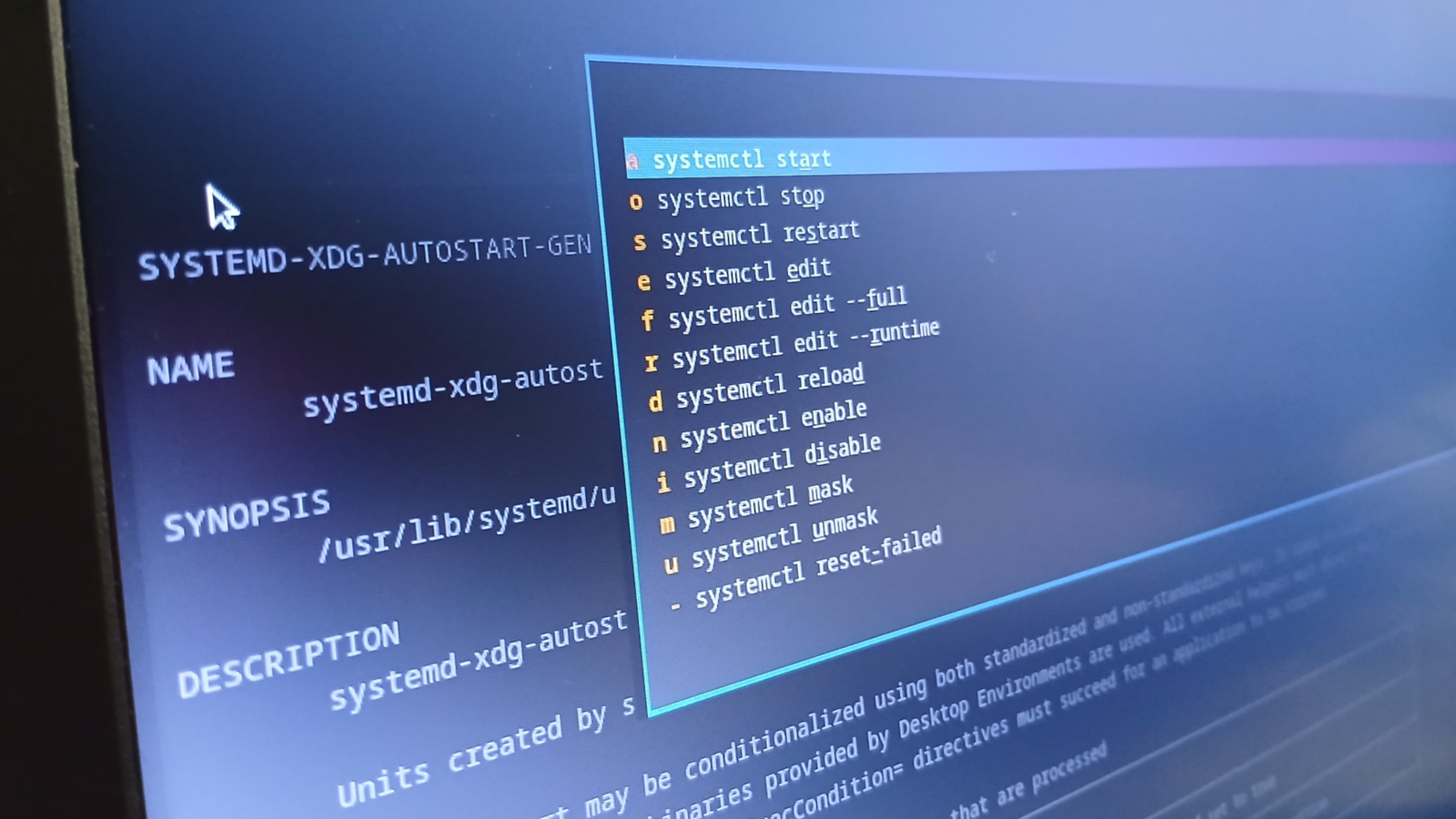
Ouch is a unified archiver tool that takes the guesswork out of extracting zip-like formats. ISD (Interactive Systemd) makes managing systemd services as simple as pushing buttons. Topgrade provides one channel to upgrade via the dozens of package managers you probably have. If you’ve used Linux, you’ve had these problems at some point, so take a look.
Solutie
Ouch
A straightforward, multi-function archiver
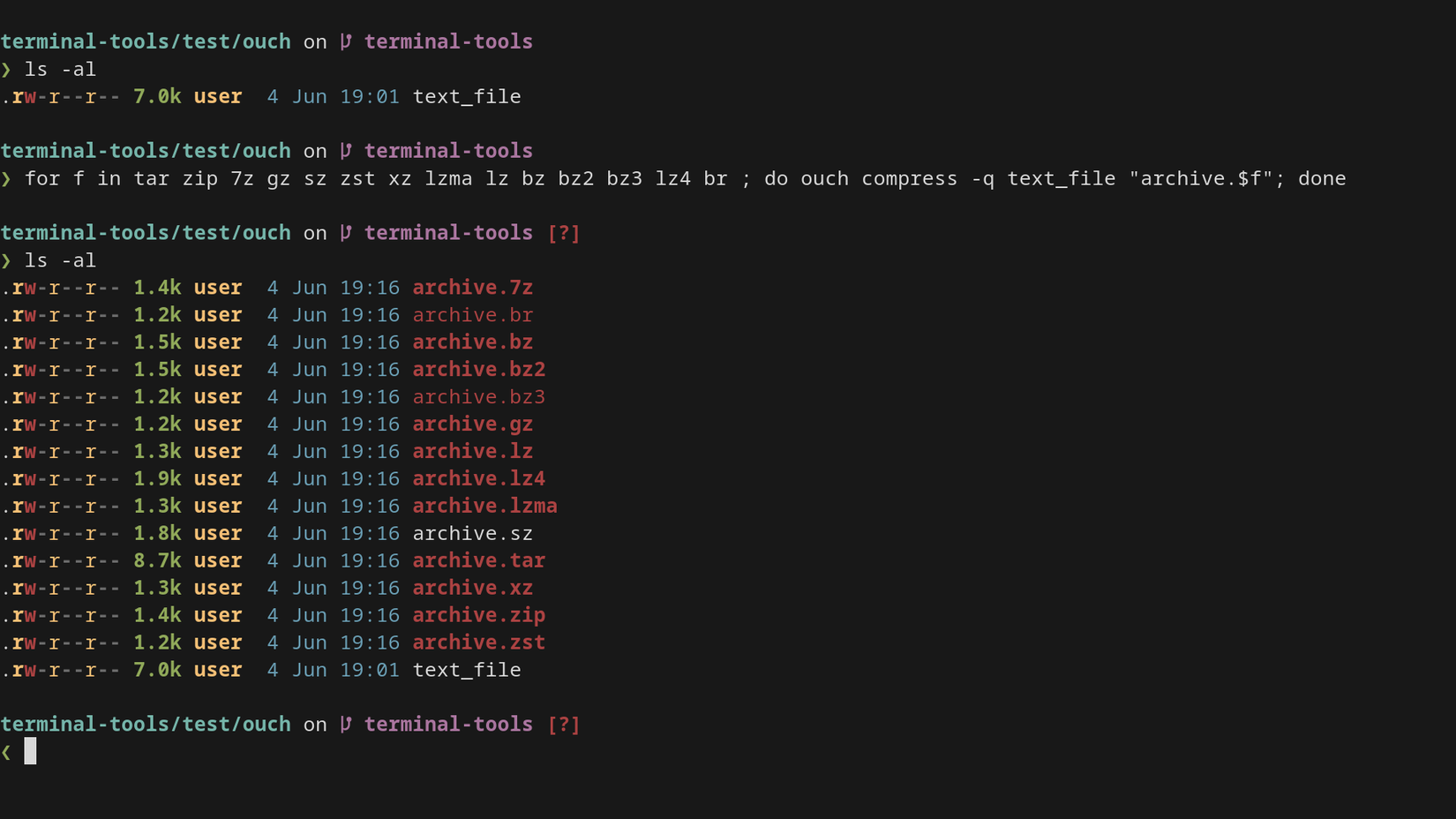
Ouch is a purpose-built, unified archiving tool. Another way of saying it: it can “unzip” most things, including zip, tar, and 7z. Gone are the days when I needed a custom shell script for that, because ouch now does it for free.
Ouch is a very straightforward tool that can compress, decompress, and list (the contents of) archives. While it’s not faster than the native tooling, it’s not slow either. However, if you need to interact with extremely large archives (gigabytes) or thousands of them, you’ll get more performance from the original utilities. Its value proposition isn’t speed, but instead convenience.
Ouch is available in most distro software repositories, so refer to your system’s package manager.
ISD
Making systemd suck less with an interactive UI
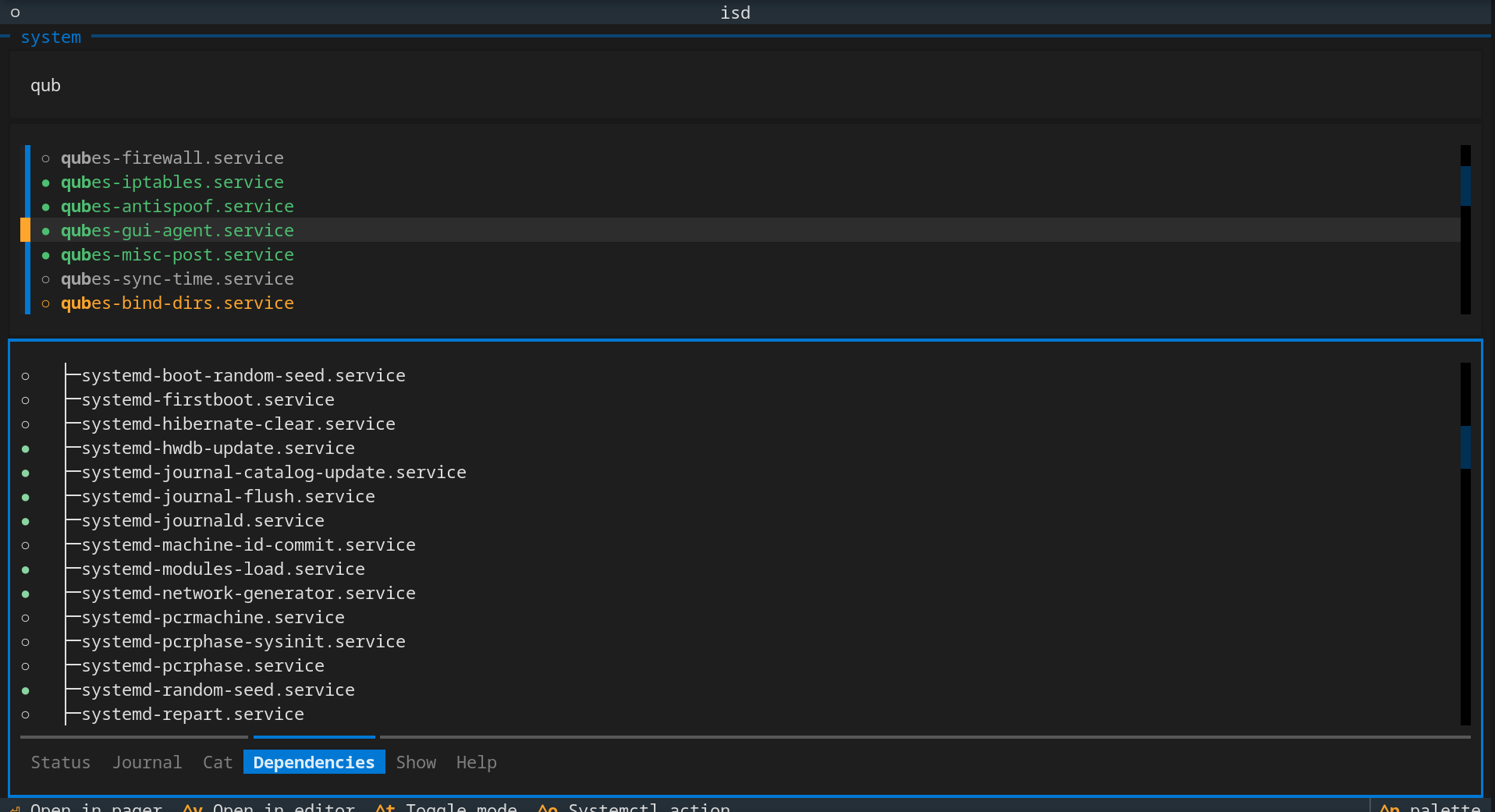
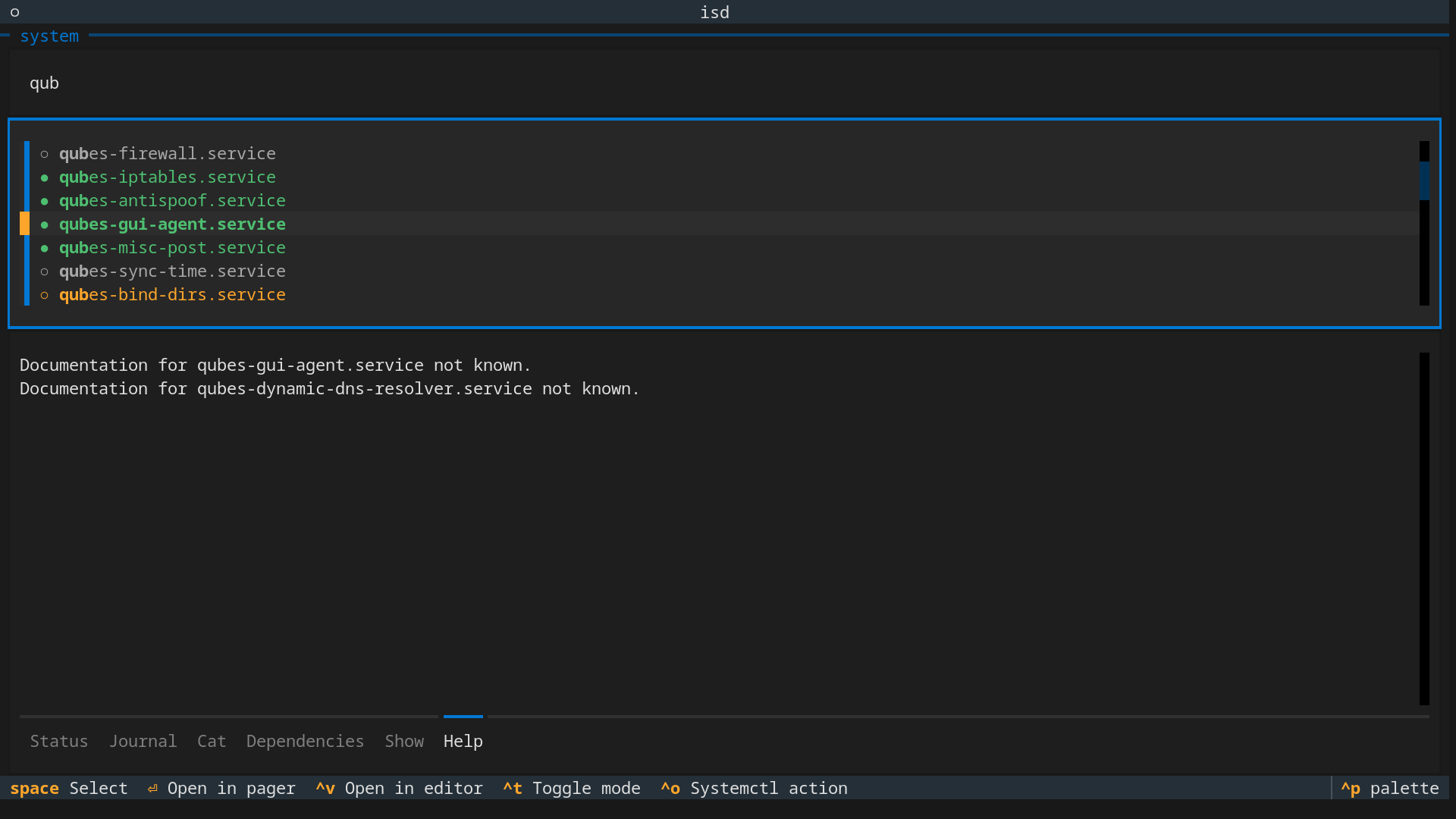
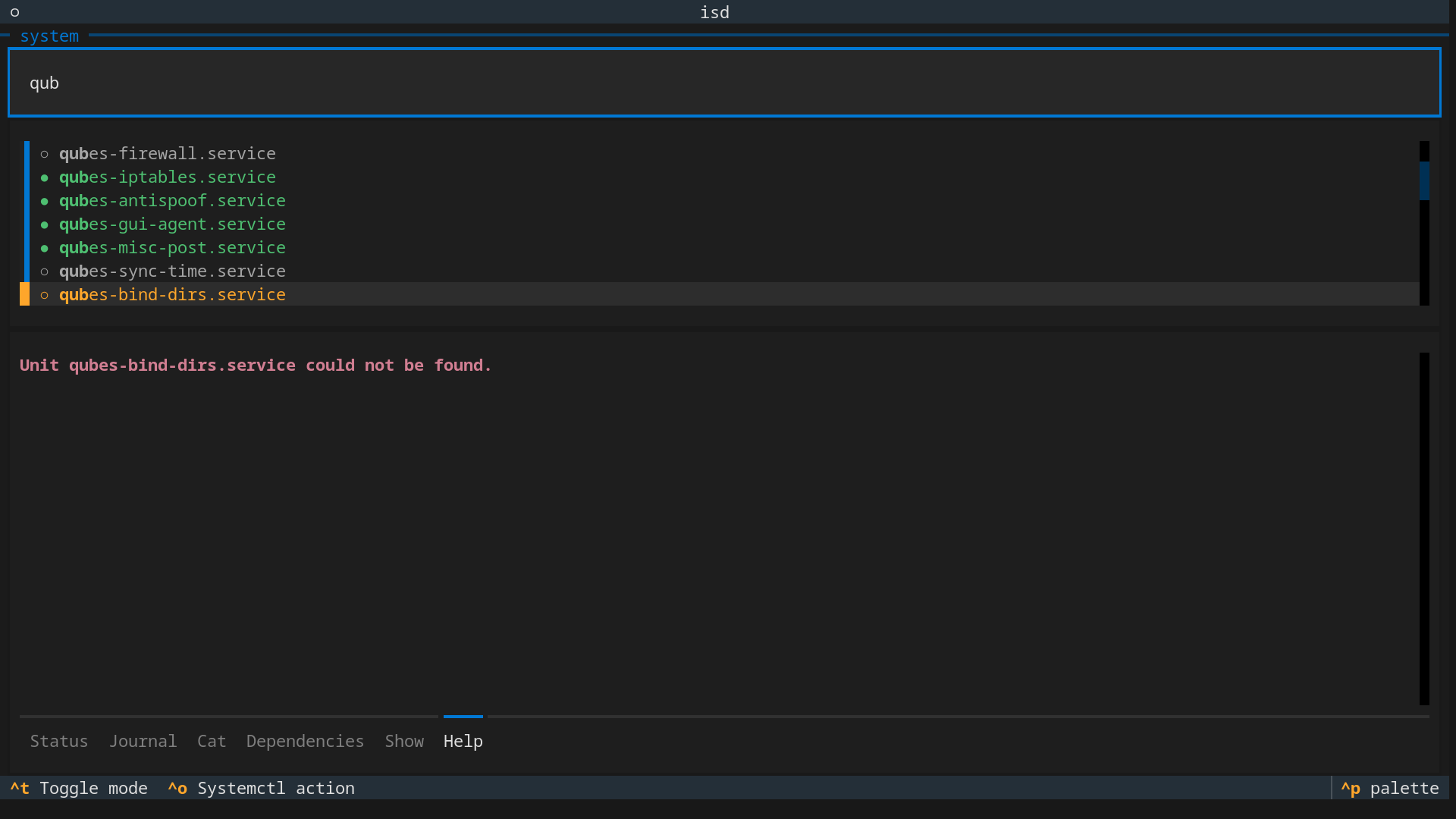
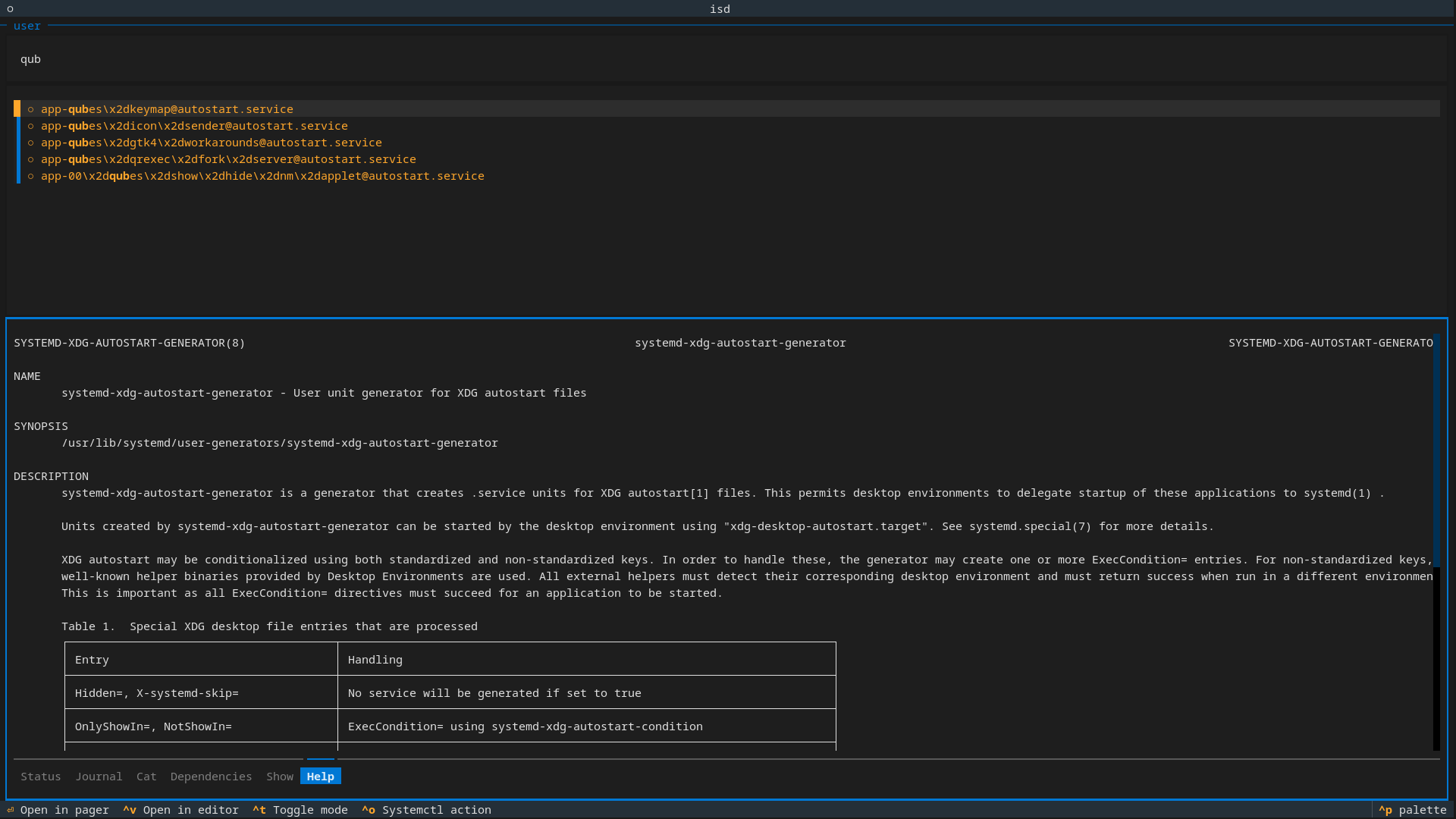
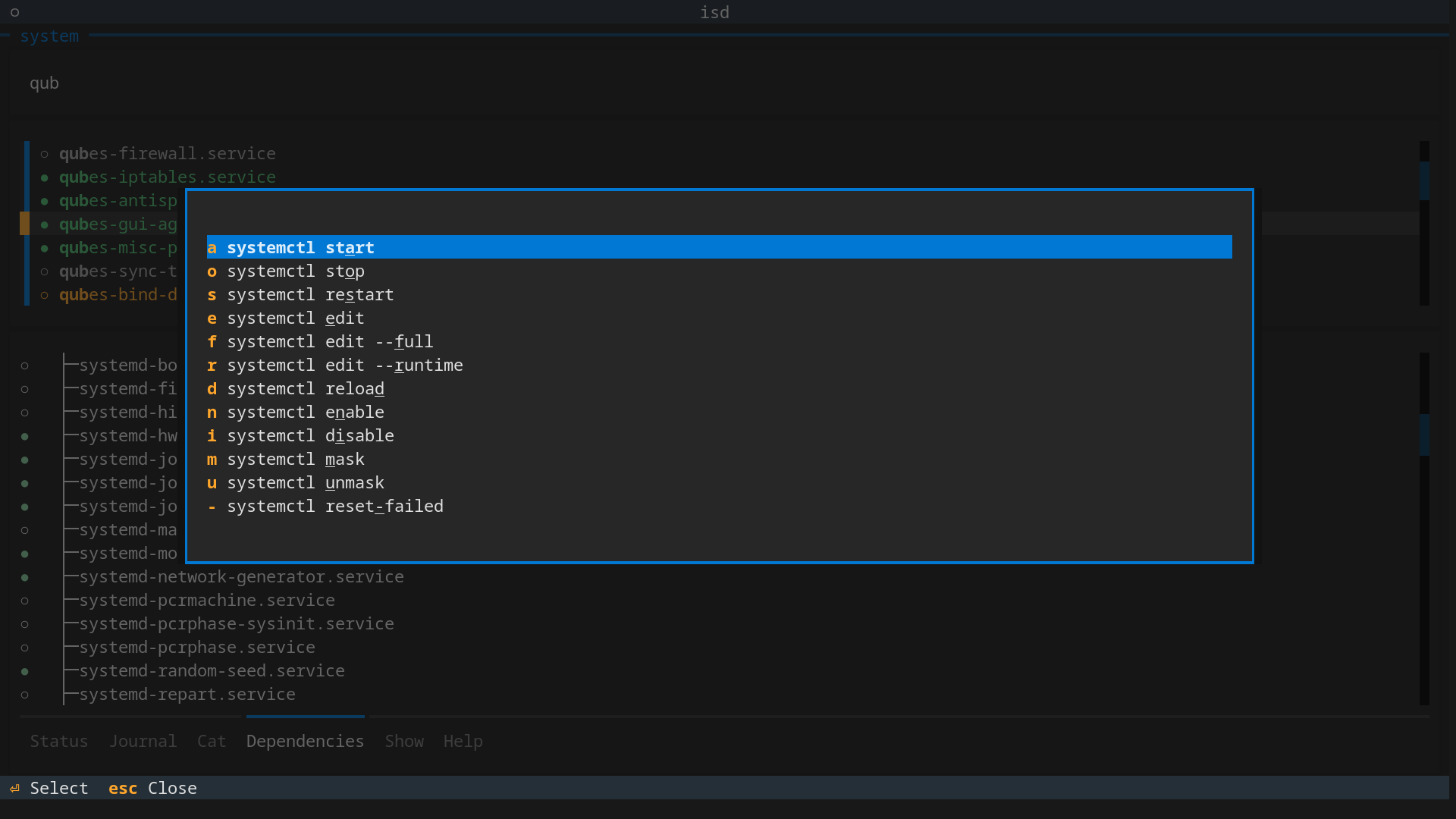
ISD is a Python wrapper around common systemd operations, like start, stop, restart, view logs, and a dozen more. It has an interactive (live) search for unit files and a split-panel layout to see additional information. Its navigation takes a little getting used to, but hitting the Tab key selects different panels, and Vim keys work out of the box. With some practice, controlling or reconfiguring systemd becomes second nature.
ubi -p kainctl/isd --rename-exe isd
I covered “ubi” in another article, showing extensively how to use it. If you’re often installing GitHub-published tools, you’ll find installation support a little spotty. Ubi solves this problem, and it’s something I reach for regularly. It’s simple and just works.
Topgrade
The glue for the fragmented package landscape on Linux
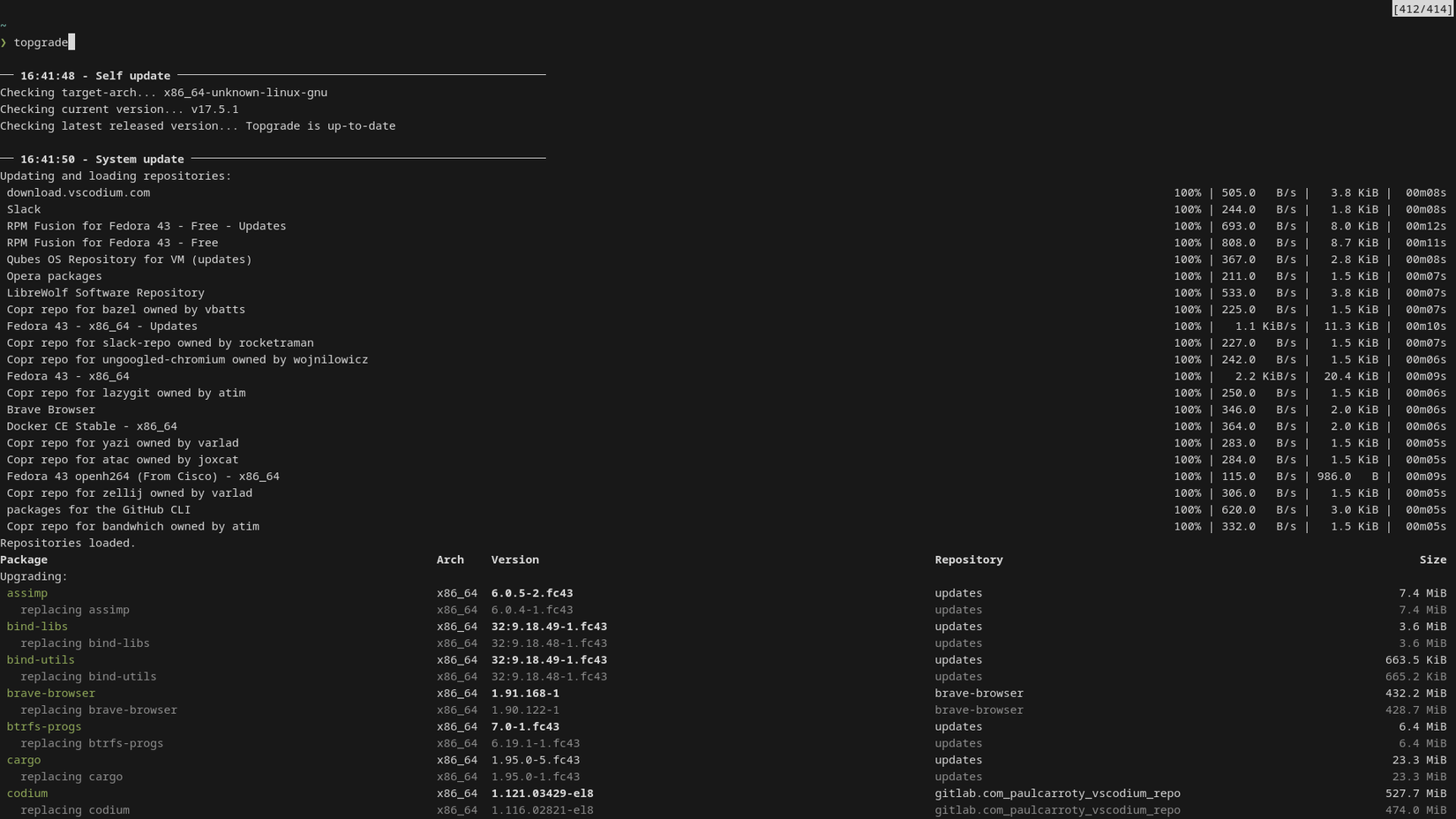
Every ecosystem has its own way of installing packages, and then there are containers, application plugins, development tools, ad hoc setups, and so on. It’s becoming unmaintainable and ridiculous.
Using topgrade is as simple as running one command, topgrade, and it gets right to work. It supports Windows and macOS too, but on Linux, it will cache sudo credentials to prevent authentication prompts from blocking long upgrades.
In addition, you can configure it to run only the targets you want or to execute custom scripts (e.g., a ubi upgrade command).
Topgrade supports dozens of upgrade targets—from package managers to custom text editor frameworks—with some notable ones being VSCode, Nix, Pip, Pipx, NPM, Vim, Cargo, deb-get, Emacs, mandb, Ruby gems, snap, and even Windows targets like Microsoft Office and WSL. On my system—with no configuration—it upgraded DNF, snap, Distrobox, Flatpak, Nix, and a lot more.
Installing topgrade is actually quite easy. It offers over a dozen methods, including the AUR, PyPi, Copr, WinGet, deb-get, and even GitHub releases. If you have ubi on your system, you can install topgrade with:
ubi --project topgrade-rs/topgradeBut if ubi is not for you, there are many methods to choose from. Visit their GitHub page for more information. Ouch is super-easy to install and use. Beyond the instructions mentioned, there is little to talk about. It does one job and does it well.
The other two applications are more complex and deserve some practical use to understand. ISD is annoyingly difficult to install through automated methods, but it does provide an AppImage. Topgrade is the most useful utility of the three, and it’s by far the largest project. It’s truly impressive how many package ecosystems it supports, and it should be on every Linux user’s system.
Leave A Comment?