
Situatie
Dark mode switches your interface to a darker background with lighter text, creating a more comfortable viewing experience. While this feature has been available for years on devices such as the iPhone and Android smartphones, Microsoft has now incorporated it into Windows 11 as well. The operating system provides users with extensive customization options for adjusting the appearance of the dark theme to match their preferences. To turn on dark mode, simply access the appropriate settings in Windows 11.
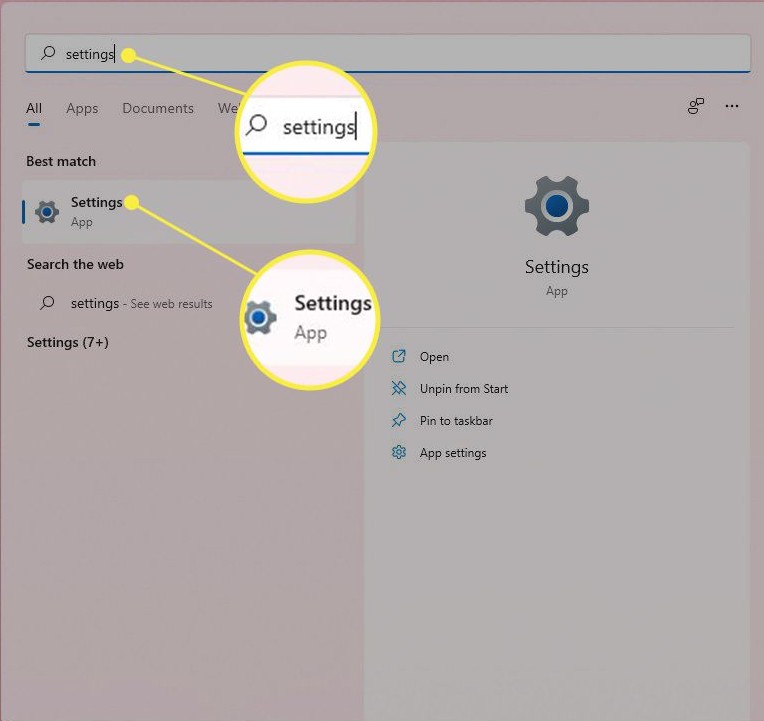
- Start->Settings
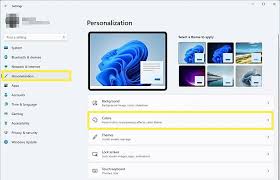
2. Personalization->Colors
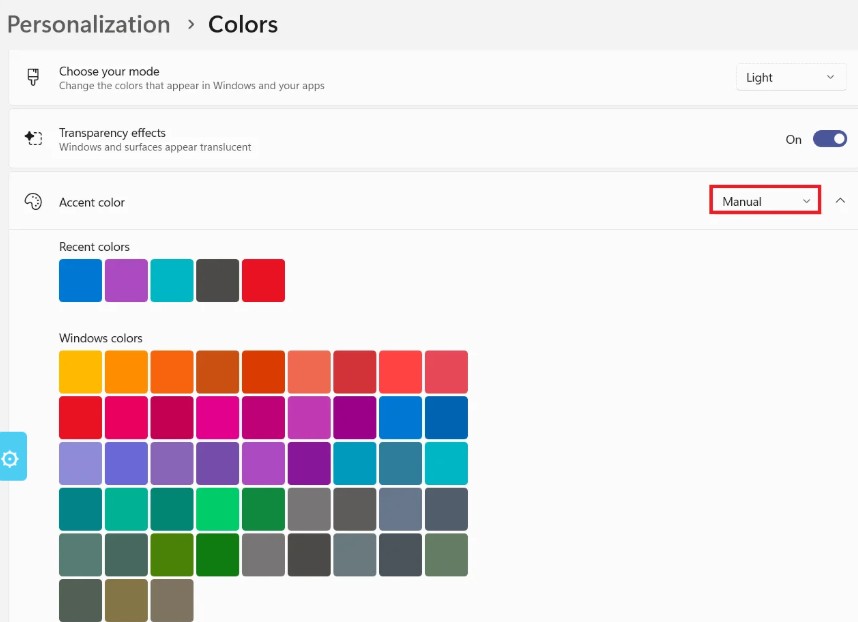
3. Then select the option (light, dark or custom)
Leave A Comment?