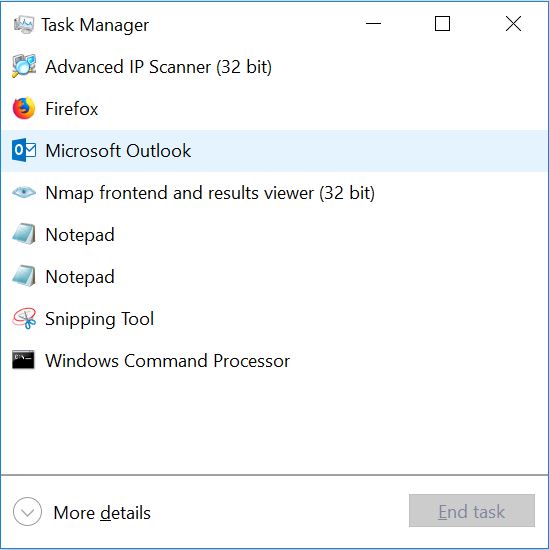
Afla cum poti deschide Task Manager cu ajutorul tastaturii Data 05/04/2018 Autor Valentin Bozanchi Categorie File & Sharing, Windows -8 1299 Configurare noua (How To) SituatieAtunci cand vrei sa fii mai rapid in a utiliza PC-ul! Backup Nu necesita! Solutie Se utilizeaza combinatia tastelor Ctrl + Shift + Esc Tip solutiePermanent Etichetare: Afla cum poti deschide Task Manager cu ajutorul tastaturiiaskitaskit.rocombinatie tasteCTRL + SHIFT + ESCTask Managertastatura Voteaza Up Down (34 din 76 persoane apreciaza acest articol) ShareTweetShare Despre Autor Valentin Bozanchi Solutii Asemanatoare Cum se remediază eroarea:„Remote Desktop can’t find the Computer” în Windows 3 Configurare NAS (OpenMediaVault) – Centralizarea datelor și Backup 2 Cum accelerați transferurile FTP cu FileZilla 1 How to configure a Synology and what you can do with it -9 How to first time connect and configure a Synology NAS -17 Obținerea unei liste cu dispozitivele mobile din Exchange 2016 prin PowerShell -13 Leave A Comment? × Cancel Reply Save my name, email, and website in this browser for the next time I comment. + 3 = six
Leave A Comment?
