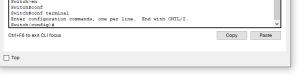
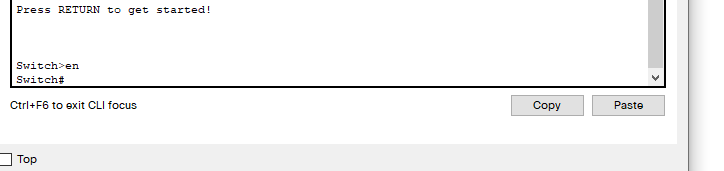
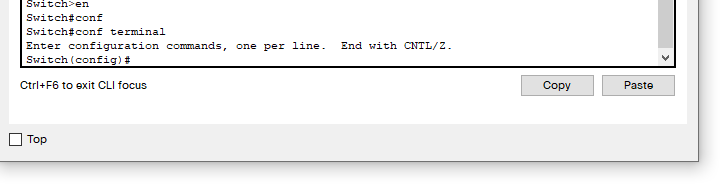
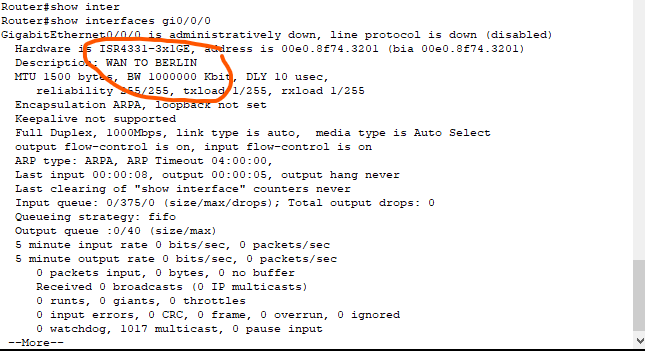
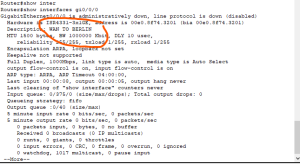
Configuring Router Interface Descriptions on a Cisco Router ISR4331 Data 07/12/2021 Autor razvan martes Categorie Soluții 6 671 Configurare noua (How To) Situatie Move to global configuration mode, like this Move to interface configuration mode. In our example, let’s assign an a description to the GI0/0/0 interface: Use the description command with the description you define for this interface. Here is an example: To view the interface’s description, press Ctrl-Z to exit back to privileged mode then type. Solutie Tip solutiePermanent Voteaza Up Down (23 din 40 persoane apreciaza acest articol) ShareTweetShare Despre Autor razvan martes Solutii Asemanatoare Cum descarcati codurile de backup pentru aplicatia Steam 2 Stop your iPhone suppressing background audio in Videos 0 How to install and configure Gentoo Linux -1 How to create a Windows to go with Rufus to run Windows 11 from USB 2 Sincronizarea Inventarului prin Webhooks și API 5 Optimizarea bazelor de date pentru „Flash Sales” -1 Leave A Comment? × Cancel Reply Save my name, email, and website in this browser for the next time I comment. four − = 2
Leave A Comment?