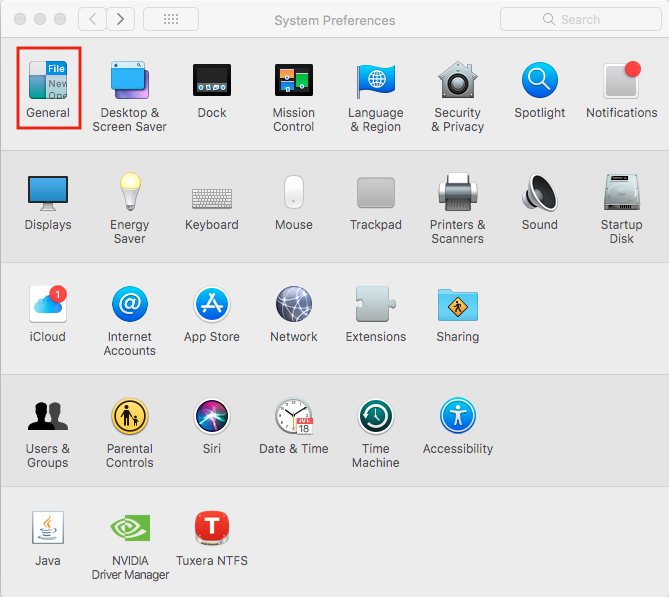
Cum activezi modul “Dark” automat in macOS Catalina Data 22/04/2020 Autor Valentin Pifu Categorie OS - OS X, Stații de lucru 0 580 Configurare noua (How To) SituatieCum activezi modul “Dark” automat in macOS Catalina Solutie Pasi de urmat Deschideti “System Preferences”. Intrati in “General”. In meniul nou aparut “General”, selectati “Auto”. Tip solutiePermanent ShareTweetShare Despre Autor Valentin Pifu Solutii Asemanatoare Framework Laptop — A new approach to personal computing -4 How to use LAMBDA in Excel to create scalable, reusable functions 3 Cum repari ecranul negru în OBS Studio 1 How to find BitLocker recovery key on Windows 11 -2 Error when downloading large Files from a WebDAV-Mapped SharePoint Library 4 How to manually Install Windows Updates using the Microsoft Update Catalog 2